
Free AI Obituary Generator, Real World Obituary Examples
Create a heartfelt, personalized obituary in seconds with our free AI Obituary Generator. Choose tone, length, and format for newspapers, memorial programs, or tribute pages.
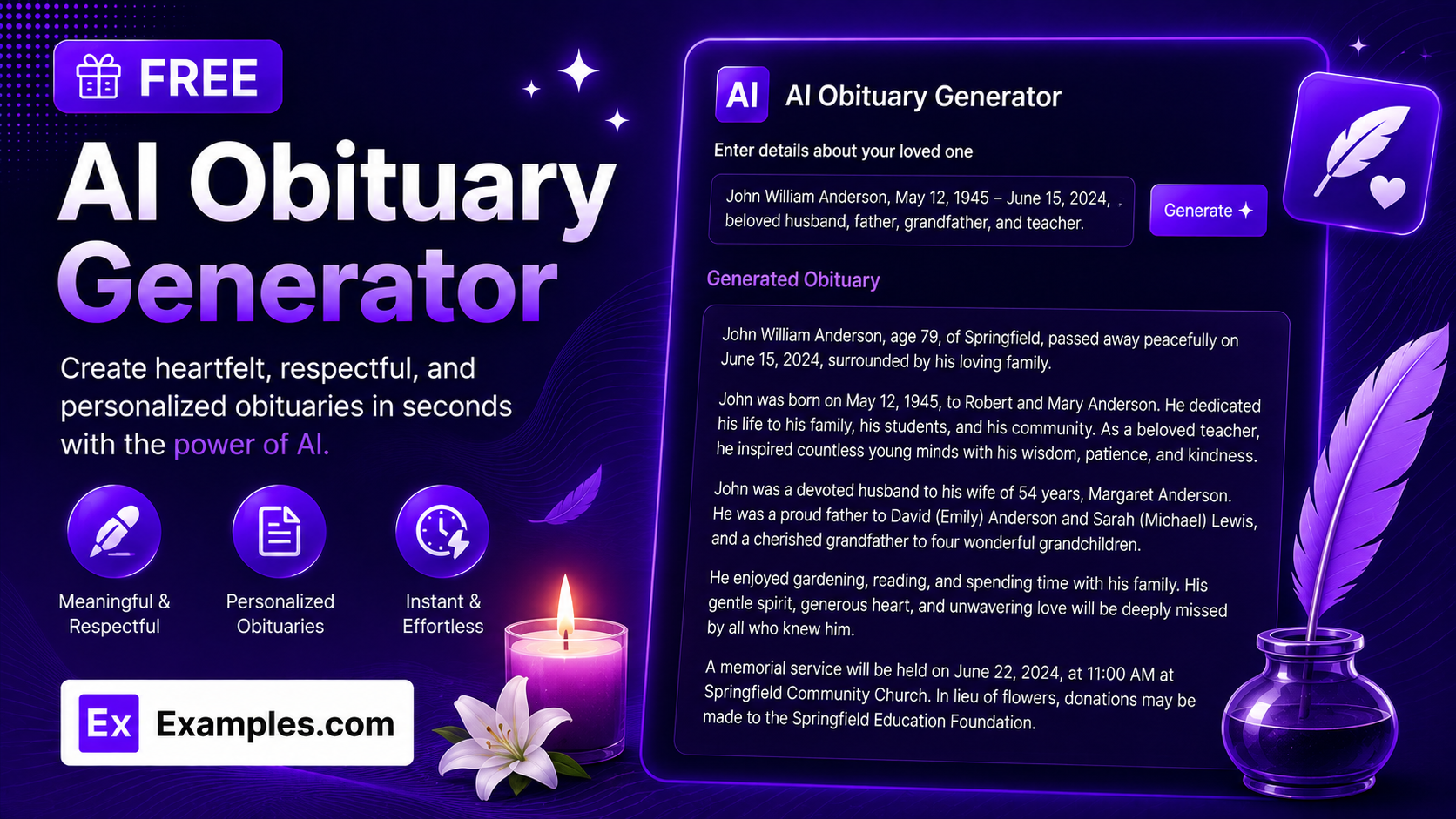
Write a heartfelt, accurate obituary in seconds with the Examples.com AI Obituary Generator. Share a few details about your loved one, choose a tone and where it will be published, and get a dignified, ready-to-use obituary — free to generate, edit, and download.
How to Use the AI Obituary Generator
Step 1: Enter Their Name and Life Story
- Full Name of Your Loved One: Type their full name as you’d like it to appear in the obituary.
- Tell Us About Their Life: Share who they were in your own words — their role in the family, career, hobbies, and personality. This doesn’t need to be polished; a few honest sentences give the AI everything it needs to write something that sounds like them.
Step 2: Upload a File for Context (Optional)
- Upload File for Context: If you already have notes, a eulogy draft, or a biography written down, upload a .txt, .md, .pdf, .doc, .docx, .odt, or .html file (up to 2MB) instead of retyping it. The extracted text is added straight into the life story field, where you can still edit it before generating.
Step 3: Add Dates and Choose Where It Will Be Published
- Date of Birth / Date of Passing: Enter either date if you know it, or leave them blank. Nothing is guessed or invented if you don’t provide it.
- Where Will This Be Published?: Choose Newspaper Obituary, Funeral / Memorial Program, Memorial Website / Tribute Page, Social Media Announcement, or Family Keepsake. Each option adjusts the length, structure, and style to match how it will actually be read.
Step 4: Set the Tone and Length
- Tone: Select Heartfelt & Warm, Formal & Respectful, Celebratory of Life, Religious & Spiritual, Simple & Brief, or Poetic & Reflective. Heartfelt & Warm is selected by default.
- Obituary Length: Choose Short for roughly 60–90 words, Medium for 150–220 words, or Long for 280–380 words. Medium is selected by default.
Step 5: Add Survivors and Personal Details (Optional)
- Survived By: List the family members left behind — spouse, children, grandchildren — exactly as you’d like them named.
- Achievements, Passions & Memories: Add specific touches like a career milestone, a lifelong hobby, or a role in the community. These details are what make the finished obituary feel personal rather than generic.
Step 6: Generate, Edit, and Download
- Generate Button: Click the purple “Generate Free Obituary” button. The AI writes a complete, flowing obituary — with its own fitting title — based only on the details you provided.
- Edit: Click “Edit” to adjust wording, names, or details directly in the output panel.
- Copy / Download: Use “Copy” to copy the finished obituary to your clipboard, or use the “Download” menu to save it as a TXT, Word, or PDF file.
AI Obituary Generator Formula
The AI Obituary Generator follows a structured input-to-output process to produce an obituary that feels personal, accurate, and appropriate for where it will be read:
Obituary Quality = Life Detail Depth + Destination and Tone Fit + Respectful, Fact-Bound Writing
Where:
- Life Detail Depth is how much you share about who they were — career, family, hobbies, and memories — either typed in directly or extracted from an uploaded file
- Destination and Tone Fit is how closely the structure and voice match where it will be published, from a concise Newspaper Obituary to a reflective Family Keepsake
- Respectful, Fact-Bound Writing is the model writing only from the details given, never inventing a cause of death, date, relationship, or achievement that wasn’t provided
The more specific and personal your details, the less generic the finished obituary will read.
Examples of AI Obituary Generator
Example 1: Newspaper Obituary
A family needs a traditional, concise obituary for the local paper.
- Life Story: Retired schoolteacher who taught third grade for over 30 years, loved her rose garden and Sunday roast dinners.
- Tone: Formal & Respectful
- Length: Short
- Result: A brief, dignified obituary stating who she was, her passing, and the family she leaves behind — sized to fit a paid newspaper listing.
Example 2: Funeral Program
A family wants something warm enough to be read aloud at the service.
- Life Story: A father and grandfather who coached little league for two decades and never missed a Sunday phone call with his kids.
- Tone: Heartfelt & Warm
- Length: Medium
- Result: A narrative obituary that flows naturally when read aloud, weaving his role as a coach and father into a comforting tribute for the program.
Example 3: Memorial Website Tribute
A family is building a tribute page that visitors will revisit over time.
- Life Story: A nurse for 40 years, known for her sense of humor, her love of crossword puzzles, and mentoring younger colleagues.
- Tone: Celebratory of Life
- Length: Long
- Result: A detailed, story-driven tribute with specific, human touches that make her feel present on the page, suited to a site loved ones will return to.
Example 4: Social Media Announcement
A family needs to let a wider community know quickly and gently.
- Life Story: A beloved aunt, avid gardener, and church choir member for over 25 years.
- Tone: Religious & Spiritual
- Length: Short
- Result: A brief, shareable post with a spiritual tone appropriate for posting on Facebook or a family group chat.
Example 5: File Upload
A family already has notes written down instead of typing everything fresh.
- Input: A .docx eulogy draft uploaded via “Upload File for Context”
- Tone: Poetic & Reflective
- Length: Medium
- Result: The tool extracts the text from the draft into the life story field, then generates a polished obituary built only from what was actually written in the document.
Is this AI Obituary Generator truly free?
Yes. The AI Obituary Generator is completely free to use, with no hidden charges, sign-up, or subscription required to generate an obituary.
Will the AI invent details it wasn’t given?
No. The tool is instructed to write only from the details you provide — name, dates, life story, survivors, and memories — and not to invent a cause of death, age, date, or relationship that wasn’t given or clearly implied. If you leave a field blank, it’s simply left out rather than guessed.
Which “Where Will This Be Published?” option should I choose?
Choose Newspaper Obituary for a short, traditional listing; Funeral / Memorial Program for something warm enough to be read aloud at a service; Memorial Website / Tribute Page for a detailed, story-driven page visitors will revisit; Social Media Announcement for a brief, shareable post; or Family Keepsake for the most detailed, reflective version meant to be kept and treasured.
What’s the difference between the Obituary Length options?
Short produces roughly 60–90 words, suited to a paid newspaper listing or a quick social post. Medium produces 150–220 words, a well-rounded length for most programs and tribute pages. Long produces 280–380 words, giving room for specific memories and a fuller sense of who they were.
Can I upload a file instead of typing everything myself?
Yes. Use “Upload File for Context” to upload a .txt, .md, .pdf, .doc, .docx, .odt, or .html file up to 2MB — such as existing notes, a eulogy draft, or a short biography. The extracted text is added directly into the life story field, where you can still review and edit it before generating.
Can I edit the generated obituary afterward?
Yes. Click “Edit” to make changes directly in the output panel — adjusting names, dates, or wording — then use “Copy” to copy the finished obituary to your clipboard, or download it as a TXT, Word, or PDF file to share with family or a funeral home.
Related AI Tools
Explore more free AI writing tools from Examples.com:
- AI Conclusion Generator — Turn your key points into a polished, well-structured conclusion in seconds.
- AI Paragraph Writer — Generate a clear, well-organized paragraph on any topic you describe.
- AI Answer Generator — Get a direct, well-organized answer to any question, synthesized by AI.