
Free AI YouTube Name Generator, Real world YT Name Examples
Free AI YouTube Name Generator: get catchy, brandable channel names in seconds. Pick a style, length & language — no sign-up needed.
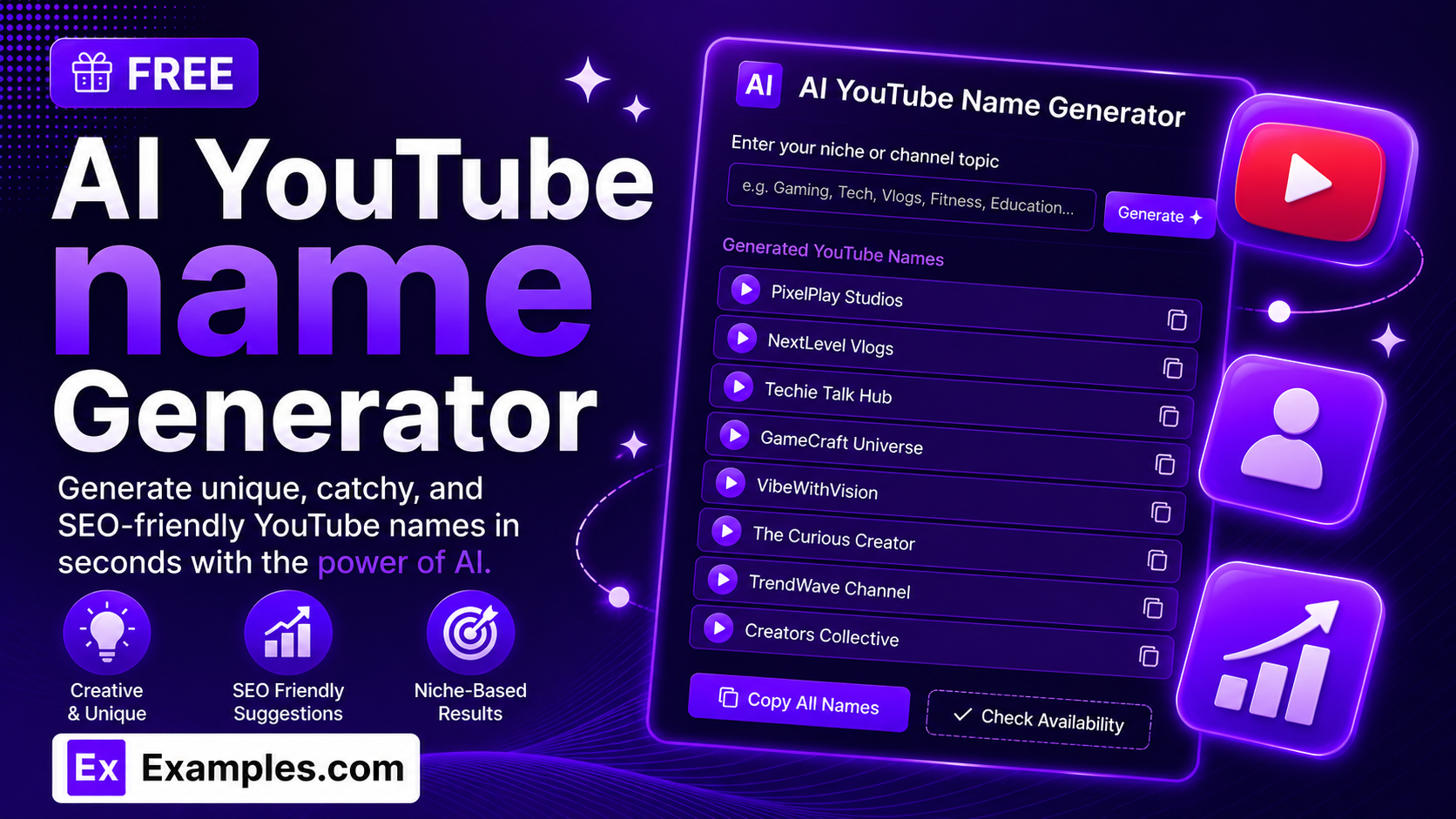
Stuck naming your channel? With the Examples.com AI YouTube Name Generator, describe your content, choose a style, length, and language, and get a full batch of catchy, brandable YouTube channel name ideas in seconds.
How to Use the AI YouTube Name Generator
Step 1: Describe Your Channel or Content
- Describe Your Channel / Content: Type what your channel is about in the main text field. This can be a simple description (“tech reviewer covering budget gadgets and unboxings”) or a more detailed brief — whatever you’d want the name ideas to be built around.
Step 2: Choose a Style or Vibe
- Style / Vibe: Select the tone you want the names to have — Aesthetic, Cute, Funny, Professional, Bold, Minimalist, Edgy, or Elegant. Aesthetic is selected by default.
Step 3: Pick a Name Length
- Name Length: Choose Short for a single punchy word or tight two-word name, Medium for a catchy 2-3 word name, or Long for a more descriptive 3-5 word name. Medium is selected by default.
Step 4: Choose How Many Names to Generate
- No. of Names: Select 5, 10, 15, or 20 names per batch, depending on how many options you want to compare.
Step 5: Pick a Language
- Language: Choose the output language from 15 supported options, including English, Spanish, French, German, Hindi, Arabic, Japanese, and more. Unlike a username, a YouTube channel name is a display name, so it’s written natively in your chosen language’s own script.
Step 6: Toggle Meaning Explanations
- Explain Meaning: Leave this switched on to get a short explanation under each name showing how it connects back to your channel description, or switch it off for a clean list of names only.
Step 7: Generate Your Channel Names
- Generate Button: Click the purple “Generate Free Names” button. The AI writes a full batch of original, distinct channel name ideas — mixing punny, personality-forward, aesthetic, and straightforward naming styles — matched to your chosen style, length, and language.
Step 8: Edit, Copy, or Download Your Names
- Edit / Copy / Download: Use the Edit button to tweak any generated name directly, Copy All to grab the whole batch at once, or download the final list as a TXT, Word, or PDF file.
AI YouTube Name Generator Formula
The AI YouTube Name Generator follows the same core formula professional channel branding strategists use to build names that stick:
Channel Name Quality = Niche Clarity + Personality Hook + Memorability, kept under roughly 40 characters
Where:
- Niche Clarity is how quickly a viewer understands what the channel covers, without resorting to generic filler words like “Channel” or “TV”
- Personality Hook is the wordplay, pun, alliteration, or invented word that makes the name memorable instead of a plain keyword mashup
- Memorability is how easily a viewer can say the name out loud, spell it from memory, and search for it later
- Length discipline keeps names short enough to read cleanly on a channel banner, thumbnail, and search results page
The more specific your channel description, the more targeted and on-brand the generated names will be.
Examples of AI YouTube Name Generator
Example 1: Fitness Channel
A fitness coach needs name ideas for a new workout channel.
- Describe Your Channel / Content: Home workouts and quick meal prep for busy parents
- Style / Vibe: Bold
- Name Length: Short
- Result: A batch of names like “ParentFit” and “Kitchen & Kettlebells,” ready to test against each other.
Example 2: Personal Finance Channel
A finance creator wants a professional, trustworthy channel name.
- Describe Your Channel / Content: Beginner-friendly investing and budgeting advice
- Style / Vibe: Professional
- Name Length: Medium
- Result: A batch of clear, credible names such as “The Ledger Lesson,” ready to publish or A/B test.
Example 3: Gaming & Comedy Channel
A creator wants a funny, high-energy name for a gaming reaction channel.
- Describe Your Channel / Content: Co-op horror game playthroughs with a lot of screaming and jokes
- Style / Vibe: Funny
- Name Length: Short
- Result: A batch of playful names like “Panic Co-op,” full of personality and easy to remember.
Example 4: Travel Channel in Another Language
A travel vlogger wants channel names in Spanish for a Spanish-speaking audience.
- Describe Your Channel / Content: Backpacking through South America on a tight budget
- Style / Vibe: Aesthetic
- Language: Spanish
- Result: A full batch of channel names written natively in Spanish, matched to the travel niche and requested style.
Example 5: Food & Cooking Channel
A home cook wants an elegant, minimalist name for a recipe channel.
- Describe Your Channel / Content: Simple weeknight dinners using five ingredients or less
- Style / Vibe: Minimalist
- Name Length: Short
- Result: A batch of clean, uncluttered names like “Five & Fed,” built to match a minimalist channel aesthetic.
Is the AI YouTube Name Generator really free?
Yes. You can generate YouTube channel names for any niche at no cost, with no sign-up required.
How many channel names can I generate at once?
You can generate 5, 10, 15, or 20 names per batch. If you want more variety, simply click Generate again for a fresh set.
Are the generated names available as a channel handle?
The generator creates channel display names — the name shown on your banner, thumbnails, and search results — rather than the @handle. Since names can’t be checked for availability automatically, always confirm your chosen name isn’t already taken directly on YouTube before finalizing your channel.
Can I generate channel names in a language other than English?
Yes. The Language dropdown supports 15 languages, including Spanish, French, German, Portuguese, Italian, Dutch, Hindi, Arabic, Japanese, Chinese (Simplified), Korean, Russian, Turkish, and Indonesian. Names are written natively in each language’s own script.
Can I get an explanation of what each name means?
Yes. Switch on the “Explain Meaning” toggle before generating, and each name will include a short explanation of how it connects back to your channel description.
Can I edit the generated names before downloading?
Yes. Use the Edit button on the results panel to tweak any name directly, then copy or download the updated list.
What file formats can I download my channel names in?
You can export your generated names as a plain text (TXT) file, a Word document, or a PDF.
Related Tools
Once you’ve picked a name, keep the momentum going with these free AI branding tools:
- AI Instagram Name Generator — generate a matching Instagram handle for your channel’s socials.
- AI Stage Name Generator — create a memorable stage name, pen name, or creator handle.
- AI Blog Title Generator — turn your channel’s content into catchy, SEO-friendly blog titles.