
Free AI Rewording Tool, Real World Rewording Examples
Rewrite text instantly with our free AI Rewording Tool to improve clarity, readability, and grammar while preserving the original meaning.
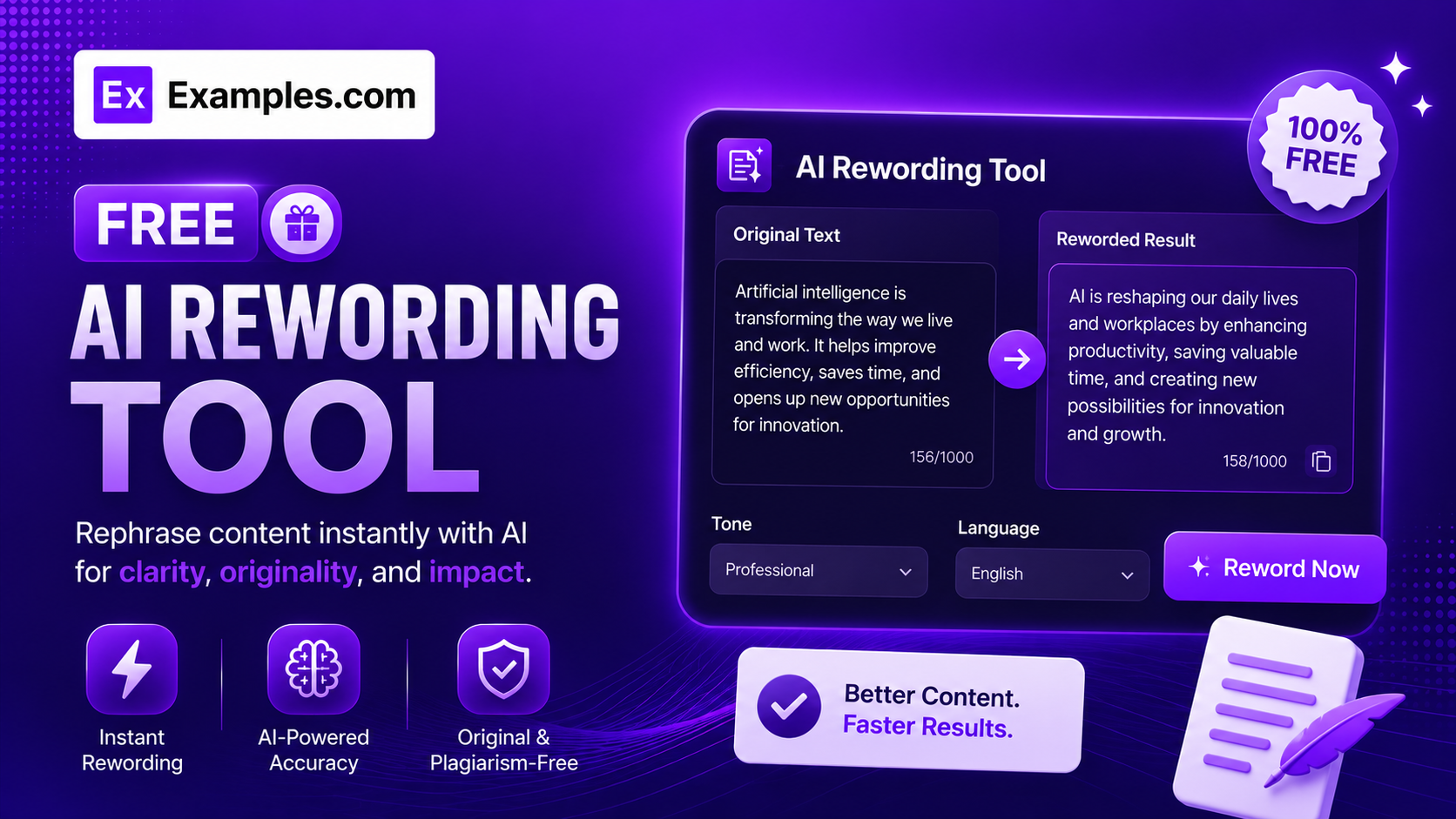
How to Use the AI Reworder
Step 1: Paste the Text You Want Reworded
- Text to Reword: Paste any sentence or paragraph into the input box — an email, essay, product description, or social post. The AI Reworder rewrites it while keeping the original meaning intact.
Step 2: Or Upload a File Instead
- Upload File (optional): Instead of pasting text, upload a file directly — .txt, .md, .pdf, .doc, .docx, .odt, .html, or .htm, up to 10MB. The text is automatically extracted and dropped into the input box, ready to reword.
Step 3: Choose a Language or Dialect (Optional)
- Language / Dialect: Select US, UK, Australian, or Canadian English if you want the output tailored to a specific dialect’s spelling and phrasing conventions. Leave it blank to keep the original dialect.
Step 4: Click ✦ Free Reword Text
- Free Reword Text: Click the button to instantly generate a reworded version of your text, with every changed word underlined so you can see exactly what was rewritten.
Features of the AI Reworder
The AI Reworder rewrites any piece of writing into a fresh version that keeps the same meaning, tone, and structure while changing the wording. Every rewrite is powered by advanced AI trained to vary sentence phrasing and word choice without drifting from the original intent.
Word-for-Word Change Highlighting
Every word that was changed during rewording is underlined directly in the result, so you can see at a glance exactly what was rewritten and what was left untouched — no need to compare two versions side by side.
Multiple English Dialects
Choose from US, UK, Australian, or Canadian English to match the spelling and phrasing conventions your audience expects, or leave it unset to keep the dialect of your original text.
Preserves Meaning, Names, and Formatting
The AI Reworder keeps facts, names, numbers, dates, and proper nouns exactly as written, and leaves interface text, filenames, brand names, and URLs untouched. Lists stay lists, headings stay headings, and short labels are never padded out into full sentences.
Upload Files Directly
Don’t want to copy and paste? Upload your document directly. The AI Reworder accepts .txt, .md, .pdf, .doc, .docx, .odt, .html, and .htm files up to 10MB, automatically extracting the text so it’s ready to reword in seconds.
Copy and Download Result
Copy the reworded text to your clipboard instantly or download it as a clean text file. Both options are available with a single click directly from the results panel.
How the AI Reworder Works
The AI Reworder follows a structured process to keep every rewrite faithful to the original text.
Reworded Output = Original Meaning + Varied Phrasing + Preserved Structure + Preserved Facts and Names
Your text is first split into individual sentences, list items, or paragraphs so each piece can be rewritten on its own without losing its place in the structure. Each segment is then reworded to vary sentence phrasing and word choice, while proper nouns, numbers, dates, symbols, and any interface or system text are left exactly as they were. The rewritten segments are reassembled in their original order and structure, and every word that changed is flagged in the output so you can review the rewrite at a glance.
Examples of AI Reworder Results
Example 1: Email Sentence
- Original: “I wanted to follow up on our conversation from last week and see if you had any additional questions.”
- Reworded: “I’m circling back on our chat from last week to check if you have any further questions.”
Example 2: Product Description
- Original: “This backpack is made from durable, water-resistant fabric and features multiple compartments for easy organization.”
- Reworded: “This backpack is built from tough, water-resistant material and includes several compartments for simple organization.”
What is an AI Reworder?
An AI reworder is a tool that rewrites a piece of text into a new version with different wording while keeping the original meaning, facts, and structure intact. It’s used to freshen up writing, adjust tone, or produce an alternative phrasing of a sentence or paragraph without changing what it says.
Why reword text instead of writing it from scratch?
Rewording is faster than starting over when you already have a solid draft but want different phrasing, a different tone, or a specific dialect. It’s commonly used to refresh repetitive writing, adjust the tone of an email, or rephrase a sentence that reads awkwardly, without having to rewrite it by hand.
How accurate is the reworded text?
The AI Reworder is designed to preserve the original meaning, facts, names, numbers, and formatting as closely as possible. That said, no automated rewording tool is perfect — always review the output before using it, especially for technical, legal, or factual content where exact wording matters.
What types of content can I reword?
The AI Reworder works on any type of natural-language writing, including emails, essays, product descriptions, social media captions, blog paragraphs, and bullet-point lists. You can paste text directly or upload a file (.txt, .md, .pdf, .doc, .docx, .odt, .html, or .htm, up to 10MB). It intentionally leaves UI labels, filenames, code, URLs, and brand names unchanged rather than rewording them.
Does this tool store the text I submit?
[Replace this answer with your actual data retention policy before publishing — state clearly whether submitted text is stored, logged, or used for any purpose beyond generating the rewrite.]
Is rewording the same as paraphrasing?
Yes — rewording and paraphrasing both mean expressing the same idea in different words. The AI Reworder is a paraphrasing tool: it changes sentence structure and word choice while keeping the underlying meaning, facts, and intent the same as the original text.
Is the AI Reworder free?
Yes. The AI Reworder is completely free to use and instantly rewords your text without any sign-up, subscription, or per-use fees.