
Free AI Oxymoron Generator, Real World Oxymorons Examples
Generate real, well-known oxymorons instantly with AI — pick a theme, tone, and use case, and get each one with a clear meaning, free to copy or download.
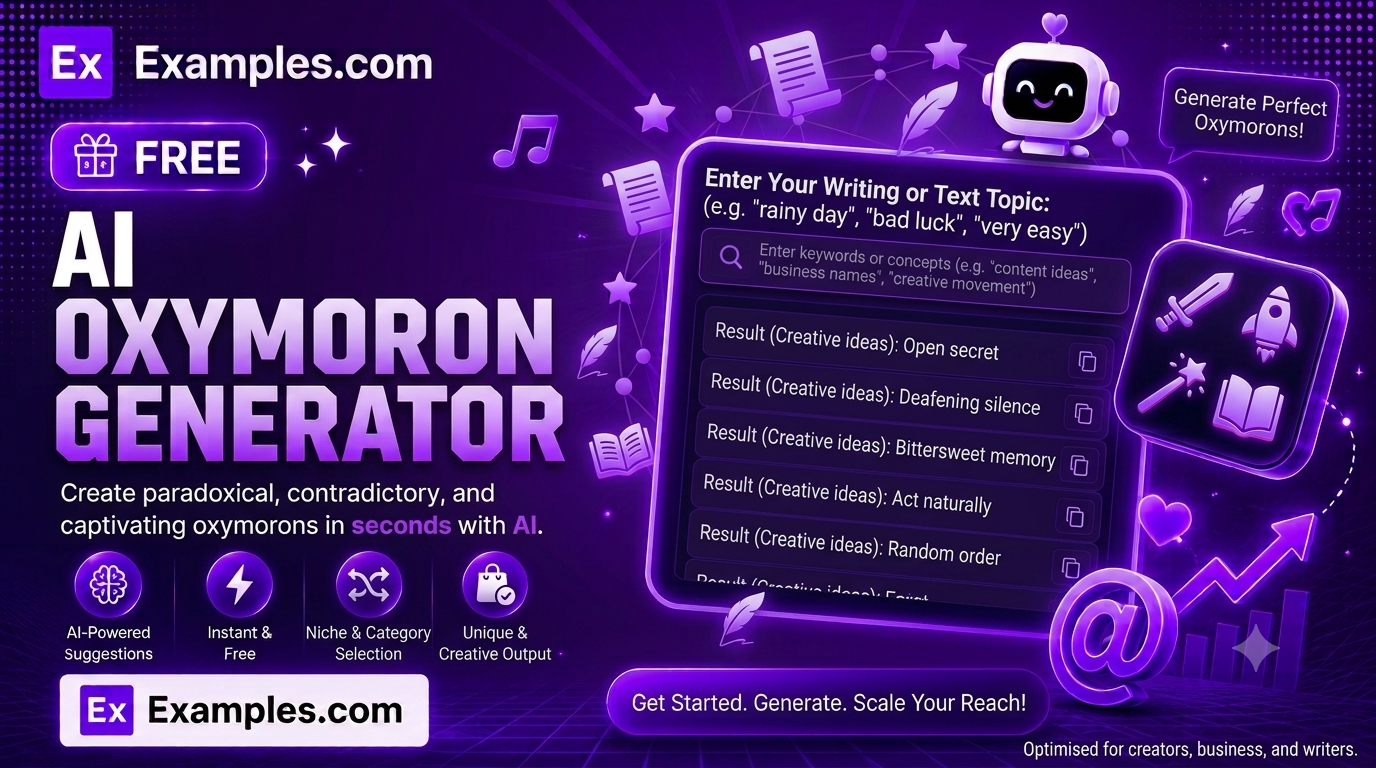
Find the perfect contradiction in seconds with the Examples.com AI Oxymoron Generator. Describe the situation, feeling, or theme you want to express, choose an oxymoron theme, tone, and use case, and let AI generate a clean, ready-to-use list of real oxymorons — each with a short, clear meaning underneath, no filler, no invented phrases.
How to Use the AI Oxymoron Generator
Step 1: Describe Your Situation or Topic
- Situation / Topic: Describe the situation, feeling, or theme you want oxymorons for in the main text field, such as “Describe a feeling of intense sadness that somehow also brings comfort, or a chaotic day that felt strangely peaceful.” You can also drag and drop or browse for a file (notes, an outline, or a draft) up to 2MB, and the AI will extract the relevant context from it automatically.
Step 2: Choose an Oxymoron Theme
- Oxymoron Theme: Select Emotions & Feelings, Relationships & Love, Life & Death, Time, Success & Effort, Humor & Irony, Nature & Weather, Food-Related, Everyday Sayings, or Mixed (All Themes) to get a rotating variety in one batch. Mixed (All Themes) is selected by default.
Step 3: Choose the Number of Oxymorons
- Number of Oxymorons: Choose 5, 8, 10, 15, or 20. 5 is selected by default. Every oxymoron in the set is a real, well-known phrase that pairs contradictory terms — never an invented one.
Step 4: Choose a Tone and Use Case
- Tone: Select the mood you want — Poetic & Literary, Casual & Conversational, Formal, Playful & Humorous, Dramatic & Intense, or Neutral & Balanced. Poetic & Literary is selected by default.
- Best For: Select where the oxymorons will be used — Creative Writing, Poetry, Public Speaking, Classroom / Students, Everyday Conversation, or Business Communication.
Step 5: Generate Your Oxymorons
- Generate Button: Click the purple “Generate Free Oxymorons” button. The AI returns a numbered list of oxymorons that match your topic, chosen theme, tone, and use case — each oxymoron on its own line, followed directly by a short, plain meaning underneath.
Step 6: Edit, Copy, or Download Your Results
- Edit: Click “Edit” to make changes directly to the list before copying or downloading.
- Copy All: Copies the full list of oxymorons and meanings to your clipboard as plain text, ready to paste into your writing.
- Download: Save the results as a TXT, Word, or PDF file for later use or to share with others.
AI Oxymoron Generator Formula
The AI Oxymoron Generator follows a structured input-to-output process to produce a precise, usable oxymoron list:
Oxymoron List Quality = Context Relevance + Theme Accuracy + Tone Match + Use Case Fit
Where:
- Context Relevance is how closely each oxymoron fits the situation, feeling, or theme you described, without drifting to unrelated phrases
- Theme Accuracy is how correctly each oxymoron matches the chosen theme, from emotions to relationships to time
- Tone Match is how closely the oxymoron selection matches your selected tone, from Playful & Humorous to Dramatic & Intense
- Use Case Fit is how well the oxymorons suit their intended use, since a list for Poetry reads differently than one for Business Communication
The more specific your situation or topic, the more relevant and fitting the generated oxymorons will be.
Examples of AI Oxymoron Generator
Example 1: Describing a Bittersweet Feeling
A writer wants poetic language for a conflicting emotion.
- Situation: “A feeling of intense sadness that somehow also brings comfort.”
- Oxymoron Theme: Emotions & Feelings
- Tone: Poetic & Literary
- Result: A numbered list of 5 oxymorons like “Bittersweet,” “Sweet sorrow,” and “Terrible beauty,” each with a one-line meaning underneath.
Example 2: A Hectic but Productive Workday
A manager wants a phrase that captures a busy but well-run day.
- Situation: “A chaotic day at work that somehow still felt under control.”
- Oxymoron Theme: Success & Effort
- Best For: Business Communication
- Result: A list of workplace-suitable oxymorons like “Organized chaos” and “Controlled disaster,” each with a clear meaning attached.
Example 3: Wordplay for a Classroom Lesson
A teacher wants simple, well-known examples for a lesson on figures of speech.
- Situation: “Common everyday phrases that combine two opposite ideas.”
- Oxymoron Theme: Everyday Sayings
- Best For: Classroom / Students
- Result: A clear, easy-to-learn list of everyday oxymorons, each followed by a simple, plain-language meaning.
Example 4: A Line for a Poem
A poet wants a striking contradiction to anchor a stanza.
- Situation: “Standing still while the whole world seems to be rushing forward.”
- Oxymoron Theme: Time
- Best For: Poetry
- Result: A list of vivid, literary oxymorons sized to anchor a line of verse, each with a short meaning for reference.
Example 5: A Punchline for a Speech
A speaker wants a witty, memorable contradiction for a talk.
- Situation: “The strange feeling of being busier during a ‘day off’ than during a workday.”
- Tone: Playful & Humorous
- Best For: Public Speaking
- Result: A list of witty, quotable oxymorons sized to land well when read aloud, each with a short meaning for quick reference.
What is an oxymoron?
An oxymoron is a short phrase, usually two words, that pairs contradictory or seemingly incompatible terms — such as “jumbo shrimp,” “deafening silence,” or “organized chaos.” Despite the contradiction, the phrase still makes sense and often captures a nuance that a single word can’t.
Do I need to choose a specific oxymoron theme, or can I get a mix?
Either works. Choose a specific theme like Life & Death or Relationships & Love to get every oxymoron in that category, or select Mixed (All Themes) to get a varied set that rotates across emotions, relationships, time, success, humor, nature, food, and everyday sayings.
Does the Best For setting actually change the results?
Yes. Selecting Poetry versus Business Communication changes which oxymorons are chosen and how they’re worded — poetic contexts favor more vivid, literary phrases, while business contexts favor more familiar, widely recognized ones.
Does the generator explain what each oxymoron means?
Yes. Every oxymoron is followed directly by a short, plain-language sentence explaining its meaning, so you don’t need to look it up separately — ideal for writers, speakers, and students alike.
Will the generator invent fake oxymorons?
No. The AI is instructed to only use short, real, well-known phrases that genuinely pair contradictory terms and fit your topic — never invented or made-up combinations.
Can I upload a file instead of typing my topic?
Yes. You can upload a TXT, PDF, or Word file (up to 2MB) and the tool will automatically extract relevant context from it for you.
Can I edit the generated oxymorons afterward?
Yes. Click “Edit” to make changes directly to the list, then use “Copy All” to copy it to your clipboard, or “Download” to save it as a TXT, Word, or PDF file.
Related Tools
- AI Idiom Generator — Find real idioms with clear meanings to pair alongside your oxymorons.
- AI Figurative Language Generator — Turn a topic into metaphors, similes, and other figurative language.
- AI Adverbs Generator — Find precise adverbs to sharpen your writing further.
- AI Sentence Rewriter — Rework a plain sentence using stronger, more vivid language.
- AI Poem Generator — Turn your favorite oxymorons into a full original poem.
- AI Content Generator — Generate full articles, product descriptions, and more from a single topic.