
Free AI Answer Generator, Real World Answer Examples
Ask any question and get a clear, well-organized AI-generated answer in seconds. Customize tone, length, and language — completely free, no sign-up required.
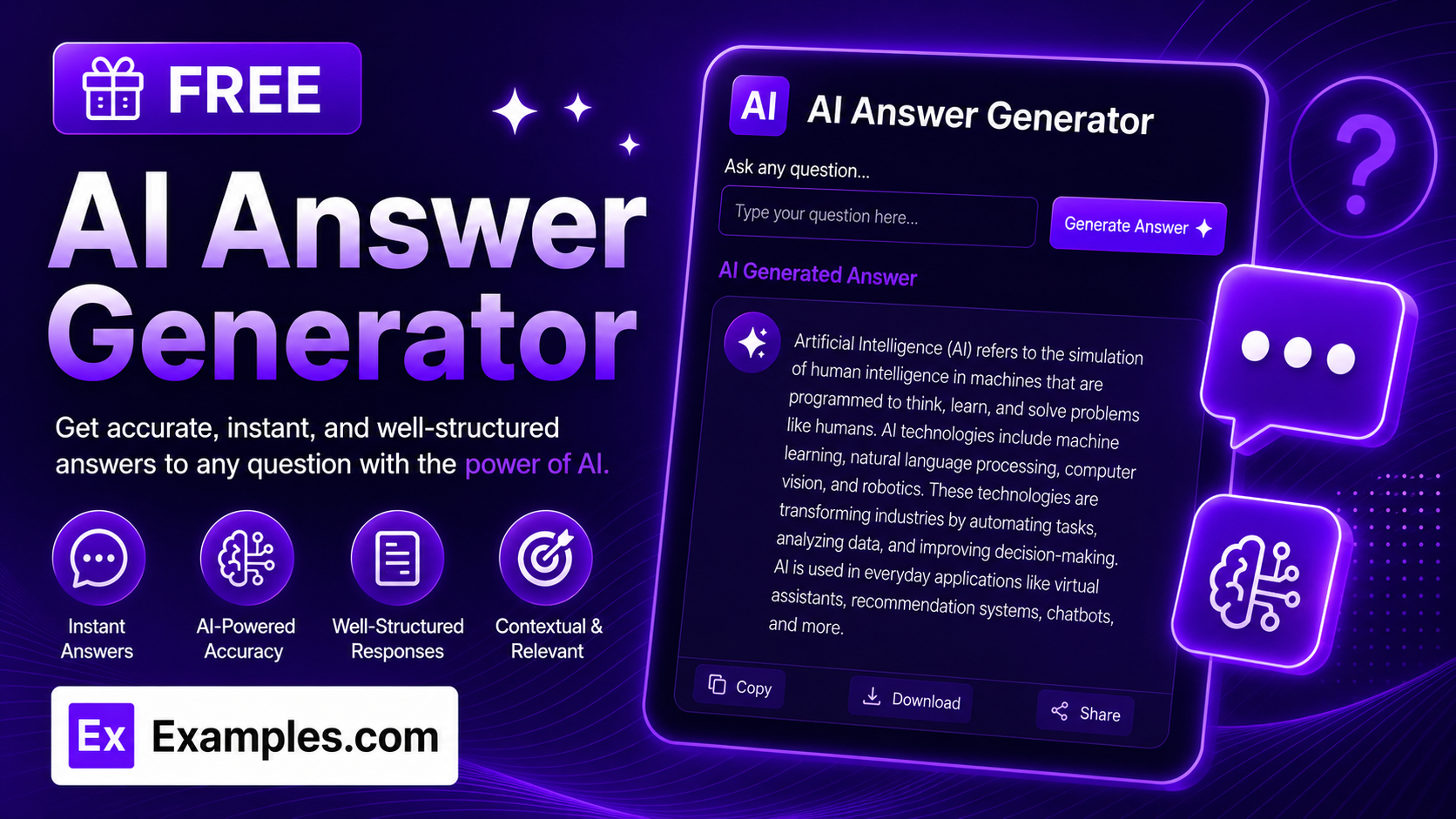
Get instant, accurate responses with the Examples.com AI Answer Generator. Ask any question, choose a tone, length, and language, and get a clear, well-organized answer synthesized directly from AI — no digging through search results required.
How to Use the AI Answer Generator
Step 1: Ask Your Question
- Ask your question: Type your question into the main text field. This can be a simple factual question (“What are the main causes of inflation?”) or a more detailed prompt asking for an explanation, comparison, or set of steps. The more specific your question, the more targeted the answer will be.
Step 2: Choose a Tone
- Tone: Select how you want the answer to sound — Neutral / Informative, Professional, Friendly, Academic, Casual, Persuasive, Funny, or Empathetic. Neutral / Informative is selected by default.
Step 3: Set the Answer Length
- Answer Length: Choose Concise for a short, to-the-point answer, Medium for a well-rounded response covering the key points, or Detailed for a thorough answer with nuance, examples, and caveats. Medium is selected by default.
Step 4: Pick a Language
- Language: Choose the output language from 15 supported options, including English, Spanish, French, German, Hindi, Arabic, Japanese, and more. The answer is written natively in the selected language rather than simply translated from English.
Step 5: Upload a File (Optional)
- Upload File to Extract Question: Optionally upload a .txt, .md, .pdf, .doc, .docx, .odt, or .html file (up to 2MB). The extracted text is automatically added to the question field, so you can generate an answer based on a longer document, assignment brief, or set of notes instead of typing everything manually.
Step 6: Generate, Edit, and Download Your Answer
- Generate Button: Click the purple “Generate Free Answer” button. The AI synthesizes a direct, accurate answer structured as flowing paragraphs, a bulleted list, or numbered steps — whichever format best fits the question.
- Edit: Click “Edit” to fine-tune the answer directly in the output panel before exporting.
- Copy / Download: Use “Copy All” to copy the full answer to your clipboard, or use the “Download” menu to save it as a TXT, Word, or PDF file.
AI Answer Generator Formula
The AI Answer Generator follows a structured input-to-output process to produce answers that are accurate, well-organized, and genuinely useful:
Answer Quality = Question Clarity + Tone and Length Fit + Factual Accuracy and Structure
Where:
- Question Clarity is how specific your question is, either typed in directly or extracted from an uploaded document
- Tone and Length Fit is how closely the response matches the voice and depth you actually need, from a quick Casual one-liner to a Detailed Academic breakdown
- Factual Accuracy and Structure is the model synthesizing a direct answer rather than a list of links, flagging uncertainty where it exists, and choosing the clearest format — paragraphs, bullets, or steps — for the content
The more specific your question, the more precise and directly useful the generated answer will be.
Examples of AI Answer Generator
Example 1: General Knowledge Question
A student wants a clear explanation of an economics concept.
- Question: What are the main causes of inflation and how can it be controlled?
- Tone: Neutral / Informative
- Answer Length: Medium
- Result: A well-rounded explanation covering demand-pull, cost-push, and monetary causes of inflation, followed by the main monetary and fiscal tools used to control it.
Example 2: Professional Email Draft
A professional wants help answering a client question in a polished tone.
- Question: How should I explain a two-week project delay to a client without sounding unprofessional?
- Tone: Professional
- Answer Length: Concise
- Result: A short, direct answer outlining how to frame the delay honestly while keeping the client’s confidence intact.
Example 3: Step-by-Step How-To
A user wants clear, actionable steps rather than a general explanation.
- Question: How do I set up a budget if I’ve never made one before?
- Tone: Friendly
- Answer Length: Detailed
- Result: A thorough, numbered walkthrough covering income tracking, expense categories, and setting realistic savings goals.
Example 4: Academic Research Question
A researcher wants a rigorous, well-cited-in-spirit explanation for a report.
- Question: What is the difference between correlation and causation in statistical analysis?
- Tone: Academic
- Answer Length: Detailed
- Result: A precise, formally worded explanation distinguishing the two concepts, with common pitfalls and examples of spurious correlation.
Example 5: File Upload
A user uploads a document instead of typing a question manually.
- Input: A .pdf assignment brief uploaded via “Upload File to Extract Question”
- Tone: Academic
- Answer Length: Detailed
- Result: The tool extracts the question from the document text, then generates a full answer based only on what was actually asked in the file.
Is this AI Answer Generator truly free?
Yes. The AI Answer Generator is completely free to use, with no hidden charges, sign-up, or subscription required to generate an answer.
How accurate are the generated answers?
The tool is instructed to strive for high factual accuracy and to avoid inventing statistics, quotes, or sources. That said, it’s still AI-generated content, so for critical decisions or anything time-sensitive, it’s a good idea to verify the answer against another source before relying on it.
Can I ask follow-up questions?
This tool is designed for single-turn Q&A — each question is answered independently based on what’s typed or uploaded. If you want a back-and-forth conversation, ask your follow-up as a new, fully self-contained question so the AI has all the context it needs.
Can I generate answers in languages other than English?
Yes. The Language dropdown supports 15 languages, including Spanish, French, German, Portuguese, Italian, Dutch, Hindi, Arabic, Japanese, Chinese (Simplified), Korean, Russian, Turkish, and Indonesian. Answers are written natively in the selected language rather than simply translated from English.
Can I upload a file instead of typing my question?
Yes. Use the “Upload File to Extract Question” field to upload a .txt, .md, .pdf, .doc, .docx, .odt, or .html file up to 2MB. The extracted text is added directly to the question field, so you can generate an answer based on an existing document, brief, or set of notes instead of retyping them.
Which tone should I choose?
The tone setting shapes the voice of the answer itself. Professional and Academic suit work reports, research, or formal writing. Friendly and Casual work well for everyday questions or quick advice. Persuasive fits arguments or pitches. Funny and Empathetic add personality or warmth where appropriate. Neutral / Informative is the safest default when you just want a straightforward, factual answer.
What’s the difference between the Answer Length options?
Concise keeps the answer tight — typically a short paragraph or a handful of bullets. Medium gives a well-rounded response covering the key points without excessive detail. Detailed provides a thorough, comprehensive answer with nuance, examples, and caveats, best suited for research, study, or in-depth explanations.
Can I edit the generated answer afterward?
Yes. Click “Edit” to make changes directly in the output panel, then use “Copy All” to copy the finished answer to your clipboard, or download it as a TXT, Word, or PDF file so you can save and reuse it elsewhere.
Related AI Tools
Explore more free AI writing tools from Examples.com:
- AI Conclusion Generator — Turn your key points into a polished, well-structured conclusion in seconds.
- AI Paragraph Writer — Generate a clear, well-organized paragraph on any topic you describe.
- AI Paraphraser — Rewrite any text in a new tone or style while keeping the original meaning intact.