
Free AI Youtube Channel Description Generator, Real Word Youtube Channel Description Examples
Create/Get a ready-to-publish YouTube channel description in seconds with our Free AI YouTube Channel Description Generator.
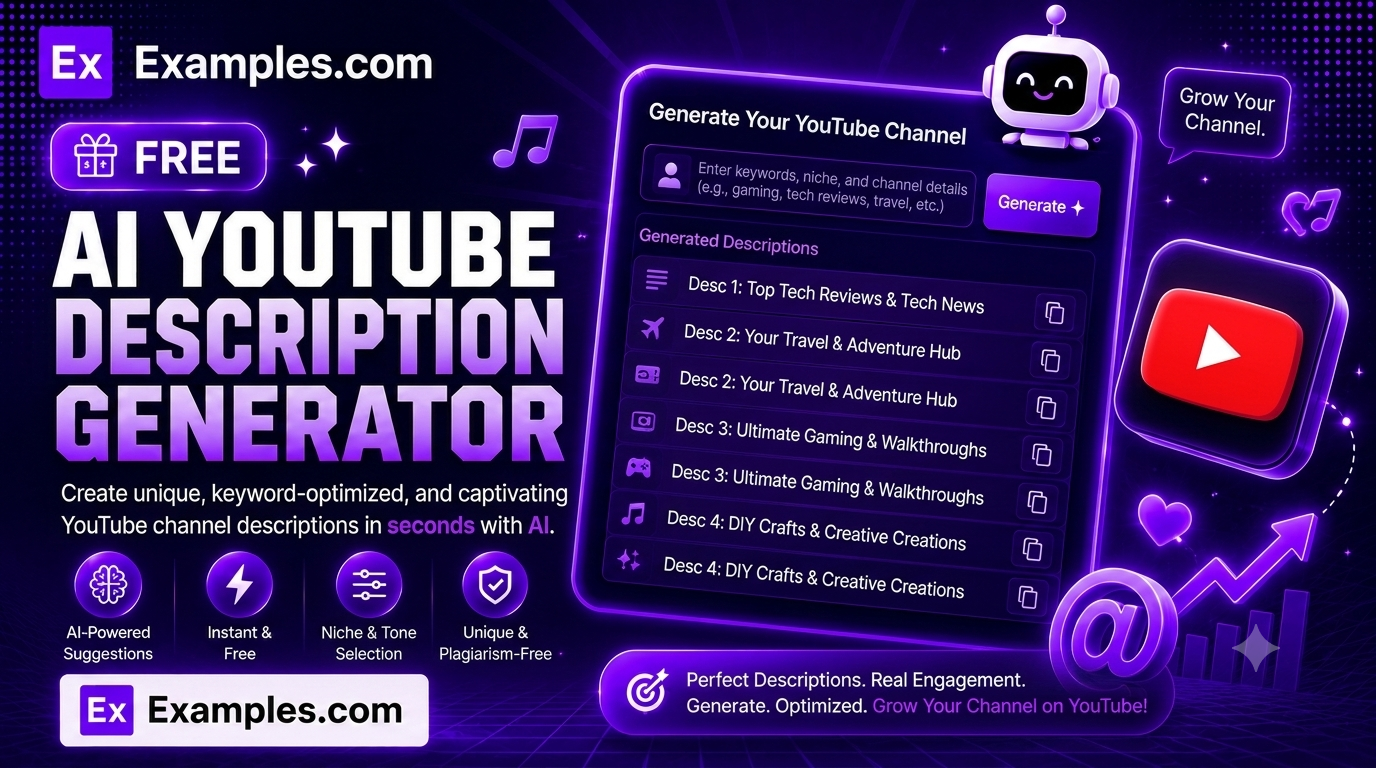
Write a ready-to-publish YouTube “About” section in seconds with the Examples.com AI YouTube Channel Description Generator. Describe what your channel is about, pick a tone, niche, and language, and let AI write a complete channel description with a hook, a clear explanation of your content, a subscribe call-to-action, and a set of suggested searchable tags.
How to Use the AI YouTube Channel Description Generator
Step 1: Describe Your Channel
- What’s your channel about?: Type a short description of the content you make and who it’s for. This can be as simple as a sentence (“Weekly tech reviews, unboxings, and buying guides for budget-conscious shoppers”) or a more detailed brief covering your channel’s angle, style, and audience.
Step 2: Add Keywords (Optional)
- Keywords: Enter a few comma-separated keywords you want woven naturally into the description for discoverability, such as “tech reviews, budget tech, gadgets.” This field is optional but helps the description surface in YouTube search.
Step 3: Upload a File (Optional)
- Upload File to Extract Channel Info: Optionally upload a .txt, .md, .pdf, .doc, .docx, .odt, or .html file (up to 2MB). The extracted text is automatically added to the channel info field, so you can generate a description based on an existing script, pitch, or about page instead of typing everything manually.
Step 4: Choose a Tone
- Tone: Select the voice you want the description to have — Professional, Casual, Persuasive, Enthusiastic, Informative, Witty, Bold, or Friendly. Enthusiastic is selected by default.
Step 5: Select a Content Niche
- Content Niche: Choose the category that best fits your channel, such as Tech & Gadgets, Gaming, Beauty & Fashion, Fitness & Health, Cooking & Food, Travel, Education & Tutorials, Finance & Business, Music, Comedy & Entertainment, Vlogging / Lifestyle, Parenting & Family, DIY & Crafts, Sports, or General / Mixed Content. This helps the AI frame the description in language that fits your audience.
Step 6: Pick a Language
- Language: Choose the output language from 15 supported options, including English, Spanish, French, German, Hindi, Arabic, Japanese, and more.
Step 7: Generate Your Description
- Generate Button: Click the purple “Generate Free Description” button. The AI writes a complete channel description with an opening hook, an explanation of your content and audience, your keywords woven in naturally, a short subscribe call-to-action, and a list of suggested searchable tags — all within seconds.
Step 8: Edit, Copy, or Download
- Edit / Copy / Download: Use “Edit” to tweak the wording directly in the output panel, “Copy All” to copy the finished description to your clipboard, or the Download menu to save it as a TXT, Word, or PDF file. A word or character count is shown above the result, with automatic character counting for languages like Japanese, Chinese, and Korean.
AI YouTube Channel Description Generator Formula
The AI YouTube Channel Description Generator follows a structured input-to-output process to produce a polished, ready-to-publish channel description:
Description Quality = Channel Clarity + Niche Alignment + Tone and Keyword Accuracy
Where:
- Channel Clarity is how specific and well-defined your channel description or uploaded material is
- Niche Alignment is how closely the AI’s language and framing matches the selected content category, so the description reads naturally to that audience
- Tone and Keyword Accuracy is how closely the finished description matches your selected voice while naturally weaving in your chosen keywords for discoverability
The more specific your channel description, the more targeted and useful the generated result will be.
Examples of AI YouTube Channel Description Generator
Example 1: Tech Channel
A creator wants an energetic description for a budget tech review channel.
- Channel Info: Weekly tech reviews, unboxings, and buying guides for budget-conscious shoppers
- Keywords: tech reviews, budget tech, gadgets
- Tone: Enthusiastic
- Content Niche: Tech & Gadgets
- Result: A three-paragraph description with a hook about avoiding overpriced gear, an explanation of the review and unboxing format, a subscribe call-to-action, and a suggested tag list.
Example 2: Gaming Channel
A streamer wants a bold, confident description for a competitive gaming channel.
- Channel Info: Daily gameplay, ranked climbs, and strategy breakdowns for competitive shooter fans
- Keywords: gaming, ranked gameplay, strategy tips
- Tone: Bold
- Content Niche: Gaming
- Result: A punchy description that opens with a confident hook about climbing the ranks, explains the daily upload schedule and strategy content, and closes with an invite to join the community.
Example 3: Cooking Channel
A home cook wants a warm, friendly description for a family recipe channel.
- Channel Info: Simple, budget-friendly family recipes with step-by-step video tutorials
- Keywords: easy recipes, family cooking, budget meals
- Tone: Friendly
- Content Niche: Cooking & Food
- Result: A cozy, welcoming description that highlights easy step-by-step recipes for busy families, with a gentle subscribe invitation and a relevant tag list.
Example 4: Fitness Channel
A trainer wants a motivating, professional description for a home workout channel.
- Channel Info: No-equipment home workouts and beginner-friendly fitness plans
- Keywords: home workouts, beginner fitness, no equipment
- Tone: Professional
- Content Niche: Fitness & Health
- Result: A credible, motivating description explaining the no-equipment workout format and who it’s designed for, ending with a clear call to subscribe and start training.
Example 5: Travel Channel
A travel vlogger wants a witty, personality-driven description for a solo travel channel.
- Channel Info: Solo backpacking trips, hidden-gem destinations, and budget travel tips
- Keywords: solo travel, budget travel, hidden gems
- Tone: Witty
- Content Niche: Travel
- Result: A playful description that opens with a hook about chasing hidden gems on a budget, explains the solo backpacking format, and closes with a witty subscribe line and tag list.
Does the description use headings or sections?
No. Unlike a blog post, a YouTube channel description is meant to be read as flowing text in the About section, so the generator writes plain paragraphs with no section headings. It follows with one short list of suggested searchable tags based on your channel info, niche, and keywords.
Is the generated description factually accurate?
The AI is instructed not to invent subscriber counts, view counts, awards, sponsorships, upload schedules, or dates unless you provided them. It only writes based on the channel info, niche, and keywords you supply. That said, always review the generated description before publishing to make sure it reflects your channel accurately.
Can I generate a description in languages other than English?
Yes. The Language dropdown supports 15 languages, including Spanish, French, German, Portuguese, Italian, Dutch, Hindi, Arabic, Japanese, Chinese (Simplified), Korean, Russian, Turkish, and Indonesian. For languages like Japanese, Chinese, and Korean, the tool automatically switches to counting characters instead of words, since those languages don’t use spaces between words.
Can I upload a file instead of typing my channel info?
Yes. Use the “Upload File to Extract Channel Info” field to upload a .txt, .md, .pdf, .doc, .docx, .odt, or .html file up to 2MB. The extracted text is added directly to the channel info field, so you can generate a description based on an existing script, pitch deck, or about page instead of retyping it.