
Free AI Irony Generator, Real World Irony Examples
Generate genuine irony examples for any situation with our free AI Irony Generator. Choose type, tone & audience. Export to PDF, Word, or TXT instantly.
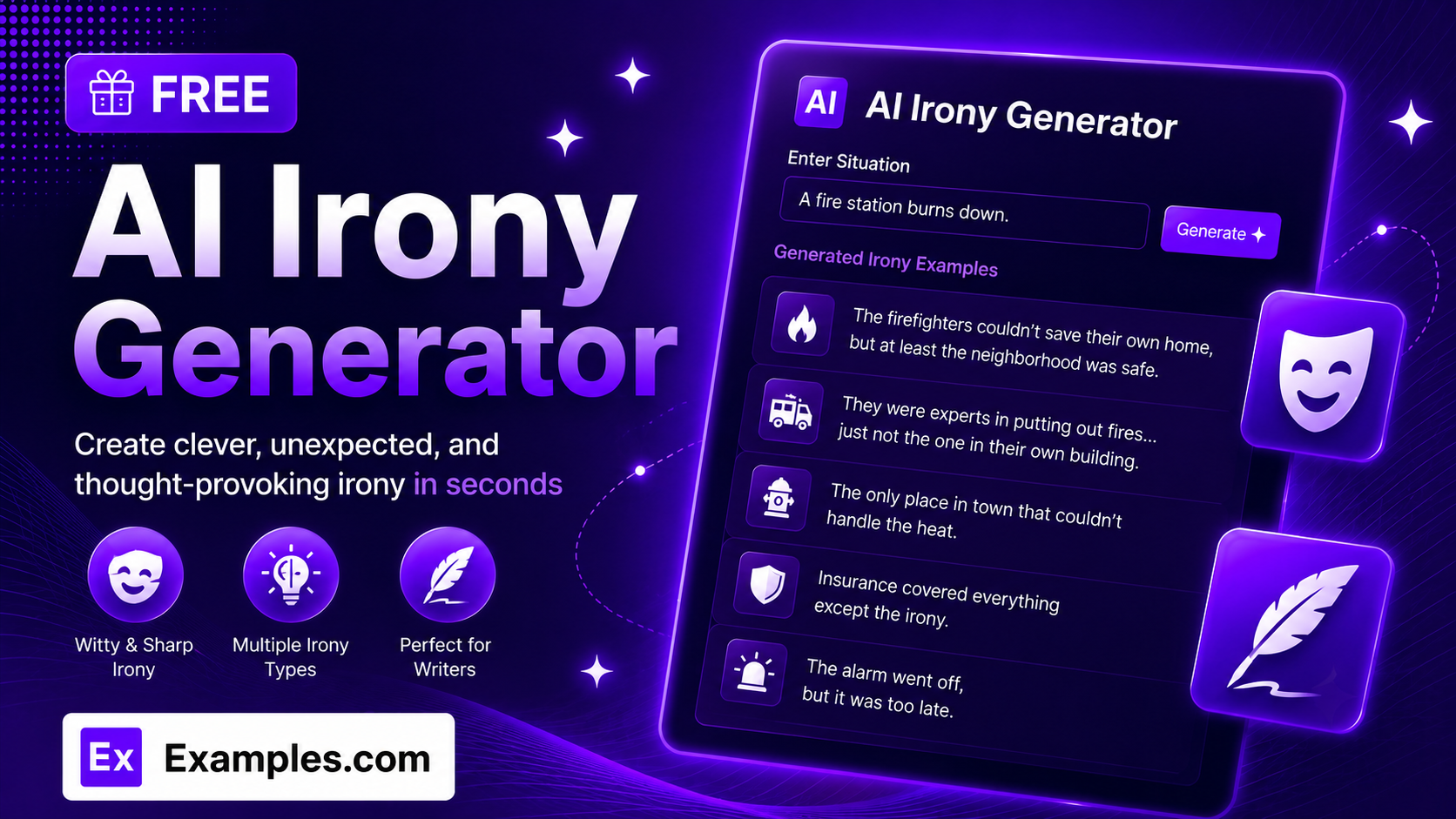
Spot and explain irony with the Examples.com AI Irony Generator. Describe any single situation, choose an irony type, tone, and audience, and get genuine, clearly explained examples of irony drawn from different angles of that one scenario — perfect for creative writing, literary analysis, or classroom use.
How to Use the AI Irony Generator
Step 1: Describe Your Situation
- Describe the situation, story, or event: Type in ONE clear situation you want irony examples for, such as a fire station burning down or a person who preaches honesty getting caught lying. The tool works with a single scenario at a time, then explores it from multiple genuinely ironic angles rather than jumping between unrelated topics.
Step 2: Upload a File (Optional)
- Upload File for Context: Optionally upload a .txt, .md, .pdf, .doc, .docx, .odt, or .html file (up to 2MB). The extracted text is added directly to the situation field, so you can generate irony examples based on a short story, script excerpt, or notes instead of retyping everything manually.
Step 3: Choose an Irony Type
- Irony Type: Select Mixed (All Types) to let the AI vary the examples naturally, or pick a specific type — Situational, Verbal, Dramatic, Cosmic, Historical, Socratic, or Tragic Irony — to keep every example within that one category. Mixed (All Types) is selected by default.
Step 4: Set the Number of Examples
- Number of Examples: Choose how many irony examples to generate — 5, 8, or 10. Each example explores a different angle of your one situation, so smaller counts tend to produce the sharpest, most distinct results. 5 is selected by default.
Step 5: Select a Tone
- Tone: Select how the examples should sound — Witty & Sharp, Casual & Conversational, Formal, Playful & Humorous, Dramatic & Intense, or Neutral & Balanced. Witty & Sharp is selected by default.
Step 6: Choose Who It’s Best For
- Best For: Select the intended use case — Creative Writing, Literary Analysis, Public Speaking, Classroom / Students, Everyday Conversation, or Business Communication — so the examples fit the context you actually plan to use them in. Creative Writing is selected by default.
Step 7: Generate, Edit, and Download Your Irony Examples
- Generate Button: Click the purple “Generate Free Irony Examples” button. The AI produces a numbered list of genuine irony examples, each with a short title and a one-sentence explanation of the reversal of expectation.
- Edit: Click “Edit” to fine-tune any title or explanation directly in the output panel before exporting.
- Copy / Download: Use “Copy All” to copy every example to your clipboard, or use the “Download” menu to save them as a TXT, Word, or PDF file.
AI Irony Generator Formula
The AI Irony Generator follows a structured process to produce examples that are genuinely ironic, distinct from one another, and matched to your intended use:
Irony Quality = Situation Clarity + Genuine Reversal + Angle Diversity + Tone and Audience Fit
Where:
- Situation Clarity is how specific and singular the described scenario is, either typed in directly or extracted from an uploaded file
- Genuine Reversal is the model confirming that each example is a true contradiction of expectation, not a plain coincidence or simple contrast mistaken for irony
- Angle Diversity is each example exploring a different fact, cause, or consequence of the same situation, so nothing is just a reworded repeat of an earlier example
- Tone and Audience Fit is how closely the phrasing matches the voice you selected, from a quick Playful & Humorous line to a Formal literary analysis
The more specific and singular your situation, the sharper and more genuinely varied the generated irony examples will be.
Examples of AI Irony Generator
Example 1: Creative Writing Prompt
A writer wants ironic story beats built around one central event.
- Situation: A fire station burns down.
- Irony Type: Mixed (All Types)
- Tone: Witty & Sharp
- Result: Five distinct angles on the same fire — the station’s own motto undercut, the trucks parked helplessly nearby, an ironic inspection days earlier, and the town rebuilding on the same site.
Example 2: Literary Analysis
A student needs to identify irony in a novel’s central plot twist for an essay.
- Situation: A detective spends the whole story chasing a killer who turns out to be his own brother.
- Irony Type: Dramatic Irony
- Tone: Formal
- Result: A set of formally worded observations on how the reader’s foreknowledge, the detective’s blind trust, and the final confrontation each build dramatic irony from a different angle.
Example 3: Classroom Use
A teacher wants simple, clear examples to illustrate irony for students.
- Situation: A student who always finishes homework early forgets to submit it on the one day it matters most.
- Irony Type: Situational Irony
- Tone: Neutral & Balanced
- Result: Plainly worded examples suitable for a classroom handout, each highlighting a different consequence of the missed deadline.
Example 4: Public Speaking
A speaker wants a memorable ironic anecdote to open a talk.
- Situation: A productivity expert misses his own keynote because he overslept.
- Irony Type: Cosmic Irony
- Tone: Playful & Humorous
- Result: A handful of punchy, stage-ready lines built around the same missed keynote, each landing the joke from a slightly different angle.
Example 5: File Upload
A user uploads a short script excerpt instead of typing the situation manually.
- Input: A .docx scene description uploaded via “Upload File for Context”
- Irony Type: Tragic Irony
- Tone: Dramatic & Intense
- Result: The tool extracts the scene from the document text, then generates irony examples based only on the single situation described in that scene.
Is this AI Irony Generator truly free?
Yes. The AI Irony Generator is completely free to use, with no hidden charges, sign-up, or subscription required to generate irony examples.
How genuine are the irony examples?
The tool is instructed to only produce examples with a true reversal of expectation, and to avoid passing off plain coincidence or simple contrast as irony. That said, it’s still AI-generated content, so for academic citations or published writing, it’s worth reviewing each example before relying on it.
Can I generate irony for more than one situation at once?
No. The generator is designed to work with one situation at a time. It explores that single scenario from several genuinely different ironic angles, rather than spreading examples across multiple unrelated topics. If you need irony for a second situation, generate it separately.
Can I upload a file instead of typing my situation?
Yes. Use the “Upload File for Context” field to upload a .txt, .md, .pdf, .doc, .docx, .odt, or .html file up to 2MB. The extracted text is added directly to the situation field, so you can generate irony examples based on an existing story, script, or set of notes instead of retyping them.
Which irony type should I choose?
Mixed (All Types) works well when you just want strong examples without worrying about category. Choose Situational Irony for outcomes that contradict expectations, Verbal Irony for statements that mean the opposite of what’s said, Dramatic Irony when the audience knows something a character doesn’t, Cosmic Irony for fate mocking human effort, Historical Irony for events that look backwards in hindsight, Socratic Irony for feigned ignorance used to expose a point, or Tragic Irony for outcomes that lead a character toward their own downfall.
What’s the difference between the Tone options?
Witty & Sharp keeps the phrasing clever and quick. Casual & Conversational reads like everyday speech. Formal suits essays and literary analysis. Playful & Humorous leans into the comedy of the irony. Dramatic & Intense heightens the tension for storytelling. Neutral & Balanced keeps the wording plain and even-handed, which works well for classroom handouts.
Can I edit the generated examples afterward?
Yes. Click “Edit” to make changes directly in the output panel, then use “Copy All” to copy the finished examples to your clipboard, or download them as a TXT, Word, or PDF file so you can save and reuse them elsewhere.
Related AI Tools
Explore more free AI writing tools from Examples.com:
- AI Oxymoron Generator — Generate genuine oxymorons matched to any theme, tone, and audience.
- AI Metaphor Generator — Turn any idea into a vivid, well-crafted metaphor in seconds.
- AI Paragraph Writer — Generate a clear, well-organized paragraph on any topic you describe.