
Free AI Blog Title Generator, Real World Blog Title Examples
Generate catchy, SEO-friendly blog post titles instantly with our free AI Blog Title Generator. Pick your niche, tone, and language — get 5 to 20 titles in seconds.
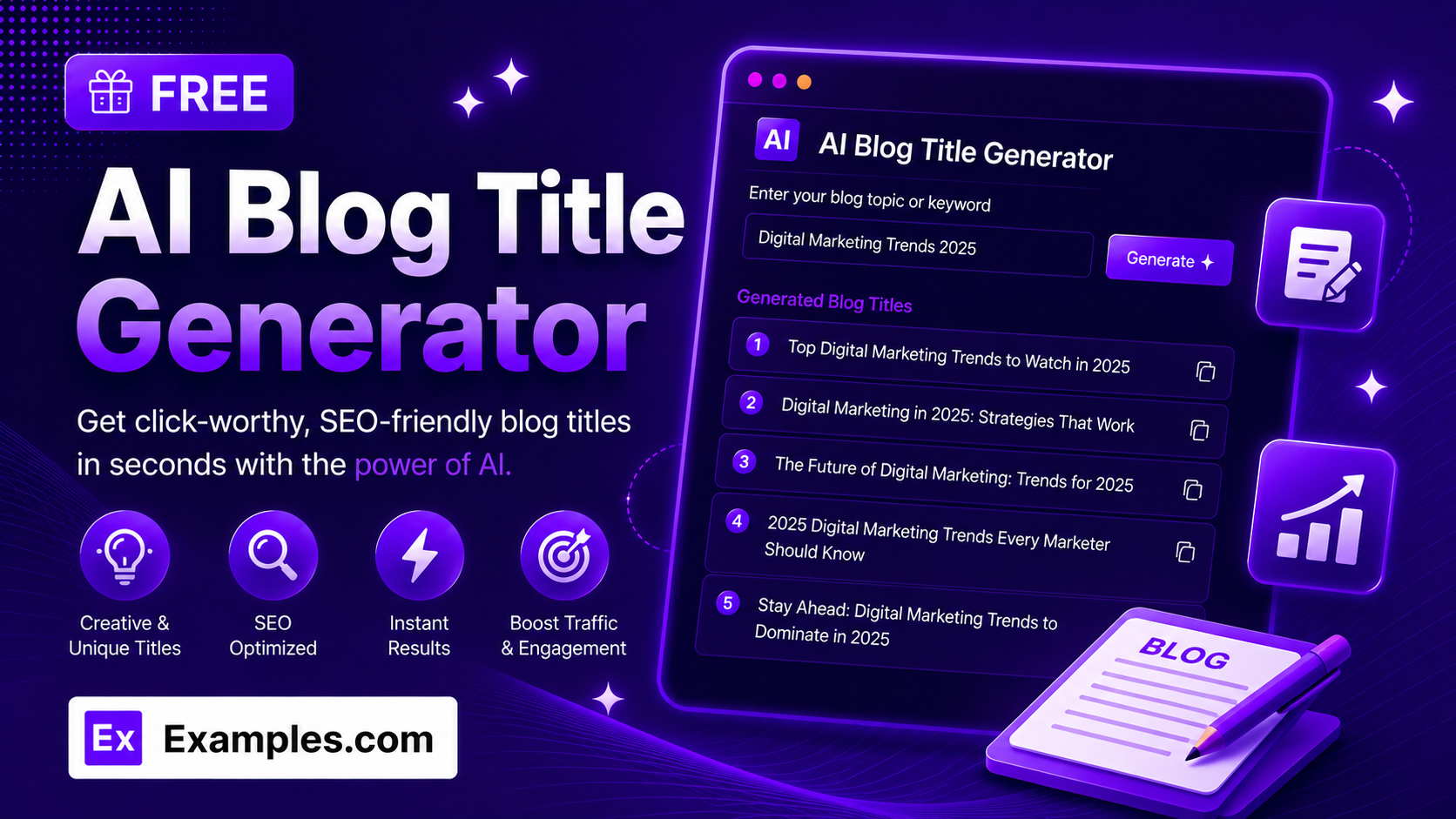
Struggling to come up with a blog title that gets clicks? With the Examples.com AI Blog Title Generator, enter your topic, choose a niche, tone, and language, and get a full batch of catchy, SEO-friendly blog title ideas in seconds.
How to Use the AI Blog Title Generator
Step 1: Enter a Blog Topic or Keyword
- Blog Topic / Keyword: Type what your blog post is about in the main text field. This can be a simple keyword (“healthy meal prep for busy professionals”) or a more detailed subject line — whatever you’d want the title to be built around.
Step 2: Choose a Niche or Category
- Niche / Category: Select the closest match, such as Health & Wellness, Personal Finance, Technology, Marketing & Business, Travel, Food & Cooking, or Career & Productivity, so the generated titles fit your audience and content style.
Step 3: Select a Tone or Style
- Tone / Style: Choose the voice you want the titles to have — Catchy, Professional, Funny, SEO-Optimized, Clickbait, Elegant, Bold, or Curiosity-driven. Catchy is selected by default.
Step 4: Choose How Many Titles to Generate
- # of Titles: Select 5, 10, 15, or 20 titles per batch, depending on how many options you want to compare.
Step 5: Pick a Language
- Language: Choose the output language from 15 supported options, including English, Spanish, French, German, Hindi, Arabic, Japanese, and more.
Step 6: Upload a File (Optional)
- Upload File to Extract Topic: Optionally upload a .txt, .md, .pdf, .doc, .docx, .odt, or .html file (up to 2MB). The extracted text is automatically added to the Topic field, so you can generate titles based on notes, a brief, or an existing draft instead of typing everything manually.
Step 7: Generate Your Blog Titles
- Generate Button: Click the purple “Generate Blog Titles” button. The AI writes a full batch of original, distinct titles — mixing listicle, how-to, question, and curiosity-driven formats — matched to your chosen niche, tone, and language.
Step 8: Copy, Reorder, or Download Your Titles
- Copy / Reorder / Download: Copy any individual title with its own copy button, or copy the whole batch at once. Drag and drop titles to reorder them, then download the final list as a TXT, Word, or PDF file.
AI Blog Title Generator Formula
The AI Blog Title Generator follows the same core formula professional copywriters use to write titles that get clicked:
Title Quality = Hook or Number + Core Keyword + Clear Benefit, kept under roughly 65 characters
Where:
- Hook or Number is the number, question, or curiosity trigger that earns the click, such as “10 Ways,” “Why Your,” or “How to”
- Core Keyword is your main topic, placed as early in the title as naturally possible for SEO
- Clear Benefit is the payoff for the reader — what they’ll learn, save, avoid, or achieve by clicking
- Length discipline keeps titles concise so they aren’t truncated in search results or social previews
The more specific your topic, the more targeted and click-worthy the generated titles will be.
Examples of AI Blog Title Generator
Example 1: Health & Wellness Blog
A wellness blogger needs title ideas for a meal prep post.
- Blog Topic / Keyword: Healthy meal prep for busy professionals
- Niche / Category: Health & Wellness
- Tone / Style: Catchy
- Result: A batch of titles like “10 Healthy Meal Prep Ideas for Busy Professionals” and “How to Meal Prep When You Have Zero Time to Cook,” ready to test against each other.
Example 2: Personal Finance Blog
A finance blogger wants SEO-friendly titles for a budgeting post.
- Blog Topic / Keyword: Building an emergency fund on a tight budget
- Niche / Category: Personal Finance
- Tone / Style: SEO-Optimized
- Result: A batch of concise, keyword-forward titles such as “How to Build an Emergency Fund on a Tight Budget,” ready to publish or A/B test.
Example 3: Technology Blog
A tech writer needs a bold, attention-grabbing title for a roundup post.
- Blog Topic / Keyword: AI tools that will change how you work
- Niche / Category: Technology
- Tone / Style: Bold
- Result: A batch of confident, listicle-style titles like “5 AI Tools That Will Change How You Work in 2026.”
Example 4: Travel Blog in Another Language
A travel blogger writing for a Spanish-speaking audience needs titles in Spanish.
- Blog Topic / Keyword: Budget travel in Southeast Asia
- Niche / Category: Travel
- Language: Spanish
- Result: A full batch of blog titles written entirely in Spanish, matched to the travel niche and requested tone.
Example 5: Career & Productivity Blog
A productivity blogger wants a curiosity-driven angle for a habits post.
- Blog Topic / Keyword: Why your to-do list isn’t working
- Niche / Category: Career & Productivity
- Tone / Style: Curiosity-driven
- Result: A batch of titles built to spark curiosity, such as “Why Your To-Do List Is Making You Less Productive.”
Is the AI Blog Title Generator really free?
Yes. You can generate blog titles for any topic at no cost, with no sign-up required.
How many blog titles can I generate at once?
You can generate 5, 10, 15, or 20 titles per batch. If you want more variety, simply click Generate again for a fresh set.
Are the generated titles SEO-friendly?
Yes. Titles are kept concise, generally under 65 characters, with your core keyword placed early, and you can select the “SEO-Optimized” tone for titles written specifically with search intent in mind.
Can I generate blog titles in a language other than English?
Yes. The Language dropdown supports 15 languages, including Spanish, French, German, Portuguese, Italian, Dutch, Hindi, Arabic, Japanese, Chinese (Simplified), Korean, Russian, Turkish, and Indonesian.
Can I upload a file instead of typing my topic?
Yes. Use the “Upload File to Extract Topic” field to upload a .txt, .md, .pdf, .doc, .docx, .odt, or .html file up to 2MB. The extracted text is added directly to the Topic field, so you can generate titles based on existing notes, briefs, or drafts instead of retyping them.
Can I reorder or remove titles after they’re generated?
Yes. You can drag and drop titles to reorder them, and copy any individual title or the full list at once.
What file formats can I download my titles in?
You can export your generated titles as a plain text (TXT) file, a Word document, or a PDF.
Related Tools
Once you’ve picked a title, keep the momentum going with these free AI writing tools:
- AI Title Generator — generate catchy titles for any content type, not just blog posts.
- AI Story Generator — generate fiction-ready narratives and creative content.
- AI Stage Name Generator — create a memorable stage name, pen name, or creator handle.