
Free AI Youtube Description Generator, Real AI YT Description Examples
Create ready-to-publish YouTube video descriptions with hooks, keywords, and hashtags in seconds with our Free AI YouTube Description Generator.
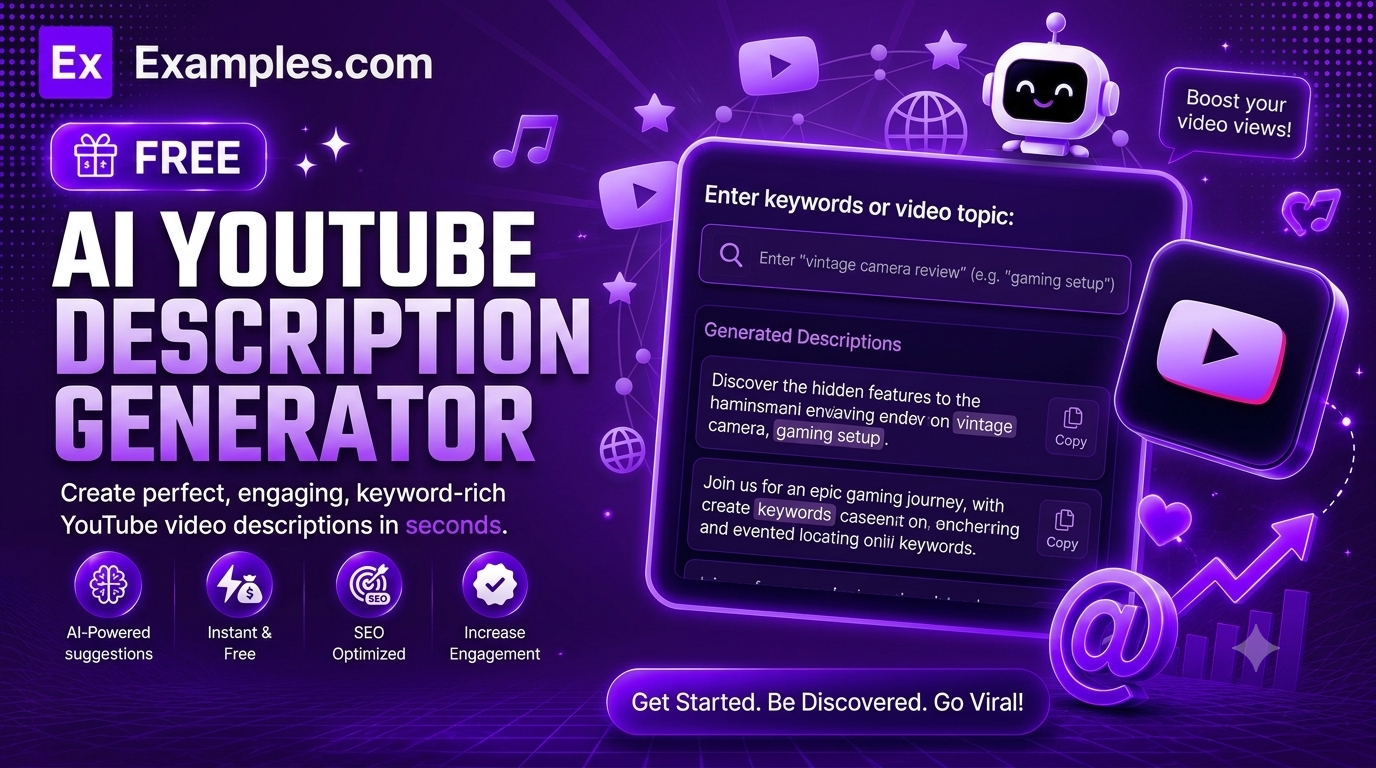
Write ready-to-publish video descriptions in seconds with the Examples.com AI YouTube Description Generator. Describe your video, add optional keywords and links, choose a tone, length, and language, and let AI generate a complete description with a strong opening hook, natural keyword placement, and relevant hashtags.
How to Use the AI YouTube Description Generator
Step 1: Describe Your Video
- Video Title / Topic: Type a short description of what your video is about in the main text field, such as “Full home workout routine for beginners – no equipment needed.” You can also drag and drop or browse for a file (script, outline, or notes) up to 2MB, and the AI will extract the topic from it automatically.
Step 2: Add Keywords or Tags (Optional)
- Keywords / Tags: List a few relevant keywords, such as “home workout, beginner fitness, no equipment.” The AI weaves these into the description naturally to help your video surface in YouTube search and suggested feeds.
Step 3: Add Links or a Call-to-Action (Optional)
- Links / Call-to-Action: Add anything you want featured near the end of the description, such as a subscribe link, social handles, or an affiliate link. If you leave this blank, the AI skips straight from the description to the hashtags.
Step 4: Choose a Tone and Length
- Tone: Select the vibe you want your description to match — Professional, Casual, Persuasive, Enthusiastic, Informative, Witty, or Friendly. Enthusiastic is selected by default.
- Length: Choose Short, Medium, or Long. Medium is selected by default.
Step 5: Pick a Language
- Language: Choose the output language from 15 supported options, including English, Spanish, French, German, Hindi, Arabic, Japanese, and more.
Step 6: Generate Your Description
- Generate Button: Click the purple “Generate Free Description” button. The AI writes a complete description that opens with a hook, expands on your video content, includes your links or CTA if provided, and closes with relevant hashtags — all in one ready-to-paste block.
Step 7: Edit, Copy, or Download Your Description
- Edit: Click “Edit” to make changes directly to the description before copying or downloading.
- Copy All: Copies the full description to your clipboard as plain text, ready to paste into YouTube Studio.
- Download: Save the description as a TXT, Word, or PDF file for later use or to share with a team.
AI YouTube Description Generator Formula
The AI YouTube Description Generator follows a structured input-to-output process to produce a complete, ready-to-publish description:
Description Quality = Video Topic Clarity + Hook Strength + Keyword Relevance + Tone Fit
Where:
- Video Topic Clarity is how specific your video title or topic description is
- Hook Strength is how well the opening 1-2 sentences grab attention within the roughly 100 characters YouTube shows before “Show more”
- Keyword Relevance is how naturally your provided keywords are woven into the description to support search and discovery
- Tone Fit is how closely the writing style matches the vibe of your channel or video (Enthusiastic, Professional, Witty, and so on)
The more specific your video topic and keywords, the more targeted and useful the generated description will be.
Examples of AI YouTube Description Generator
Example 1: Fitness Video
A fitness creator wants a description for a beginner workout video.
- Video Title / Topic: Full home workout routine for beginners – no equipment needed
- Keywords / Tags: home workout, beginner fitness, no equipment
- Tone: Enthusiastic
- Result: A description that opens with a motivating hook, outlines the workout structure in a short bullet list, includes a subscribe line, and closes with fitness-related hashtags.
Example 2: Tech Review Video
A tech reviewer wants a description for a budget headphone comparison.
- Video Title / Topic: Comparing 3 budget wireless headphones under $50
- Keywords / Tags: budget headphones, wireless earbuds, tech review
- Tone: Informative
- Result: A clear, comparison-focused description with a hook highlighting the price point, a short list of what’s covered, and relevant tech and gadget hashtags.
Example 3: Travel Vlog
A traveler wants a description for a solo-trip vlog.
- Video Title / Topic: My first solo trip to a cliffside village on the coast
- Links / Call-to-Action: Subscribe: youtube.com/@channel | Instagram: @handle
- Tone: Casual
- Result: A warm, story-driven description with a hook about the trip, a few paragraphs on the experience, the subscribe and Instagram links placed near the end, and travel-related hashtags.
Example 4: Tutorial Video
A creator wants a description for a step-by-step cooking tutorial.
- Video Title / Topic: How to make sourdough bread at home for beginners
- Keywords / Tags: sourdough bread, baking tutorial, beginner baking
- Length: Long
- Result: A detailed description with a hook, an overview of what’s covered in the tutorial, a bullet list of key steps, and baking-focused hashtags.
Example 5: Personal Vlog
Someone wants a description for a quiet, reflective day-in-the-life video.
- Video Title / Topic: A slow morning before a busy work week
- Tone: Friendly
- Length: Short
- Result: A brief, understated description that fits a quiet personal video rather than a promotional one, closing with a small set of lifestyle hashtags.
What makes a good YouTube description?
A good YouTube description opens with a strong, self-contained hook, since only the first roughly 100 characters show before viewers have to click “Show more.” From there, it briefly explains what the video covers, naturally includes relevant keywords, adds any links or calls-to-action near the end, and closes with a handful of specific hashtags rather than a long, generic list.
Do I need to add keywords for the description to work?
No. Keywords are optional. If you leave the field blank, the AI still generates a complete description based on your video title or topic alone. Adding a few relevant keywords simply helps the AI place useful search terms naturally throughout the description.
Will hashtags always be included?
Yes. Every generated description closes with 5 to 8 relevant, specific hashtags related to your video topic, formatted and ready to publish as-is.
Can I generate descriptions in languages other than English?
Yes. The Language dropdown supports 15 languages, including Spanish, French, German, Portuguese, Italian, Dutch, Hindi, Arabic, Japanese, Chinese (Simplified), Korean, Russian, Turkish, and Indonesian.
Does the Tone setting change the description?
Yes. The Tone setting shapes the overall voice of the description — for example, an Enthusiastic tone leans energetic and exclamation-friendly, while a Professional tone stays measured and polished, even when the underlying video topic is the same.
Can I add my own links or a subscribe reminder?
Yes. Use the Links / Call-to-Action field to add a subscribe link, social handles, or any other link you want featured. The AI places it clearly near the end of the description, separate from the main write-up and hashtags.
Can I edit the generated description afterward?
Yes. Click “Edit” to make changes directly to the description, then use “Copy All” to copy it to your clipboard, or “Download” to save it as a TXT, Word, or PDF file before publishing.
Related Tools
- AI YouTube Title Generator — Generate click-worthy titles that match your video content.
- AI YouTube Tags Generator — Create relevant tags to help your video get discovered.
- AI Instagram Hashtag Generator — Generate a balanced hashtag set for any Instagram post.
- AI Video Script Generator — Turn a topic into a ready-to-record video script.
- AI Meta Description Generator — Write SEO-friendly meta descriptions for web pages and blog posts.
- AI Content Generator — Generate full articles, product descriptions, ads, and more from a single topic.