
Free AI Gaslighting Generator, Real World Gaslighting Examples
Understand manipulative conversation patterns with the free AI Gaslighting Phrase Recognizer — paste a message, get pattern-by-pattern explanations, and download the analysis.
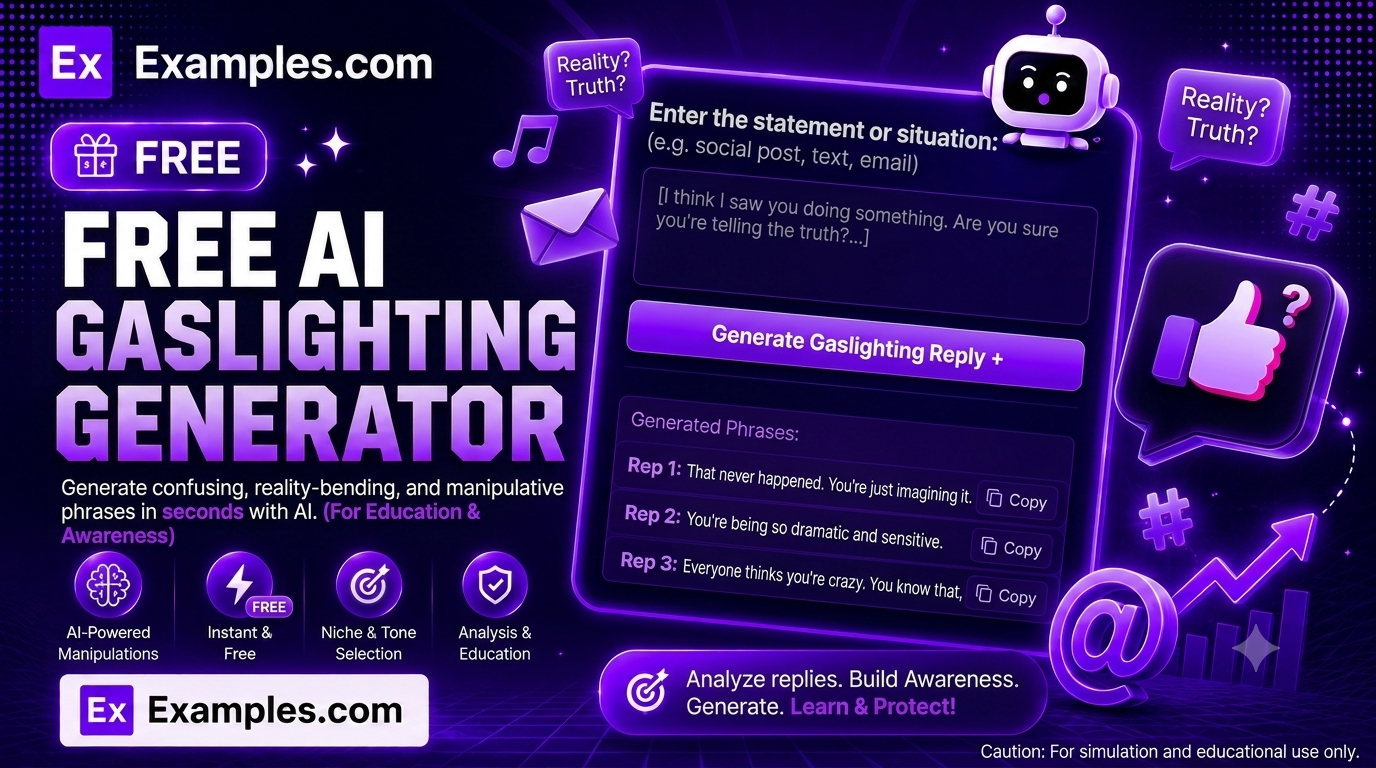
Understand manipulative language patterns in real conversations with the Examples.com AI Gaslighting Phrase Recognizer. Paste a message, text exchange, or conversation, choose a relationship context and analysis depth, and let AI identify and explain which lines show patterns like denial, reality distortion, blame-shifting, or trivializing — with a plain-language breakdown for each one, so you can better understand what you’re reading.
How to Use the AI Gaslighting Phrase Recognizer
Step 1: Paste the Message or Conversation
- Input: Paste the text messages, email, or conversation you want analyzed into the main text field. You can also drag and drop or browse for a file (up to 2MB) and the AI will extract the relevant text from it automatically. For privacy, avoid including full real names.
Step 2: Choose a Relationship Context
- Relationship Context: Select Romantic Partner, Family Member, Friend, Coworker or Boss, Other, or leave it as Not Specified. This helps the AI weigh tone and context appropriately. Not Specified is selected by default.
Step 3: Choose an Analysis Depth
- Analysis Depth: Choose Quick Overview for a brief, one-sentence explanation of the clearest patterns, or Detailed Breakdown for a more thorough analysis that also covers subtler instances. Detailed Breakdown is selected by default.
Step 4: Analyze the Message
- Analyze Button: Click the purple “Analyze for Gaslighting” button. The AI reviews only the text you provided and returns each identified pattern with the specific line it relates to and a short explanation of why it fits that pattern, followed by a brief closing note reminding you this is educational information, not professional advice.
Step 5: Edit, Copy, or Download Your Results
- Edit: Click “Edit” to make changes directly to the analysis before copying or downloading.
- Copy All: Copies the full analysis to your clipboard as plain text.
- Download: Save the analysis as a TXT, Word, or PDF file for your own reference.
AI Gaslighting Phrase Recognizer Formula
The AI Gaslighting Phrase Recognizer follows a structured input-to-output process to produce a grounded, educational analysis:
Analysis Quality = Pattern Accuracy + Textual Grounding + Context Fit + Explanatory Clarity
Where:
- Pattern Accuracy is whether each flagged line genuinely matches a recognized pattern, such as denial, reality distortion, or blame-shifting, rather than a pattern being invented where none exists
- Textual Grounding is how directly each explanation ties back to a specific line from the message you provided, instead of speculating beyond the text
- Context Fit is how well the analysis accounts for the relationship context you selected, since the same words can read differently between a partner and a coworker
- Explanatory Clarity is how clearly each pattern is explained in plain language, matching the Quick Overview or Detailed Breakdown depth you chose
The more complete the conversation you paste in, the more accurate and useful the pattern analysis will be.
Examples of AI Gaslighting Phrase Recognizer
Example 1: A Disputed Text Exchange
Someone wants to understand a confusing back-and-forth with a partner.
- Input: “Me: You said you’d pick up the kids at 5, and you never showed up. Them: I never said that. You always twist things to make me look bad.”
- Relationship Context: Romantic Partner
- Result: An analysis flagging Denial in “I never said that” and Blame-Shifting in “you always twist things to make me look bad,” each with a short explanation of why it fits that pattern.
Example 2: A Tense Family Conversation
Someone wants a closer look at a repeated pattern with a family member.
- Input: A short transcript of a disagreement over a family event.
- Relationship Context: Family Member
- Analysis Depth: Detailed Breakdown
- Result: A thorough breakdown covering both clear and subtler instances of reality distortion and trivializing, each tied to a specific line.
Example 3: A Quick Check on a Work Message
Someone wants a fast read on an email from a manager.
- Input: An email exchange about a missed deadline.
- Relationship Context: Coworker or Boss
- Analysis Depth: Quick Overview
- Result: A brief, one-sentence-per-pattern summary covering only the clearest instances found.
Example 4: A Conversation With No Clear Patterns
Someone wants to check a friendly disagreement that felt uncomfortable.
- Input: A short exchange between friends about a canceled plan.
- Relationship Context: Friend
- Result: A response noting that no clear gaslighting patterns were found in the text, with a brief explanation of what healthy communication looks like instead.
What is gaslighting?
Gaslighting is a pattern of communication that causes someone to doubt their own perception, memory, or judgment, often through denial, reality distortion, or blame-shifting. It’s a pattern of behavior rather than a single line, so context and repetition matter when identifying it.
What kinds of patterns does this tool look for?
The tool looks for patterns such as denial of a shared reality, distorting facts, blame-shifting, trivializing feelings, diverting the conversation, and countering someone’s memory of events. Each pattern found is tied to a specific line in your text.
Will the tool always find gaslighting patterns?
No. If the text you provide doesn’t contain clear patterns, the tool says so directly instead of inventing something that isn’t there, and briefly explains what more neutral communication looks like by comparison.
Does the Relationship Context setting change the results?
Yes. The same words can carry different weight between a romantic partner, a family member, a friend, or a coworker, so selecting the right context helps the analysis stay accurate.
Is this a substitute for therapy or professional advice?
No. This tool provides general, educational information about communication patterns. It isn’t a diagnosis or a substitute for a conversation with a counselor, therapist, or other trusted support resource.
Can I upload a file instead of pasting text?
Yes. You can upload a TXT, PDF, or Word file (up to 2MB) and the tool will automatically extract the relevant text from it for you.
Can I edit the analysis afterward?
Yes. Click “Edit” to make changes directly to the analysis, then use “Copy All” to copy it to your clipboard, or “Download” to save it as a TXT, Word, or PDF file.
Related Tools
- AI Reply Generator — Draft a calm, clear response after reviewing a difficult conversation.
- AI Sentence Rewriter — Rework a message using clearer, more direct language.
- AI Grammar Checker — Check a written response for grammar and clarity before sending it.
- AI Readability Checker — See how clear and easy to follow your own message is.
- AI Content Generator — Generate full articles and guides on communication and relationship topics.