
Free AI Verb Generator, Real World Verb Examples
Generate precise, context-fitting verbs for free with Examples.com's AI Verb Generator. Choose verb type, count, and audience to get a ready-to-use list instantly.
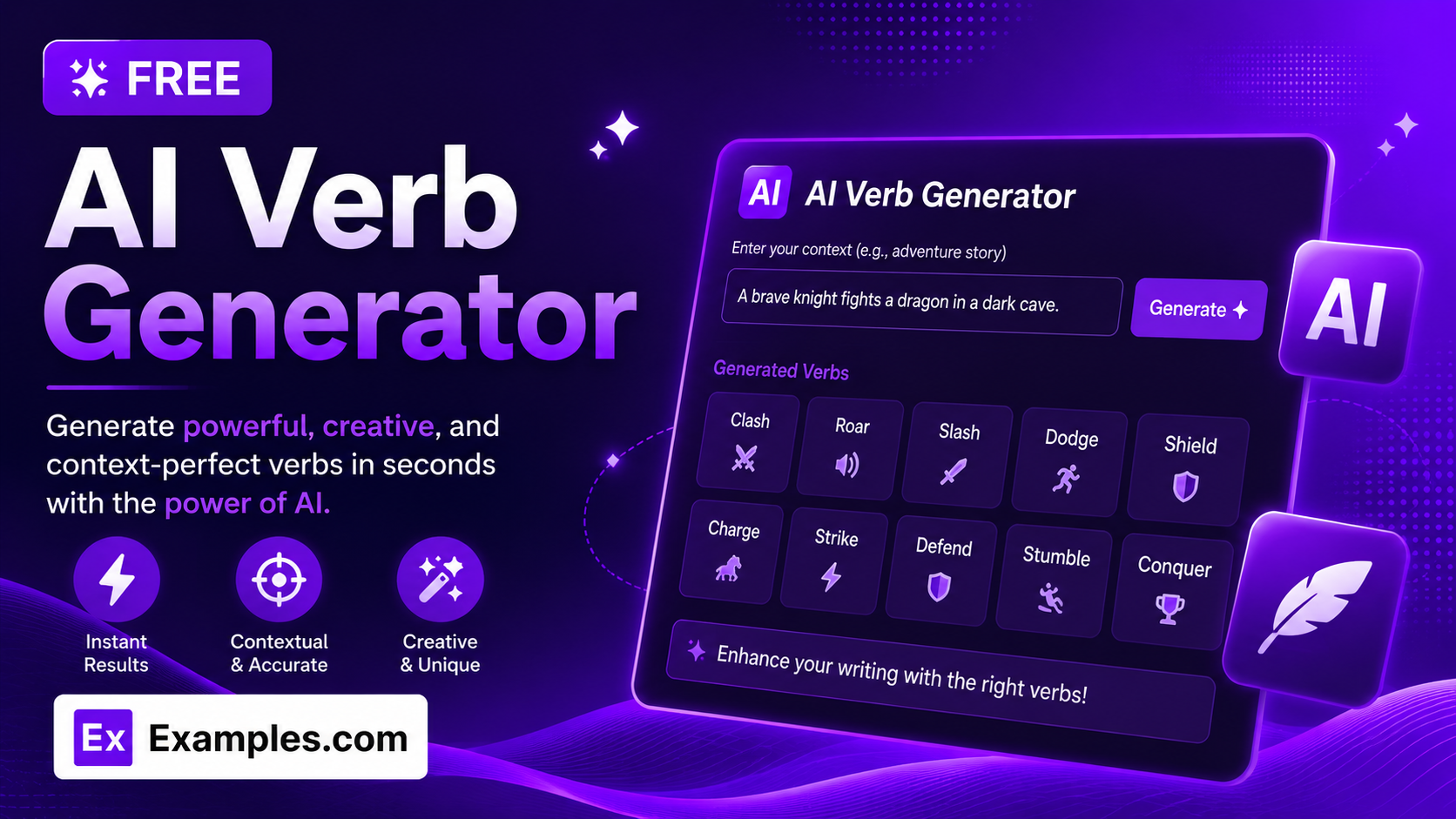
Write with precise, natural verbs in seconds using the Examples.com AI Verb Generator. Describe what you need verbs for, choose a verb type, pick how many you want, and get a clean numbered list of verbs matched to your context and your intended audience — no more scrolling through generic thesaurus lists that don’t actually fit your sentence.
How to Use the AI Verb Generator
Step 1: Describe What You Need Verbs For
- Describe what you need verbs for: Type a short description of your context, scene, or topic into the main text field — or paste a full sentence you’d like to add verbs to. This can be as simple as “verbs for a cooking tutorial” or as specific as “verbs for a tense courtroom cross-examination scene.” The more specific your context, the more naturally the generated verbs will fit.
Step 2: Upload a File for Context (Optional)
- Upload File for Context: Optionally upload a .txt, .md, .pdf, .doc, .docx, .odt, or .html file (up to 2MB). The extracted text is automatically added to the context field, so you can generate verbs based on a script, story draft, or set of notes instead of typing everything manually.
Step 3: Choose a Verb Type
- Verb Type: Select Mixed (All Types), Action Verbs, Linking Verbs, Helping / Auxiliary Verbs, Transitive Verbs, Intransitive Verbs, Phrasal Verbs, or Irregular Verbs. Mixed (All Types) is selected by default and lets the AI pick whichever category best fits your context. Choosing a specific type — like Phrasal Verbs or Irregular Verbs — restricts every result to that category.
Step 4: Set the Number of Verbs
- Number of Verbs: Choose 10, 15, 20, 25, or 30. 10 is selected by default. Every verb generated is unique — no repeats or near-duplicates — and naturally fits the context you described.
Step 5: Pick What It’s Best For
- Best For: Choose Creative Writing, Business Writing, Academic Writing, Public Speaking, ESL / Vocabulary Practice, or Everyday Conversation. Creative Writing is selected by default. This adjusts the vocabulary level and tone of the generated verbs to suit your intended use.
Step 6: Generate, Copy, and Download Your Verbs
- Generate Button: Click the purple “Generate Free Verbs” button. The AI produces a numbered list of verbs in their base form, matched to your context, verb type, and audience.
- Copy / Download: Use “Copy All” to copy the full list to your clipboard, or use the “Download” menu to save it as a TXT, Word, or PDF file.
AI Verb Generator Formula
The AI Verb Generator follows a structured input-to-output process to produce verbs that are relevant, correctly categorized, and appropriately pitched:
Verb Quality = Context Specificity + Type Accuracy + Vocabulary Fit + Non-Redundancy
Where:
- Context Specificity is how clearly the described scene, topic, or sentence is defined, either typed in directly or extracted from an uploaded file
- Type Accuracy is every verb correctly belonging to the selected Verb Type — for example, every Phrasal Verb result being a genuine verb + particle combination, or every Irregular Verb having a non-standard past tense form
- Vocabulary Fit is the verbs matching the reading level and tone appropriate to the chosen Best For audience, from simple everyday verbs to more advanced academic or business vocabulary
- Non-Redundancy is the list containing no repeated or near-duplicate verbs, so every entry adds distinct value
The more specific your context and the more deliberately you choose your Verb Type and Best For audience, the more precisely the generated verbs will fit your writing.
Examples of AI Verb Generator
Example 1: Action Verbs for Creative Writing
A fiction writer needs vivid action verbs for a fast-paced battle scene.
- Context: A knight fighting a dragon in a burning castle courtyard
- Verb Type: Action Verbs
- Number of Verbs: 15
- Best For: Creative Writing
- Result: A list of vivid, scene-appropriate verbs like charge, slash, roar, dodge, and blaze — words that convey motion and intensity rather than flat, generic actions.
Example 2: Phrasal Verbs for ESL Practice
An ESL student wants to practice common phrasal verbs used in everyday conversation.
- Context: Talking about daily routines and plans with friends
- Verb Type: Phrasal Verbs
- Number of Verbs: 20
- Best For: ESL / Vocabulary Practice
- Result: A list of genuine verb + particle combinations like wake up, look forward to, give up, and catch up, chosen for their everyday frequency and usefulness in casual conversation.
Example 3: Business Writing Verbs
A professional needs strong verbs for a persuasive project proposal email.
- Context: Pitching a new marketing strategy to senior leadership
- Verb Type: Mixed (All Types)
- Number of Verbs: 15
- Best For: Business Writing
- Result: A list of confident, professional verbs like implement, streamline, prioritize, and drive, suited to persuasive corporate communication rather than casual phrasing.
Example 4: Irregular Verbs for Academic Writing
A grammar instructor needs a reference list of irregular verbs for a lesson plan.
- Context: Teaching past tense irregular verb forms to intermediate students
- Verb Type: Irregular Verbs
- Number of Verbs: 25
- Best For: Academic Writing
- Result: A list of verbs with genuinely irregular past tense forms, such as begin, break, choose, and speak — excluding any regular “-ed” verbs that wouldn’t serve the lesson.
Example 5: File Upload
A user uploads a story draft instead of typing a description manually.
- Input: A .docx short story draft uploaded via “Upload File for Context”
- Verb Type: Mixed (All Types)
- Number of Verbs: 10
- Best For: Creative Writing
- Result: The tool extracts the scene and tone from the uploaded draft, then generates verbs that genuinely fit the story’s setting and mood rather than generic suggestions.
Is this AI Verb Generator truly free?
Yes. The AI Verb Generator is completely free to use, with no hidden charges, sign-up, or subscription required to generate verbs.
What’s the difference between the Verb Type options?
Verb Type determines which grammatical category the generated verbs belong to. Mixed (All Types) lets the AI choose whichever category best fits your context, which usually means action or concrete verbs for scenes involving movement or events. Linking Verbs connect a subject to a complement (like “seem” or “become”), Helping / Auxiliary Verbs support a main verb (like “have” or “will”), Transitive Verbs take a direct object, Intransitive Verbs don’t, Phrasal Verbs are verb + particle combinations (like “give up”), and Irregular Verbs have non-standard past tense forms (like “run” → “ran”).
How many verbs should I generate?
The Number of Verbs setting ranges from 10 to 30. A shorter list (10–15) works well when you need a focused, curated set of words for a specific scene or sentence. A longer list (20–30) is better suited for vocabulary practice, brainstorming, or building out a broader reference list.
Can I upload a file instead of typing my context?
Yes. Use the “Upload File for Context” field to upload a .txt, .md, .pdf, .doc, .docx, .odt, or .html file up to 2MB. The extracted text is added directly to the context field, so you can generate verbs based on a script, story draft, or set of notes instead of retyping them.
Are the generated verbs always returned in the same tense?
Yes, by default. The tool returns every verb in its base or infinitive form (for example, “run” rather than “ran” or “running”), unless your described context specifically calls for a different tense.
Related AI Tools
Explore more free AI writing tools from Examples.com:
- AI Noun Generator — Get precise, context-fitting nouns for any piece of writing.
- AI Analogy Generator — Explain any concept clearly with a custom, relatable analogy.
- AI Article Generator — Produce a ready-to-publish article in your chosen type, tone, and length.