
Free AI Proofreader, Real World Proofreader Examples
Free AI Proofreader — instantly check grammar, spelling, punctuation and style, then get a corrected, scored draft in seconds.
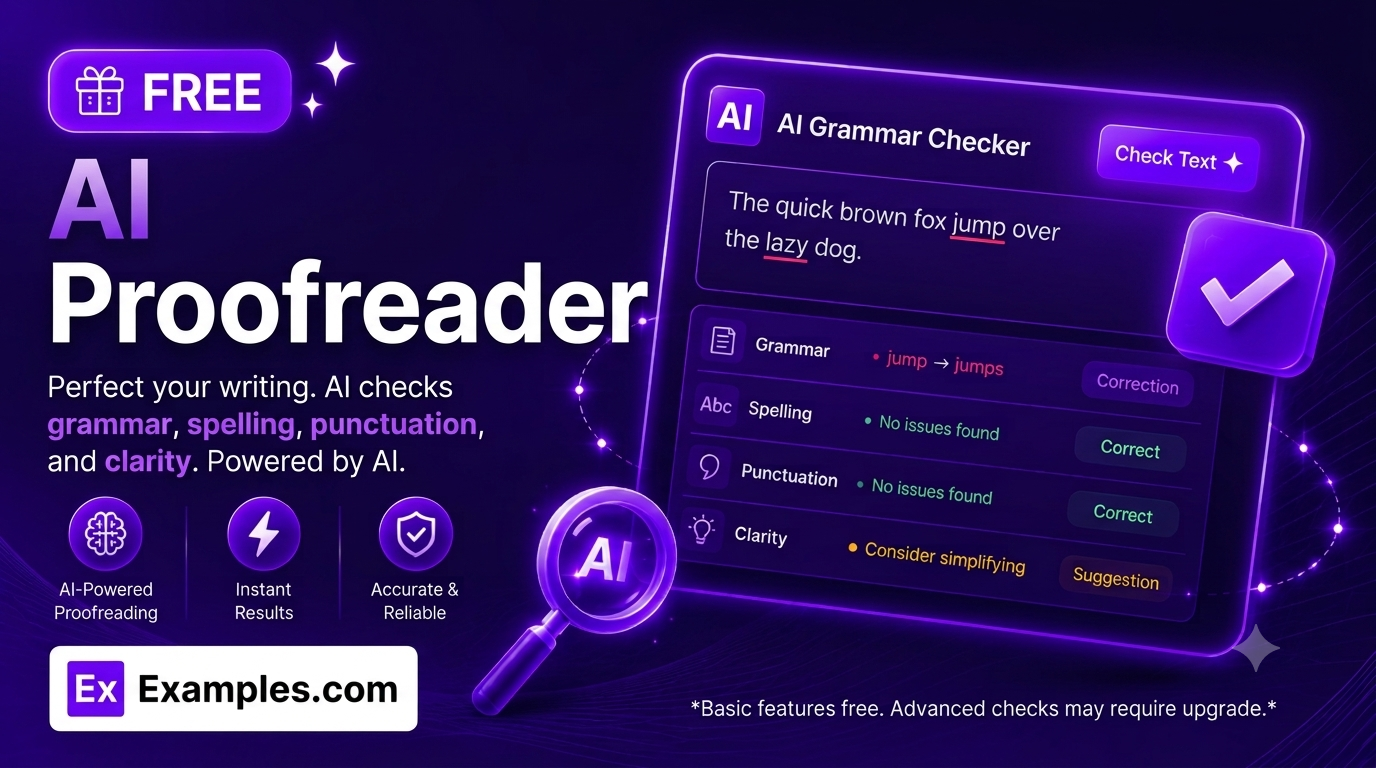
Instantly check your writing for grammar, spelling, punctuation, and style errors with the Examples.com AI Proofreader. Paste or upload your text, choose your language, content type, and writing style, and get a fully corrected version of your text alongside a detailed, severity-ranked breakdown of every issue found — free to use, with no sign-up and no premium features locked behind a paywall.
How to Use the AI Proofreader
Step 1: Paste or Upload Your Text
- Your Text: Paste the text you want proofread into the “Your Text” box, or click “Upload File” to import a .pdf, .doc, .docx, .odt, .txt, .md, or .html file (up to 2MB). You can also drag and drop a file directly onto the text box — the tool extracts the text automatically and adds it to anything you’ve already typed.
Step 2: Select a Language
- Language: Choose English (US), English (UK), English (Australian), or English (Canadian). The AI Proofreader applies the correct spelling conventions and grammar rules for your chosen dialect — for example, “color” vs. “colour” or “-ize” vs. “-ise” — instead of flagging valid regional spelling as an error.
Step 3: Choose a Content Type
- Content Type: Tell the tool what kind of text you’re proofreading — Email, Essay / Academic Paper, Business Document, Article / Blog Post, Social Media Post, Cover Letter / Resume, Creative Writing, or General Text. This lets the AI apply proofreading standards appropriate to the format, instead of treating a casual social post like a formal academic paper.
Step 4: Choose a Writing Style
- Writing Style: Select Standard, Formal, Casual, Academic, or Creative. This tells the AI which register to correct toward — for example, flagging contractions and sentence fragments in a Formal document while leaving them untouched in a Casual or Creative one.
Step 5: Click “Proofread Text”
- Proofread Text Button: Click the purple “✦ Proofread Text” button. The AI reads your submission and returns a complete report within seconds — an overall score out of 100, a full list of flagged issues, and a corrected version of your text.
Step 6: Review Issues and the Corrected Text
- Issues Tab: Browse every grammar, spelling, punctuation, clarity, word choice, and style issue found in your original text. Each entry shows the exact original phrase, the suggested fix, a severity rating (Minor, Moderate, or Critical), and a plain-language explanation of why it matters. Click any issue for full detail.
- Corrected Tab: Switch to the “Corrected” tab to see your full text rewritten with every fix applied, plus a category-by-category score breakdown covering Grammar & Spelling, Punctuation, Clarity, and Style & Word Choice.
Step 7: Copy or Download Your Results
- Copy / Download: Click “📋 Copy” to instantly copy the corrected text to your clipboard, or “⬇️ Download” to save a complete .txt report — including your score, category breakdown, every flagged issue, and the fully corrected text — for records, client delivery, or your writing archive.
What the AI Proofreader Checks
Every submission is checked across six categories of writing issues, each tagged with a color-coded severity level so you know what to fix first:
- Grammar: Subject-verb agreement, tense consistency, sentence fragments, and other structural errors.
- Spelling: Misspelled words, typos, and commonly confused homophones (their/there, its/it’s).
- Punctuation: Missing or misplaced commas, apostrophes, semicolons, and end punctuation.
- Clarity: Awkward phrasing, run-on sentences, and passages that are hard to follow.
- Word Choice: Imprecise, repetitive, or ill-fitting vocabulary.
- Style: Tone and register inconsistencies relative to your selected Writing Style and Content Type.
Each issue is also tagged Minor, Moderate, or Critical. When a text contains more than one severity level, a summary row totals how many of each you have, so you can prioritize Critical issues first before moving on to smaller fixes.
AI Proofreader Scoring Formula
The AI Proofreader scores your original, pre-correction text using a weighted breakdown across four categories:
Overall Score = Grammar & Spelling + Punctuation + Clarity + Style & Word Choice
Where:
- Grammar & Spelling reflects how free the text is from structural and spelling errors
- Punctuation measures correct and consistent use of commas, periods, and other marks
- Clarity reflects how easy the text is to read and follow
- Style & Word Choice reflects vocabulary precision and tone consistency with your selected Content Type and Writing Style
The score is locked to your original submission — it does not update after corrections are applied, so you always have an accurate “before” reference point even after copying or downloading the corrected version.
Examples of AI Proofreader Use
Example 1: Job Application – Cover Letter
A job seeker needs a polished, error-free cover letter before submitting an application.
- Content Type: Cover Letter / Resume
- Writing Style: Formal
- Language: English (US)
- Result: A flagged list of grammar and word-choice issues (e.g., repeated phrasing like “I am writing to apply”), a 100-point score reflecting the original draft, and a fully corrected letter ready to paste into a job application.
Example 2: Academic – College Essay
A student needs a final grammar and clarity pass on a college application essay before submitting it.
- Content Type: Essay / Academic Paper
- Writing Style: Academic
- Language: English (US)
- Result: A severity-ranked breakdown of grammar, punctuation, and clarity issues (with Critical issues like sentence fragments surfaced first), a category score breakdown, and a clean corrected essay — without the AI adding new arguments, examples, or content that wasn’t in the original draft.
Example 3: Business – Client Email
A project manager needs to proofread a client-facing email before hitting send.
- Content Type: Email
- Writing Style: Standard
- Language: English (UK)
- Result: A quick scan surfaces three Minor punctuation issues and one Moderate clarity issue, a 92/100 score, and a corrected version ready to copy directly into the email client — all in under 30 seconds.
Example 4: Marketing – Social Media Caption
A social media manager wants to check a product launch caption without losing its casual, punchy voice.
- Content Type: Social Media Post
- Writing Style: Casual
- Language: English (US)
- Result: The AI leaves intentional sentence fragments and informal phrasing alone, flags only a genuine typo and a missing apostrophe, and returns a corrected caption that keeps the brand’s casual tone intact.
Example 5: Creative Writing – Short Story Excerpt
A writer wants a proofreading pass on a short story excerpt without the AI flattening its stylistic voice.
- Content Type: Creative Writing
- Writing Style: Creative
- Language: English (US)
- Result: Genuine spelling and punctuation errors are corrected while deliberate stylistic choices — sentence fragments used for pacing, unconventional dialogue punctuation — are preserved, since the AI is instructed to fix errors, not rewrite voice.
What does the AI Proofreader check for that a basic spell-checker doesn’t?
A basic spell-checker only flags misspelled words. The AI Proofreader also checks grammar (subject-verb agreement, tense consistency, sentence fragments), punctuation, clarity (awkward or run-on sentences), word choice, and overall style — and explains why each issue matters in plain language, rather than just underlining a word in red.
Is the AI Proofreader free to use?
Yes. The AI Proofreader is completely free, with no sign-up, no word-count limit beyond the 2MB file upload cap, and no premium tier or paywalled features.
Does the AI Proofreader work with uploaded files?
Yes. You can upload a .pdf, .doc, .docx, .odt, .txt, .md, or .html file up to 2MB, or drag and drop the file directly onto the text box. The tool automatically extracts the text and adds it to the input field for proofreading.
What’s the difference between the Issues tab and the Corrected tab?
The Issues tab lists every individual problem found in your original text — the exact phrase, the suggested fix, its severity, and why it matters. The Corrected tab shows your entire text rewritten with every fix applied at once, along with a category score breakdown, so you can either review issue-by-issue or grab the finished result immediately.
How is the proofreading score calculated?
The score out of 100 is based on your original, uncorrected text and reflects four weighted categories: Grammar & Spelling, Punctuation, Clarity, and Style & Word Choice. The score does not change after the text is corrected — it stays fixed as a “before” reference point.
Does the AI Proofreader change my writing style or add new content?
No. The AI Proofreader only corrects genuine grammar, spelling, punctuation, and clarity errors. It preserves your original meaning, tone, and intent, and never adds new facts, arguments, sentences, or sections that weren’t in your original text.
What languages and content types does the AI Proofreader support?
The tool currently supports English (US), English (UK), English (Australian), and English (Canadian), applying the correct regional spelling and grammar conventions for each. It also adapts to eight content types — Email, Essay / Academic Paper, Business Document, Article / Blog Post, Social Media Post, Cover Letter / Resume, Creative Writing, and General Text — and five writing styles: Standard, Formal, Casual, Academic, and Creative.
How do I download my proofreading report?
Click the “⬇️ Download” button in the results panel. The tool saves a .txt file containing your original score, the full category breakdown, every issue found with its explanation, and the complete corrected text — ready for your records, a client deliverable, or your personal writing archive.