
Free AI TikTok Hashtag Generator, Real world Tiktok Hashtag Examples
Generate trending, high-reach TikTok hashtags in seconds with our free AI tool. Boost your FYP visibility and get discovered by the right audience.
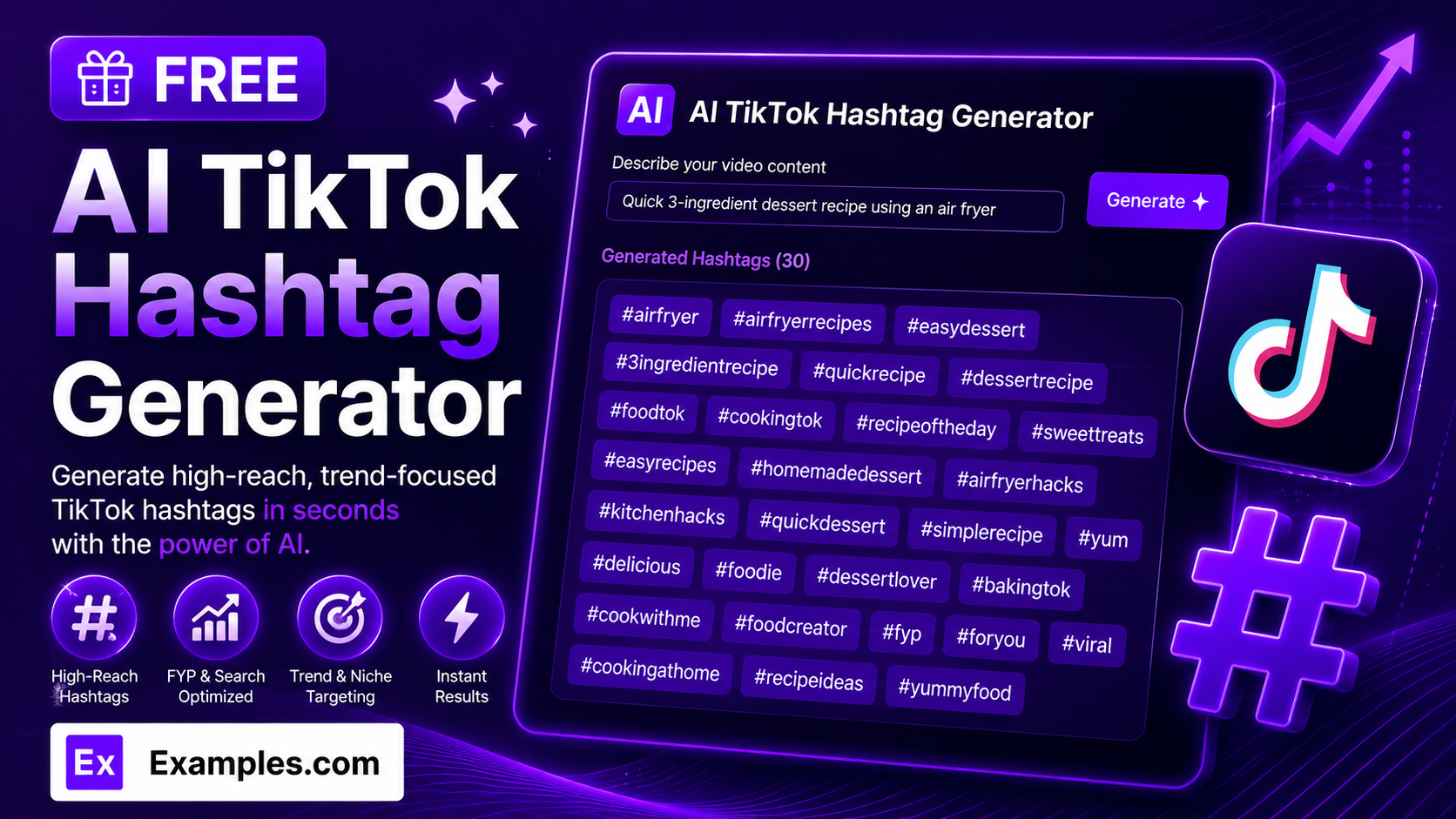
Get discovered on the For You Page with the Examples.com AI TikTok Hashtag Generator. Describe your video, choose a tone, language, and hashtag count, and get a ready-to-paste list of relevant, high-performing hashtags built for TikTok’s discovery patterns.
How to Use the AI TikTok Hashtag Generator
Step 1: Describe Your Video, Content, or Niche
- Describe Your Video / Content / Niche: Type what your video is about in the main text field. This can be a simple description (“Quick 3-ingredient dessert recipe using an air fryer”) or a more detailed brief covering the format, audience, and angle. The more specific you are, the more relevant your generated hashtags will be.
Step 2: Choose a Tone
- Tone: Select the vibe you want reflected in your content strategy — Fun, Professional, Minimalist, Bold, Cute, Motivational, Witty, or Elegant. Minimalist is selected by default.
Step 3: Set the Number of Hashtags
- No. of Hashtags: Choose how many hashtags to generate — 5, 10, 15, 20, 30, 40, or 50. 20 is selected by default and works well as a discovery pool for most captions.
Step 4: Pick a Language
- Language: Choose the output language from 15 supported options, including English, Spanish, French, German, Hindi, Arabic, Japanese, and more. Hashtags are written natively in the selected language’s script rather than simply translated from English.
Step 5: Upload a File (Optional)
- Upload File to Extract Details: Optionally upload a .txt, .md, .pdf, .doc, .docx, .odt, or .html file (up to 2MB). The extracted text is automatically added to the description field, so you can generate hashtags based on a video script, content brief, or notes instead of typing everything manually.
Step 6: Generate, Edit, and Download Your Hashtags
- Generate Button: Click the purple “Generate Free Hashtags” button. The AI produces a hashtag list ordered from strongest to weakest, with the highest-value discovery hashtags placed first since captions often get truncated in the feed.
- Edit: Click “Edit” to fine-tune the hashtag list directly in the output panel before exporting.
- Copy / Download: Use “Copy All” to copy the full hashtag list to your clipboard, or use the “Download” menu to save it as a TXT, Word, or PDF file.
AI TikTok Hashtag Generator Formula
The AI TikTok Hashtag Generator follows a structured input-to-output process to produce hashtags that perform well on the For You Page:
Hashtag Discoverability = Content Detail Clarity + Reach and Niche Balance + Format and Trend Relevance
Where:
- Content Detail Clarity is how specific your video description, niche, and format are, either typed in or extracted from an uploaded file
- Reach and Niche Balance is the mix of very broad, high-volume hashtags alongside more specific, less saturated ones so the video has both wide exposure and a real chance to rank
- Format and Trend Relevance is how closely the hashtags match the video’s actual style (tutorial, storytime, POV, transformation, and so on) and any genuinely relevant trends, without inventing fake challenges or sounds
The more specific your video description, the more targeted and distinct each generated hashtag will be.
Examples of AI TikTok Hashtag Generator
Example 1: Food & Recipe Content
A home cook wants hashtags for a quick, snackable recipe video.
- Description: Quick 3-ingredient dessert recipe using an air fryer
- Tone: Minimalist
- No. of Hashtags: 20
- Result: A mix of broad food-community hashtags, niche air fryer and dessert hashtags, and format-specific hashtags suited to quick recipe videos.
Example 2: Fitness Transformation
A fitness creator wants hashtags for a progress and motivation-focused video.
- Description: 12-week home workout transformation with no gym equipment
- Tone: Motivational
- No. of Hashtags: 30
- Result: A larger discovery pool spanning fitness community hashtags, home-workout niche hashtags, and transformation/format-specific hashtags.
Example 3: Comedy Skit
A creator wants hashtags for a relatable, humorous skit.
- Description: Comedy skit about the struggles of working from home with roommates
- Tone: Witty
- No. of Hashtags: 15
- Result: A concise list combining broad comedy and relatable-content hashtags with more specific work-from-home and roommate-humor hashtags.
Example 4: Small Business Promotion
A small business owner wants hashtags for a behind-the-scenes product video.
- Description: Behind-the-scenes look at handmade candle production for a small business
- Tone: Professional
- No. of Hashtags: 20
- Result: Hashtags balancing small-business community reach with niche handmade-goods and behind-the-scenes format hashtags.
Example 5: File Upload
A creator uploads a script instead of typing a description manually.
- Input: A .docx video script uploaded via “Upload File to Extract Details”
- Tone: Bold
- No. of Hashtags: 40
- Result: The tool extracts the topic and context from the script text, then generates a larger hashtag pool based only on what was actually in the document.
How many hashtags should I use on TikTok?
TikTok doesn’t cut off hashtags the way some other platforms do, but most creators get the best results from a focused caption rather than an overloaded one. Generating 15–30 hashtags gives you a strong discovery pool to pick from — usually a mix of a few broad, high-reach tags and several more specific niche tags works better than stuffing the caption with every hashtag generated.
Will the AI invent trends, challenges, or sounds that don’t exist?
No. The AI is instructed to only use hashtags that are already commonly used by real TikTok creators, and never to invent fake trends, challenges, or sounds. If your content doesn’t clearly connect to a specific trend, the tool sticks to broad, niche, and format-based hashtags instead of fabricating one.
Can I generate hashtags in languages other than English?
Yes. The Language dropdown supports 15 languages, including Spanish, French, German, Portuguese, Italian, Dutch, Hindi, Arabic, Japanese, Chinese (Simplified), Korean, Russian, Turkish, and Indonesian. Hashtags are written natively in the selected language’s script rather than simply translated from English.
Can I upload a file instead of typing a description?
Yes. Use the “Upload File to Extract Details” field to upload a .txt, .md, .pdf, .doc, .docx, .odt, or .html file up to 2MB. The extracted text is added directly to the description field, so you can generate hashtags based on an existing script, brief, or notes instead of retyping them.
Why are the first few hashtags in the list more important?
TikTok captions are often truncated in the feed, so the hashtags placed earliest in your caption tend to carry more discovery weight. The generator orders hashtags from strongest to weakest, with the three most relevant, highest-value hashtags placed first, so you can lead your caption with them even if you trim the list down.
Which tone should I choose?
The tone setting shapes the overall content strategy behind your hashtags rather than adding emojis or slang to the tags themselves. Fun, Cute, and Witty suit lighthearted or comedic content. Professional and Elegant work well for business, beauty, or lifestyle brands. Bold and Motivational fit fitness, entrepreneurship, or high-energy content. Minimalist keeps things clean and broadly applicable if you’re not sure which direction to go.
Can I edit the generated hashtags afterward?
Yes. Click “Edit” to make changes directly in the output panel, then use “Copy All” to copy the finished list to your clipboard, or download it as a TXT, Word, or PDF file so you can save and reuse your favorite hashtag sets across multiple videos.
Related AI Tools
Explore more free AI writing tools from Examples.com:
- AI YouTube Hashtag Generator — Generate relevant, discoverable hashtags tailored to YouTube’s search and recommendation system.
- AI Instagram Bio Generator — Turn your interests and personality into a punchy, ready-to-use Instagram bio.
- AI LinkedIn Headline Generator — Create strong, keyword-rich LinkedIn headlines from your role, skills, and achievements.