
Free AI LinkedIn Headline Generator, Real World Linkedin Headline Examples
Craft compelling, keyword-optimized LinkedIn headlines instantly with AI. Free tool for professionals, job seekers, and recruiters — no signup required.
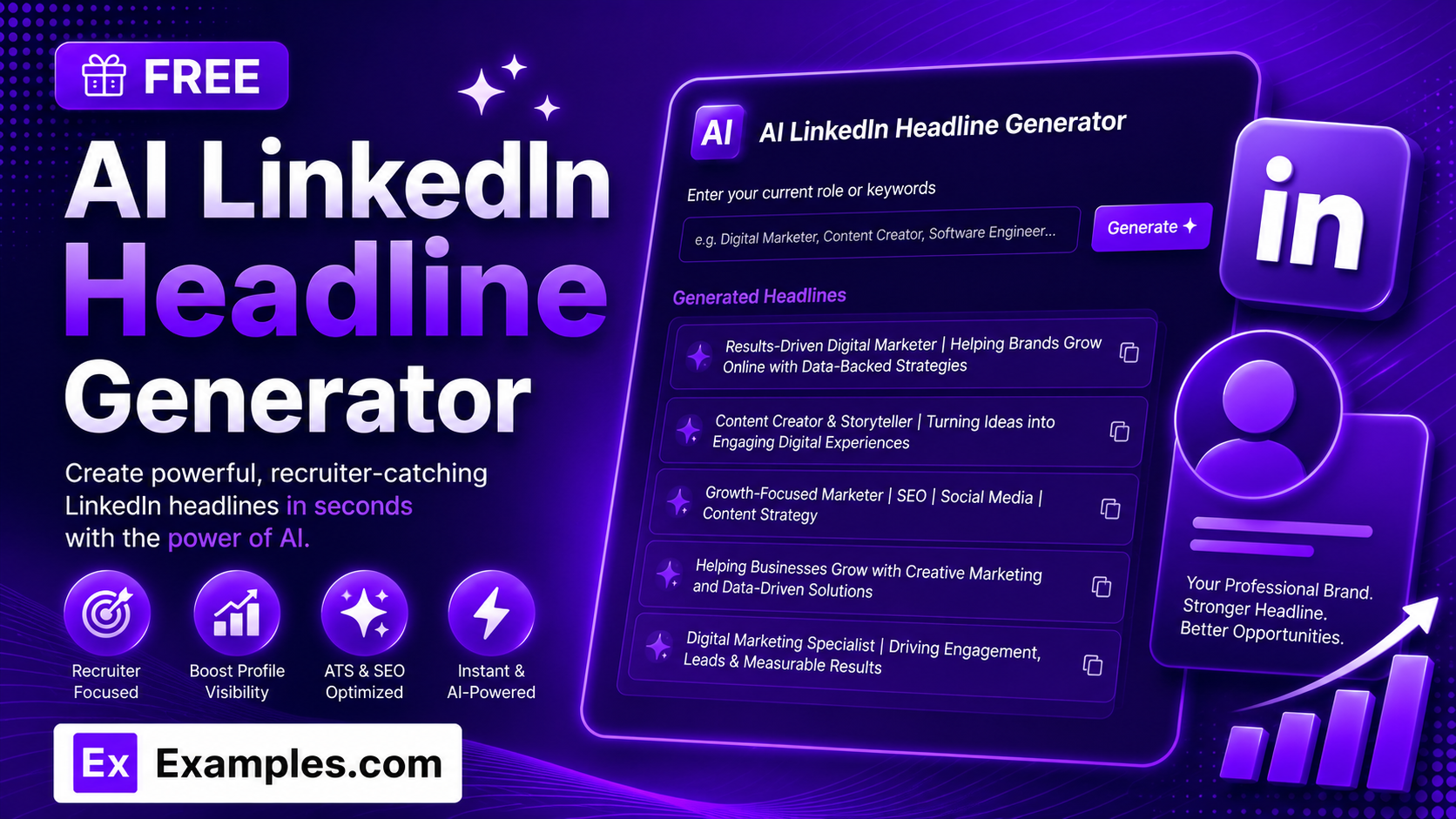
Stand out in recruiter searches and the LinkedIn feed with the Examples.com AI LinkedIn Headline Generator. Describe your role, industry, skills, and achievements, choose a tone and language, and get a list of strong, keyword-rich headline options ready to paste straight into your profile.
How to Use the AI LinkedIn Headline Generator
Step 1: Describe Your Role, Industry, Skills & Achievements
- Describe Your Role, Industry, Skills & Achievements: Type your job title, industry, key skills, and any standout achievements into the main text field. The more specific you are — for example, “Senior Product Manager with 8+ years in SaaS, specializing in B2B growth strategy and cross-functional team leadership” — the sharper and more relevant your generated headlines will be.
Step 2: Choose a Tone
- Tone: Select the voice you want your headlines to have — Professional, Confident, Friendly, Bold, Witty, Motivational, Minimalist, or Authoritative. Professional is selected by default.
Step 3: Set the Number of Headlines
- No. of Headlines: Choose how many headline options to generate — 3, 5, 10, 15, or 20. 5 is selected by default and gives you a solid range of angles to choose from without feeling overwhelming.
Step 4: Pick a Language
- Language: Choose the output language from 15 supported options, including English, Spanish, French, German, Hindi, Arabic, Japanese, and more. Headlines are written natively in the selected language’s script, not just translated word-for-word.
Step 5: Upload a Resume or CV (Optional)
- Upload Resume/CV to Extract Details: Optionally upload a .txt, .md, .pdf, .doc, .docx, .odt, or .html file (up to 2MB). The extracted text is automatically added to the description field, so you can generate headlines straight from an existing resume instead of typing your background manually.
Step 6: Generate, Edit, and Download Your Headlines
- Generate Button: Click the purple “Generate Free Headlines” button. The AI produces a numbered list of headline options, ordered from strongest to weakest, each written to fit LinkedIn’s 220-character headline limit.
- Edit: Click “Edit” to fine-tune any headline directly in the output panel before exporting.
- Copy / Download: Use “Copy All” to copy every headline to your clipboard, or use the “Download” menu to save the list as a TXT, Word, or PDF file.
AI LinkedIn Headline Generator Formula
The AI LinkedIn Headline Generator follows a structured input-to-output process to produce headlines that read naturally and perform well in search:
Headline Strength = Profile Detail Clarity + Keyword Relevance + Tone and Character-Limit Accuracy
Where:
- Profile Detail Clarity is how specific your role, industry, skills, and achievements are, either typed in or extracted from an uploaded resume
- Keyword Relevance is how closely each headline matches the exact job titles and skills recruiters and LinkedIn search would use, without turning into an unnatural keyword list
- Tone and Character-Limit Accuracy is how well the finished headlines match your selected voice while staying within LinkedIn’s 220-character headline limit
The more specific your profile details, the more distinct and compelling each generated headline will be.
Examples of AI LinkedIn Headline Generator
Example 1: Product Manager
A product manager wants headline options that highlight both leadership and industry focus.
- Description: Senior Product Manager with 8+ years in SaaS, specializing in B2B growth strategy and cross-functional team leadership
- Tone: Professional
- No. of Headlines: 5
- Result: A numbered list of five headlines, each combining role, industry, and leadership focus in a different order and emphasis.
Example 2: Freelance Designer
A freelance designer wants a more personable, client-facing headline.
- Description: Freelance brand and web designer helping small businesses build clean, memorable visual identities
- Tone: Friendly
- No. of Headlines: 10
- Result: A mix of headlines that lead with the audience served, the specific service offered, and the designer’s own value proposition.
Example 3: Recent Graduate / Entry-Level
A recent graduate wants headlines that don’t rely on years of experience they don’t yet have.
- Description: Recent marketing graduate with internship experience in social media management and content scheduling, looking for entry-level roles
- Tone: Motivational
- No. of Headlines: 5
- Result: Headlines that lead with skills and internship experience rather than invented years of experience, while still sounding confident.
Example 4: Sales Executive
A sales executive wants a bolder, more attention-grabbing headline for recruiter outreach.
- Description: Enterprise sales executive focused on closing complex, multi-stakeholder B2B software deals
- Tone: Bold
- No. of Headlines: 10
- Result: Punchier, hook-driven headlines that still stay grounded in the deal type and audience actually described.
Example 5: Resume Upload
A job seeker uploads their resume instead of typing their background manually.
- Input: A .pdf resume uploaded via “Upload Resume/CV to Extract Details”
- Tone: Authoritative
- No. of Headlines: 15
- Result: The tool extracts the role, skills, and experience from the resume text, then generates a longer list of headline options based only on what was actually in the document.
How many headlines should I generate at once?
You can generate 3, 5, 10, 15, or 20 headlines per request. Starting with 5 or 10 gives you a good range of angles — role-first, achievement-first, audience-first, and value-proposition-first — without having to sort through too many similar options.
Will the AI make up achievements or numbers I didn’t provide?
No. The AI is instructed not to invent company names, specific metrics, awards, certifications, or years of experience that weren’t included in your description or uploaded resume. If your input is general, the headlines will be general-purpose and professional rather than fabricated. For the strongest, most specific headlines, include real details like your job title, industry, core skills, and any achievements you’re comfortable sharing.
Do the headlines fit LinkedIn’s character limit?
Yes. LinkedIn headlines are limited to 220 characters, and every headline the tool generates is written to fit within that limit so nothing gets cut off on your profile.
Can I generate headlines in languages other than English?
Yes. The Language dropdown supports 15 languages, including Spanish, French, German, Portuguese, Italian, Dutch, Hindi, Arabic, Japanese, Chinese (Simplified), Korean, Russian, Turkish, and Indonesian. Headlines are written natively in the selected language’s script rather than simply translated from English.
Can I upload a resume instead of typing my details?
Yes. Use the “Upload Resume/CV to Extract Details” field to upload a .txt, .md, .pdf, .doc, .docx, .odt, or .html file up to 2MB. The extracted text is added directly to the description field, so you can generate headlines based on your existing resume instead of retyping your background.
Which tone should I choose for my headline?
Professional and Authoritative work well for corporate, executive, and client-facing roles. Confident and Bold suit sales, business development, and founder profiles that want to stand out. Friendly and Motivational fit creative, coaching, or people-facing roles. Witty and Minimalist are better for personal brands that want a distinctive, less traditional voice. You can generate a batch with one tone, then try another tone on the same details to compare.
Can I edit the generated headlines afterward?
Yes. Click “Edit” to make changes directly in the output panel, then use “Copy All” to copy the finished list to your clipboard, or download it as a TXT, Word, or PDF file so you can save a few favorites and test them on your LinkedIn profile over time.
Related AI Tools
Explore more free AI writing tools from Examples.com:
- AI Instagram Bio Generator — Turn your interests and personality into a punchy, ready-to-use Instagram bio.
- AI Meta Title Generator — Generate SEO-friendly title tags optimized for search click-through.
- AI Blog Title Generator — Create attention-grabbing blog titles in your choice of language and style.