
Free AI Social Media Bio Generator, Real World Social Media Bio Examples
Create the perfect bio for Instagram, TikTok, X, LinkedIn & more with our free AI Social Media Bio Generator. Pick a tone, add emojis, generate instantly.
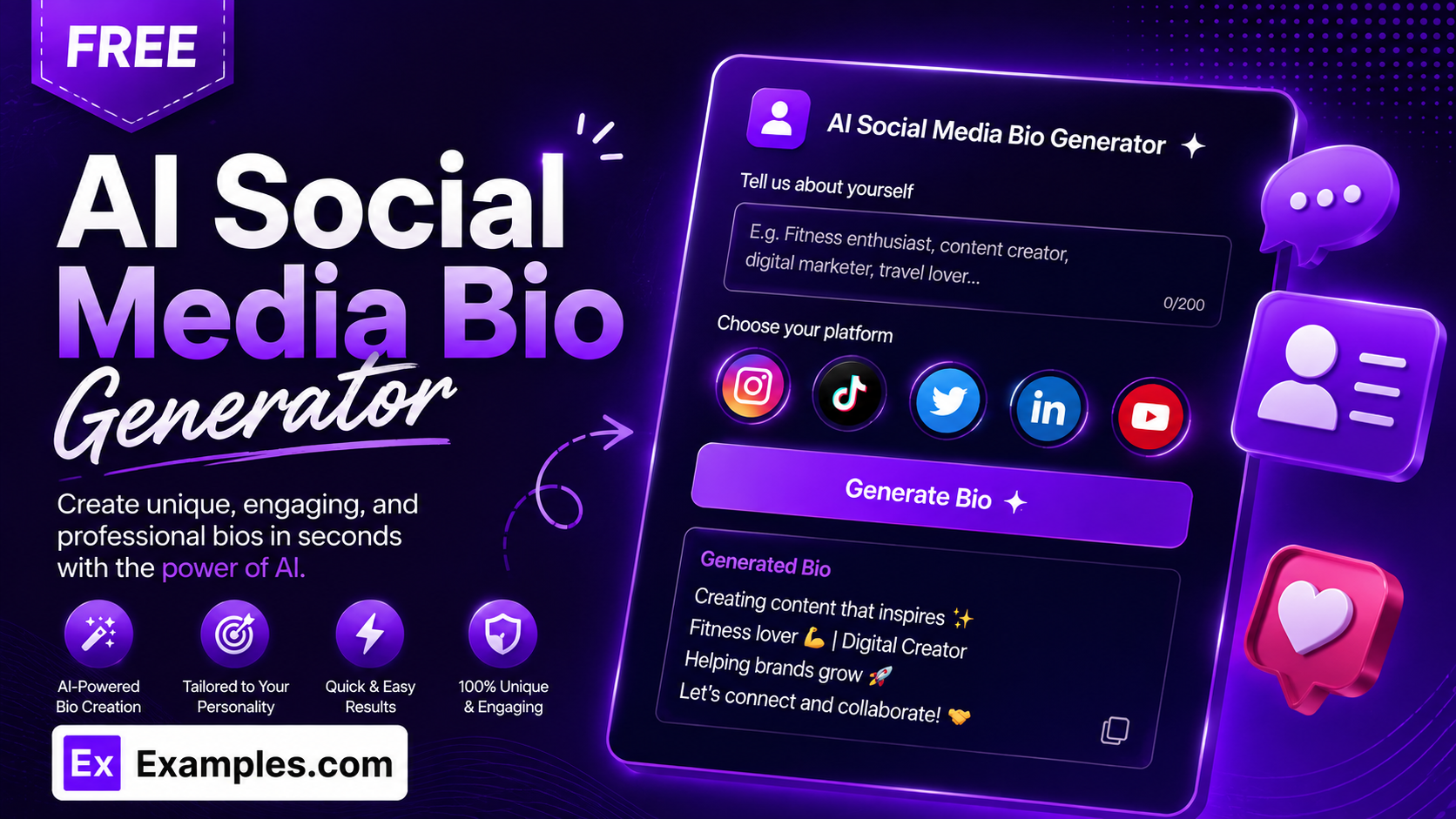
Get a scroll-stopping bio for any platform in seconds with the Examples.com free AI Social Media Bio Generator. Describe who the bio is for, pick your platform, and let AI write multiple bio options built to match that platform’s real character limit, style, and conventions — from Instagram to LinkedIn — at no cost.
How to Use the Free AI Social Media Bio Generator
Step 1: Describe Who or What the Bio Is For
- Who / What Is This Bio For?: Describe the person, brand, or account the bio is for, such as “Fitness coach for busy moms.” The more specific you are, the more relevant and personal the generated bios will be.
Step 2: Choose Your Platform
- Platform: Select Instagram, TikTok, Twitter/X, LinkedIn, Facebook, YouTube, Threads, or Pinterest. Instagram is selected by default. Each platform has its own real character limit shown just below the dropdown, and the AI automatically matches the writing style real users expect on that platform – short and punchy for TikTok, professional and headline-style for LinkedIn, keyword-forward for Pinterest, and so on.
Step 3: Set Tone and Number of Bios
- Tone: Select the mood you want — Fun, Professional, Minimalist, Bold, Cute, Motivational, Witty, or Elegant. Minimalist is selected by default.
- No. of Bios: Choose 5, 10, 15, or 20 bio options to compare and pick your favorite. 10 bios is selected by default.
Step 4: Set Language and Emojis
- Language: Choose from 15 languages, including English, Spanish, French, German, Hindi, Arabic, Japanese, and more. English is selected by default.
- Include Emojis: Turn this off if you want plain text only. It is on by default, since most social bios use at least a few relevant emojis.
Step 5: Add Personality and Interests (Optional)
- Personality / Vibe: Add a few words describing how you want to come across, such as “funny, warm, no-nonsense,” to fine-tune the voice beyond the selected tone.
- Interests / What You Do: Add specific interests, services, or content themes, such as “home workouts, meal plans, coffee,” so the AI weaves them into the bios instead of staying generic.
Step 6: Generate, Edit, Copy, or Download
- Generate Button: Click the purple “Generate Free Bio” button. The AI writes multiple distinct bio options that fit your platform’s character limit, tone, and language.
- Edit: Click “Edit” to make changes directly to the results before copying or downloading.
- Copy All: Copies all generated bio options to your clipboard as plain text, ready to paste straight into your profile.
- Download: Save the results as a TXT, Word, or PDF file for later use or to share with a team or client.
Free AI Social Media Bio Generator Formula
The AI Social Media Bio Generator follows a structured input-to-output process to produce bios that are ready to paste in:
Bio Quality = Platform Fit + Character Limit + Tone Match + Personal Detail
Where:
- Platform Fit is how closely each bio matches the writing conventions real users expect on that specific platform, from Instagram’s punchy phrases to LinkedIn’s headline style
- Character Limit is how reliably each bio stays within that platform’s real character limit, so it’s ready to paste in without trimming
- Tone Match is how closely the wording matches your selected tone, from Minimalist to Bold
- Personal Detail is how well the bio reflects the specific interests, services, or personality details you provided, rather than reading like a generic template
The more specific your description, interests, and personality details, the more original and on-brand the generated bios will be.
Examples of Free AI Social Media Bio Generator
Example 1: An Instagram Bio for a Fitness Coach
A fitness coach wants a punchy, skimmable Instagram bio.
- Who / What: “Fitness coach for busy moms”
- Platform: Instagram
- Tone: Motivational
- Result: A set of short, emoji-accented bios under 150 characters, such as one leading with “Helping busy moms find 20 minutes a day 💪” followed by a line about her programs.
Example 2: A TikTok Bio for a Creator
A creator wants an extremely short, high-energy TikTok bio.
- Who / What: “Comedy skits about office life”
- Platform: TikTok
- Tone: Witty
- Result: A handful of single-hook bios under 80 characters, such as “Making 9-to-5 bearable, one skit at a time 😅,” sized to fit TikTok’s tighter limit.
Example 3: A LinkedIn Headline for a Consultant
A consultant wants a professional, headline-style LinkedIn bio with no emojis.
- Who / What: “Operations consultant helping small manufacturers cut waste”
- Platform: LinkedIn
- Include Emojis: Off
- Result: Outcome-focused headline options such as “Helping small manufacturers cut waste and boost margins,” written to sit under a name rather than as a paragraph.
Example 4: A Pinterest Bio for a Home Decor Account
A home decor account wants a keyword-forward Pinterest bio that signals what to expect.
- Who / What: “Budget-friendly home decor and small-space styling ideas”
- Platform: Pinterest
- Tone: Elegant
- Result: Descriptive, board-friendly bios such as “Budget decor ideas & small-space styling for cozy, elevated homes 🏡,” written to help people know which boards to expect.
Example 5: A YouTube Channel Description
A channel owner wants a slightly longer, descriptive YouTube bio with a call-to-action.
- Who / What: “Beginner guitar lessons and gear reviews”
- Platform: YouTube
- Tone: Friendly
- Result: Two-sentence descriptions such as “Beginner-friendly guitar lessons and honest gear reviews to help you start playing sooner. New videos every week 🎸,” longer than other platforms but still concise.
What is a free AI social media bio generator?
A free AI social media bio generator is a tool that writes short profile bios tailored to a specific platform’s character limit and style, at no cost. Instead of guessing what fits, you describe who or what the bio is for and the AI generates multiple options built to match that platform’s real conventions, from Instagram’s punchy phrases to LinkedIn’s professional headline style.
Is this bio generator completely free?
Yes. The AI Social Media Bio Generator is free to use, with no signup required to generate bios, copy them, or download them as TXT, Word, or PDF files.
Will the bio actually fit my platform’s character limit?
Yes. Each platform in the dropdown has its own real character limit shown just below the selector, and the AI is instructed to keep every bio comfortably within that limit rather than writing something you’d need to trim down yourself.
Which platform should I choose if I use the bio in more than one place?
Generate separately for each platform you plan to use the bio on. Character limits and writing conventions vary a lot from platform to platform – a bio built for Instagram will usually be too casual for LinkedIn, and a LinkedIn headline will feel stiff on TikTok – so picking the matching platform each time gives you a bio that actually reads naturally where it’s posted.
Can I turn off emojis?
Yes. The Include Emojis toggle is on by default since most social bios use a few relevant emojis, but you can turn it off at any time for a plain-text bio, which is often the better choice for LinkedIn or more formal accounts.
Can I generate bios in other languages?
Yes. The Language setting supports 15 languages, including Spanish, French, German, Hindi, Arabic, Japanese, and more, and the generated bios will match the selected language exactly.
Can I edit the generated bio afterward?
Yes. Click “Edit” to make changes directly to the results, then use “Copy All” to copy them to your clipboard, or “Download” to save them as a TXT, Word, or PDF file.
Related Tools
- AI Bio Generator — Write a longer-form professional bio for LinkedIn About sections, websites, resumes, and more.
- AI LinkedIn Headline Generator — Generate a headline focused purely on your LinkedIn profile.
- AI TikTok Hashtag Generator — Pair your new TikTok bio with hashtags built to get your videos discovered.
- AI YouTube Name Generator — Find a channel name to match your new YouTube bio.
- AI YouTube Hashtag Generator — Generate hashtags to help your videos get found alongside your new channel description.
- AI Content Idea Generator — Turn your bio and niche into a list of content ideas for your platform.