
Free AI Instagram Caption Generator, Real Wolrd Insta Caption Examples
Struggling with captions? Our free AI Instagram Caption Generator writes 5–20 unique options in any tone, with optional hashtags, in one click.
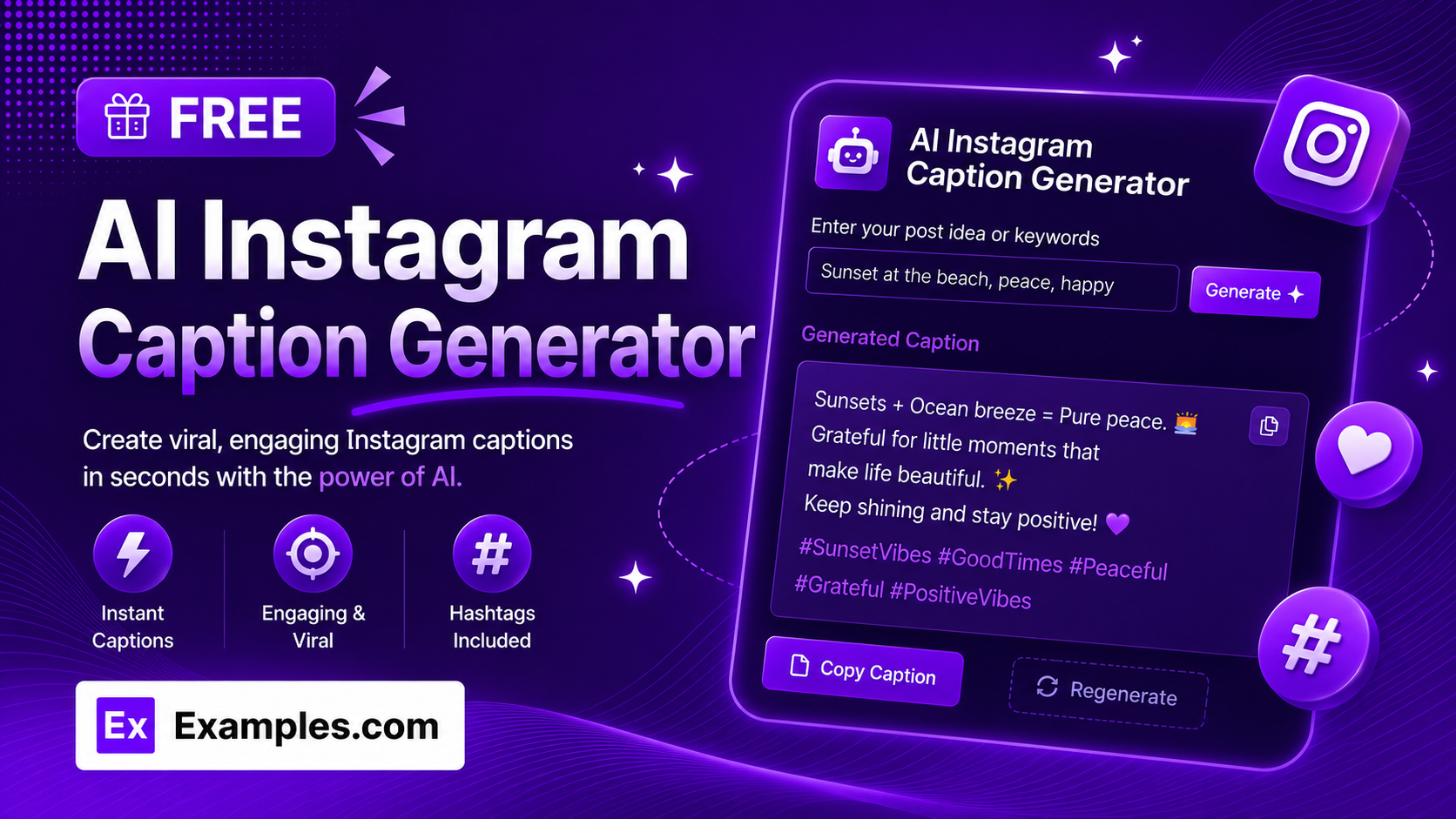
Write scroll-stopping Instagram captions instantly with the Examples.com AI Instagram Caption Generator. Describe your photo or post, choose a tone and length, and let AI write multiple ready-to-post captions, complete with relevant hashtags, in seconds.
How to Use the AI Instagram Caption Generator
Step 1: Describe Your Photo or Post
- Describe Your Photo / Post: Type a short description of what the post is about in the main text field. This can be as simple as a scene (“Sunset dinner on the beach with my closest friends”) or a more detailed brief describing an event, product, or announcement.
Step 2: Choose a Tone
- Tone: Select the voice you want your captions to have — Fun, Professional, Minimalist, Bold, Cute, Motivational, Witty, or Elegant. Minimalist is selected by default.
Step 3: Set the Caption Length
- Caption Length: Choose Short (one punchy line), Medium (two to three sentences), or Long (a short-story style caption with a beginning, middle, and end). Medium is selected by default and works well for most posts.
Step 4: Choose How Many Captions to Generate
- No. of Captions: Select 5, 10, 15, or 20 caption options. 10 is selected by default, giving you a solid set of varied options to choose from without overwhelming the output.
Step 5: Pick a Language
- Language: Choose the output language from 15 supported options, including English, Spanish, French, German, Hindi, Arabic, Japanese, and more.
Step 6: Toggle Emojis On or Off
- Include Emojis: Leave this switched on to have relevant emojis woven naturally into each caption, or switch it off for plain text only. It’s turned on by default.
Step 7: Toggle Hashtags and Set the Count
- Include Hashtags: Leave this switched on to have a line of relevant hashtags added beneath each caption, or switch it off to generate caption text only.
- No. of Hashtags per Caption: When hashtags are enabled, choose 5, 10, 15, or 20 hashtags per caption. This option only appears while the Include Hashtags toggle is on.
Step 8: Generate Your Captions
- Generate Button: Click the purple “Generate Free Caption” button. The AI writes the requested number of caption options, each with a different opening style — some start with a hook, some with a question, some with a bold statement — so the set feels varied rather than repetitive.
Step 9: Edit, Copy, or Download Your Captions
- Edit: Click “Edit” to make changes directly to any caption or hashtag line before copying or downloading.
- Copy All: Copies every generated caption to your clipboard as plain text, ready to paste into Instagram.
- Download: Save the full set of captions as a TXT, Word, or PDF file for later use or to share with a team.
AI Instagram Caption Generator Formula
The AI Instagram Caption Generator follows a structured input-to-output process to produce ready-to-post captions:
Caption Quality = Post Description Clarity + Tone and Length Match + Hashtag Relevance
Where:
- Post Description Clarity is how specific your photo or post description is, including any details, keywords, or context you provide
- Tone and Length Match is how closely each caption reflects your selected voice (Fun, Bold, Elegant, and so on) and your chosen length setting
- Hashtag Relevance is how closely the generated hashtags relate to the post’s subject, mixing broader and more niche tags to support discoverability
The more specific your post description, the more personal and relevant the generated captions will be.
Examples of AI Instagram Caption Generator
Example 1: Fitness Influencer Post
A fitness creator wants a motivational caption for a workout progress photo.
- Describe Your Photo / Post: Six months of consistent home workouts, progress photo comparison
- Tone: Motivational
- Caption Length: Medium
- Result: A short, encouraging caption about consistency and progress, followed by a mix of fitness-related hashtags, ready to post directly.
Example 2: Travel Post
A traveler wants a fun, upbeat caption for a scenic vacation photo.
- Describe Your Photo / Post: Cliffside village overlooking the ocean, first solo trip abroad
- Tone: Fun
- Caption Length: Short
- Result: One punchy, energetic line capturing the excitement of solo travel, paired with a set of travel and destination hashtags.
Example 3: Food Blogger Post
A food blogger needs a witty caption for a homemade recipe photo.
- Describe Your Photo / Post: Homemade sourdough loaf, third attempt after two failed bakes
- Tone: Witty
- Caption Length: Medium
- Result: A playful, self-aware caption about the trial and error of baking, followed by relevant food and baking hashtags.
Example 4: Small Business Product Launch
A small business owner wants a bold caption to announce a new product.
- Describe Your Photo / Post: Launch of a new handmade ceramic mug collection
- Tone: Bold
- Caption Length: Short
- Result: A confident, attention-grabbing caption announcing the new collection, with a set of small-business and handmade-product hashtags to support discovery.
Example 5: Personal Lifestyle Post
Someone wants an elegant, reflective caption for a quiet personal moment.
- Describe Your Photo / Post: Quiet morning coffee on the balcony before a busy day
- Tone: Elegant
- Caption Length: Long
- Result: A short-story style caption reflecting on stillness and routine, followed by a smaller set of lifestyle and mindfulness hashtags.
How does the AI Instagram Caption Generator write different captions each time?
The AI is instructed to rotate opening styles across the set — some captions start with a hook, some with a question, some with a bold statement, and some with a feeling — so the options feel genuinely varied rather than reworded versions of the same line. It also weaves in a light call-to-action or question in some captions to help invite comments, without forcing it into every single one.
Are the generated hashtags relevant to my post?
Yes. The AI generates a mix of broad and niche hashtags based on your photo or post description, aiming to support discoverability rather than adding generic, unrelated tags. You can choose 5, 10, 15, or 20 hashtags per caption, and you can always edit them before posting.
Can I generate captions in languages other than English?
Yes. The Language dropdown supports 15 languages, including Spanish, French, German, Portuguese, Italian, Dutch, Hindi, Arabic, Japanese, Chinese (Simplified), Korean, Russian, Turkish, and Indonesian.
What is the difference between Short, Medium, and Long captions?
Short produces one punchy line, ideal for quick, high-impact posts. Medium produces two to three short sentences that build a bit of narrative or feeling, suitable for most everyday posts. Long produces a short-story style caption with a clear beginning, middle, and end, for posts where you want to share more context or emotion.
Can I turn off emojis or hashtags?
Yes. Both are optional. Switch off “Include Emojis” for plain text captions, and switch off “Include Hashtags” if you’d rather add your own or post without any.
Can I edit the generated captions afterward?
Yes. Click “Edit” to make changes directly to any caption or hashtag line, then use “Copy All” to copy everything to your clipboard, or “Download” to save the full set as a TXT, Word, or PDF file before posting.
Related Tools
- AI Instagram Bio Generator — Write short, punchy Instagram bios instead of captions.
- AI Meta Title Generator — Generate optimized meta titles for web pages and blog posts.
- AI Blog Title Generator — Create catchy, click-worthy titles for blog content.
- AI Conclusion Generator — Wrap up essays, articles, or reports with a strong closing paragraph.
- AI Paraphraser — Reword sentences and paragraphs while keeping the original meaning.
- AI Content Generator — Generate full articles, product descriptions, ads, and more from a single topic.