
Free AI Content Generator, Real World Content Examples
Generate blog posts, product descriptions, ads, and social captions free with AI. Just enter a topic and get ready-to-publish content instantly.
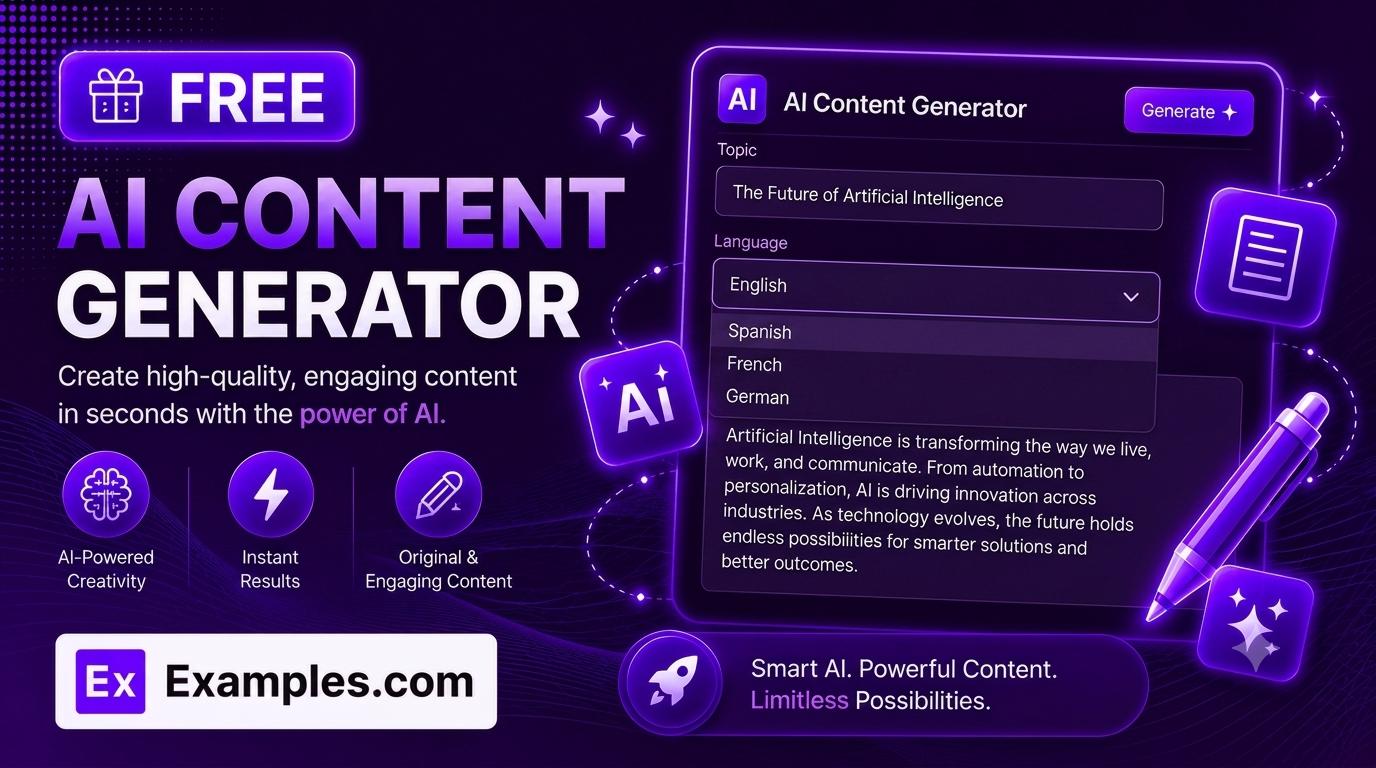
Write anything, instantly, with the Examples.com AI Content Generator. Enter a topic, choose a tone, length, and language, and let AI automatically pick the best format and write a complete, ready-to-publish piece of content in seconds.
How to Use the AI Content Generator
Step 1: Enter a Topic or Subject
- Topic / Subject: Type what you want the content to be about in the main text field. This can be as simple as a subject (“Benefits of drinking green tea daily”) or as detailed as a full brief describing a product, service, or announcement.
Step 2: Choose a Tone
- Tone: Select the voice you want the content to have — Professional, Casual, Persuasive, Enthusiastic, Informative, Witty, Luxury, or Friendly. Informative is selected by default.
Step 3: Set the Length
- Length: Choose Short, Medium, or Long depending on how detailed you want the finished content to be. Medium is selected by default and works well for most use cases.
Step 4: Pick a Language
- Language: Choose the output language from 15 supported options, including English, Spanish, French, German, Hindi, Arabic, Japanese, and more.
Step 5: Upload a File (Optional)
- Upload File to Extract Topic: Optionally upload a .txt, .md, .pdf, .doc, .docx, .odt, or .html file (up to 2MB). The extracted text is automatically added to the Topic field, so you can generate content based on notes, a brief, or an existing document instead of typing everything manually.
Step 6: Generate Your Content
- Generate Button: Click the purple “Generate Free Content” button. The AI automatically detects the most natural format for your topic — an article with headings, a product description with bullet points, a social caption with hashtags, an ad with a call to action, or a comparison table — and writes a complete piece of content within seconds.
Step 7: Copy or Download Your Content
- Copy / Download: Use the “Copy” button to copy the finished content to your clipboard as plain text, or click “Download” to save it as a text file. A word or character count is shown above the result, with automatic character counting for languages like Japanese, Chinese, and Korean.
AI Content Generator Formula
The AI Content Generator follows a structured input-to-output process to produce polished, ready-to-publish content:
Content Quality = Topic Clarity + Automatic Format Matching + Tone and Length Accuracy
Where:
- Topic Clarity is how specific and well-defined your topic or uploaded material is
- Automatic Format Matching is the AI’s ability to infer whether the topic calls for an article, a caption, an ad, a description, or a table, without you having to pick a content type manually
- Tone and Length Accuracy is how closely the finished piece matches your selected voice and desired depth
The more specific your topic, the more targeted and useful the generated content will be.
Examples of AI Content Generator
Example 1: Informational Blog Post
A wellness blogger wants an informative article about a healthy daily habit.
- Topic / Subject: Benefits of drinking green tea daily
- Tone: Informative
- Length: Medium
- Result: A complete article with a title, an introduction, and headed sections covering antioxidants, metabolism, brain function, heart health, and daily routine tips — ready to publish as a blog post.
Example 2: Product Description
An online store owner needs persuasive copy for a new product listing.
- Topic / Subject: Wireless noise-cancelling headphones with 30-hour battery life
- Tone: Persuasive
- Length: Short
- Result: A short, benefit-focused paragraph followed by a bullet list of key features, ready to paste into a product page.
Example 3: Social Media Caption
A small business wants a fun, scroll-stopping caption for a social media post.
- Topic / Subject: Weekend sale announcement for a coffee shop
- Tone: Witty
- Length: Short
- Result: A short, catchy caption with a few relevant hashtags, ready to post directly.
Example 4: Ad Copy
A marketer needs a short, high-converting ad for a paid campaign.
- Topic / Subject: Limited-time discount on an online course
- Tone: Enthusiastic
- Length: Short
- Result: A bold headline, two to three persuasive lines, and a clear call to action, ready to drop into an ad platform.
Example 5: Comparison Content
A reviewer wants to compare a few options side by side for readers.
- Topic / Subject: Comparing three budget laptop models for students
- Tone: Informative
- Length: Medium
- Result: A short intro followed by a clean comparison table (up to four columns) that scrolls smoothly on both desktop and mobile.
How does the AI Content Generator decide the format?
The AI reads your topic and automatically infers the most natural format — an article with headings for informational topics, a short caption with hashtags for social-style topics, a punchy paragraph with bullet points for products, a headline with a call to action for ads, or a comparison table when multiple items are being compared. You don’t need to choose a content type manually.
Is the generated content factually accurate?
The AI is instructed to avoid inventing statistics, studies, quotes, or claims that weren’t provided, and to use careful language like “may” or “is often associated with” for health, financial, legal, or scientific topics. That said, always review generated content for accuracy before publishing, especially for specialized or sensitive subjects.
Can I generate content in languages other than English?
Yes. The Language dropdown supports 15 languages, including Spanish, French, German, Portuguese, Italian, Dutch, Hindi, Arabic, Japanese, Chinese (Simplified), Korean, Russian, Turkish, and Indonesian. For languages like Japanese, Chinese, and Korean, the tool automatically switches to counting characters instead of words, since those languages don’t use spaces between words.
Can I upload a file instead of typing a topic?
Yes. Use the “Upload File to Extract Topic” field to upload a .txt, .md, .pdf, .doc, .docx, .odt, or .html file up to 2MB. The extracted text is added directly to the Topic field, so you can generate content based on existing notes, briefs, or documents instead of retyping them.
What is the difference between Short, Medium, and Long?
Short produces brief, tight content ideal for captions, ads, and taglines. Medium produces standard-length content suitable for most blog posts, descriptions, and emails. Long produces fully developed, detailed content for in-depth articles or comprehensive comparisons.
Can I edit the generated content afterward?
Yes. Once generated, copy the content to your clipboard using the “Copy” button, or download it as a text file, then edit it in your preferred word processor, CMS, or text editor before publishing.