
Free AI Instagram Bio Generator, Real World Insta Bio Examples
Stuck on your Instagram bio? Our free AI Instagram Bio Generator creates punchy, scroll-stopping bio ideas tailored to your niche, tone, and vibe.
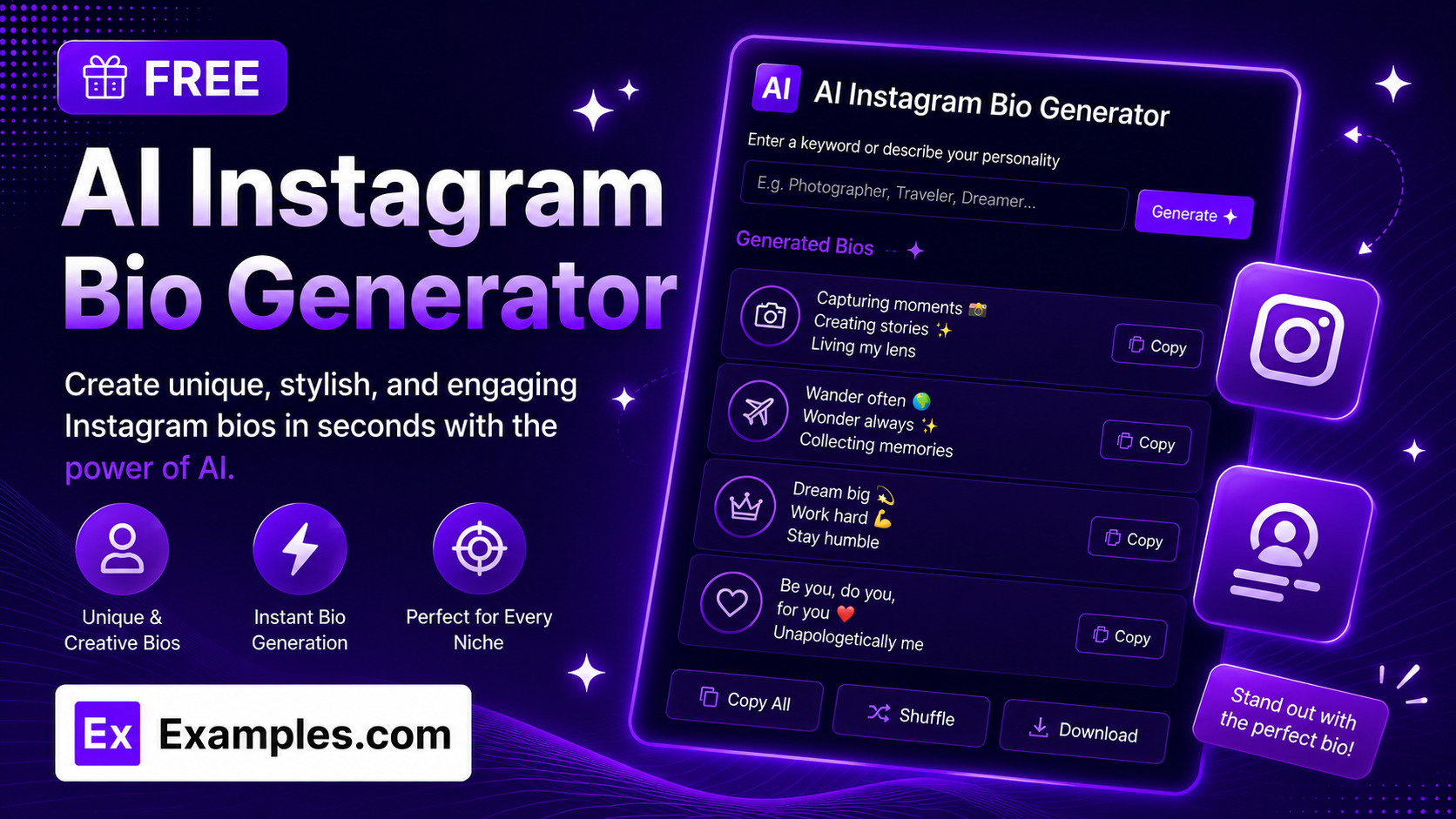
Struggling to write the perfect Instagram bio? The Examples.com AI Instagram Bio Generator creates catchy, on-brand bio options in seconds. Describe who the bio is for, pick a tone and language, and get multiple ready-to-use bios you can copy straight into your profile.
How to Use the AI Instagram Bio Generator
Step 1: Describe Who or What the Bio Is For
- Who / What Is This Bio For?: Type a short description of the account — for example, “Fitness coach for busy moms” or “Home baker sharing easy dessert recipes.” This is the only required field.
Step 2: Choose a Tone
- Tone: Select the personality you want your bio to have — Fun, Professional, Minimalist, Bold, Cute, Motivational, Witty, or Elegant. Minimalist is selected by default.
Step 3: Set the Number of Bios
- No. of Bios: Choose how many bio options to generate — 5, 10, 15, or 20. More options give you a wider range of styles to pick from.
Step 4: Pick a Language
- Language: Choose the output language from 15 supported options, including English, Spanish, French, German, Hindi, Arabic, Japanese, and more.
Step 5: Toggle Emojis On or Off
- Include Emojis: Switch this on to weave relevant, tasteful emojis into each bio, or off for plain text only. Emojis are included by default.
Step 6: Add Personality and Interests (Optional)
- Personality / Vibe: Optionally describe the voice you want — for example, “funny, warm, no-nonsense” — to shape how the bios sound.
- Interests / What You Do: Optionally list what the account focuses on, such as “home workouts, meal plans, coffee,” so the bios reference specifics instead of staying generic.
Step 7: Generate Your Bios
- Generate Button: Click the purple “Generate Free Bio” button. The AI writes a set of distinct, scroll-stopping bio options — mixing short hooks, pipe-separated keyword lines, and bold statements — each within Instagram’s 150-character bio limit.
Step 8: Copy or Download Your Bios
- Copy / Download: Use “Copy All” to copy every bio option to your clipboard, or click “Download” to save them as a TXT, Word, or PDF file. A word count, tone, and language are shown above the results.
AI Instagram Bio Generator Formula
The AI Instagram Bio Generator follows a structured input-to-output process to produce punchy, ready-to-use bios:
Bio Quality = Niche Clarity + Tone Matching + Format Variety + Character Limit Compliance
Where:
- Niche Clarity is how specifically you describe who the bio is for, plus any personality or interests you add
- Tone Matching is how closely each bio reflects the selected voice, from Minimalist to Bold to Witty
- Format Variety is the mix of bio styles used across the set — hooks, pipe-separated keyword lines, bold statements, and passion statements — so the options don’t feel repetitive
- Character Limit Compliance is making sure every bio fits within Instagram’s real 150-character bio limit
The more specific your niche, personality, and interests, the more tailored and usable each generated bio will be.
Examples of AI Instagram Bio Generator
Example 1: Fitness Coach
A fitness coach wants a warm, encouraging bio aimed at busy parents.
- Who / What Is This Bio For?: Fitness coach for busy moms
- Tone: Minimalist
- Personality / Vibe: warm, no-nonsense, encouraging
- Result: A set of short, punchy bios such as “Fitness coach for busy moms 💪 Sharing quick home workouts and simple meal plans!” and “Busy mom fitness 🏋️♀️ | No-nonsense coach | Home workouts that actually fit your day!”
Example 2: Food Blogger
A food content creator wants a fun, energetic bio built around a specific cuisine.
- Who / What Is This Bio For?: Foodie from Hyderabad sharing chicken recipes
- Tone: Fun
- Result: Bios like “Chicken lover from Hyderabad 🍗✨ Sharing my favorite recipes and spicy adventures!” and “Hyderabad foodie 🥘 | Chicken enthusiast | Exploring flavors one bite at a time!”
Example 3: Small Business Owner
A handmade jewelry shop wants an elegant, professional-sounding bio.
- Who / What Is This Bio For?: Handmade jewelry brand using ethically sourced materials
- Tone: Elegant
- Include Emojis: Off
- Result: A polished, emoji-free bio set emphasizing craftsmanship and sustainability, suited to a refined brand feed.
Example 4: Travel Creator
A travel content creator wants a bold, adventurous bio in a different language.
- Who / What Is This Bio For?: Solo backpacker documenting budget travel across Southeast Asia
- Tone: Bold
- Language: Spanish
- Result: A set of confident, adventure-driven bios written entirely in Spanish, ready to paste directly into the profile.
Example 5: Personal Coach
A life coach wants a motivational bio that speaks directly to their audience.
- Who / What Is This Bio For?: Life coach helping young professionals build confidence
- Tone: Motivational
- Interests / What You Do: 1:1 coaching, confidence workshops, journaling prompts
- Result: Bios that highlight the coaching focus and services, mixing passion statements with pipe-separated keyword formats.
How many characters can an Instagram bio be?
Instagram limits bios to 150 characters, including spaces and emojis. Every bio generated by this tool is written to fit within that limit, so you can copy and paste any option directly without needing to trim it down.
Why do the generated bios look different from each other?
The AI deliberately rotates through several real Instagram bio formats — short hooks with emojis, pipe-separated keyword lists, bold statements, and passion statements — so your set of options feels varied rather than like the same sentence reworded. This gives you a genuine range of styles to choose from instead of near-duplicate bios.
Can I generate a bio in a language other than English?
Yes. The Language dropdown supports 15 languages, including Spanish, French, German, Portuguese, Italian, Dutch, Hindi, Arabic, Japanese, Chinese (Simplified), Korean, Russian, Turkish, and Indonesian. The AI writes every bio option entirely in the language you select.
Can I turn off emojis in my bio?
Yes. Use the “Include Emojis” toggle to turn emojis on or off. When switched off, every generated bio will use plain text only, which is useful for more formal or minimalist brand accounts.
Does the bio generator make up facts or followers?
No. The AI is instructed to use only the details you provide in the “Who / What Is This Bio For,” “Personality / Vibe,” and “Interests / What You Do” fields. It will not invent achievements, follower counts, or claims that weren’t implied by your input.
Can I edit the generated bio afterward?
Yes. Once generated, use “Copy All” to copy every bio option to your clipboard, or download them as a TXT, Word, or PDF file, then tweak the wording however you like before adding it to your Instagram profile.
Related AI Tools
Explore more free AI writing tools from Examples.com to round out your social media and content workflow:
- AI Business Name Generator — Generate creative, brandable business name ideas for your account or company.
- AI Slogan Generator — Create catchy slogans and taglines to pair with your bio and brand.
- AI Stage Name Generator — Find a memorable stage name or handle for your creator profile.
- AI Ad Copy Generator — Write high-converting ad copy to promote your Instagram account or offers.
- AI Content Generator — Write captions, posts, and articles for the rest of your content calendar.
- AI Meta Title Generator — Craft SEO-friendly titles if you’re linking your bio to a blog or website.
- AI Humanizer — Make AI-generated text sound more natural and human before you post it.