
Free AI Pun Generator, Real World Puns Examples
Generate original puns free with AI. Enter any topic, pick a style and tone, and get instant wordplay for jokes, captions, and cards.
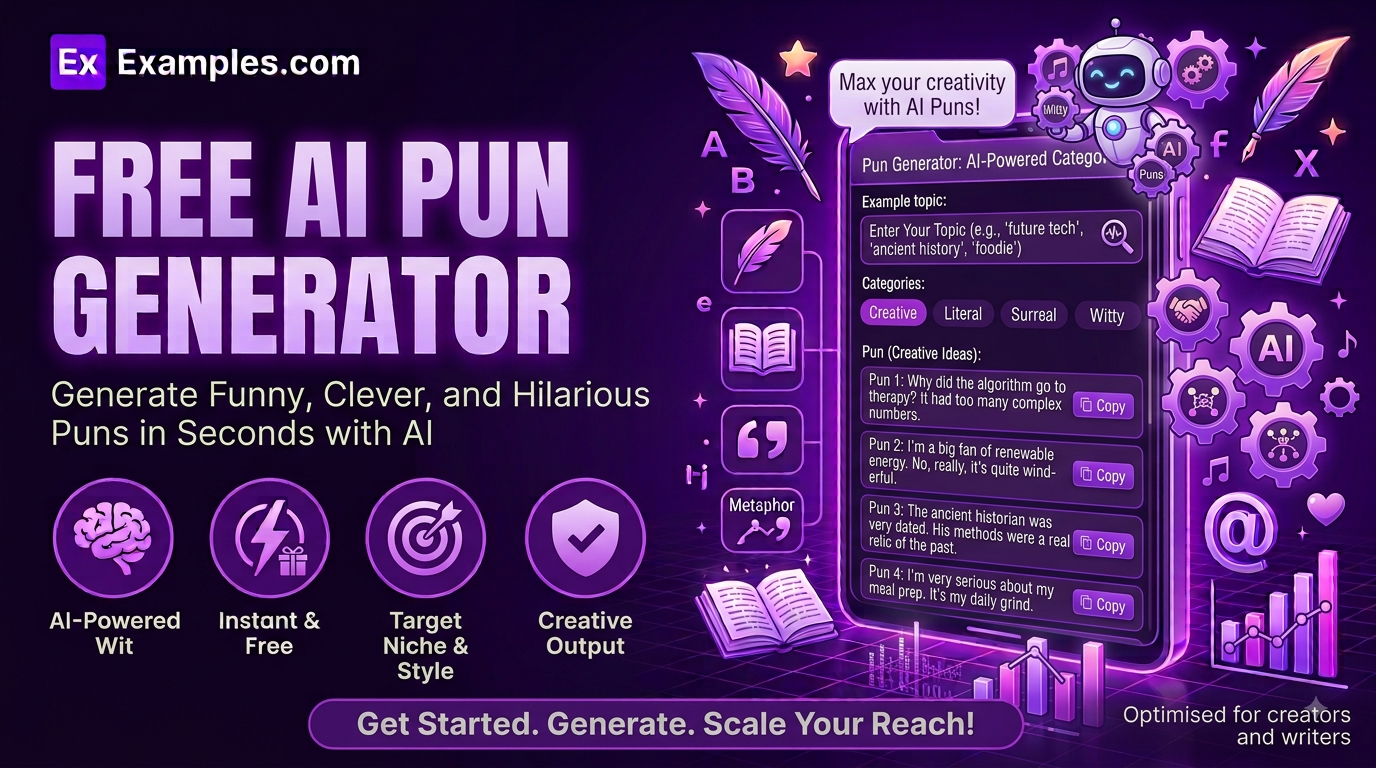
How to Use the AI Pun Generator
- Enter a topic, word, or phrase you want puns about (for example, “coffee,” “cats,” or “Monday mornings”).
- Optionally, upload a file (TXT, MD, PDF, DOC, DOCX, ODT, or HTML, up to 2MB) to pull in extra context.
- Choose a Pun Style: Classic One-Liners, Knock-Knock Style, Wordplay & Double Meanings, or Groan-Worthy (Dad Jokes).
- Select a Tone: Playful & Fun, Silly, Corny, Clever & Witty, Family-Friendly, Sarcastic, or Enthusiastic.
- Pick a Number of Puns: 5, 8, 10, or 15.
- Choose who it’s Best For: General Audience, Kids (Age 5-10), Social Media Captions, Greeting Cards, Marketing / Ad Copy, or Teachers / Classroom.
- Click “Generate Free Puns” to receive a full numbered list of original puns about your topic.
- Edit the results inline, copy them, or download them as a TXT, Word, or PDF file.
What Makes a Good Pun
A strong pun comes down to a simple formula: Sound Similarity × Surprise × Timing. The wordplay has to hinge on words that genuinely sound alike or carry a double meaning, the punchline has to land somewhere the listener doesn’t quite expect, and it has to be short enough that the joke doesn’t lose its snap. The AI Pun Generator is built around this formula: every pun stays anchored to your topic, varies its wordplay mechanism instead of repeating the same joke structure, and matches the length and tone your chosen style calls for.
Examples
Example 1: Coffee
Style: Classic One-Liners · Tone: Playful & Fun · Best For: General Audience. The tool generates punchy one-line puns playing on “espresso,” “grounds,” and “latte” as they relate to daily coffee habits.
Example 2: Cats
Style: Knock-Knock Style · Tone: Silly · Best For: Kids (Age 5-10). The generator produces classic knock-knock jokes built around cat-related names and sounds, kept simple and wholesome for younger readers.
Example 3: A Bakery’s Instagram Caption
Style: Wordplay & Double Meanings · Tone: Clever & Witty · Best For: Social Media Captions. The output plays on words like “loaf,” “knead,” and “rise” for a bakery post, giving a caption with genuine double meaning instead of a generic pun.
Example 4: A Birthday Card for a Gardener
Style: Groan-Worthy (Dad Jokes) · Tone: Corny · Best For: Greeting Cards. The generator leans into deliberately corny wordplay around “thyme,” “leaves,” and “growing older” for a lighthearted card message.
Example 5: Teaching Homophones in the Classroom
Style: Wordplay & Double Meanings · Tone: Playful & Fun · Best For: Teachers / Classroom. Because the audience is set to Teachers / Classroom, each pun comes with a short “Wordplay” explanation breaking down the double meaning, making the set usable as a teaching handout.
What is a pun?
A pun is a form of wordplay that exploits multiple meanings of a word, or words that sound alike but have different meanings, to create a humorous effect. Puns are a staple of jokes, greeting cards, headlines, and advertising copy.
How does the AI Pun Generator work?
You enter a topic, choose a style, tone, audience, and how many puns you want, and the tool generates a numbered list of original puns matching your choices. Each pun is written to vary its joke structure across the set rather than repeating the same wordplay mechanism.
Is the AI Pun Generator free to use?
Yes. The tool is completely free, with no sign-up or account required.
Are the puns safe for kids?
Yes, if you select Kids (Age 5-10) as the audience. This tells the generator to keep every pun simple, wholesome, and free of anything suggestive or mean-spirited.
Can I use this for teaching wordplay in class?
Yes. Select Teachers / Classroom under Best For, and each generated pun will include a short explanation of the wordplay mechanism, making the results usable as a classroom handout or discussion example.
Can I edit the generated puns?
Yes. Click Edit above the results to make changes directly, then copy the final version or download it.
What file formats can I download my results in?
You can download your generated puns as a TXT file, a Word document, or a PDF, using the Download menu above the results panel.
Related Tools
- AI Idiom Generator
- AI Alliteration Generator
- AI Oxymoron Generator
- AI Assonance Generator
- AI Analogy Generator