
Free AI Metaphor Generator, Real World Metaphor Examples
Generate original, vivid metaphors for any topic in seconds. Free AI Metaphor Generator with tone, length & language options. No signup required.
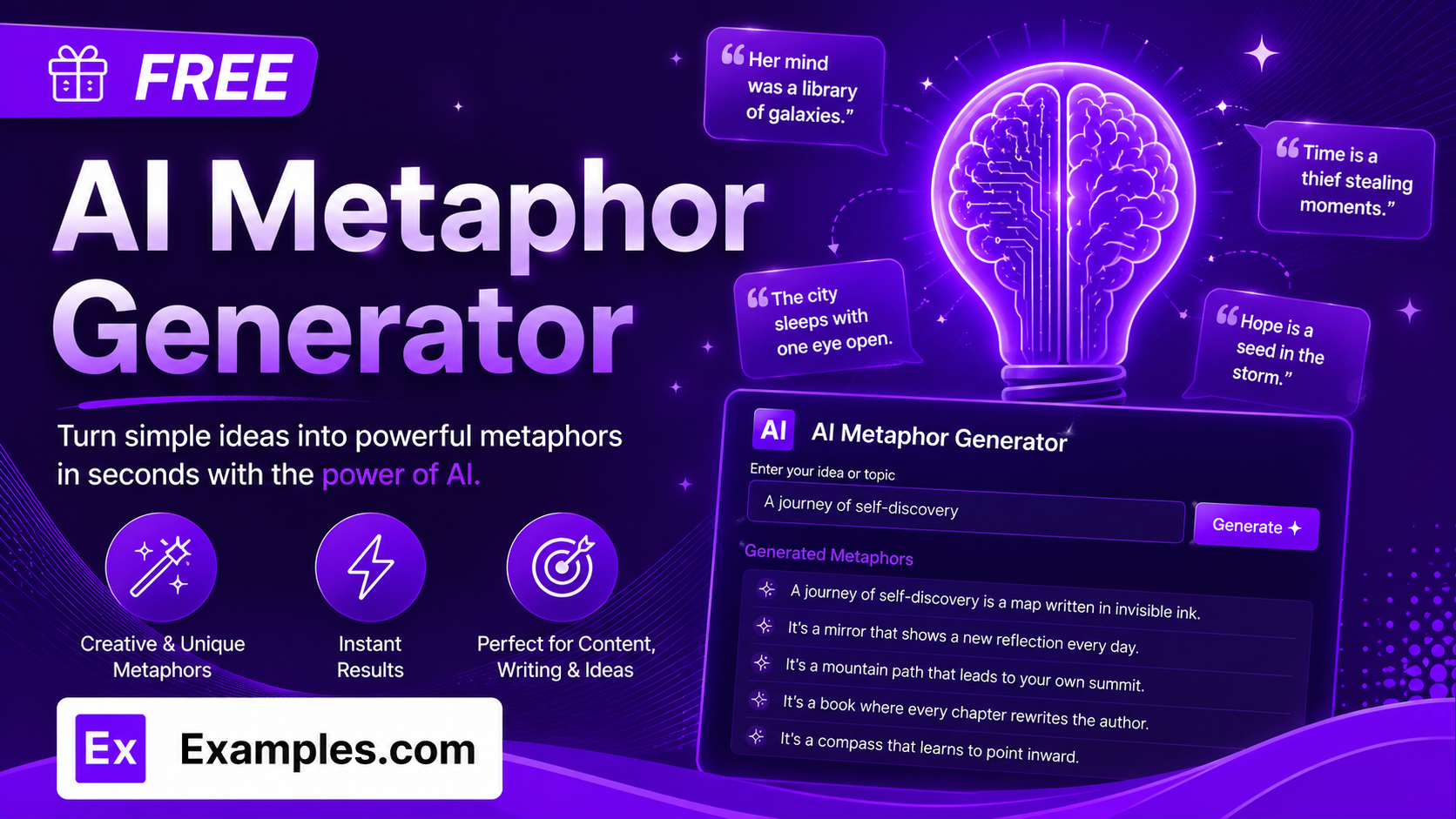
Turn any feeling, topic, or idea into vivid figurative language with the Examples.com AI Metaphor Generator. Describe what you want to write about, choose a tone, length, and language, and get a list of original, ready-to-use metaphors you can drop straight into a speech, essay, poem, or piece of marketing copy.
How to Use the AI Metaphor Generator
Step 1: Describe Your Topic, Idea, or Feeling
- Describe the Topic, Idea, or Feeling: Type what you want your metaphors to be about into the main text field. The more specific and emotionally clear you are — for example, “Starting a new job when you feel completely out of your depth” — the more original and on-point your generated metaphors will be.
Step 2: Choose a Tone
- Tone: Select the voice you want your metaphors to have — Poetic, Playful, Dramatic, Professional, Humorous, Inspirational, Minimalist, or Melancholic. Poetic is selected by default.
Step 3: Set the Number of Metaphors
- No. of Metaphors: Choose how many metaphors to generate — 3, 5, 10, 15, or 20. 5 is selected by default and gives you enough variety to pick a favorite without wading through repetition.
Step 4: Choose a Length
- Length: Pick how long each metaphor should be — Short for tight, quotable one-liners, Medium for balanced, well-rounded lines, or Long for fuller lines with extra descriptive detail. Medium is selected by default.
Step 5: Pick a Language
- Language: Choose the output language from 15 supported options, including English, Spanish, French, German, Hindi, Arabic, Japanese, and more. Metaphors are written natively in the selected language, not just translated word-for-word.
Step 6: Upload a File to Extract Your Topic (Optional)
- Upload File to Extract Topic: Optionally upload a .txt, .md, .pdf, .doc, .docx, .odt, or .html file (up to 2MB). The extracted text is automatically added to the topic field, so you can generate metaphors straight from an existing draft, journal entry, or brief instead of typing your topic manually.
Step 7: Generate, Edit, and Download Your Metaphors
- Generate Button: Click the purple “Generate Free Metaphors” button. The AI produces a numbered list of metaphors, each drawing on a different image or domain so the set feels varied rather than repetitive.
- Edit: Click “Edit” to fine-tune any metaphor directly in the output panel before exporting.
- Copy / Download: Use “Copy All” to copy every metaphor to your clipboard, or use the “Download” menu to save the list as a TXT, Word, or PDF file.
AI Metaphor Generator Formula
The AI Metaphor Generator follows a structured input-to-output process to produce metaphors that feel fresh, varied, and true to the topic:
Metaphor Quality = Topic Clarity + Domain Variety + Tone and Length Accuracy
Where:
- Topic Clarity is how specific and emotionally concrete your topic, idea, or feeling is, either typed in or extracted from an uploaded file
- Domain Variety is how many different source images the metaphors draw from (nature, weather, the body, journeys, machines, light and dark, and so on), so the set doesn’t repeat the same comparison
- Tone and Length Accuracy is how well the finished metaphors match your selected voice and word-count target without drifting into cliché
The more specific and vivid your topic description, the more original and distinct each generated metaphor will be.
Examples of AI Metaphor Generator
Example 1: Starting a New Job
Someone wants metaphors for the nervousness of starting a role they feel unprepared for.
- Topic: Starting a new job when you feel completely out of your depth
- Tone: Poetic
- No. of Metaphors: 5
- Length: Medium
- Result: Five metaphors, each pulling from a different image — a stage, a candle, a locked door, wet cement, and lifting fog — to capture the feeling from different angles.
Example 2: Grief and Loss
Someone writing a eulogy wants longer, more reflective metaphors for grief.
- Topic: The quiet, ongoing grief of losing a parent
- Tone: Melancholic
- No. of Metaphors: 10
- Length: Long
- Result: Ten fuller, more reflective metaphors with extra descriptive detail, appropriate for a eulogy, memorial post, or personal essay.
Example 3: Motivational Speech Opener
A speaker wants short, punchy metaphors to open a talk on perseverance.
- Topic: Pushing through failure again and again until something finally works
- Tone: Inspirational
- No. of Metaphors: 3
- Length: Short
- Result: Three tight, quotable one-liners built for a speech opener or slide, rather than fuller descriptive lines.
Example 4: Startup Pitch Deck
A founder wants a professional metaphor to describe their product’s role in a crowded market.
- Topic: A simple scheduling tool that cuts through the noise of a crowded, overcomplicated market
- Tone: Professional
- No. of Metaphors: 5
- Length: Medium
- Result: Five polished, boardroom-appropriate metaphors suitable for a pitch deck tagline or investor one-pager.
Example 5: File Upload
A writer uploads an existing draft instead of typing their topic manually.
- Input: A .docx personal essay uploaded via “Upload File to Extract Topic”
- Tone: Playful
- No. of Metaphors: 15
- Length: Short
- Result: The tool extracts the core subject matter from the uploaded essay, then generates a longer list of short, playful metaphors based only on what was actually in the document.
How many metaphors should I generate at once?
You can generate 3, 5, 10, 15, or 20 metaphors per request. Starting with 5 or 10 gives you a good spread of source images — nature, machines, light, journeys, and more — without having to sort through too many similar options.
Will the metaphors sound cliché?
The AI is instructed to avoid overused comparisons — like “a roller coaster of emotions” or “the light at the end of the tunnel” — unless it can give them a genuinely fresh angle. It also draws each metaphor from a different domain so the set doesn’t repeat the same image twice. If a result still feels too familiar, try regenerating or switching to a different tone.
How does the Length setting affect the metaphors?
Short produces tight, roughly 8–14 word one-liners built for quick, quotable use. Medium produces balanced, roughly 15–22 word lines that work well for most writing. Long produces fuller, roughly 23–32 word lines with an extra descriptive clause, better suited to essays, speeches, or reflective writing.
Can I generate metaphors in languages other than English?
Yes. The Language dropdown supports 15 languages, including Spanish, French, German, Portuguese, Italian, Dutch, Hindi, Arabic, Japanese, Chinese (Simplified), Korean, Russian, Turkish, and Indonesian. Metaphors are written natively in the selected language rather than simply translated from English.
Can I upload a file instead of typing my topic?
Yes. Use the “Upload File to Extract Topic” field to upload a .txt, .md, .pdf, .doc, .docx, .odt, or .html file up to 2MB. The extracted text is added directly to the topic field, so you can generate metaphors based on an existing draft, journal entry, or brief instead of retyping it.
Which tone should I choose for my metaphors?
Poetic and Melancholic work well for personal essays, eulogies, and reflective writing. Professional and Minimalist suit business copy, pitch decks, and taglines. Dramatic and Inspirational fit speeches and motivational content. Playful and Humorous are better for social captions and lighthearted writing. You can generate a batch with one tone, then try another tone on the same topic to compare.
Can I edit the generated metaphors afterward?
Yes. Click “Edit” to make changes directly in the output panel, then use “Copy All” to copy the finished list to your clipboard, or download it as a TXT, Word, or PDF file so you can save your favorites and drop them into your writing later.
Related AI Tools
Explore more free AI writing tools from Examples.com:
- AI Paraphraser — Rewrite any sentence or paragraph in a fresh tone while keeping the original meaning.
- AI Conclusion Generator — Generate a strong closing paragraph for any essay, report, or article.
- AI Blog Title Generator — Create attention-grabbing blog titles in your choice of language and style.