
Free AI Reply Generator, Real World AI Reply Examples
Get a natural, ready-to-send reply in seconds with our Free AI Reply Generator.
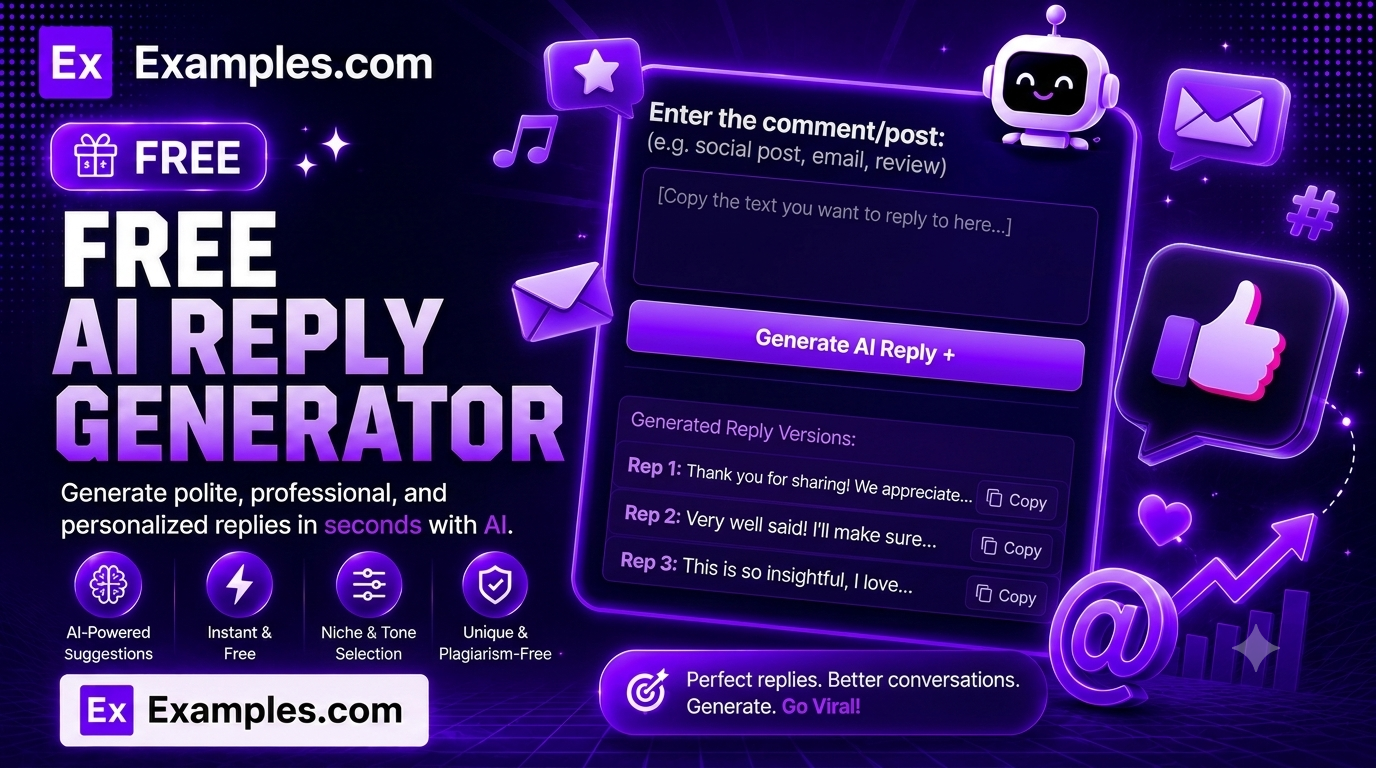
Write a natural, ready-to-send reply in seconds with the Examples.com AI Reply Generator. Paste the message you received, add optional key points, choose the source, tone, length, and language, and let AI draft a reply that sounds like you wrote it — not a bot.
How to Use the AI Reply Generator
Step 1: Paste the Message You’re Replying To
- Message: Paste or type the message you received in the main text field, such as “Hey! Just checking in – do you have an update on the Q3 marketing report?” You can also drag and drop or browse for a file (email, chat export, or notes) up to 2MB, and the AI will extract the message text from it automatically.
Step 2: Add Key Points to Include (Optional)
- Key Points: List anything you specifically want mentioned in the reply, such as “report is on track, share draft Thursday, waiting on final numbers.” The AI weaves these into the reply naturally instead of inventing its own talking points.
Step 3: Choose the Source
- Source: Select where the message came from — Email, LinkedIn Comment, LinkedIn Message, X (Twitter) Tweet, X (Twitter) Reply, Facebook Post, Facebook Comment, Instagram Comment, Instagram DM, YouTube Comment, Reddit Comment, Discord Message, Slack Message, WhatsApp Message, Text Message, or Other. This shapes how formal or casual the reply reads.
Step 4: Choose a Tone and Reply Length
- Tone: Select the vibe you want your reply to match — Friendly, Professional, Casual, Empathetic, Assertive, Humorous, Formal, or Apologetic. Friendly is selected by default.
- Reply Length: Choose Short, Medium, or Long. Medium is selected by default.
Step 5: Pick a Language
- Language: Choose the output language from 15 supported options, including English, Spanish, French, German, Hindi, Arabic, Japanese, and more.
Step 6: Generate Your Reply
- Generate Button: Click the purple “Generate Free Reply” button. The AI writes a complete reply that addresses the original message, includes any key points you provided, and matches your selected tone, source, and length — ready to send as-is.
Step 7: Edit, Copy, or Download Your Reply
- Edit: Click “Edit” to make changes directly to the reply before copying or downloading.
- Copy All: Copies the full reply to your clipboard as plain text, ready to paste wherever you need to send it.
- Download: Save the reply as a TXT, Word, or PDF file for later use or to share with a team.
AI Reply Generator Formula
The AI Reply Generator follows a structured input-to-output process to produce a natural, ready-to-send reply:
Reply Quality = Context Accuracy + Tone Match + Source Fit + Length Appropriateness
Where:
- Context Accuracy is how precisely the reply addresses what the original message actually said, without inventing facts or commitments
- Tone Match is how closely the wording matches your selected tone, from Empathetic to Assertive to Humorous
- Source Fit is how well the reply’s formality and length suit the platform it’s meant for, since a Slack message and a formal email call for different phrasing
- Length Appropriateness is how well the reply matches your Short, Medium, or Long selection without padding or cutting content unnaturally
The more specific your pasted message and key points, the more accurate and useful the generated reply will be.
Examples of AI Reply Generator
Example 1: Customer Complaint Email
A support rep needs to respond to a frustrated customer email.
- Message: “My order arrived damaged and I’ve been waiting three days for a response.”
- Source: Email
- Tone: Empathetic
- Result: A reply that acknowledges the frustration, apologizes for the delay, and outlines next steps for a replacement — without over-promising anything not mentioned in the key points.
Example 2: LinkedIn Comment
A founder wants to reply to a thoughtful comment on their LinkedIn post.
- Message: “Great breakdown — curious how this scales once you’re past 50 employees.”
- Source: LinkedIn Comment
- Tone: Professional
- Result: A concise, credible reply that thanks the commenter and briefly addresses their question in a tone suited to a public professional thread.
Example 3: Instagram DM Inquiry
A small business owner needs to reply to a product question over DM.
- Message: “Hi! Do you ship internationally and how long does it usually take?”
- Source: Instagram DM
- Key Points: ships to most countries, 7-12 business days
- Result: A short, friendly reply that answers both questions directly and invites further questions, matching the casual feel of Instagram DMs.
Example 4: Reddit Comment Disagreement
Someone wants to push back on a comment without escalating the conversation.
- Message: “This take doesn’t account for how most teams actually work in practice.”
- Source: Reddit Comment
- Tone: Assertive
- Result: A firm but civil reply that holds its ground on the original point while staying readable and non-combative for a public thread.
Example 5: WhatsApp Scheduling Message
Someone needs a quick reply to confirm a meeting time.
- Message: “Does 3pm Thursday work for the call, or is Friday better for you?”
- Source: WhatsApp Message
- Reply Length: Short
- Result: A brief, direct confirmation reply with no unnecessary padding, matching the quick back-and-forth style of WhatsApp.
What makes a good reply?
A good reply directly addresses what the original message said, matches the tone and formality of the platform it’s on, and stays as long as it needs to be — no more, no less. It avoids generic filler, doesn’t invent commitments or facts, and reads like something a real person would naturally send.
Do I need to add key points for the reply to work?
No. Key points are optional. If you leave the field blank, the AI still generates a relevant reply based on the original message alone. Adding key points simply helps the AI include specific details you want mentioned instead of guessing at them.
Does the Source setting actually change the reply?
Yes. Selecting a source like Email versus WhatsApp Message changes how formal, long, and structured the reply is — an email reply may include a greeting and sign-off, while a WhatsApp reply stays short and conversational.
Can I generate replies in languages other than English?
Yes. The Language dropdown supports 15 languages, including Spanish, French, German, Portuguese, Italian, Dutch, Hindi, Arabic, Japanese, Chinese (Simplified), Korean, Russian, Turkish, and Indonesian.
Can I upload a file instead of typing the message?
Yes. You can upload a TXT, PDF, or Word file (up to 2MB) and the tool will automatically extract the message text for you.
Can I edit the generated reply afterward?
Yes. Click “Edit” to make changes directly to the reply, then use “Copy All” to copy it to your clipboard, or “Download” to save it as a TXT, Word, or PDF file before sending.
Related Tools
- AI Email Generator — Draft a complete email from scratch instead of just a reply.
- AI Comment Generator — Write engaging comments for posts across social platforms.
- AI YouTube Transcript Generator — Generate a text transcript from any YouTube video.
- AI Meta Description Generator — Write SEO-friendly meta descriptions for web pages and blog posts.
- AI Fortune Teller — Get a fun, personalized fortune reading generated by AI.
- AI Content Generator — Generate full articles, product descriptions, ads, and more from a single topic.