
Free AI YouTube Hashtag Generator, Real World YT Hashtag Examples
Free AI YouTube Hashtag Generator — instant, relevant, non-spammy hashtags grouped by category. No sign-up needed.
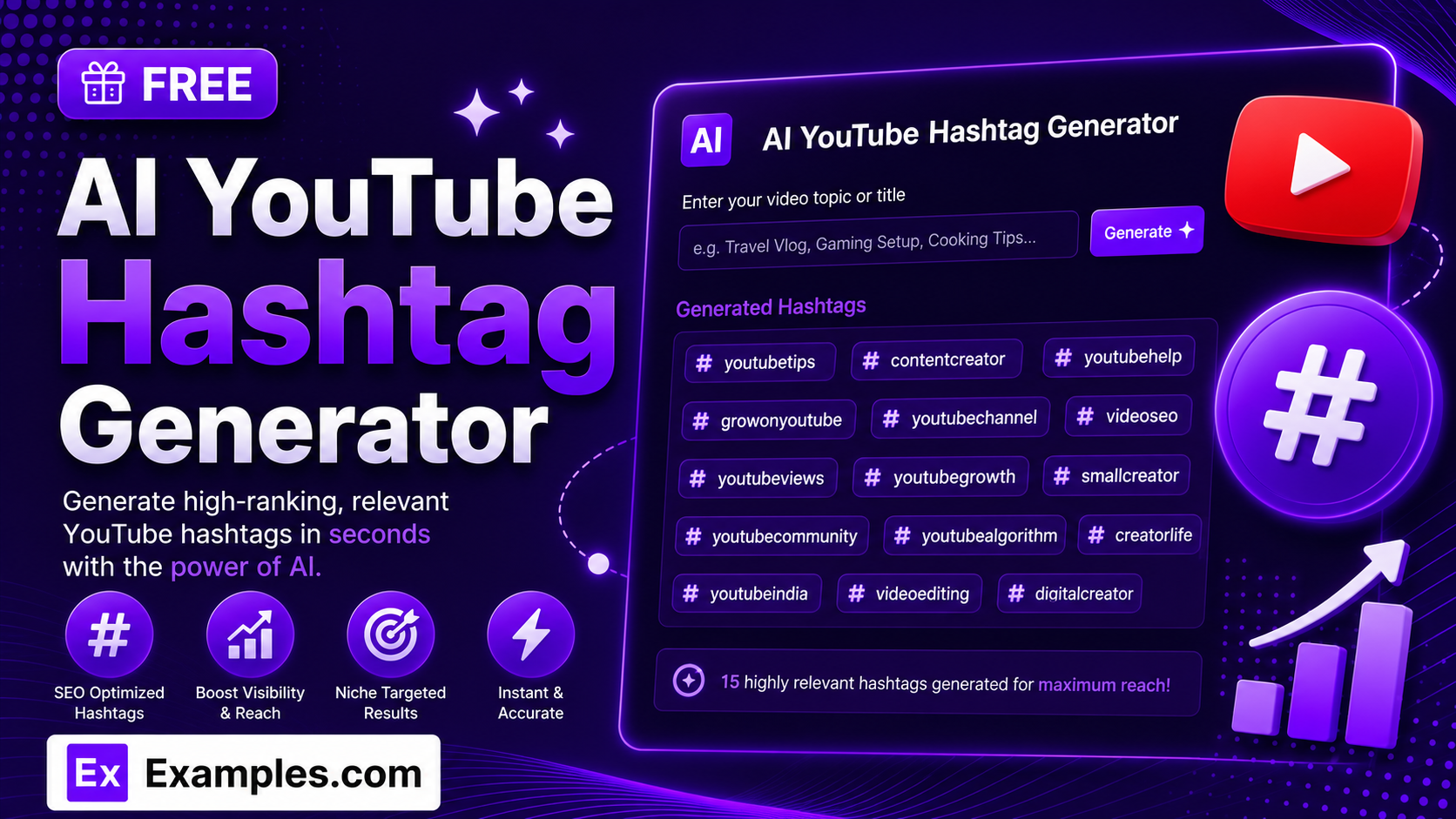
Struggling to find the right hashtags for your video? With the Examples.com AI YouTube Hashtag Generator, describe your video, choose a tone and language, and get a batch of relevant, non-spammy hashtags in seconds — grouped by category and automatically kept within YouTube’s own limits.
How to Use the AI YouTube Hashtag Generator
Step 1: Describe Your Video, Content, or Niche
- Describe Your Video / Content / Niche: Type what your video is about in the main text field. This can be a simple description (“beginner guitar tutorial covering basic chords”) or a more detailed brief — whatever you’d want the hashtags to be built around.
Step 2: Upload a File (Optional)
- Upload File to Extract Details: Optionally drag and drop, or browse for, a .txt, .md, .pdf, .doc, .docx, .odt, or .html file (up to 2MB). The extracted text is automatically added to the description field, so you can generate hashtags from a script, brief, or video description instead of typing everything manually.
Step 3: Choose a Tone
- Tone: Choose the voice you want reflected in the hashtag mix — Fun, Professional, Minimalist, Bold, Cute, Motivational, Witty, or Elegant. Minimalist is selected by default.
Step 4: Choose How Many Hashtags to Generate
- No. of Hashtags: Select 5, 10, 15, 20, 30, 40, or 50 hashtags per batch. YouTube only treats the first 15 hashtags in your title and description combined as true clickable hashtags — anything beyond that still works as keyword-rich text in your description, it just won’t render as a tag.
Step 5: Pick a Language
- Language: Choose the output language from 15 supported options, including English, Spanish, French, German, Hindi, Arabic, Japanese, and more.
Step 6: Toggle Group by Category
- Group by Category: Leave this switched on to see hashtags organized into Popular, Niche-Specific, Community & Trending, and Long-Tail / Low-Competition groups, or switch it off for a single flat list.
Step 7: Generate Your Hashtags
- Generate Button: Click the purple “Generate Free Hashtags” button. The AI selects a mix of broad, medium, and niche hashtags matched to your video, tone, and language, weighted to balance reach against competition.
Step 8: Edit, Copy, or Download Your Hashtags
- Edit / Copy / Download: Use the Edit button to tweak any hashtag directly, Copy All to grab the whole batch at once, or download the final list as a TXT, Word, or PDF file.
AI YouTube Hashtag Generator Formula
The AI YouTube Hashtag Generator follows the same core approach professional YouTube SEO strategists use to balance discoverability against competition:
Hashtag Set Quality = Relevance + Search Volume Balance + Category Coverage, prioritized within YouTube’s 15-clickable-hashtag threshold
Where:
- Relevance means every hashtag is naturally connected to the video’s real topic, format, and audience — never invented just to hit a count
- Search Volume Balance mixes roughly 25% highly popular, 35% medium-competition, 30% niche-specific, and 10% long-tail hashtags, so the set isn’t dominated by tags too competitive to ever surface in
- Category Coverage spreads hashtags across different discovery intents — main topic, format, audience, community, and mood — instead of repeating the same keyword
- The 15-hashtag threshold respects YouTube’s own rule that only the first 15 hashtags across your title and description are treated as clickable hashtags, with just the first 3 shown above the video title — anything beyond 15 still adds keyword value as plain description text
The more specific your video description, the more targeted and genuinely searchable the generated hashtags will be.
Examples of AI YouTube Hashtag Generator
Example 1: Gaming Channel
A gaming creator needs hashtags for a co-op horror playthrough.
- Describe Your Video / Content / Niche: Co-op horror game playthrough with a lot of screaming and jokes
- Tone: Funny
- No. of Hashtags: 10
- Result: A grouped batch mixing broad tags like #gaming and #horrorgame with niche ones like #coopgaming and #horrorgamereaction.
Example 2: Business & Finance Channel
A finance creator wants professional, credible hashtags for an investing video.
- Describe Your Video / Content / Niche: Beginner-friendly guide to investing in index funds
- Tone: Professional
- No. of Hashtags: 15
- Result: A grouped batch such as #investing and #personalfinance for reach, alongside #indexfundinvesting and #beginnerinvestor for targeting.
Example 3: Beauty & Fashion Channel
A beauty creator wants an elegant hashtag set for a skincare routine video.
- Describe Your Video / Content / Niche: Nighttime skincare routine for sensitive skin
- Tone: Elegant
- No. of Hashtags: 10
- Result: A batch balancing broad tags like #skincare with specific ones like #sensitiveskincare and #nighttimeroutine.
Example 4: Travel Channel in Another Language
A travel vlogger wants hashtags in Spanish for a Spanish-speaking audience.
- Describe Your Video / Content / Niche: Backpacking through South America on a tight budget
- Language: Spanish
- No. of Hashtags: 15
- Result: A full batch of hashtags written natively in Spanish, matched to the travel niche and requested tone.
Example 5: Cooking & Food Channel
A home cook wants a fun, approachable hashtag set for a quick recipe video.
- Describe Your Video / Content / Niche: Five-ingredient weeknight dinner recipes
- Tone: Fun
- No. of Hashtags: 10
- Result: A grouped batch mixing #easyrecipes and #weeknightdinner with more specific tags like #fiveingredientmeals.
Is the AI YouTube Hashtag Generator really free?
Yes. You can generate hashtags for any video topic at no cost, with no sign-up required.
How many hashtags can I generate at once?
You can generate 5, 10, 15, 20, 30, 40, or 50 hashtags per batch. If you want more variety, simply click Generate again for a fresh set.
Why does the tool mention a 15-hashtag limit if I can generate up to 50?
YouTube only treats the first 15 hashtags across your title and description combined as clickable hashtags, and only the first 3 are shown above your video title. Any hashtags beyond 15 are still valid, searchable keyword phrases in your description — they just stop functioning as clickable tags — so generating a larger batch gives you extra keyword coverage even past that threshold.
Can I get hashtags grouped by category?
Yes. Leave the “Group by Category” toggle on to see hashtags organized into Popular, Niche-Specific, Community & Trending, and Long-Tail / Low-Competition groups, or switch it off for a single flat list.
Can I generate hashtags in a language other than English?
Yes. The Language dropdown supports 15 languages, including Spanish, French, German, Portuguese, Italian, Dutch, Hindi, Arabic, Japanese, Chinese (Simplified), Korean, Russian, Turkish, and Indonesian.
Can I upload a file instead of typing my video details?
Yes. Use the file upload area to drag and drop, or browse for, a .txt, .md, .pdf, .doc, .docx, .odt, or .html file up to 2MB. The extracted text is added directly to the description field, so you can generate hashtags based on an existing script, brief, or video description instead of retyping it.
Can I edit the hashtags after they’re generated?
Yes. Use the Edit button on the results panel to tweak any hashtag directly, then copy or download the updated list.
What file formats can I download my hashtags in?
You can export your generated hashtags as a plain text (TXT) file, a Word document, or a PDF.
Related Tools
Once you’ve picked your hashtags, keep the momentum going with these free AI YouTube tools:
- AI YouTube Tag Generator — generate the behind-the-scenes video tags YouTube uses for search, separate from hashtags.
- AI YouTube Name Generator — find a catchy, brandable name for your channel.
- AI Instagram Hashtag Generator — repurpose your video’s promotion with hashtags built for Instagram instead.