
Free AI Microaggression Identifier, Real World Microaggressions Examples
Check any text for microaggressions free with AI. Paste a sentence or email and get flagged phrases explained with respectful rewrite suggestions.
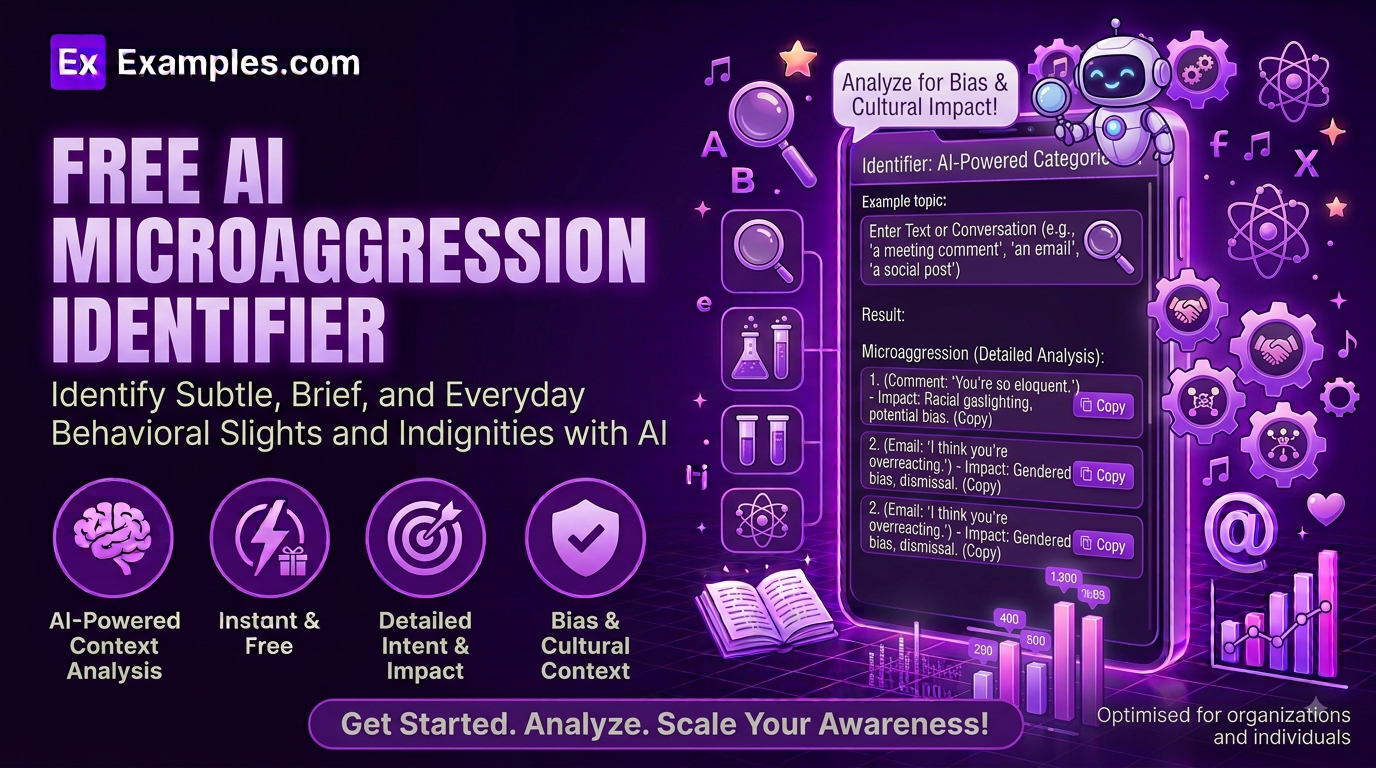
How to Use the AI Microaggression Identifier
- Paste the text you’d like reviewed — a sentence, an email, or a conversation snippet.
- Optionally, upload a document (TXT, MD, PDF, DOC, DOCX, ODT, or HTML, up to 2MB) to analyze instead of typing it in.
- Choose a Context: General, Workplace, Educational Setting, Healthcare, Customer Service, or Social Media / Personal.
- Select a Feedback Tone: Educational & Gentle, Direct & Clear, Neutral & Analytical, or Detailed & Academic.
- Pick who it’s Best For: Personal Reflection, HR / Training Materials, Content Review, Educators, Managers & Team Leads, or Customer-Facing Teams.
- Click “Identify Microaggressions” to see each flagged phrase, why it can land poorly, and a suggested rewrite.
- Edit the results inline, copy them, or download them as a TXT, Word, or PDF file.
What the Tool Looks For
A microaggression is a subtle or indirect comment that can unintentionally communicate bias or reinforce a stereotype about someone’s race, gender, disability, sexual orientation, age, religion, or other part of their identity — often without the speaker meaning any harm. The tool focuses on impact rather than intent: it looks at how a phrase could actually be received by the person hearing it, not what the speaker was trying to say. For each phrase it flags, it names the specific wording, explains the assumption it can carry, and offers language that gets the same point across without that assumption.
Examples
Example 1: A Workplace Compliment
Context: Workplace · Feedback Tone: Educational & Gentle · Best For: Personal Reflection. Text like “You’re so articulate for someone from your neighborhood” gets flagged for implying surprise that someone from an assumed background would be well-spoken, with a suggested rewrite that keeps the compliment without the assumption.
Example 2: A Casual Question
Context: Social Media / Personal · Feedback Tone: Direct & Clear · Best For: Personal Reflection. A question like “Where are you really from?” is flagged for treating someone as perpetually foreign regardless of where they’re actually from, with guidance on when and how to ask about someone’s background respectfully.
Example 3: Manager Feedback in a Performance Review
Context: Workplace · Feedback Tone: Detailed & Academic · Best For: Managers & Team Leads. The tool reviews review language for coded phrasing that can carry bias around age, gender, or communication style, giving managers more precise, defensible wording for written feedback.
Example 4: A Customer Service Script
Context: Customer Service · Feedback Tone: Neutral & Analytical · Best For: Customer-Facing Teams. Common phrases in scripted customer interactions are checked for assumptions about a customer’s age, ability, or background before the script goes live.
Example 5: A Lesson Plan or Classroom Handout
Context: Educational Setting · Feedback Tone: Educational & Gentle · Best For: Educators. Teaching materials are reviewed for language that could unintentionally single out or stereotype students, with rewrites that keep the same lesson content.
What is a microaggression?
A microaggression is a subtle, often unintentional comment or behavior that communicates bias or reinforces a stereotype about a person’s identity, such as their race, gender, disability, sexual orientation, age, or religion. It’s usually the cumulative impact rather than any single incident that causes harm.
How does the AI Microaggression Identifier work?
You paste in text and choose a context, tone, and audience, and the tool scans it for phrasing that could function as a microaggression. Each flagged phrase is quoted directly from your text, explained in terms of the assumption it can carry, and followed by a suggested rewrite. If nothing is flagged, the tool says so rather than inventing a problem.
Is the AI Microaggression Identifier free to use?
Yes. The tool is completely free, with no sign-up or account required.
Does the tool assume I meant to be biased?
No. The tool focuses on how phrasing could be received by someone else, not on judging your intent. Most microaggressions are unintentional, and the goal is to help you communicate more clearly and respectfully going forward, not to accuse you of anything.
What if my text doesn’t contain any microaggressions?
The tool will tell you plainly that it didn’t find anything. It’s built to only flag genuine concerns, not to manufacture issues in text that’s already respectful.
Can I use this for HR or DEI training materials?
Yes. Select HR / Training Materials under Best For, and choose a Feedback Tone like Detailed & Academic if you need more thorough explanations suitable for training documentation.
Can I edit the results?
Yes. Click Edit above the results to make changes directly, then copy the final version or download it.
What file formats can I download my results in?
You can download your analysis as a TXT file, a Word document, or a PDF, using the Download menu above the results panel.
Related Tools
- AI Gaslighting Phrase Recognizer
- Common Gaslighting Phrases Explained
- Gaslighting Phrase Identifier
- Reality-Check Response Rewriter
- AI Reply Generator