
Free AI Argumentative Essay Generator, Real World Argumentative Essay Examples
Generate a well-structured argumentative essay in seconds. Pick your stance, length, and academic level — free, no signup, with instant Word,TXT and PDF export.
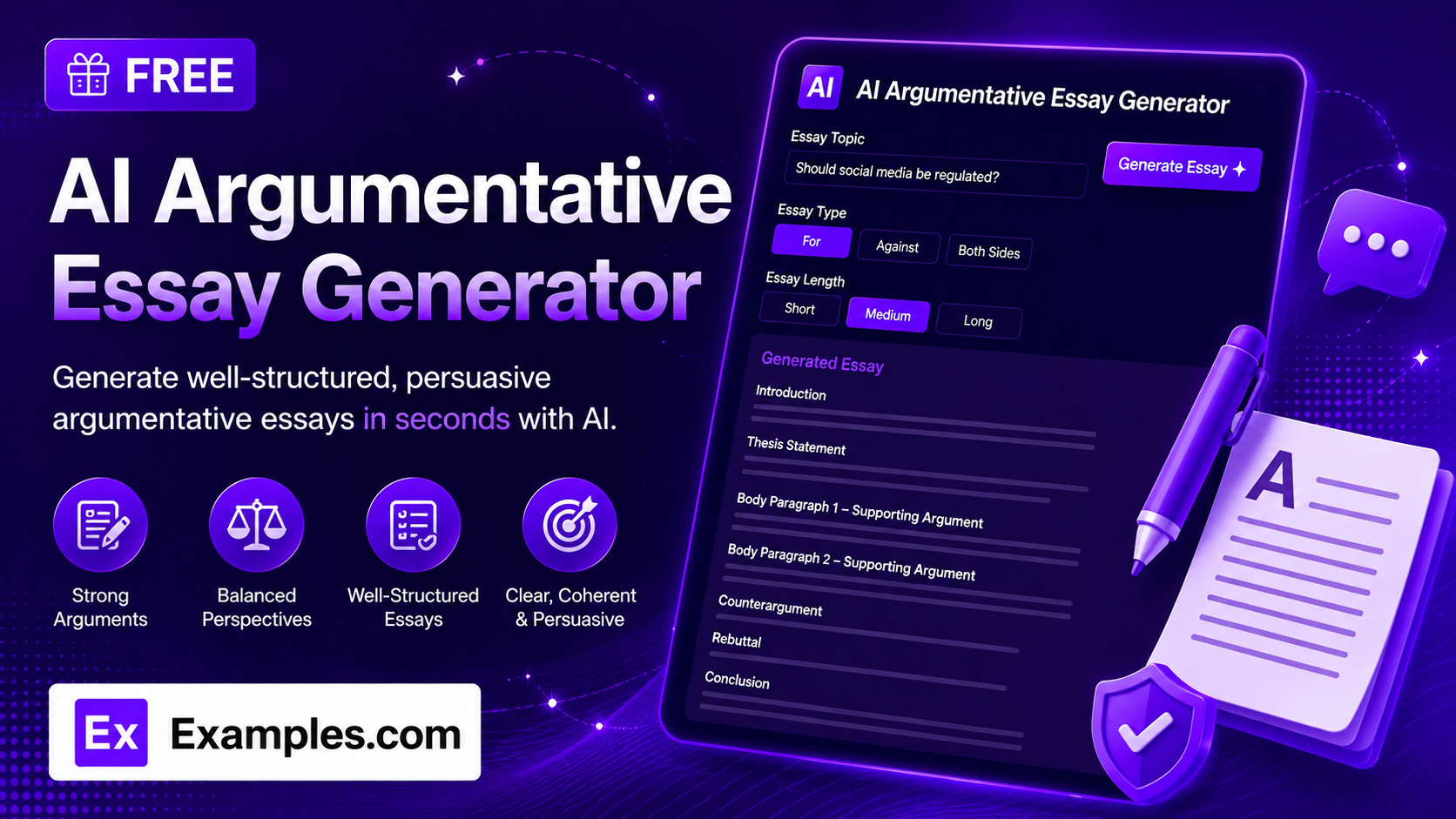
Write a well-structured argumentative essay in seconds with the Examples.com AI Argumentative Essay Generator. Enter a topic, pick your stance, essay length, and academic level, and get a complete essay with an introduction, supporting arguments, a counterargument and rebuttal, and a conclusion — no more staring at a blank page trying to structure your argument.
How to Use the AI Argumentative Essay Generator
Step 1: Enter Your Essay Topic
- Enter your essay topic, question, or prompt: Type the topic, question, or assignment prompt you need an essay about into the main text field. This can be a short topic (“social media age verification”) or a full question (“Should social media platforms be required to verify the age of their users?”). The clearer your topic, the sharper and more focused the essay will be.
Step 2: Upload a File for Context (Optional)
- Upload File for Context: Optionally upload a .txt, .md, .pdf, .doc, .docx, .odt, or .html file (up to 2MB). The extracted text is automatically added to the topic field, so you can generate an essay based on assignment instructions, research notes, or a source document instead of typing everything manually.
Step 3: Choose Your Stance
- Stance: Select the position the essay should take — Argue For, Argue Against, Balanced / Both Sides, or Persuasive / Strong Advocacy. Argue For is selected by default. Choosing Balanced / Both Sides produces an essay that weighs both perspectives fairly instead of arguing one side.
Step 4: Set the Essay Length
- Essay Length: Choose Short, Standard, or Extended. Standard is selected by default. Longer essay lengths automatically include more supporting arguments, scaling from one argument for a Short essay up to four or more for an Extended essay.
Step 5: Pick the Academic Level
- Academic Level: Choose Middle School, High School, College / Undergraduate, or Graduate / Advanced. High School is selected by default. This adjusts the vocabulary, sentence complexity, and depth of reasoning to match the intended reader.
Step 6: Generate, Edit, and Download Your Essay
- Generate Button: Click the purple “Generate Free Essay” button. The AI writes a complete essay with an introduction and thesis, supporting arguments scaled to your chosen length, a fairly stated counterargument with rebuttal, and a conclusion — all matched to your chosen stance and academic level.
- Edit: Click “Edit” to fine-tune the essay directly in the output panel before exporting.
- Copy / Download: Use “Copy All” to copy the full essay to your clipboard, or use the “Download” menu to save it as a TXT, Word, or PDF file.
AI Argumentative Essay Generator Formula
The AI Argumentative Essay Generator follows a structured input-to-output process to produce essays that are focused, well-supported, and logically organized:
Essay Quality = Topic Clarity + Stance Consistency + Evidence-Backed Arguments + Fair Counterargument
Where:
- Topic Clarity is how specific the topic, question, or prompt is, either typed in directly or extracted from an uploaded document
- Stance Consistency is the essay maintaining one clear, consistent position throughout — or, for Balanced / Both Sides, fairly weighing both perspectives without favoring either
- Evidence-Backed Arguments is every supporting point being backed by specific reasoning, evidence, or examples rather than vague, unsupported claims, scaled to the chosen essay length
- Fair Counterargument is the opposing view being stated honestly before it’s rebutted, so the essay reads as genuinely persuasive rather than one-sided
The more specific your topic and the more deliberately you choose your stance, the more focused and persuasive the generated essay will be.
Examples of AI Argumentative Essay Generator
Example 1: Arguing For a Position (High School)
A student needs a standard five-paragraph essay taking a clear side on a classroom debate topic.
- Topic: Should schools replace textbooks with tablets?
- Stance: Argue For
- Essay Length: Standard
- Academic Level: High School
- Result: A five-paragraph essay arguing tablets are more cost-effective, more current, and more accessible than textbooks, with a fairly stated counterargument about screen-time distraction and a rebuttal about managed devices.
Example 2: Arguing Against a Position (College)
A college student needs an extended essay opposing a policy proposal for a persuasive writing assignment.
- Topic: Should a four-day work week be mandated by law?
- Stance: Argue Against
- Essay Length: Extended
- Academic Level: College / Undergraduate
- Result: A longer essay with four or more supporting arguments against a legal mandate — covering industry variation, enforcement difficulty, and unintended consequences — followed by a rebuttal of the strongest pro-mandate argument.
Example 3: Balanced / Both Sides (Graduate)
A graduate student needs a fair, non-partisan treatment of a nuanced policy question.
- Topic: Should universities require standardized test scores for admission?
- Stance: Balanced / Both Sides
- Essay Length: Standard
- Academic Level: Graduate / Advanced
- Result: An essay that presents the case for standardized testing (comparability, predictive value) and the case against it (access barriers, narrow measurement) with equal weight, closing with a summary of how the two sides weigh against each other rather than a rebuttal.
Example 4: Persuasive / Strong Advocacy (Middle School)
A younger student needs a short, punchy persuasive essay for a class assignment.
- Topic: Should students get less homework?
- Stance: Persuasive / Strong Advocacy
- Essay Length: Short
- Academic Level: Middle School
- Result: A short, confidently argued essay with simple vocabulary and one strong supporting point about after-school time and wellbeing, plus a brief counterargument and rebuttal about practice and retention.
Example 5: File Upload
A user uploads an assignment sheet instead of typing the topic manually.
- Input: A .pdf assignment prompt uploaded via “Upload File for Context”
- Stance: Argue For
- Essay Length: Standard
- Academic Level: College / Undergraduate
- Result: The tool extracts the essay topic and any requirements from the PDF text, then generates a five-paragraph essay grounded only in what was actually described in the file.
Is this AI Argumentative Essay Generator truly free?
Yes. The AI Argumentative Essay Generator is completely free to use, with no hidden charges, sign-up, or subscription required to generate an essay.
How well-supported are the generated essays?
The tool is instructed to back every argument with specific reasoning, evidence, or examples rather than vague claims, and to state the opposing view fairly before rebutting it. That said, it’s still AI-generated content, so for graded academic work or publication, it’s a good idea to fact-check any specific claims and review the essay before submitting it.
What’s the difference between the Stance options?
Stance determines the position the essay takes. Argue For and Argue Against commit firmly to one side of the topic throughout the essay. Balanced / Both Sides presents both perspectives fairly without favoring either, ending with a comparison instead of a rebuttal. Persuasive / Strong Advocacy argues just as firmly as Argue For or Argue Against, but with a more assertive, rhetorically confident voice suited to persuasive writing assignments.
Which Essay Length and Academic Level should I choose?
Essay Length controls how many supporting arguments the essay includes: Short uses one, Standard uses two to three, and Extended uses four or more. Academic Level adjusts vocabulary and reasoning depth to match the intended reader, from Middle School for younger students up to Graduate / Advanced for scholarly writing. Match both settings to your actual assignment requirements for the best fit.
Can I upload a file instead of typing my topic?
Yes. Use the “Upload File for Context” field to upload a .txt, .md, .pdf, .doc, .docx, .odt, or .html file up to 2MB. The extracted text is added directly to the topic field, so you can generate an essay based on an assignment sheet, source material, or set of notes instead of retyping them.
Can I edit the generated essay afterward?
Yes. Click “Edit” to make changes directly in the output panel, then use “Copy All” to copy the finished essay to your clipboard, or download it as a TXT, Word, or PDF file so you can save and reuse it elsewhere.
Related AI Tools
Explore more free AI writing tools from Examples.com:
- AI Article Generator — Produce a ready-to-publish article in your chosen type, tone, and length.
- AI Analogy Generator — Explain any concept clearly with a custom, relatable analogy.
- AI Answer Generator — Get clear, direct answers to any question, tailored to your tone and length.