
Free AI Tone Generator, Real World Tone Examples
Rewrite any text in the tone you need - Professional, Friendly, Persuasive & more. Free AI Tone Generator with instant export.
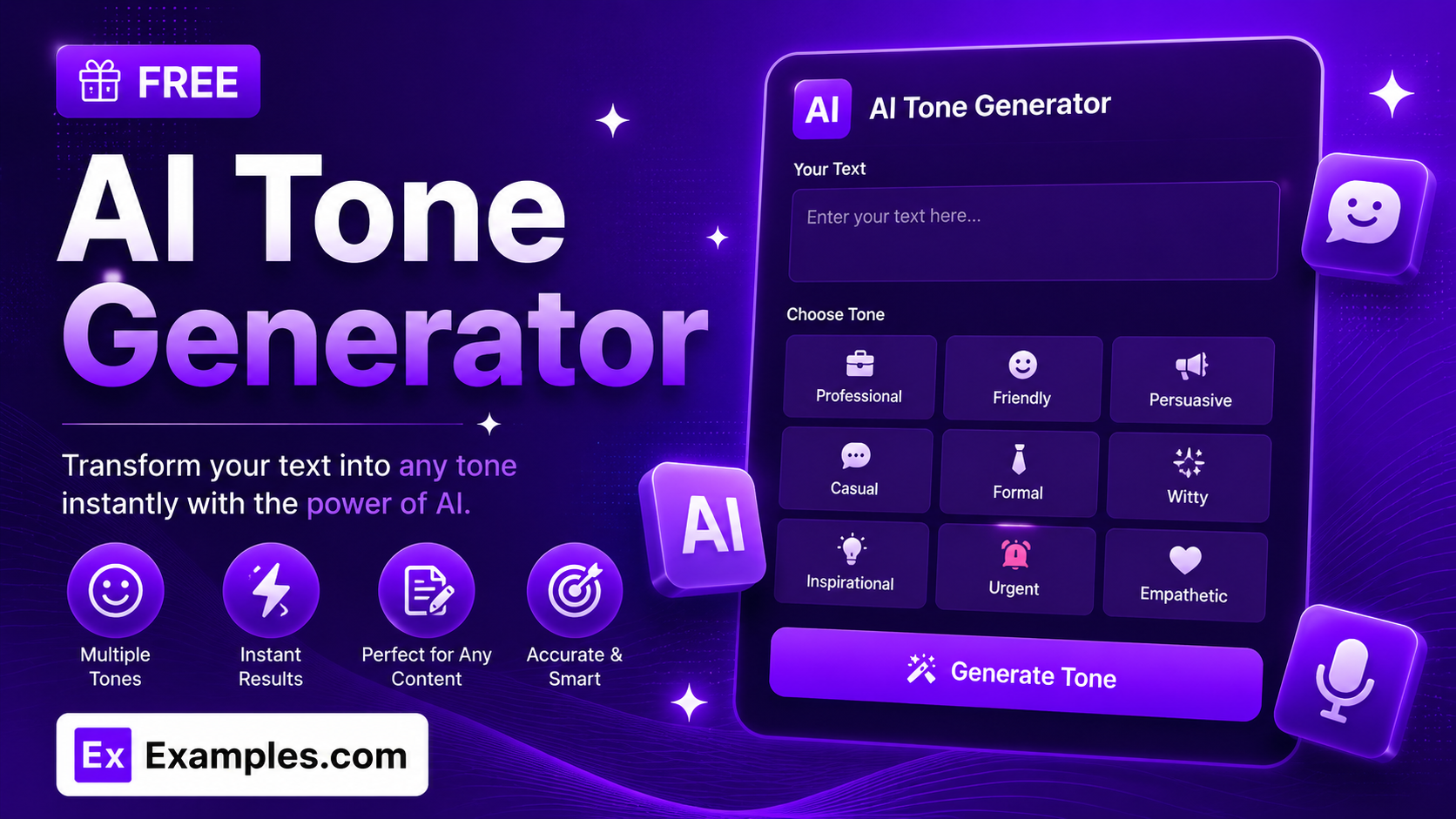
Change how your writing sounds in seconds with the Examples.com AI Tone Generator. Paste in any text, pick the tone you need — Professional, Friendly, Persuasive, and more — and get an instantly rewritten version that keeps your original meaning while shifting the voice.
How to Use the AI Tone Generator
Step 1: Enter Your Text
- Enter your text: Paste or type the text you want to rewrite into the main text field. This can be a short message, an email, a social media caption, or a full paragraph. The AI preserves your original meaning while shifting only the tone.
Step 2: Choose a Target Tone
- Target Tone: Select the tone you want your text rewritten in from 20 options, including Professional, Formal, Casual & Conversational, Friendly, Confident, Diplomatic, Empathetic & Compassionate, Enthusiastic, Persuasive, Humorous, Sarcastic, Assertive, Respectful, Optimistic, Authoritative, Playful, Sympathetic, Urgent, Neutral & Balanced, and Romantic. Professional is selected by default.
Step 3: Set the Tone Intensity
- Tone Intensity: Choose Subtle for a light touch that keeps wording close to the original, Balanced for a clear and natural tone shift, or Strong for a bold, unmistakable change in voice. Balanced is selected by default.
Step 4: Adjust Length and Audience
- Length: Choose Keep Similar Length to match your original word count, Make More Concise to tighten the text, or Expand Slightly to add a bit more detail. Keep Similar Length is selected by default.
- Best For: Select the context your rewrite is intended for — General Writing, Business Email, Social Media Post, Academic Writing, Customer Support Reply, or Creative Writing — so the AI tailors phrasing to that setting.
Step 5: Upload a File (Optional)
- Upload File for Context: Optionally upload a .txt, .md, .pdf, .doc, .docx, .odt, or .html file (up to 2MB). The extracted text is automatically added to the text field, so you can rewrite the tone of an existing document, email draft, or set of notes instead of retyping everything manually.
Step 6: Generate, Edit, and Download Your Rewrite
- Generate Button: Click the purple “Generate Free Toned Rewrite” button. The AI rewrites your text in the selected tone, at the chosen intensity, while preserving the original meaning and key facts.
- Edit: Click “Edit” to fine-tune the rewritten text directly in the output panel before exporting.
- Copy / Download: Use “Copy All” to copy the full rewrite to your clipboard, or use the “Download” menu to save it as a TXT, Word, or PDF file.
AI Tone Generator Formula
The AI Tone Generator follows a structured input-to-output process to produce a rewrite that sounds natural and fits its intended use:
Rewrite Quality = Meaning Preservation + Tone and Intensity Match + Audience and Length Fit
Where:
- Meaning Preservation is the AI keeping your original facts, intent, and key points intact, whether typed directly or extracted from an uploaded file
- Tone and Intensity Match is how closely the rewrite reflects the exact voice you selected, from a Subtle shift to a Strong, unmistakable change
- Audience and Length Fit is the model adjusting phrasing and word count to suit the setting you chose, whether that’s a Business Email, Social Media Post, or Academic Writing
The more clearly you set the tone, intensity, and audience, the more natural and usable the rewritten text will be.
Examples of AI Tone Generator
Example 1: Casual Message to Professional Email
An employee wants to turn a casual note into something suitable for a client.
- Original Text: “Hey, just wanted to check if you got my email about the meeting tomorrow. Let me know when you can!”
- Target Tone: Professional
- Tone Intensity: Balanced
- Result: A polished follow-up that confirms receipt of the earlier email and requests availability, without sounding stiff or overly formal.
Example 2: Firm Feedback Made Diplomatic
A manager wants to soften blunt feedback before sending it to a team member.
- Original Text: “This report is missing half the data and needs to be redone.”
- Target Tone: Diplomatic
- Tone Intensity: Strong
- Result: A constructive version that flags the missing data clearly while framing the request for a redo as collaborative rather than critical.
Example 3: Product Update for Social Media
A marketer wants an announcement to feel upbeat and shareable.
- Original Text: “Our app now supports dark mode. Update to the latest version to try it.”
- Target Tone: Enthusiastic
- Best For: Social Media Post
- Result: An energetic, scroll-stopping version of the announcement with lively phrasing suited to a social feed.
Example 4: Customer Complaint Response
A support agent wants a reply that acknowledges frustration without sounding scripted.
- Original Text: “We received your complaint. Your refund will be processed in 5 business days.”
- Target Tone: Empathetic & Compassionate
- Best For: Customer Support Reply
- Result: A warmer response that acknowledges the customer’s frustration first, then confirms the refund timeline in a reassuring way.
Example 5: File Upload for a Longer Draft
A student uploads an essay draft instead of retyping it.
- Input: A .docx essay draft uploaded via “Upload File for Context”
- Target Tone: Academic Writing
- Tone Intensity: Strong
- Result: The tool extracts the essay text, then rewrites it in a formal, academic voice suited for submission.
Is this AI Tone Generator truly free?
Yes. The AI Tone Generator is completely free to use, with no hidden charges, sign-up, or subscription required to generate a rewrite.
Will the tone rewrite change the meaning of my text?
No. The tool is instructed to preserve your original meaning, key facts, and intent while only adjusting vocabulary, sentence rhythm, and phrasing to match the selected tone. It does not add new information or change what your text is actually saying.
What’s the difference between Subtle, Balanced, and Strong intensity?
Subtle shifts the tone lightly while keeping the wording close to your original text. Balanced applies a clear, natural tone shift that most users will want by default. Strong makes a bold, unmistakable change in voice, useful when you want the new tone to be immediately obvious.
Which tone should I choose?
The tone setting shapes the voice of the rewrite. Professional and Formal suit business emails and workplace communication. Friendly and Casual & Conversational work well for everyday messages. Persuasive and Confident fit pitches or calls to action. Empathetic & Compassionate and Sympathetic suit sensitive topics or customer support. Humorous, Playful, and Sarcastic add personality where appropriate. Neutral & Balanced is the safest default when you just want a clean, even-handed version of your text.
Can I upload a file instead of typing my text?
Yes. Use the “Upload File for Context” field to upload a .txt, .md, .pdf, .doc, .docx, .odt, or .html file up to 2MB. The extracted text is added directly to the text field, so you can rewrite the tone of an existing email, essay, or document instead of retyping it.
What does the “Best For” setting do?
The “Best For” setting tells the AI what context the rewrite is intended for — General Writing, Business Email, Social Media Post, Academic Writing, Customer Support Reply, or Creative Writing — so it can adjust phrasing and formality to fit that setting, in addition to the tone you selected.
Can I edit the generated rewrite afterward?
Yes. Click “Edit” to make changes directly in the output panel, then use “Copy All” to copy the finished rewrite to your clipboard, or download it as a TXT, Word, or PDF file so you can save and reuse it elsewhere.
Related AI Tools
Explore more free AI writing tools from Examples.com:
- AI Paraphraser — Rewrite any text in fresh wording while keeping the original meaning intact.
- AI Answer Generator — Get a clear, well-organized answer to any question, synthesized directly from AI.
- AI Conclusion Generator — Turn your key points into a polished, well-structured conclusion in seconds.