
Free AI Word Count Tool, Real World Word Count Examples
Free AI word count tool with real-time stats: words, characters, sentences, paragraphs, reading time, readability scores & top keywords.
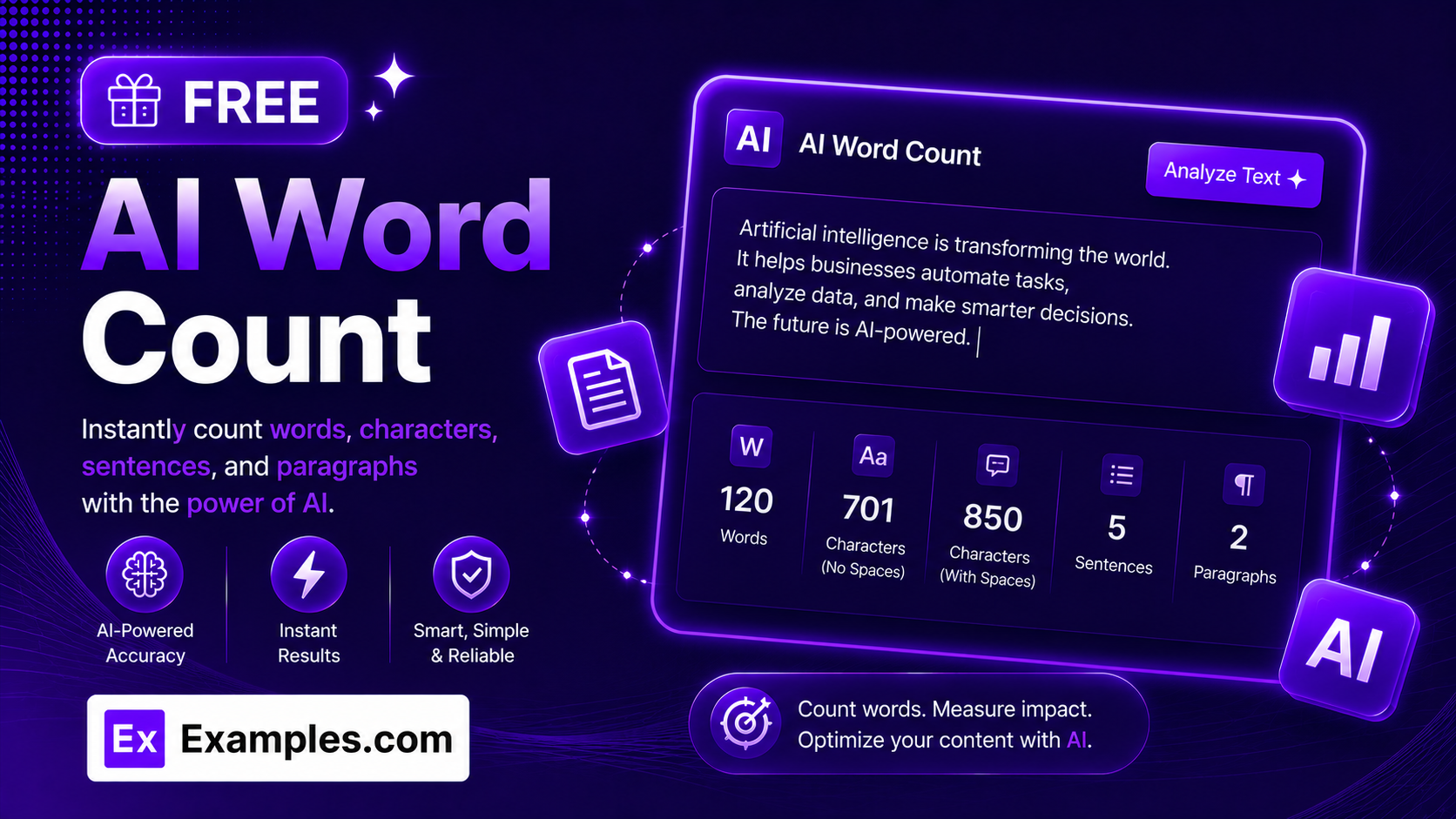
How to Use the AI Word Count Tool
Step 1: Paste or Upload Your Text
- Text to Count: Paste any piece of writing into the input box — a blog post, essay, email, product description, or social media caption.
- Upload File (optional): Instead of pasting text, you can upload a file directly — .txt, .md, .pdf, .doc, .docx, .odt, .html, or .htm, up to 10MB. The text is automatically extracted and added to the input box.
Step 2: Watch Your Report Appear Automatically
- No Button Required: There’s nothing to click. As soon as you start typing, pasting, or uploading, the AI Word Count Tool instantly generates a full report — word count, character count, sentence count, paragraph count, reading time, grade level, and readability scores — and keeps it updated in real time as you keep editing.
Step 3: Copy or Download Your Report
- Copy Report / Download: Once your report is generated, copy it to your clipboard instantly or download it as a clean text file — both available with a single click.
Features of the AI Word Count Tool
The AI Word Count Tool goes far beyond a simple word tally. It analyzes your writing in real time and returns a complete picture of length, pacing, and readability — all without asking you to click a single button.
Core Text Metrics
Every check instantly returns word count, character count, character count without spaces, sentence count, and paragraph count — the essential numbers writers need for meeting length requirements, platform limits, or editorial guidelines.
Reading Time Estimate
The AI Word Count Tool estimates how long your text will take to read, based on an average adult reading speed of 250 words per minute. This helps writers gauge pacing for blog posts, scripts, presentations, and articles before publishing.
Grade Level and Readability Breakdown
Beyond a single grade-level estimate, the tool provides a full readability breakdown — including the Flesch-Kincaid Grade, Flesch Reading Ease score, and Automated Readability Index (ARI) — along with a plain-language summary explaining how easy or difficult the text is to read.
Keyword Density
The AI Word Count Tool identifies your top 10 most-used words, automatically excluding common stopwords like “the,” “and,” and “of,” and shows each word’s density as a percentage of the total word count — useful for spotting repetition or checking keyword balance in SEO content.
Upload Files Directly
Don’t want to copy and paste? Upload your document directly. The AI Word Count Tool accepts .txt, .md, .pdf, .doc, .docx, .odt, .html, and .htm files up to 10MB, automatically extracting the text so it’s ready to analyze in seconds.
Real-Time, Automatic Updates
There’s no “generate” button to click. The report builds itself as you type or paste, updates continuously while you edit, and clears automatically the moment you delete all your text — keeping the workflow completely frictionless.
Copy and Download Report
Copy the full report to your clipboard instantly or download it as a clean text file. Both options are available with a single click directly from the results panel.
AI Word Count Tool Formula
The AI Word Count Tool uses established, industry-standard readability formulas to calculate its scores, so the results are consistent and explainable.
Flesch-Kincaid Grade = 0.39 × (Words ÷ Sentences) + 11.8 × (Syllables ÷ Words) − 15.59
Flesch Reading Ease = 206.835 − 1.015 × (Words ÷ Sentences) − 84.6 × (Syllables ÷ Words)
Automated Readability Index (ARI) = 4.71 × (Characters ÷ Words) + 0.5 × (Words ÷ Sentences) − 21.43
Each formula weighs sentence length and word complexity differently, which is why the tool shows all three side by side rather than relying on a single score. Reading time is calculated separately, based on a fixed average reading speed of 250 words per minute.
Examples of AI Word Count Tool Results
Example 1: Short Blog Intro
- Text Analyzed: “Remote work has changed how we think about productivity. It’s no longer about hours at a desk — it’s about output, focus, and flexibility.”
- Words: 23
- Characters: 138
- Characters without spaces: 115
- Sentences: 2
- Paragraphs: 1
- Reading Time: 0 m 6 s
- Grade Level: Grade 8
Example 2: Business Email
- Text Analyzed: “Great news — the project is done and everything was delivered on time, just as we planned.”
- Words: 16
- Characters: 90
- Characters without spaces: 74
- Sentences: 1
- Paragraphs: 1
- Reading Time: 0 m 4 s
- Grade Level: Grade 7
Example 3: Academic Paragraph
- Text Analyzed: “Climate change represents one of the most significant challenges facing humanity, requiring coordinated international policy responses and long-term structural investment.”
- Words: 20
- Characters: 171
- Characters without spaces: 152
- Sentences: 1
- Paragraphs: 1
- Reading Time: 0 m 5 s
- Grade Level: College Graduate
Example 4: Long-Form Article
- Text Analyzed: A full-length blog article, including headings and FAQ sections
- Words: 1,545
- Characters: 10,701
- Characters without spaces: 9,180
- Sentences: 21
- Paragraphs: 51
- Reading Time: 6 m 11 s
- Grade Level: College Graduate
What is a word count tool?
A word count tool analyzes a piece of writing and returns statistics like word count, character count, sentence count, and paragraph count. More advanced versions, like this one, also calculate reading time and readability scores to give writers a fuller picture of how their text will read.
How is reading time calculated?
Reading time is calculated using an average adult reading speed of 250 words per minute. The tool divides your total word count by 250 to estimate how many minutes and seconds it would take an average reader to get through the text.
How is grade level determined?
Grade level is based on the Flesch-Kincaid Grade formula, which factors in average sentence length and average syllables per word. Shorter sentences and simpler words produce a lower grade level, meaning the text is easier to read; longer sentences and more complex vocabulary push the grade level higher.
What’s the difference between Flesch-Kincaid Grade, Flesch Reading Ease, and ARI?
All three are readability formulas, but they measure and present results differently. Flesch-Kincaid Grade expresses readability as a U.S. school grade level. Flesch Reading Ease uses a 0–100 scale, where higher scores mean easier reading. The Automated Readability Index (ARI) uses character count instead of syllable count, making it useful for text with unusual or technical vocabulary. Showing all three gives a more reliable overall picture than relying on just one.
What types of files can I upload?
You can upload .txt, .md, .pdf, .doc, .docx, .odt, .html, or .htm files up to 10MB. The tool automatically extracts the text from the file and adds it to the input box, ready for instant analysis — no copying and pasting required.
Does this tool store the text I submit?
[Replace this answer with your actual data retention policy before publishing — state clearly whether submitted text is stored, logged, or used for any purpose beyond generating the report.]
Is the AI Word Count Tool free?
Yes. The AI Word Count Tool is completely free to use and instantly analyzes your text for word count, readability, and keyword density without any sign-up, subscription, or usage fees.