
Free AI Content Idea Generator, Real world Content Idea Examples
Generate fresh content ideas for any niche and platform with the free Examples.com Free AI Content Idea Generator. Get titles, hooks, formats, and descriptions in seconds.
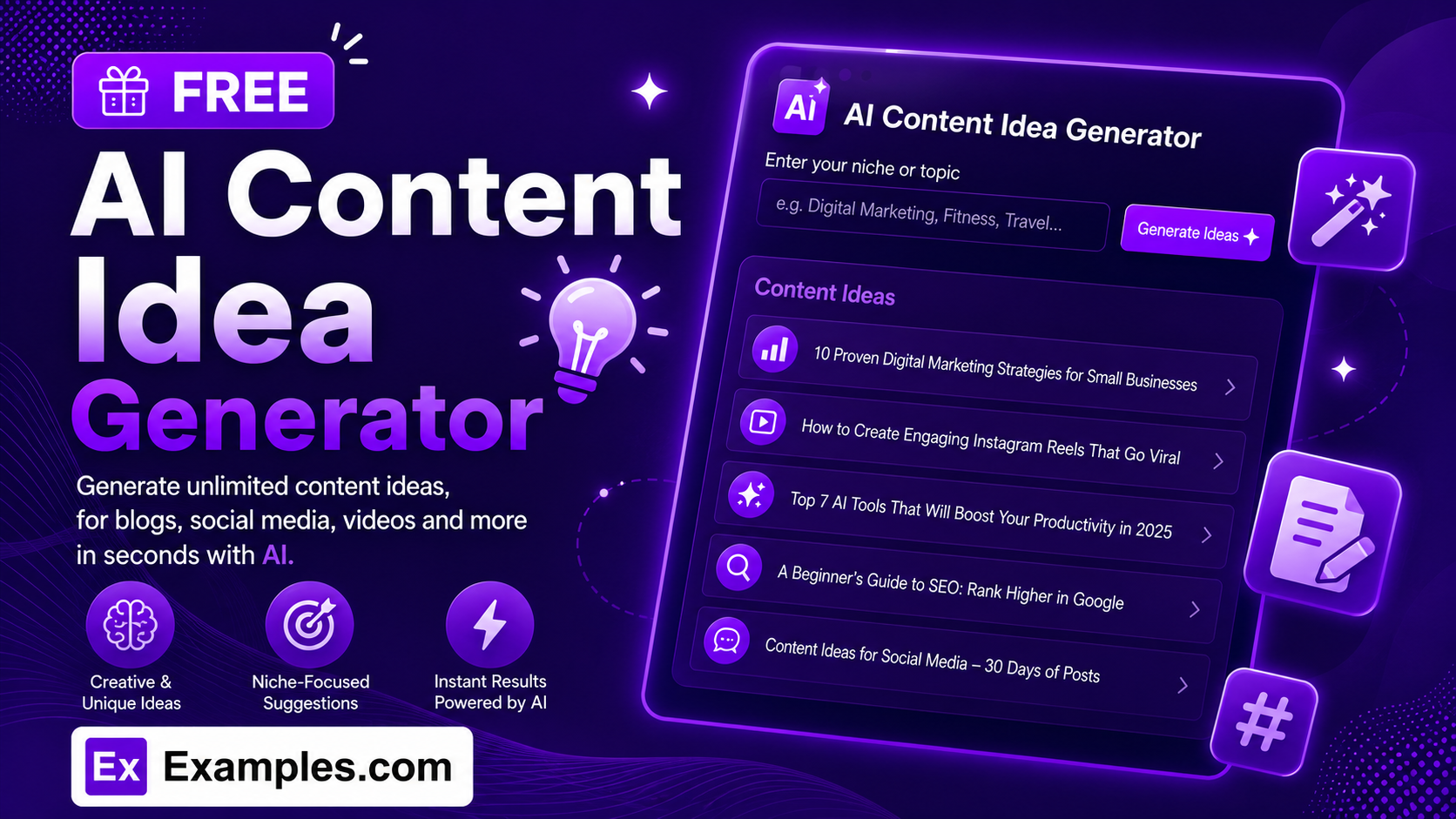
Staring at a blank content calendar? With the Examples.com AI Content Idea Generator, enter your niche, pick a platform and angle, and get a full batch of specific, ready-to-use content ideas — complete with a title, format, hook, and short description for each one.
How to Use the AI Content Idea Generator
Step 1: Enter a Niche or Topic
- Niche / Topic: Type the subject you create content around in the main text field, such as “home workout routines for busy professionals.” This can be a broad niche or a specific topic — the AI will branch it into distinct angles.
Step 2: Choose a Platform
- Platform: Select where the content will be published — Blog / Website, YouTube, Instagram, TikTok, Twitter / X, LinkedIn, Podcast, Email Newsletter, or General / Any — so the suggested formats and hooks actually fit how people consume content there.
Step 3: Select a Content Angle
- Content Angle: Choose the style of ideas you want — Mixed / Varied, Educational, Entertaining, Trending / Timely, Evergreen, Inspirational, or Controversial / Debate. Mixed / Varied is selected by default and pulls from several angles at once.
Step 4: Add a Target Audience (Optional)
- Target Audience: Optionally describe who the content is for, such as “busy working parents in their 30s.” The more specific the audience, the more tailored the hooks and descriptions will be.
Step 5: Choose How Many Ideas to Generate
- Number of Ideas: Select 5, 10, 15, or 20 ideas per batch, depending on how many angles you want to review at once.
Step 6: Pick a Language
- Language: Choose the output language from 15 supported options, including English, Spanish, French, German, Hindi, Arabic, Japanese, and more.
Step 7: Upload a File for Context (Optional)
- Upload File for Context: Optionally upload a .txt, .md, .pdf, .doc, .docx, .odt, or .html file (up to 2MB). The extracted text is added to the Niche / Topic field, so ideas can be generated from existing notes, briefs, or content plans instead of typing everything manually.
Step 8: Generate Your Content Ideas
- Generate Button: Click the purple “Generate Content Ideas” button. The AI produces a full batch of distinct ideas, each with its own title, recommended format, attention-grabbing hook, and a short description of what the content would cover.
Step 9: Edit, Copy, or Download Your Ideas
- Edit / Copy All / Download: Click Edit to adjust any title, hook, or description directly, use Copy All to grab the entire batch at once, or download the full list as a TXT, Word, or PDF file.
AI Content Idea Generator Formula
The AI Content Idea Generator follows the same core formula content strategists use to turn a broad niche into a full content calendar:
Idea Quality = Distinct Angle + Platform-Native Format + Audience-Specific Hook
Where:
- Distinct Angle means each idea takes a genuinely different approach to the niche, rather than being a reworded duplicate of another idea in the batch
- Platform-Native Format means the suggested format — short-form video, carousel post, blog post, newsletter edition, and so on — matches how people actually consume content on the chosen platform
- Audience-Specific Hook means the opening line is written to grab the attention of the specific audience you’re targeting, not a generic, one-size-fits-all headline
- Concrete Follow-Through means each idea comes with enough detail — a title, format, hook, and short description — that you can start creating immediately instead of guessing what the idea actually means
The more specific your niche and audience, the more targeted and usable the generated ideas will be.
Examples of AI Content Idea Generator
Example 1: Fitness Content Calendar
A fitness creator needs a batch of ideas for people who don’t have much free time.
- Niche / Topic: Home workout routines for busy professionals
- Platform: General / Any
- Content Angle: Mixed / Varied
- Result: A batch of ideas like “Idea 1: The 15-Minute Desk-to-Dumbbell Routine” (Short-Form Video) and “Idea 2: Why ‘No Time to Work Out’ Is a Myth” (Blog Post), each with its own hook and description.
Example 2: Personal Finance Blog
A finance blogger wants educational ideas for a new blog series.
- Niche / Topic: Building an emergency fund on a tight budget
- Platform: Blog / Website
- Content Angle: Educational
- Result: A batch of How-To Guide and Explainer-style ideas built around practical, step-by-step approaches to saving on a tight budget.
Example 3: Tech YouTube Channel
A tech creator wants timely video ideas around a fast-moving topic.
- Niche / Topic: AI tools that will change how you work
- Platform: YouTube
- Content Angle: Trending / Timely
- Result: A batch of video-ready ideas with punchy hooks, formatted for the fast-paced, attention-grabbing style YouTube rewards.
Example 4: Travel Instagram in Another Language
A travel creator posting for a Spanish-speaking audience needs ideas in Spanish.
- Niche / Topic: Budget travel in Southeast Asia
- Platform: Instagram
- Language: Spanish
- Result: A full batch of carousel and Reel-ready ideas, with titles, hooks, and descriptions written entirely in Spanish.
Example 5: Career & Productivity Newsletter
A productivity writer wants ideas that will still feel relevant months from now.
- Niche / Topic: Why your to-do list isn’t working
- Platform: Email Newsletter
- Content Angle: Evergreen
- Result: A batch of newsletter-edition ideas built around lasting productivity principles rather than passing trends.
Is the AI Content Idea Generator really free?
Yes. You can generate content ideas for any niche at no cost, with no sign-up required.
How many content ideas can I generate at once?
You can generate 5, 10, 15, or 20 ideas per batch. If you want a fresh set of angles, simply click Generate again.
Can I generate ideas for a specific platform like TikTok or YouTube?
Yes. Choose your platform from the Platform dropdown — including Blog / Website, YouTube, Instagram, TikTok, Twitter / X, LinkedIn, Podcast, or Email Newsletter — and the AI will suggest formats and hooks suited to that platform specifically.
Can I generate content ideas in a language other than English?
Yes. The Language dropdown supports 15 languages, including Spanish, French, German, Portuguese, Italian, Dutch, Hindi, Arabic, Japanese, Chinese (Simplified), Korean, Russian, Turkish, and Indonesian.
Can I upload a file instead of typing my niche?
Yes. Use the “Upload File for Context” field to upload a .txt, .md, .pdf, .doc, .docx, .odt, or .html file up to 2MB. The extracted text is added directly to the Niche / Topic field, so you can generate ideas from existing notes, briefs, or content plans instead of retyping them.
Can I edit the ideas after they’re generated?
Yes. Click Edit to adjust any idea’s title, hook, or description directly in the output panel before copying or downloading it.
What file formats can I download my ideas in?
You can export your generated ideas as a plain text (TXT) file, a Word document, or a PDF.
Related Tools
Once you’ve picked an idea, keep the momentum going with these free AI writing tools:
- AI Content Generator — turn any of these ideas into a full piece of ready-to-publish content.
- AI Blog Title Generator — generate a batch of click-worthy titles once you’ve picked an idea.
- AI Outline Generator — turn a chosen idea into a structured outline before you start writing.