
Free AI Prompt Generator, Real World Prompt Examples
Free AI Prompt Generator — instantly create structured, optimized prompts for ChatGPT, Claude, Gemini and more in seconds.
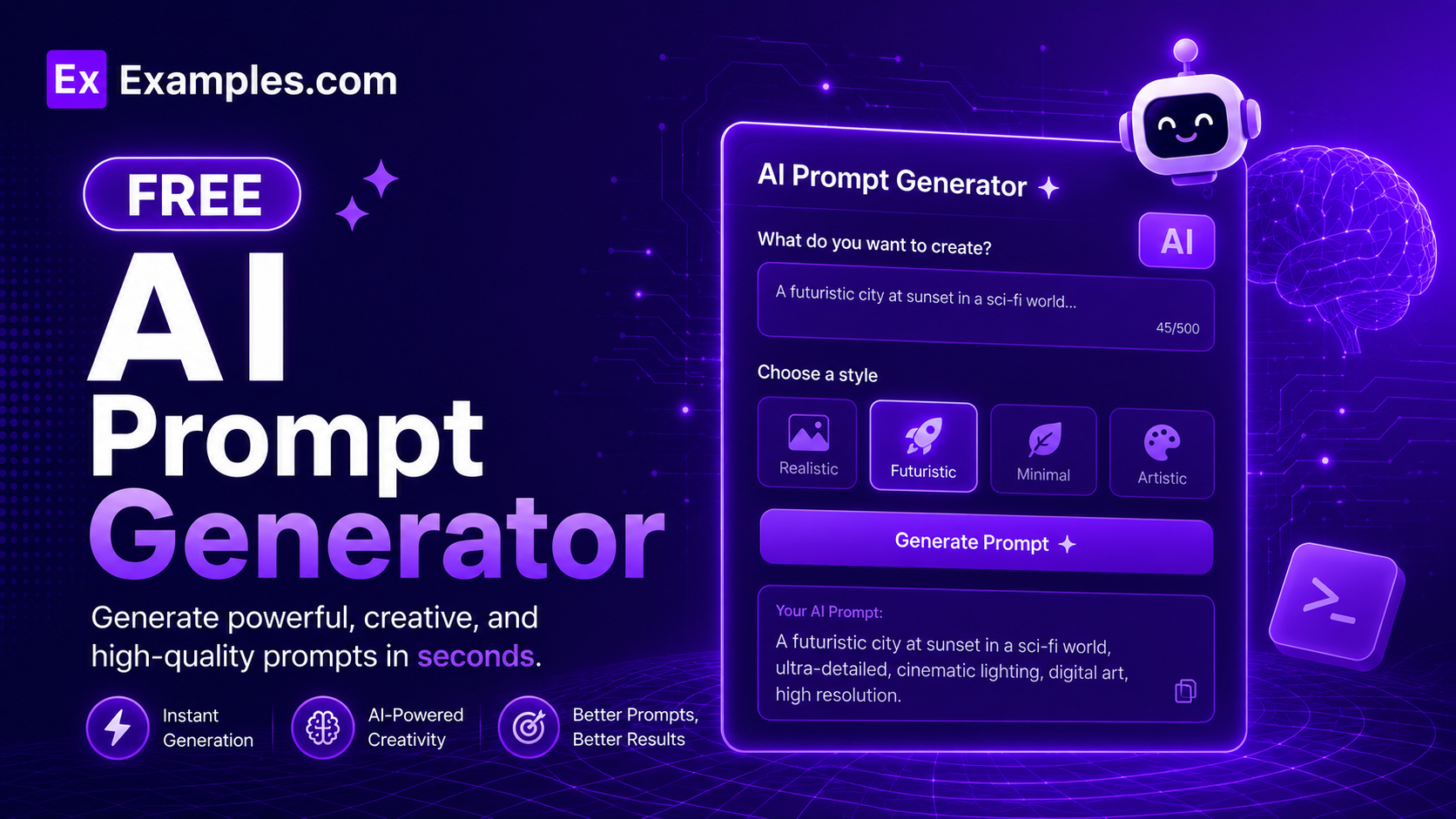
Generate powerful, ready-to-use AI prompts instantly with the Examples.com AI Prompt Generator. Enter your task, choose a tone and output format, and let the tool craft detailed, structured prompts optimized for ChatGPT, Claude, Gemini, and other leading AI models — with support for multiple variations, role personas, and a built-in download mode.
How to Use the AI Prompt Generator
Step 1: Enter a Task or Goal
- Task / Goal: Type your task or writing goal into the “Task / Goal” field. This is the core instruction for the AI — describe what you want the AI to do (e.g., “Write a blog post about climate change,” “Summarize a research paper on machine learning,” “Generate a product description for wireless earbuds,” “Create a lesson plan for 8th grade mathematics”).
Step 2: Define an AI Role
- AI Role: Enter the role or persona you want the AI to adopt when responding (e.g., “Expert copywriter,” “Data analyst,” “High school teacher,” “Senior software engineer”). Assigning a role anchors the AI’s tone, expertise level, and framing, producing more accurate and contextually appropriate outputs.
Step 3: Choose a Tone
- Tone: Select the writing tone that best fits your prompt by clicking one of the six tone buttons — 💼 Professional, 😊 Friendly, 🎨 Creative, 📋 Formal, 💬 Casual, or 🎯 Persuasive. Friendly is selected by default. The selected tone is embedded into the generated prompt so the AI model receiving it responds in the correct voice and register.
Step 4: Select an Output Format
- Output Format: Choose how you want the AI to structure its response — Paragraphs, Bullet Points, Numbered List, Table, JSON, Markdown, Code, or Step-by-step Guide. This format instruction is baked directly into the generated prompt, ensuring the AI model you use returns output in exactly the structure you need.
Step 5: Enable Advanced Options (Optional)
- Advanced Options: Toggle on the Advanced Options switch to access six additional inputs — Target Audience, Response Length, Language, Target AI Model, Background Context, Things to Avoid, and Prompt Variations. These inputs significantly sharpen the generated prompt and tailor it to your exact use case, model, and audience.
Step 6: Generate the Prompt
- Generate Button: Click the purple “✨ Generate Prompt” button. The tool processes all your inputs and produces a fully structured prompt within seconds. The output appears in the right panel, broken down into Role, Context, Task, Constraints, and Expected Output sections — plus a complete ready-to-use Full Prompt block you can copy directly into any AI model.
Step 7: Copy or Download Your Prompt
- Copy / Download: Once the prompt is generated, click “📋 Copy” to copy the full prompt to your clipboard instantly. Use the “⬇ Download” button to save the prompt as a .txt file that includes the title, tone, format, language, all structured sections, the full prompt, and all variations — ready for offline use, sharing with your team, or storing in a prompt library.
Advanced Options in the AI Prompt Generator
Enabling the Advanced Options toggle unlocks seven additional inputs that give you precise control over the generated prompt:
- Target Audience: Specify who the AI’s response should be written for (e.g., “Beginners,” “Senior engineers,” “CMOs”). This tells the AI model to calibrate its vocabulary, depth, and examples to match the reader’s knowledge level and expectations.
- Response Length: Set how long the AI’s response should be — Concise (1–2 sentences), Short (1 paragraph), Medium (3–5 paragraphs), or Long (Comprehensive). The length instruction is embedded directly in the generated prompt so the AI model delivers exactly the depth you need.
- Language: Choose the language in which the AI should respond — English, Spanish, French, German, Hindi, Telugu, Tamil, Portuguese, Japanese, or Chinese. The language setting is included in the prompt so the target AI model generates native-language output rather than a translation.
- Target AI Model: Select the AI model you plan to use the prompt with — Any AI, ChatGPT / GPT-4o, Claude, Gemini, Llama, Midjourney, or DALL·E. The generator optimizes the prompt structure, phrasing, and constraints for the selected model’s known strengths and prompt-following behavior.
- Background Context: Paste any additional background information, constraints, or examples the AI should be aware of before responding. This is especially useful for domain-specific prompts where the AI needs prior knowledge to produce accurate output.
- Things to Avoid: Specify language patterns, structures, or topics the AI should exclude from its response (e.g., “Jargon, passive voice, lists”). These exclusions are embedded as hard constraints in the generated prompt.
- Prompt Variations: Choose to generate 1, 3, or 5 variations of the same prompt simultaneously. When multiple variations are selected, a “🔀 Variations” tab appears in the output panel so you can compare all versions side by side and select the one that best fits your use case.
AI Prompt Generator Formula
The AI Prompt Generator follows a structured input-to-output process to produce precise, high-performing prompts:
Prompt Quality = Role Clarity + Task Specificity + Tone + Format + Constraints + Context
Where:
- Role Clarity defines the AI persona and expertise level, anchoring the response in the right domain
- Task Specificity is how precisely and completely you describe what the AI should do
- Tone controls the voice, formality, and emotional register of the AI’s response
- Format structures the output so it is immediately usable — whether as paragraphs, code, a table, or a step-by-step guide
- Constraints + Context grounds the AI’s output in your specific requirements, audience, and model — increasing relevance, accuracy, and usability
The more specific your inputs, the more targeted, model-optimized, and immediately usable your generated prompt will be.
Examples of AI Prompt Generator
Example 1: Content Marketing – Blog Post Prompt
A content marketer needs a detailed prompt to generate a long-form blog post on remote work productivity.
- Task: Write a comprehensive blog post on the top productivity strategies for remote workers
- AI Role: Expert content strategist and SEO copywriter
- Tone: 💼 Professional
- Output Format: Paragraphs
- Response Length: Long (Comprehensive)
- Target AI Model: ChatGPT / GPT-4o
- Things to Avoid: Passive voice, clichés, repetition
- Result: A fully structured GPT-4o-optimized prompt with role, context, task, constraints, and expected output sections — ready to paste directly into ChatGPT for a publish-ready 800+ word blog post.
Example 2: Software Development – Code Generation Prompt
A developer needs a prompt to generate a Python function for parsing JSON API responses.
- Task: Write a Python function that parses a nested JSON API response and returns a flat dictionary
- AI Role: Senior Python developer
- Tone: 💼 Professional
- Output Format: Code
- Target AI Model: Claude
- Things to Avoid: External libraries, complex recursion, unclear variable names
- Result: A Claude-optimized prompt with clear task instructions, code format constraints, and avoidance rules — producing clean, readable Python code with inline comments on the first attempt.
Example 3: Education – Lesson Plan Prompt
A teacher needs a prompt to generate a structured 45-minute lesson plan for 8th grade algebra.
- Task: Create a 45-minute lesson plan for teaching linear equations to 8th grade students
- AI Role: Experienced middle school mathematics teacher
- Tone: 😊 Friendly
- Output Format: Step-by-step Guide
- Target Audience: 8th grade students, ages 13–14
- Response Length: Medium (3–5 paragraphs)
- Result: A structured step-by-step prompt that produces a complete lesson plan with learning objectives, warm-up activity, main instruction block, practice exercise, and assessment — formatted for immediate classroom use.
Example 4: Marketing – Ad Copy Prompt with Variations
A marketing manager needs five variations of a Facebook ad prompt for a fitness app launch.
- Task: Write a Facebook ad for a new fitness app targeting busy professionals
- AI Role: Performance marketing copywriter
- Tone: 🎯 Persuasive
- Output Format: Paragraphs
- Target Audience: Busy professionals aged 25–45
- Prompt Variations: 5
- Result: Five distinct ad copy prompts viewable in the Variations tab — each with a different hook style (urgency, social proof, benefit-led, question-led, and story-led) — all individually copyable and downloadable as a single .txt export.
Example 5: Data Analysis – Structured Data Prompt
A business analyst needs a prompt to extract insights from a sales dataset using Gemini.
- Task: Analyze a monthly sales dataset and identify the top 3 revenue trends and 2 underperforming product categories
- AI Role: Senior business data analyst
- Tone: 💼 Professional
- Output Format: Table
- Target AI Model: Gemini
- Things to Avoid: Vague summaries, assumptions without data support, informal language
- Result: A Gemini-optimized analytical prompt with clear data task instructions, table output format, and strict avoidance constraints — producing a structured, evidence-based analysis ready for executive reporting.
What types of prompts can the AI Prompt Generator create?
The AI Prompt Generator creates prompts for any writing, coding, analysis, creative, or instructional task. It supports eight output formats — Paragraphs, Bullet Points, Numbered List, Table, JSON, Markdown, Code, and Step-by-step Guide — and optimizes prompts for seven AI models including ChatGPT / GPT-4o, Claude, Gemini, Llama, Midjourney, and DALL·E. Prompts can be generated in ten languages including English, Spanish, French, German, Hindi, Telugu, Tamil, Portuguese, Japanese, and Chinese.
How do I generate multiple prompt variations?
Enable the Advanced Options toggle and set the Prompt Variations dropdown to 3 or 5. After clicking Generate, the output panel displays a “🔀 Variations” tab alongside the main Detail view. Each variation is a fully independent version of the prompt built from your inputs. Click any variation card to select it, then use the “📋 Copy” button to copy that specific variation, or download all variations together as a single .txt file using the Download button.
What is the difference between the six tone options?
Professional tone instructs the AI to respond with clear, neutral, business-appropriate language suited for reports and corporate communications. Friendly tone uses warm, approachable language ideal for onboarding, newsletters, and community content. Creative tone prioritizes originality, imagery, and unconventional framing — best for storytelling and brand content. Formal tone follows strict writing conventions for academic or official documents. Casual tone uses conversational language ideal for social media and lifestyle content. Persuasive tone structures the AI’s response to influence or motivate the reader, making it ideal for ad copy, sales pages, and opinion pieces.
How does selecting a Target AI Model improve the prompt?
Different AI models respond best to different prompt structures, instruction styles, and constraint formats. When you select a Target AI Model, the generator tailors the phrasing, role definition, and constraint formatting to match that model’s known prompt-following behavior. For example, Claude-optimized prompts emphasize explicit role instructions and output structure, while Midjourney prompts focus on visual style descriptors, lighting, and composition keywords rather than narrative instructions.
What does the Full Prompt section contain?
The Full Prompt section in the Detail view contains the complete, ready-to-use prompt as a single copyable block. It combines all structured sections — Role, Context, Task, Constraints, and Expected Output — into one cohesive prompt string optimized for the selected AI model. This is the prompt you paste directly into ChatGPT, Claude, Gemini, or any other AI model to get the exact response you need without any further editing.
How do I download the generated prompt?
Click the “⬇ Download” button in the top-right area of the output panel. The tool saves a .txt file to your device that includes the prompt title, tone, format, language metadata, all structured prompt sections (Role, Context, Task, Constraints, Expected Output), the full ready-to-use prompt, and all variations if multiple were generated. The filename is automatically generated from the prompt title, making it easy to organize your prompt library.
What output formats are available and which should I choose?
The AI Prompt Generator supports eight output format instructions: Paragraphs for flowing written content like blog posts and emails; Bullet Points for quick scannable lists; Numbered List for sequential steps and ranked items; Table for structured data comparisons; JSON for structured data used in applications and APIs; Markdown for documentation and developer content; Code for programming tasks and scripts; and Step-by-step Guide for instructional and how-to content. Select the format that matches how you intend to use the AI’s response — the generator embeds the format instruction directly into the prompt so the AI model structures its output accordingly.