
Free AI Hyperbole Generator, Real World Hyperbole Examples
Generate hilarious, over-the-top hyperboles free with AI. Pick a tone, length, and CEFR level to exaggerate any topic into vivid, ready-to-use text.
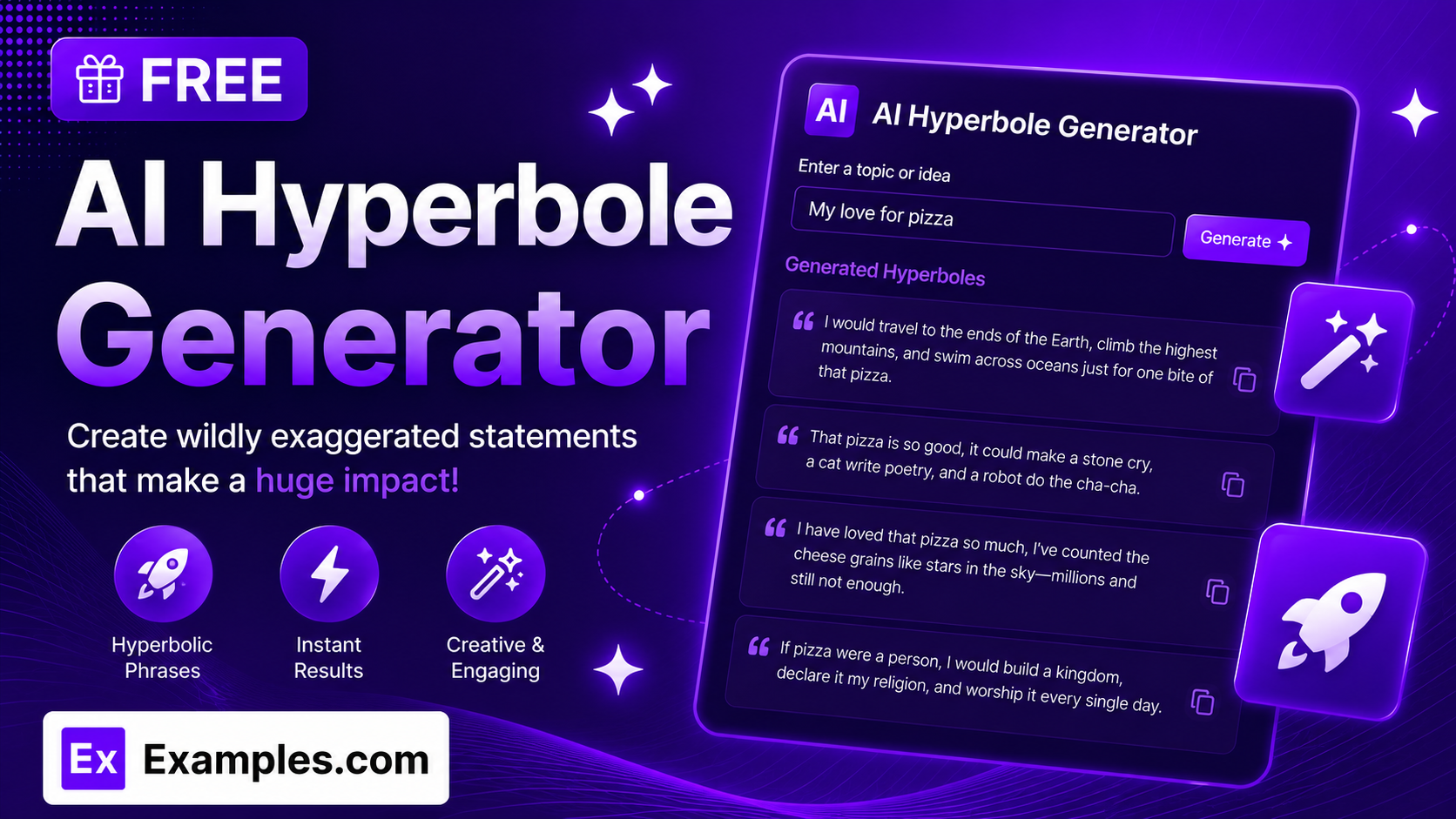
Turn any everyday situation into a wildly exaggerated statement with the Examples.com AI Hyperbole Generator. Describe a topic, pick a tone, length, and CEFR level, and get a vivid, over-the-top paragraph ready to copy, edit, or download.
How to Use the AI Hyperbole Generator
Step 1: Describe the Situation, Feeling, or Topic
- Describe the Situation, Feeling, or Topic to Exaggerate: Type in whatever you want to exaggerate — for example, “waiting in an incredibly long line at the DMV” or “how hungry I am right now.” The more specific and concrete your description, the sharper and funnier the resulting hyperbole will be.
Step 2: Choose a Tone
- Tone: Select the voice of the exaggeration — Humorous, Playful, Dramatic, Poetic, Professional, Inspirational, Minimalist, or Melancholic. Humorous is selected by default.
Step 3: Set the Length
- Length: Choose Short for a quick, punchy exaggeration, Medium for a fuller paragraph with several distinct exaggerations, or Long for an extended, richly detailed paragraph. Medium is selected by default.
Step 4: Pick a CEFR Level
- CEFR Level: Choose the vocabulary and grammar complexity of the output, from A1 (Beginner) to C2 (Mastery). This makes the tool useful for language learners, teachers, and ESL content, not just native speakers. B1 (Intermediate) is selected by default.
Step 5: Upload a File (Optional)
- Upload File to Extract Topic: Optionally upload a .txt, .md, .pdf, .doc, .docx, .odt, or .html file (up to 2MB). The extracted text is automatically added to the topic field, so you can generate a hyperbole based on an existing note, story, or description instead of typing it manually.
Step 6: Generate, Edit, and Download
- Generate Button: Click the purple “Generate Free Hyperbole” button. The AI writes one flowing paragraph packed with distinct, subject-specific exaggerations matched to your chosen tone, length, and CEFR level.
- Edit: Click “Edit” to fine-tune the wording directly in the output panel before exporting.
- Copy / Download: Use “Copy All” to copy the paragraph to your clipboard, or use the “Download” menu to save it as a TXT, Word, or PDF file.
AI Hyperbole Generator Formula
The AI Hyperbole Generator follows a structured input-to-output process to produce exaggerations that are vivid, original, and genuinely funny or dramatic rather than clichéd:
Hyperbole Quality = Subject Specificity + Tone and CEFR Fit + Original, Varied Exaggeration
Where:
- Subject Specificity is how concrete and detailed your described situation, feeling, or topic is, either typed directly or extracted from an uploaded file
- Tone and CEFR Fit is how closely the paragraph matches the voice you want, from a light Playful quip to a sweeping Dramatic or Poetic overstatement, written at the vocabulary level you selected
- Original, Varied Exaggeration is the model avoiding overused clichés (like “waited forever” or “could eat a horse”) and instead building each sentence around a fresh, absurd, subject-specific image
The more specific your topic, the more original and vivid the generated hyperbole will be.
Examples of AI Hyperbole Generator
Example 1: Everyday Frustration
A user wants a funny exaggeration about a common annoyance.
- Topic: Waiting in an incredibly long line at the DMV
- Tone: Humorous
- Length: Medium
- CEFR Level: B1
- Result: A five-sentence paragraph exaggerating the wait through absurd images like the line developing its own weather system and a license photo aging into someone else entirely.
Example 2: Dramatic Storytelling
A writer wants a heightened, theatrical exaggeration for a creative piece.
- Topic: The silence after an argument with a close friend
- Tone: Dramatic
- Length: Long
- CEFR Level: C1
- Result: A seven-sentence paragraph with sweeping, theatrical overstatements about the silence swallowing the room and time itself grinding to a halt.
Example 3: Language Learning Practice
An ESL student wants simple hyperbole to practice reading comprehension.
- Topic: Being extremely tired after a long day at school
- Tone: Playful
- Length: Short
- CEFR Level: A2
- Result: A three-sentence paragraph using only simple, common vocabulary, exaggerating tiredness through easy-to-picture images a beginner can follow.
Example 4: Professional Presentation Opener
A speaker wants a polished, workplace-appropriate exaggeration to open a talk.
- Topic: How much email piles up over a single weekend
- Tone: Professional
- Length: Medium
- CEFR Level: B2
- Result: A restrained but clearly exaggerated paragraph suitable for a lighthearted moment in a business presentation, without becoming silly or unprofessional.
Example 5: File Upload
A user uploads a document instead of typing a topic manually.
- Input: A .docx journal entry uploaded via “Upload File to Extract Topic”
- Tone: Melancholic
- Length: Long
- Result: The tool extracts the described situation from the document text, then generates an extended hyperbole paragraph built around what was actually written in the file.
Is this AI Hyperbole Generator truly free?
Yes. The AI Hyperbole Generator is completely free to use, with no hidden charges, sign-up, or subscription required to generate a paragraph.
What exactly is a hyperbole?
A hyperbole is a deliberate, obvious overstatement used for emphasis, humor, or drama — it’s never meant to be taken literally. It differs from a metaphor (an implied comparison), a simile (an explicit comparison using “like” or “as”), and personification (giving human traits to non-human things), even though all four are common figures of speech.
How many exaggerations does each paragraph include?
The number of sentences scales with your chosen length: Short generates 3 sentences, Medium generates 5, and Long generates 7. Each sentence is written to contain its own distinct exaggeration about the same subject, varying across scale, speed, quantity, sound, or emotional intensity so the paragraph doesn’t repeat the same joke twice.
What’s the difference between the Tone options?
Humorous and Playful keep things light and funny. Dramatic and Poetic lean into sweeping, theatrical or literary language. Professional keeps the exaggeration workplace-appropriate. Inspirational adds an uplifting spin, Minimalist keeps the wording spare and understated, and Melancholic gives the exaggeration a wistful, bittersweet edge. Humorous is the safest default for general use.
Why is there a CEFR Level option?
The CEFR Level lets language teachers, ESL learners, and content creators generate hyperbole at a specific vocabulary and grammar difficulty, from A1 (Beginner) up to C2 (Mastery). This makes the output usable as reading practice or classroom material, not just casual writing.
Can I upload a file instead of typing my topic?
Yes. Use the “Upload File to Extract Topic” field to upload a .txt, .md, .pdf, .doc, .docx, .odt, or .html file up to 2MB. The extracted text is added directly to the topic field, so you can generate a hyperbole based on an existing note, story, or document instead of retyping it.
Can I edit the generated hyperbole afterward?
Yes. Click “Edit” to make changes directly in the output panel, then use “Copy All” to copy the finished paragraph to your clipboard, or download it as a TXT, Word, or PDF file so you can save and reuse it elsewhere.
Related AI Tools
Explore more free AI writing tools from Examples.com:
- AI Metaphor Generator — Turn any idea into a vivid, imaginative metaphor in seconds.
- AI Personification Generator — Bring objects and ideas to life with human qualities and emotions.
- AI Paragraph Writer — Generate a clear, well-organized paragraph on any topic you describe.