
Free AI Instagram Hashtag Generator, Real World Insta Hashtag Examples
Generate Instagram hashtags instantly with our free AI tool. Categorized into popular, niche, community & trending—ready to copy and post.
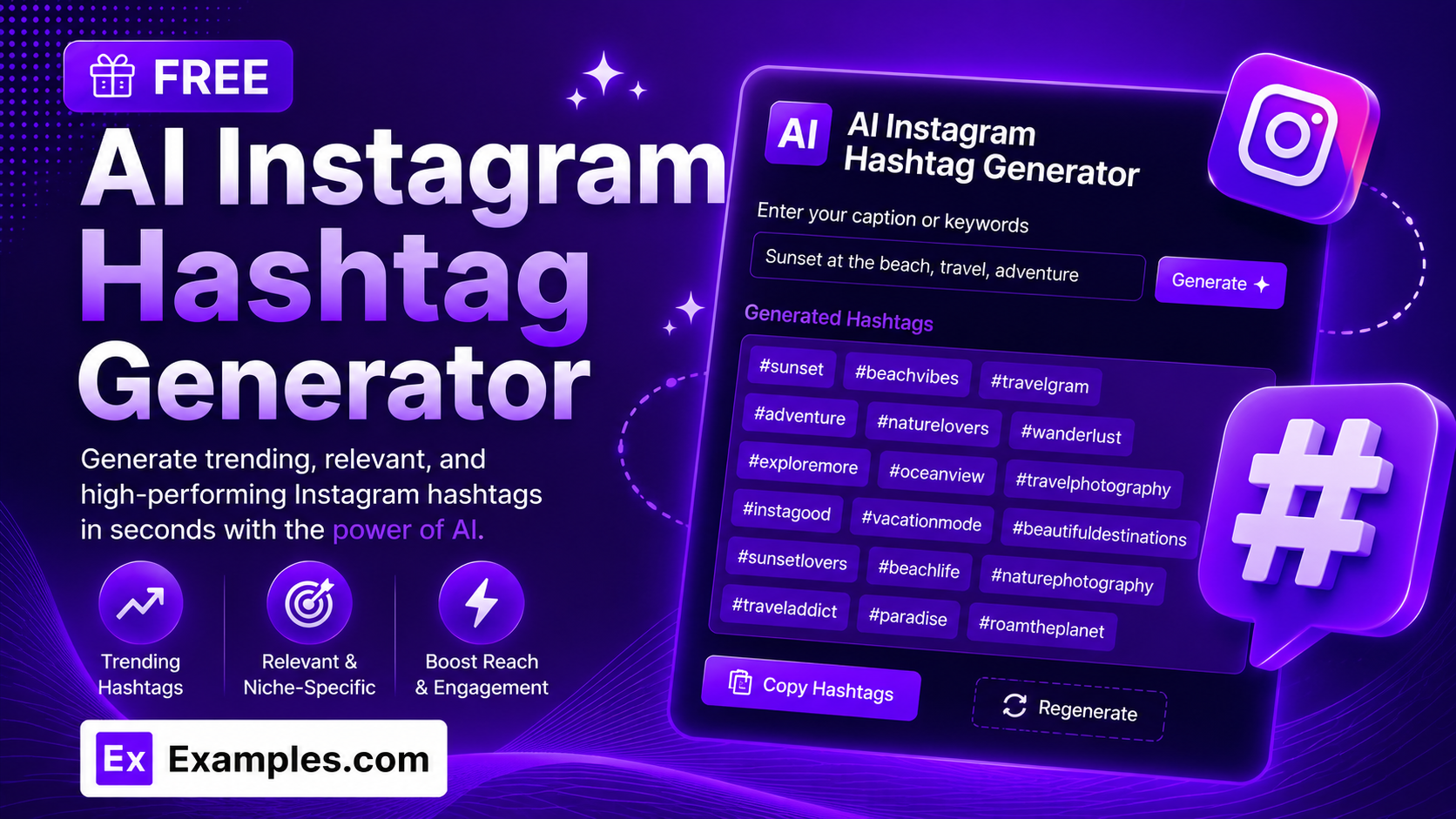
Find the perfect hashtags for every post with the Examples.com AI Instagram Hashtag Generator. Describe your photo or niche, choose a tone and hashtag count, and let AI generate a ready-to-post set of hashtags, automatically grouped by popularity and relevance, in seconds.
How to Use the AI Instagram Hashtag Generator
Step 1: Describe Your Photo, Post, or Niche
- Describe Your Photo / Post / Niche: Type a short description of what the post or account is about in the main text field. This can be a specific post (“Home workout routine for busy moms”) or a broader niche description you post about regularly.
Step 2: Choose a Tone
- Tone: Select the vibe you want your hashtag set to match — Fun, Professional, Minimalist, Bold, Cute, Motivational, Witty, or Elegant. Minimalist is selected by default.
Step 3: Choose How Many Hashtags to Generate
- No. of Hashtags: Select 10, 20, or 30 hashtags. 20 is selected by default. The option is capped at 30 since that’s Instagram’s actual maximum number of hashtags allowed per post.
Step 4: Pick a Language
- Language: Choose the output language from 15 supported options, including English, Spanish, French, German, Hindi, Arabic, Japanese, and more.
Step 5: Generate Your Hashtags
- Generate Button: Click the purple “Generate Free Hashtags” button. The AI writes your requested number of hashtags and automatically organizes them into four categories — Popular Hashtags, Niche-Specific Hashtags, Community & Branded Hashtags, and Trending / Low-Competition Hashtags — so you get a balanced mix rather than one long, repetitive list.
Step 6: Edit, Copy, or Download Your Hashtags
- Edit: Click “Edit” to make changes directly to any hashtag or category before copying or downloading.
- Copy All: Copies every generated hashtag to your clipboard as plain text, ready to paste into Instagram.
- Download: Save the full hashtag set as a TXT, Word, or PDF file for later use or to share with a team.
AI Instagram Hashtag Generator Formula
The AI Instagram Hashtag Generator follows a structured input-to-output process to produce a balanced, ready-to-post hashtag set:
Hashtag Set Quality = Post Description Clarity + Category Balance + Tone Relevance
Where:
- Post Description Clarity is how specific your photo, post, or niche description is
- Category Balance is how evenly the hashtags are spread across Popular, Niche-Specific, Community & Branded, and Trending / Low-Competition tags, so the set supports both reach and discoverability
- Tone Relevance is how closely the selected hashtags match the vibe of your account or post (Fun, Bold, Elegant, and so on)
The more specific your post or niche description, the more targeted and useful the generated hashtag set will be.
Examples of AI Instagram Hashtag Generator
Example 1: Fitness Influencer Post
A fitness creator wants hashtags for a home workout progress photo.
- Describe Your Photo / Post / Niche: Home workout routine for busy moms
- Tone: Motivational
- No. of Hashtags: 20
- Result: A balanced set of 20 hashtags split across Popular (broad fitness terms), Niche-Specific (busy-mom workout terms), Community & Branded (fitness community tags), and Trending / Low-Competition categories.
Example 2: Travel Post
A traveler wants hashtags for a scenic solo-trip photo.
- Describe Your Photo / Post / Niche: Cliffside village overlooking the ocean, first solo trip abroad
- Tone: Fun
- No. of Hashtags: 10
- Result: A compact set of 10 hashtags covering broad travel terms, destination-specific tags, and travel-community hashtags relevant to solo travel.
Example 3: Food Blogger Post
A food blogger needs hashtags for a homemade recipe photo.
- Describe Your Photo / Post / Niche: Homemade sourdough loaf, third attempt after two failed bakes
- Tone: Witty
- No. of Hashtags: 20
- Result: A varied hashtag set spanning broad food and baking tags, sourdough-specific hashtags, baking-community hashtags, and more niche, less saturated baking tags.
Example 4: Small Business Product Launch
A small business owner wants hashtags to help a new product get discovered.
- Describe Your Photo / Post / Niche: Launch of a new handmade ceramic mug collection
- Tone: Bold
- No. of Hashtags: 30
- Result: The maximum set of 30 hashtags, mixing broad handmade-product and small-business tags with niche ceramics-specific and community hashtags to maximize discoverability.
Example 5: Personal Lifestyle Post
Someone wants hashtags for a quiet, reflective personal post.
- Describe Your Photo / Post / Niche: Quiet morning coffee on the balcony before a busy day
- Tone: Elegant
- No. of Hashtags: 10
- Result: A smaller, understated set of lifestyle and mindfulness hashtags that fit a quiet, personal moment rather than a promotional post.
How are the hashtags organized?
Every generated set is automatically grouped into four categories: Popular Hashtags (broad, high-volume tags), Niche-Specific Hashtags (closely matched to your exact topic and audience), Community & Branded Hashtags (tags used by relevant communities or movements), and Trending / Low-Competition Hashtags (less saturated tags that still fit current usage patterns). This mix is designed to support both reach and discoverability, rather than just piling on generic, high-competition tags.
How many hashtags should I use on Instagram?
Instagram allows a maximum of 30 hashtags per post, which is why the No. of Hashtags option is capped at 30. Many creators find that a focused set of 10 to 20 well-matched hashtags performs just as well as the maximum, so feel free to experiment with different counts to see what works best for your account.
Are the generated hashtags relevant to my post?
Yes. The AI generates real, commonly used Instagram hashtags based on your photo, post, or niche description, avoiding invented or gibberish tags. Each hashtag is unique within the set, and you can always edit the results before posting.
Can I generate hashtags in languages other than English?
Yes. The Language dropdown supports 15 languages, including Spanish, French, German, Portuguese, Italian, Dutch, Hindi, Arabic, Japanese, Chinese (Simplified), Korean, Russian, Turkish, and Indonesian. Hashtags are generated in the style commonly used on Instagram for the selected language and region.
Does the Tone setting change the hashtags?
Yes. The Tone setting influences the overall vibe of the hashtag set — for example, a Bold tone leans toward more confident, attention-grabbing tags, while an Elegant tone favors quieter, more understated hashtags, even when the underlying topic is the same.
Can I edit the generated hashtags afterward?
Yes. Click “Edit” to make changes directly to any hashtag or category, then use “Copy All” to copy everything to your clipboard, or “Download” to save the full set as a TXT, Word, or PDF file before posting.
Related Tools
- AI Instagram Caption Generator — Write ready-to-post Instagram captions with matching hashtags.
- AI Instagram Bio Generator — Write short, punchy Instagram bios for your profile.
- AI Meta Title Generator — Generate optimized meta titles for web pages and blog posts.
- AI Blog Title Generator — Create catchy, click-worthy titles for blog content.
- AI Conclusion Generator — Wrap up essays, articles, or reports with a strong closing paragraph.
- AI Content Generator — Generate full articles, product descriptions, ads, and more from a single topic.