
Free AI Bio Generator, Real World Bio Examples
Generate a professional bio in seconds with our free AI Bio Generator. Perfect for LinkedIn, websites, resumes, and more. Try it free - no signup
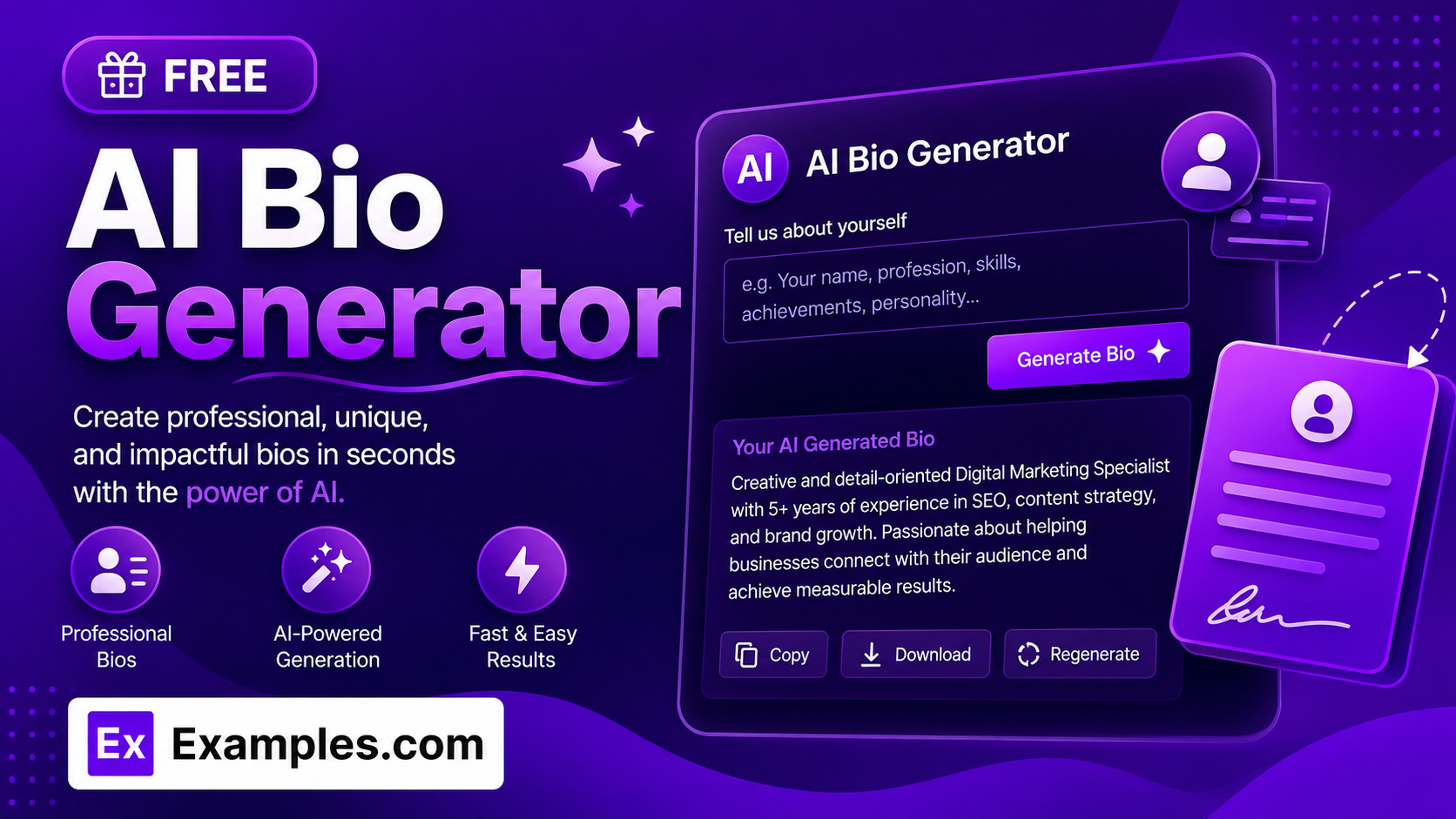
Write a bio that actually sounds like you in seconds with the Examples.com AI Bio Generator. Describe your background, role, or achievements, choose where the bio will be used — LinkedIn, your website, a resume, a dating profile, and more — and let AI turn it into several polished, ready-to-use bio options in the tone, length, and language you need.
How to Use the AI Bio Generator
Step 1: Describe Yourself
- About You: Enter your background, role, or skills, such as “Marketing manager with 8 years in SaaS, led a team that grew signups 3x, loves running and photography.” The more specific you are, the more personal and accurate the generated bios will be.
Step 2: Choose Where the Bio Will Be Used
- Where Will This Bio Be Used?: Select the destination that best matches your needs — General Bio, LinkedIn About Section, Website About Page, Speaker/Conference Bio, Author Bio, Resume/CV Summary, Dating Profile, or Social Media Profile. Each option shapes the structure and style of the generated bio to match real conventions for that destination.
Step 3: Set Perspective and Length
- Perspective: Choose First Person (“I” / “my”) or Third Person (name / “they”). First Person is selected by default. If you choose Third Person, a Name field appears so the bio can refer to you by name.
- Bio Length: Choose Short (~40–60 words), Medium (~80–120 words), or Long (~150–220 words) depending on how much space you have to work with. Medium is selected by default.
Step 4: Set Tone, Variations, and Language
- Tone: Select the voice you want — Professional, Friendly, Confident, Witty, Warm, Bold, Formal, or Playful. Professional is selected by default.
- No. of Variations: Choose 3, 5, or 8 bio options to compare side by side. 3 versions is selected by default.
- Language: Choose from 15 languages, including English, Spanish, French, German, Hindi, Arabic, Japanese, and more. English is selected by default.
- Include Emojis: Turn this on to weave a few relevant emojis into your bios, or leave it off for plain text. It is off by default to suit professional destinations like LinkedIn and resumes.
Step 5: Add Achievements and Personality (Optional)
- Key Achievements / Highlights: Add specific accomplishments you want featured, such as “Forbes 30 Under 30, published 2 books, TEDx speaker,” so the AI works them into the bio instead of leaving them out.
- Personality / Vibe: Add a few words describing how you want to come across, such as “approachable, no-nonsense, quietly ambitious,” to fine-tune the voice beyond the selected tone.
Step 6: Generate, Edit, Copy, or Download
- Generate Button: Click the purple “Generate Free Bio” button. The AI writes multiple distinct bio options based on your details, destination, perspective, tone, and length.
- Edit: Click “Edit” to make changes directly to the results before copying or downloading.
- Copy All: Copies all generated bio options to your clipboard as plain text, ready to paste anywhere.
- Download: Save the results as a TXT, Word, or PDF file for later use or to share with others.
AI Bio Generator Formula
The AI Bio Generator follows a structured input-to-output process to produce natural, ready-to-use bios:
Bio Quality = Accurate Detail + Destination Fit + Tone Match + Natural Length
Where:
- Accurate Detail is how faithfully the bio reflects the background, achievements, and personality you actually provided, without inventing facts
- Destination Fit is how closely the structure and style match real conventions for where the bio will be used, from a LinkedIn About section to a dating profile
- Tone Match is how closely the wording matches your selected tone, from Professional to Playful
- Natural Length is how well the bio fits your chosen length target while still reading as complete, well-formed sentences rather than a padded or cut-off paragraph
The more specific your background, achievements, and personality details, the more original and personal the generated bio will be.
Examples of AI Bio Generator
Example 1: A LinkedIn About Section
A marketing manager wants a polished LinkedIn About section that highlights measurable impact.
- About You: “Marketing manager with 8 years in SaaS, led a team that grew signups 3x”
- Destination: LinkedIn About Section
- Tone: Confident
- Result: A handful of professional, achievement-led bios opening with current role and expertise, such as one leading with the 3x signup growth before closing on what the person is looking to do next.
Example 2: A Third-Person Speaker Bio
A conference organizer needs a short, authoritative bio to introduce a speaker.
- About You: “Data scientist specializing in fraud detection, 10 years at fintech companies”
- Destination: Speaker / Conference Bio
- Perspective: Third Person, Name: “Alex Rivera”
- Result: Bios that refer to “Alex Rivera” by name, lead with their fraud-detection expertise, and close with what attendees can expect to learn from their talk.
Example 3: A Playful Dating Profile Bio
Someone wants a bio for a dating app that shows personality rather than reading like a resume.
- About You: “Vet tech who loves hiking, terrible at karaoke, always up for trying new restaurants”
- Destination: Dating Profile
- Tone: Playful
- Result: Light, conversational bios that show personality and invite a reply, such as one opening with the karaoke confession before mentioning hiking and food adventures.
Example 4: A Concise Resume Summary
A job seeker needs a dense, achievement-driven summary for the top of their resume.
- About You: “Project manager, 6 years in construction, delivered 12 projects on time and under budget”
- Destination: Resume / CV Summary
- Bio Length: Short
- Result: Tight, action-verb-driven summaries that lead with years of experience and quantify impact, with no personal hobbies or filler.
Example 5: A Long-Form Author Bio
A first-time author needs a bio for the back cover of their book.
- About You: “Debut novelist, former journalist, writes literary fiction about small towns”
- Destination: Author Bio
- Bio Length: Long
- Result: A literary, book-jacket-style bio that mentions the debut novel and journalism background, then closes with a personal detail in the classic author-bio convention.
What is an AI bio generator?
An AI bio generator is a tool that turns basic information about your background, skills, and achievements into a polished, ready-to-use biography. Instead of starting from a blank page, you describe yourself in plain language and the AI writes multiple bio options in the tone, length, and style suited to where the bio will appear.
Which destination should I choose?
Choose the option that matches where you’ll actually use the bio. LinkedIn About Section and Resume/CV Summary suit professional, achievement-focused writing; Website About Page and Author Bio suit warmer, more narrative writing; Speaker/Conference Bio suits authority and credentials; and Dating Profile and Social Media Profile suit lighter, more personal writing. If none quite fit, General Bio produces balanced, versatile prose that reads well anywhere.
Should I write my bio in first or third person?
Either works, and it mostly comes down to where the bio will be used. First person (“I” / “my”) is common for LinkedIn, websites, dating profiles, and resumes. Third person (name / “they”) is more common for speaker bios, author bios, and press materials, since it’s often read aloud or printed by someone introducing you rather than written by you directly.
Will the AI make up achievements I didn’t mention?
No. The AI Bio Generator is instructed to work only from the background, achievements, and personality details you provide, and not to invent facts, credentials, or claims that aren’t implied by what you entered. Add specific accomplishments in the Key Achievements field so the AI features them accurately instead of guessing.
Can I generate bios in other languages?
Yes. The Language setting supports 15 languages, including Spanish, French, German, Hindi, Arabic, Japanese, and more, and the generated bios will match the selected language exactly.
Can I edit the generated bio afterward?
Yes. Click “Edit” to make changes directly to the results, then use “Copy All” to copy them to your clipboard, or “Download” to save them as a TXT, Word, or PDF file.
Related Tools
- AI LinkedIn Headline Generator — Pair your new bio with a headline that grabs attention.
- AI Social Media Bio Generator — Generate short, platform-specific bios for Instagram, TikTok, X, and more.
- AI Resume Summary Generator — Build a full resume summary section around your new bio.
- AI Personification Generator — Add vivid, personified imagery to your writing.
- AI Content Idea Generator — Turn your bio and expertise into content ideas for your platform.
- AI Content Generator — Generate full articles, product descriptions, and more from a single topic.