
Free AI Outline Generator, Real World Outline Examples
Instantly generate detailed, well-organized outlines with our free AI Outline Generator to streamline writing and improve content structure.
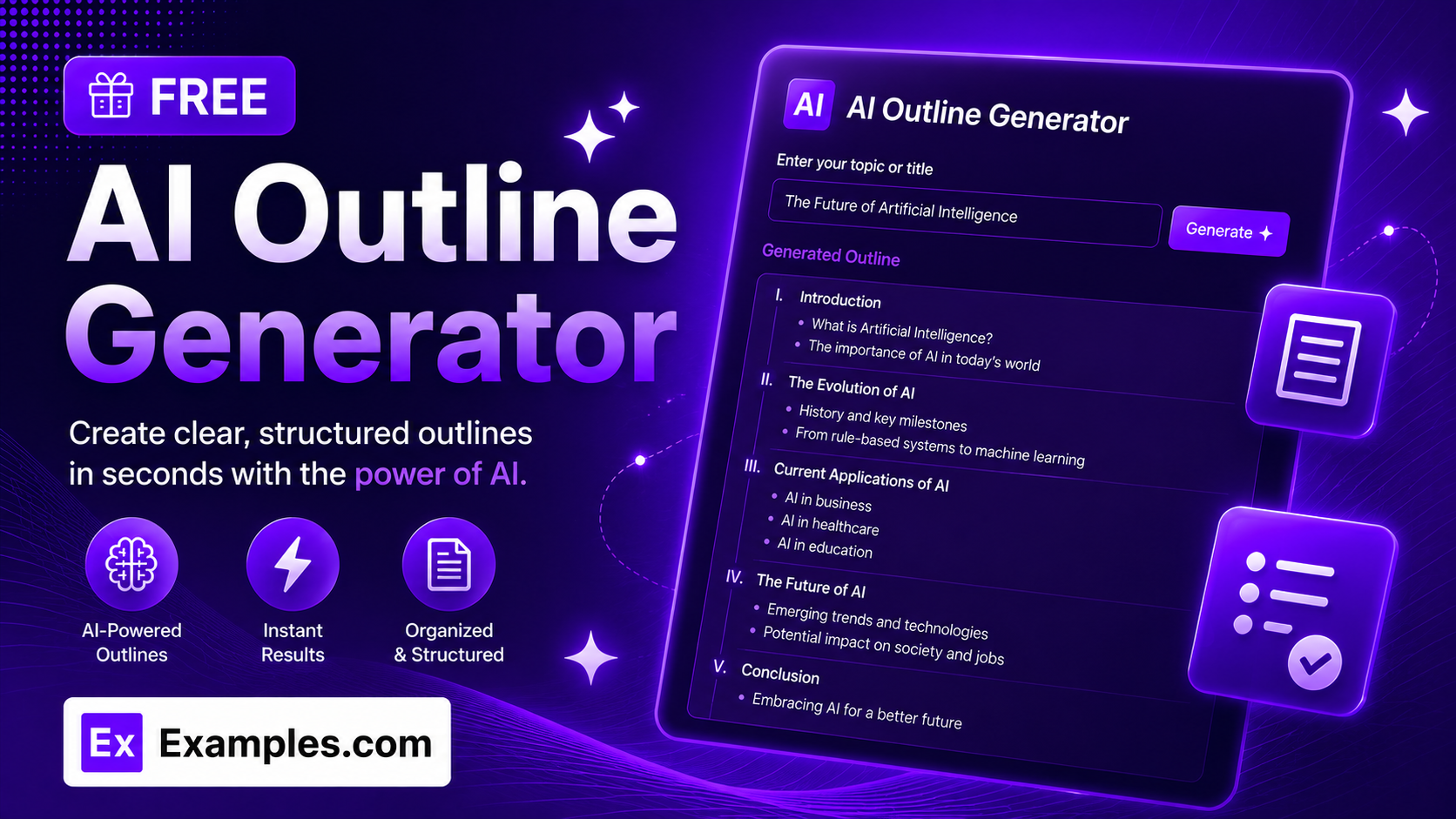
How to Use the AI Outline Generator
Step 1: Enter Your Topic
- Topic: Type the subject you want an outline for — a blog post idea, an essay prompt, a video script, or any piece of content you’re planning. This is the only required field.
Step 2: Add Details About the Topic (Optional)
- Details About the Topic: Add context, angle, target audience, or specific points you want covered. The more detail you provide, the more tailored the outline will be — mention who you’re writing for and what you want emphasized.
Step 3: Click ✦ Generate Free Outline
- Generate Outline: Click the “✦ Generate Free Outline” button to instantly receive a complete, structured outline — title, subheader, introduction, main sections with subsections, a conclusion, and a call to action.
Features of the AI Outline Generator
The AI Outline Generator turns any topic into a clear, ready-to-write content structure in seconds. Every outline is built by advanced AI trained to organize ideas the way an experienced editor would — logically ordered, evenly balanced, and scoped to exactly what you asked for.
Complete, Ready-to-Write Structure
Every outline includes a compelling title, a one- or two-sentence subheader, an introduction with preview bullets, 4 to 6 main sections, and a conclusion with a call to action — everything you need to start writing immediately.
Organized Sections and Subsections
Main sections are broken down into 2 to 4 subsections, each with 2 to 4 short, scannable bullet points. The hierarchy stays balanced throughout, so no single section overwhelms the rest of the outline.
Scoped to Your Exact Topic
The generator stays within the boundaries of what you asked for. It won’t pad the outline with unrelated sections just to make it longer, and it won’t invent statistics, case studies, or claims that weren’t part of your request.
Audience-Aware Outlines
Mention your intended audience in the Details field — HR managers, beginners, developers, students — and the outline’s focus and depth adjust to match who you’re writing for.
Built-In Intro, Conclusion, and Call to Action
Every outline opens with preview bullets for the introduction and closes with a takeaway-focused conclusion plus a short, non-promotional call to action — so the piece has a natural beginning and end before you write a single sentence.
Copy and Download
Copy the full outline to your clipboard instantly or download it as a clean text file. Both options are available with a single click directly from the results panel.
How the AI Outline Generator Structures Your Outline
The AI Outline Generator follows a consistent editorial framework so every outline is easy to scan and easy to write from.
Outline = Title + Subheader + Intro + Main Sections (with Subsections) + Conclusion + Call to Action
The title and subheader frame what the piece is about and who it’s for. The intro previews what’s coming with a few short bullets. Each main section covers one core idea, broken into subsections with focused, table-of-contents-style bullet points. The conclusion pulls out the key takeaways, and the call to action suggests a clear next step for the reader.
Examples of AI Outline Generator Results
Example 1: Blog Post
- Topic: “The Benefits of Remote Work”
- Details: “Write for HR managers and business owners considering a remote or hybrid policy.”
- Result: A title, subheader, intro, and 4 main sections — Productivity, Cost Savings, Hiring, and Challenges — each with subsections and bullets, plus a conclusion and call to action.
Example 2: How-To Guide
- Topic: “How to Start a Vegetable Garden”
- Details: “Write for complete beginners with small backyards.”
- Result: A beginner-focused outline covering site selection, soil preparation, planting, and ongoing care, scoped tightly to small-space gardening.
Example 3: Narrow Topic
- Topic: “Choosing the Right Running Shoes for Flat Feet”
- Details: (none provided)
- Result: A short, focused outline rather than a padded one — since the topic is narrow, the generator keeps sections tight instead of inventing unrelated content.
What is an AI outline generator?
An AI outline generator is a tool that turns a topic — and optional context about your audience or angle — into a structured content outline, complete with a title, introduction, main sections and subsections, a conclusion, and a call to action. It’s designed to save the planning step before writing an article, essay, script, or guide.
How detailed should my topic and details be?
A topic alone is enough to generate an outline, but adding details — your target audience, the angle you want, or specific points to include — produces a more tailored result. If the topic is narrow, the outline will stay focused; if it’s broad, the outline will cover more ground.
Will the outline include statistics, sources, or research?
No. Outline bullets are intentionally kept as short, table-of-contents-style phrases rather than fully explained points. The generator does not invent statistics, dates, prices, or citations — it’s meant to structure your ideas, not do your research for you.
What types of content can I outline?
The AI Outline Generator works for blog posts, articles, essays, guides, video scripts, presentations, and more. Simply describe the topic and, if helpful, the format or audience in the Details field.
Does this tool store the text I submit?
[Replace this answer with your actual data retention policy before publishing — state clearly whether submitted topics and details are stored, logged, or used for any purpose beyond generating the outline.]
Is the AI Outline Generator free?
Yes. The AI Outline Generator is completely free to use and instantly builds a structured outline from your topic without any sign-up, subscription, or per-use fees.