
Free AI Adjective Generator, Real World Adjectives Examples
Generate vivid, ready-to-use adjectives for any noun instantly. Pick a type, add your own words, and get a clean list you can copy or download free.
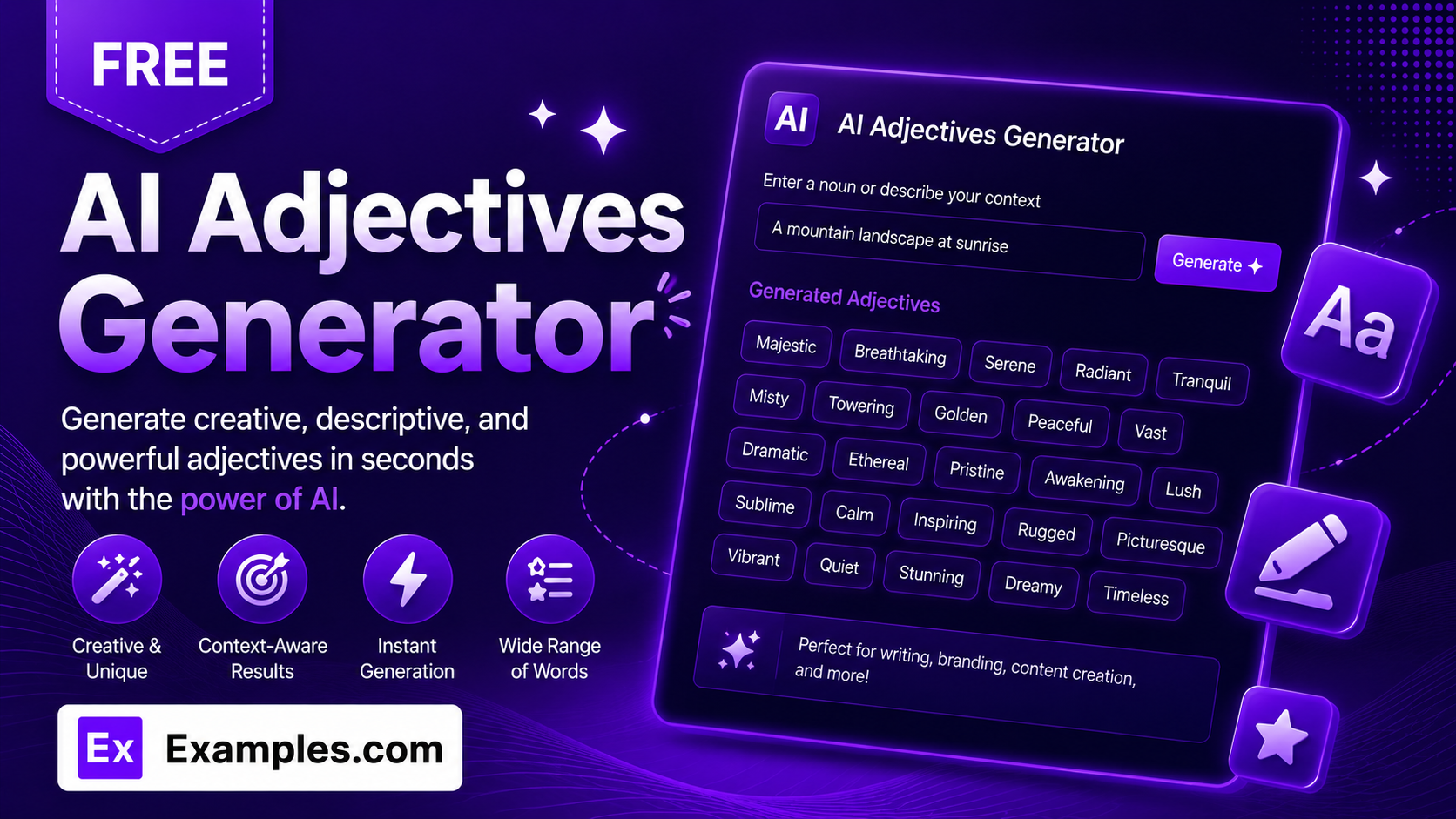
Find the perfect descriptive words with the Examples.com AI Adjective Generator. Enter your nouns, pick a style, and get vivid, non-repetitive adjectives paired to exactly what you’re describing — no thesaurus scrolling required.
How to Use the AI Adjective Generator
Step 1: Set a Theme (Optional)
- Theme or Context: Describe the scene, mood, or setting you want the adjectives to fit — for example, “a cozy autumn morning in a small mountain town.” This is optional, but it helps the generator lean toward words that match the atmosphere you’re going for.
Step 2: Upload a File for Context (Optional)
- Upload File for Context: Optionally upload a .txt, .md, .pdf, .doc, .docx, .odt, or .html file (up to 2MB). The extracted text is added to the theme field automatically, so you can generate adjectives based on an existing paragraph, story, or brief instead of typing it out.
Step 3: Choose the Number of Adjectives
- Number of Adjectives: Select 5, 10, 15, or 20 adjectives. 10 is selected by default.
Step 4: Pick a Type of Adjective
- Type of Adjectives: Choose a style — Everyday & Common, Descriptive Phrases, Funny Words, Fantasy Theme, Weird Combinations, Emotional & Mood, Colors & Sizes, or Nature-Inspired. Everyday & Common is selected by default.
Step 5: Add Your Nouns
- Add Nouns: Type in the nouns you want adjectives generated for, separated by commas (for example, “mountain, coffee, sunset”). This field is required — the generator cycles through your list so every noun gets a fair share of matching adjectives.
Step 6: Generate, Copy, and Download
- Generate Button: Click the purple “Generate Free Adjectives” button. The AI produces a numbered list of vivid, non-repetitive adjectives that avoid generic filler words like “good” or “nice.”
- Copy / Download: Use “Copy All” to copy the full list to your clipboard, or use the “Download” menu to save it as a TXT, Word, or PDF file.
AI Adjective Generator Formula
The AI Adjective Generator follows a structured input-to-output process to produce word lists that are varied, relevant, and genuinely usable:
Adjective Quality = Noun Relevance + Theme and Category Fit + Lexical Variety
Where:
- Noun Relevance is how closely each adjective is matched to a specific noun from your list, either typed in directly or extracted from an uploaded file
- Theme and Category Fit is how well the words match your chosen theme and adjective type, from Everyday & Common to Fantasy Theme or Weird Combinations
- Lexical Variety is the model avoiding duplicate word roots and overly generic adjectives, so every word in the list earns its place
The more specific your nouns and theme, the more precise and usable the generated adjectives will be.
Examples of AI Adjective Generator
Example 1: Creative Writing Scene
A writer wants vivid words to describe a specific setting.
- Theme: A cozy autumn morning in a small mountain town
- Nouns: morning, leaves, village, blanket
- Type: Everyday & Common
- Result: A list of 10 adjectives like Crisp, Golden, Hushed, and Cozy, each matched to one of the four nouns.
Example 2: Fantasy Character Description
A game designer needs otherworldly words for a character sheet.
- Nouns: sword, cloak, castle
- Type: Fantasy Theme
- Answer Length: 15 adjectives
- Result: A list of evocative, fantasy-flavored words suited to worldbuilding and character design.
Example 3: Product Descriptions
An online seller wants punchy words for a product listing.
- Nouns: jacket, fabric, fit
- Type: Descriptive Phrases
- Result: A set of adjectives geared toward marketing copy rather than single generic words.
Example 4: Mood Board or Journaling
A user wants emotionally resonant words to describe a feeling.
- Nouns: silence, memory, rain
- Type: Emotional & Mood
- Result: A reflective list of mood-driven adjectives suited to poetry or personal writing.
Example 5: File Upload
A user uploads a document instead of typing a theme manually.
- Input: A .docx short story excerpt uploaded via “Upload File for Context”
- Nouns: forest, lantern, path
- Result: The tool extracts the tone and detail from the uploaded text, then generates adjectives that fit the extracted context.
Is this AI Adjective Generator truly free?
Yes. The AI Adjective Generator is completely free to use, with no hidden charges, sign-up, or subscription required to generate a list of adjectives.
Do I have to enter a theme?
No. The theme field is optional. The only required field is Add Nouns — the generator will produce adjectives matched to your nouns even without a specific theme or context.
How many adjectives can I generate at once?
You can generate 5, 10, 15, or 20 adjectives per request. If you need more, simply run the generator again with the same nouns to get a fresh, non-overlapping batch.
What’s the difference between the adjective types?
Everyday & Common gives straightforward, widely usable words. Descriptive Phrases produces short phrase-style descriptors rather than single words. Funny Words and Weird Combinations lean playful and unexpected. Fantasy Theme suits worldbuilding and character design. Emotional & Mood focuses on feeling and atmosphere. Colors & Sizes sticks to visual and physical description. Nature-Inspired draws from natural imagery.
Can I upload a file instead of typing a theme?
Yes. Use the “Upload File for Context” field to upload a .txt, .md, .pdf, .doc, .docx, .odt, or .html file up to 2MB. The extracted text is added directly to the theme field, so the generator can pull context from an existing document instead of you retyping it.
Will the generator repeat the same adjectives?
The tool is instructed to avoid duplicate word roots and overly generic adjectives like “good” or “nice,” so each list favors variety. Running the generator multiple times with the same inputs will still produce different results each time.
Can I copy or download the results?
Yes. Use “Copy All” to copy the full adjective list to your clipboard, or use the “Download” menu to save it as a TXT, Word, or PDF file so you can save and reuse it elsewhere.
Related AI Tools
Explore more free AI writing tools from Examples.com:
- AI Metaphor Generator — Turn any idea into a vivid, flowing metaphor in seconds.
- AI Paragraph Writer — Generate a clear, well-organized paragraph on any topic you describe.
- AI Answer Generator — Get instant, synthesized answers to any question.