
Free AI Personification Generator, Real World Personification Examples
Turn any object, animal, or idea into vivid personification instantly. Free AI tool with tone, length & CEFR controls — no signup required.
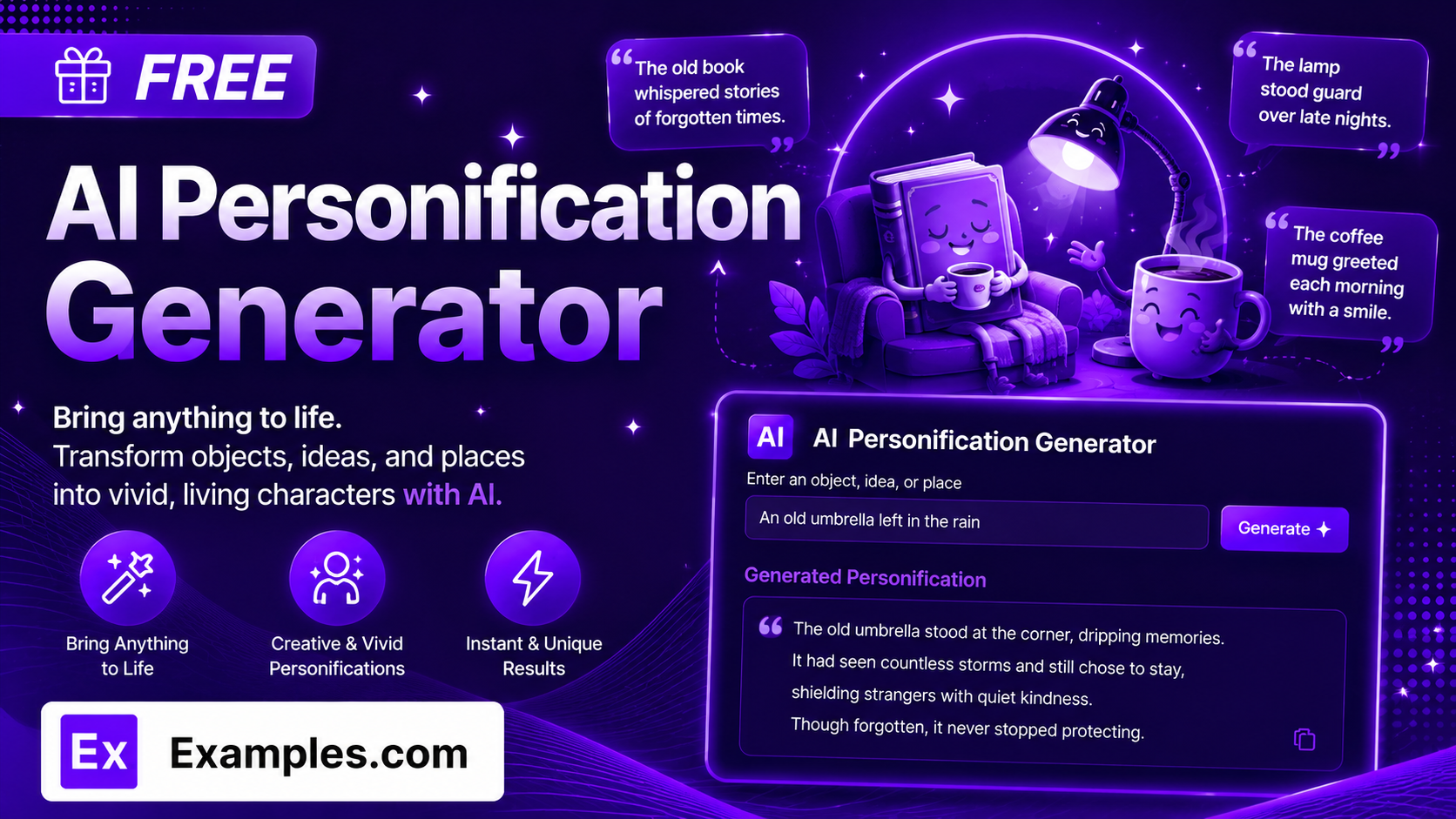
Bring any object, animal, or idea to life with the Examples.com AI Personification Generator. Describe the subject you want to personify, choose a tone, length, and CEFR level, and get an original, ready-to-use personification paragraph you can drop straight into a poem, story, essay, or piece of marketing copy.
How to Use the AI Personification Generator
Step 1: Describe the Object, Animal, or Concept to Personify
- Describe the Object, Animal, or Concept to Personify: Type what you want your personification to be about into the main text field. The more specific and vivid you are — for example, “An old bicycle left out in the rain all winter” — the more original and grounded your generated paragraph will be.
Step 2: Choose a Tone
- Tone: Select the voice you want your personification to have — Poetic, Playful, Dramatic, Professional, Humorous, Inspirational, Minimalist, or Melancholic. Poetic is selected by default.
Step 3: Choose a Length
- Length: Pick how long the paragraph should be — Short for a tight, three-sentence paragraph, Medium for a balanced, five-sentence paragraph, or Long for a fuller, seven-sentence paragraph with extra descriptive detail. Medium is selected by default.
Step 4: Set the CEFR Level
- CEFR Level: Choose the language proficiency level of the output, from A1 (Beginner) through C2 (Mastery). This controls vocabulary difficulty and sentence complexity, making the tool useful for ESL learners, language teachers, and graded readers, not just native-level creative writing. B1 (Intermediate) is selected by default.
Step 5: Upload a File to Extract Your Subject (Optional)
- Upload File to Extract Topic: Optionally upload a .txt, .md, .pdf, .doc, .docx, .odt, or .html file (up to 2MB). The extracted text is automatically added to the subject field, so you can generate a personification paragraph straight from an existing draft, description, or brief instead of typing your subject manually.
Step 6: Generate, Edit, and Download Your Personification
- Generate Button: Click the purple “Generate Free Personifications” button. The AI produces one flowing paragraph in which the subject directly performs human actions, emotions, or traits — never compared to a person, but written as one.
- Edit: Click “Edit” to fine-tune the paragraph directly in the output panel before exporting.
- Copy / Download: Use “Copy All” to copy the paragraph to your clipboard, or use the “Download” menu to save it as a TXT, Word, or PDF file.
AI Personification Generator Formula
The AI Personification Generator follows a structured input-to-output process to produce a paragraph that feels vivid, coherent, and true to the subject:
Personification Quality = Subject Specificity + Trait Originality + CEFR and Tone Accuracy
Where:
- Subject Specificity is how concrete and detailed your description of the object, animal, or concept is, either typed in or extracted from an uploaded file
- Trait Originality is how varied and unexpected the human actions, emotions, and traits attributed to the subject are, so the paragraph avoids the first, most obvious comparison and every sentence introduces something new
- CEFR and Tone Accuracy is how well the finished paragraph matches your selected proficiency level and voice without drifting into vocabulary that’s too advanced, too simple, or off-tone
The more specific and physically detailed your subject description, the more grounded and original the generated personification will be.
Examples of AI Personification Generator
Example 1: An Old Bicycle
Someone wants a reflective personification of a neglected object for a short story opener.
- Subject: An old bicycle left out in the rain all winter
- Tone: Poetic
- Length: Medium
- CEFR Level: B1
- Result: A five-sentence paragraph in which the bicycle waits, droops, endures, and finally exhales with relief, each sentence grounded in a physical detail like its rusted frame or stiffened chain.
Example 2: A Product Launch
A marketer wants a professional, memorable way to describe a new app in a launch email.
- Subject: A budgeting app that quietly keeps track of every small expense
- Tone: Professional
- Length: Short
- CEFR Level: B2
- Result: A tight, three-sentence paragraph describing the app as watchful, patient, and diligent — polished enough for a landing page or investor deck.
Example 3: An ESL Classroom Exercise
A language teacher wants a simple, beginner-friendly example to teach the concept of personification.
- Subject: The sun rising over a quiet village
- Tone: Minimalist
- Length: Short
- CEFR Level: A1
- Result: A short paragraph using only common, everyday words and simple sentences, ideal for handing directly to beginner language learners as a model text.
Example 4: A Grief Poem
A writer wants a longer, more literary personification of an abstract feeling for a memorial piece.
- Subject: The quiet, ongoing grief of losing a parent
- Tone: Melancholic
- Length: Long
- CEFR Level: C1
- Result: A seven-sentence paragraph with rich, idiomatic vocabulary, appropriate for a eulogy, memorial post, or personal essay.
Example 5: File Upload
A writer uploads an existing draft instead of typing their subject manually.
- Input: A .docx description of an abandoned lighthouse, uploaded via “Upload File to Extract Topic”
- Tone: Dramatic
- Length: Medium
- CEFR Level: B1
- Result: The tool extracts the core subject matter from the uploaded document, then generates a dramatic, five-sentence personification based only on what was actually described in the file.
What is personification?
Personification is a figure of speech that gives human actions, emotions, or traits to something non-human — an object, animal, force of nature, or abstract idea. For example, “the wind sighed against the window” directly attributes a human action (sighing) to the wind, rather than comparing the wind to a person. That direct attribution is what separates true personification from a simile or metaphor.
How is personification different from a metaphor or simile?
A simile compares two things using “like” or “as” (“the wind howled like a wolf”). A metaphor states a direct comparison without those words (“the wind was a wolf at the door”). Personification specifically gives a non-human subject a human action, emotion, or trait as if it were literally doing it (“the wind howled through the night”). The AI Personification Generator is built specifically around this distinction and is instructed never to use comparison words like “like,” “as,” or “resembles.”
What does the CEFR Level setting do?
CEFR (Common European Framework of Reference for Languages) is a standard scale for describing language proficiency, from A1 (Beginner) to C2 (Mastery). Setting a CEFR level controls the vocabulary difficulty and sentence complexity of the generated paragraph, so the tool can produce simple, beginner-friendly writing for language learners just as easily as rich, idiomatic writing for advanced readers. This makes it useful for ESL teaching materials and graded readers, not only creative writing.
How does the Length setting affect the output?
Short produces a tight, three-sentence paragraph built for quick, quotable use. Medium produces a balanced, five-sentence paragraph that works well for most writing. Long produces a fuller, seven-sentence paragraph with extra descriptive detail, better suited to essays, speeches, or reflective writing.
Will the personification sound cliché?
The AI is instructed to avoid the first, most obvious human trait for a given subject and to choose a fresher, more original one instead. It also grounds every trait in a specific physical detail of the subject — its shape, texture, sound, or condition — rather than a vague emotion stated on its own. If a result still feels too familiar, try regenerating or switching to a different tone.
Can I upload a file instead of typing my subject?
Yes. Use the “Upload File to Extract Topic” field to upload a .txt, .md, .pdf, .doc, .docx, .odt, or .html file up to 2MB. The extracted text is added directly to the subject field, so you can generate a personification paragraph based on an existing draft or description instead of retyping it.
Which tone should I choose for my personification?
Poetic and Melancholic work well for personal essays, eulogies, and reflective writing. Professional and Minimalist suit business copy, product descriptions, and taglines. Dramatic and Inspirational fit stories and speeches. Playful and Humorous are better for social captions and lighthearted writing. You can generate a version with one tone, then try another tone on the same subject to compare.
Can I edit the generated personification afterward?
Yes. Click “Edit” to make changes directly in the output panel, then use “Copy All” to copy the finished paragraph to your clipboard, or download it as a TXT, Word, or PDF file so you can save it and drop it into your writing later.
Related AI Tools
Explore more free AI writing tools from Examples.com:
- AI Metaphor Generator — Turn any topic, idea, or feeling into a list of original metaphors.
- AI Paraphraser — Rewrite any sentence or paragraph in a fresh tone while keeping the original meaning.
- AI Conclusion Generator — Generate a strong closing paragraph for any essay, report, or article.