
Free AI Allusion Generator, Real World Allusion Examples
Turn any topic into powerful allusions with AI — literary, historical, mythological, or pop culture. Free, instant, and exportable to Word/PDF/TXT.
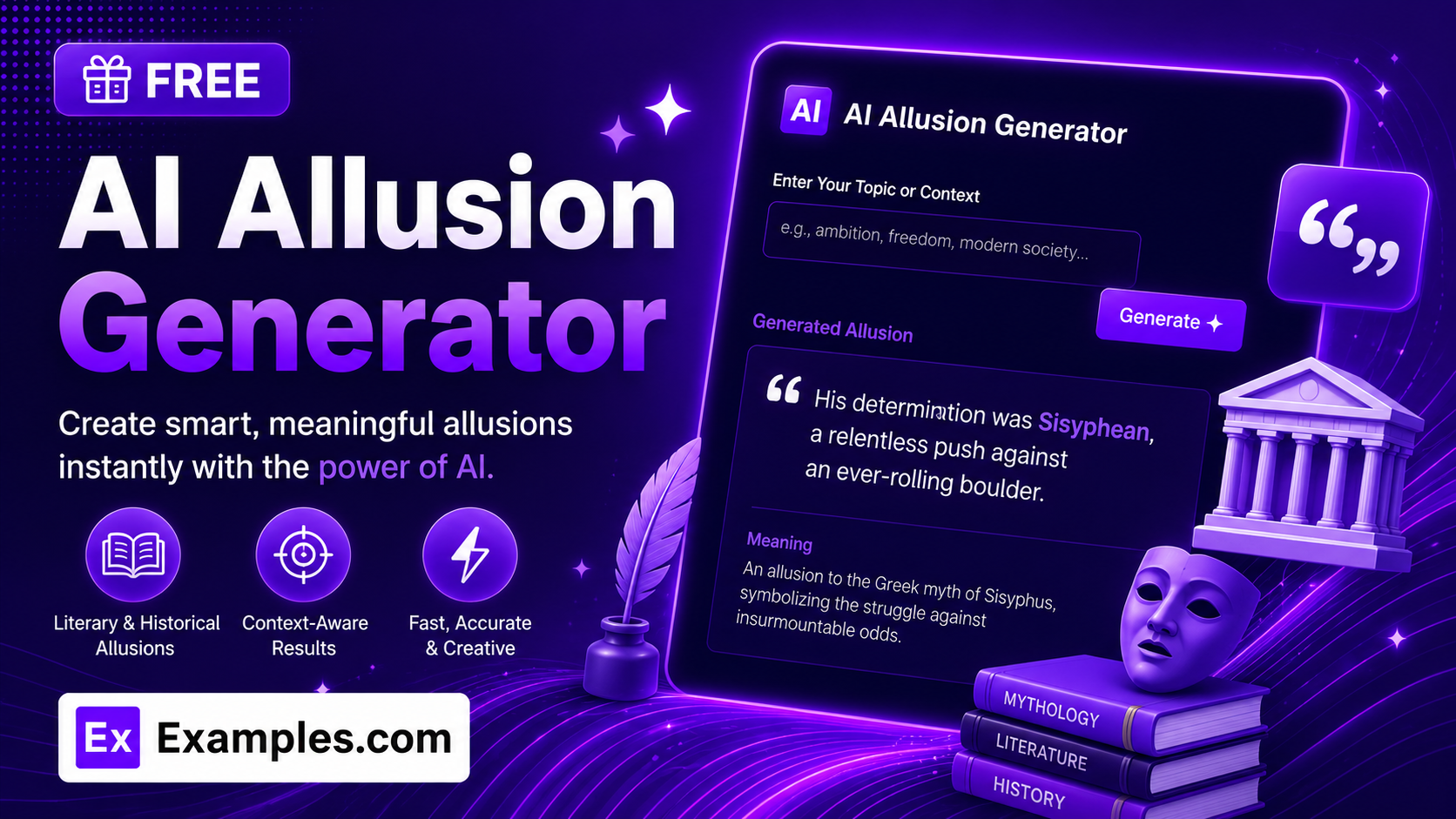
Add depth and resonance to your writing with the Examples.com AI Allusion Generator. Enter a topic, choose the type of reference, tone, and audience, and get original allusions to real people, events, literature, mythology, or pop culture — each one paired with a quick explanation of why it fits.
How to Use the AI Allusion Generator
Step 1: Enter Your Topic
- Enter the topic: Type the topic, subject, or sentence you want to enrich with allusions into the main text field. This can be a short phrase (“a company facing its biggest crisis”) or a longer sentence you’re already working on. The more specific your topic, the more fitting and precise the generated allusions will be.
Step 2: Choose an Allusion Type
- Allusion Type: Pick where the references should be drawn from — Mixed / Any, Literary, Historical, Biblical / Mythological, or Pop Culture. Mixed / Any is selected by default and lets the AI choose whichever real references best fit your topic across categories.
Step 3: Set the Tone
- Tone: Select how the allusions should sound — Neutral, Poetic, Formal, Casual, Dramatic, or Witty. Neutral is selected by default.
Step 4: Pick Who It’s Best For
- Best For: Choose the intended audience — General Audience, Students, Writers, Public Speakers, Content Writers, or Academic Writing. General Audience is selected by default.
Step 5: Choose How Many Allusions
- Number of Allusions: Select how many allusions to generate — 5, 8, 10, or 15. 8 is selected by default. Each one references a different real person, event, work, or myth, so a higher count gives you more options to choose from.
Step 6: Upload a File (Optional)
- Upload File for Context: Optionally upload a .txt, .md, .pdf, .doc, .docx, .odt, or .html file (up to 2MB). The extracted text is automatically added to the topic field, so you can generate allusions based on a longer essay, speech draft, or article instead of typing everything manually.
Step 7: Generate, Edit, and Download Your Allusions
- Generate Button: Click the purple “Generate Free Allusions” button. The AI creates a numbered list of original allusions to real people, events, literature, mythology, or pop culture, written in your chosen tone and pitched at your chosen audience, each followed by a short explanation of what’s being referenced and why it fits.
- Edit: Click “Edit” to fine-tune the wording of any allusion directly in the output panel before exporting.
- Copy / Download: Use “Copy All” to copy the full list to your clipboard, or use the “Download” menu to save it as a TXT, Word, or PDF file.
AI Allusion Generator Formula
The AI Allusion Generator follows a structured input-to-output process to produce allusions that are real, fitting, and genuinely add meaning:
Allusion Quality = Topic Specificity + Reference Authenticity + Contextual Fit
Where:
- Topic Specificity is how clearly defined the subject, sentence, or situation you want enriched is, either typed in directly or extracted from an uploaded document
- Reference Authenticity is the model drawing only on real, verifiable people, events, literary works, myths, or historical happenings that match your chosen Allusion Type, never an invented or fictional reference presented as real
- Contextual Fit is how well each reference actually illuminates something specific about your topic rather than gesturing vaguely, paired with a short explanation of what’s being alluded to and why it works
The more specific your topic, the more precise and genuinely fitting the generated allusions will be.
Examples of AI Allusion Generator
Example 1: A Business Crisis for General Audience
A writer wants to describe a company’s downfall in a way that resonates broadly.
- Topic: A company facing its biggest crisis
- Allusion Type: Mixed / Any
- Tone: Neutral
- Best For: General Audience
- Result: A line comparing the company’s downfall to the Lehman Brothers collapse, alongside an explanation of the parallel between overconfidence and cascading failure.
Example 2: A Personal Essay for Students
A student wants a literary reference to strengthen a personal essay’s opening line.
- Topic: Starting over after a difficult year
- Allusion Type: Literary
- Tone: Poetic
- Best For: Students
- Result: A line drawing on a well-known novel’s theme of renewal, paired with a note on why the comparison fits a fresh start.
Example 3: A Wedding Speech for Public Speakers
A best man wants a warm, well-known reference to open a toast.
- Topic: Two people finding each other against the odds
- Allusion Type: Mixed / Any
- Tone: Witty
- Best For: Public Speakers
- Result: A playful line referencing a famous real-life or mythological pairing, with a brief note on why it suits a toast rather than a eulogy.
Example 4: A Historical Analysis for Academic Writing
A student wants a historical parallel to strengthen an argument in an essay.
- Topic: A single decision triggering a much larger conflict
- Allusion Type: Historical
- Tone: Formal
- Best For: Academic Writing
- Result: A line referencing a real historical flashpoint, with an explanation of how a single event escalated into a far larger outcome.
Example 5: File Upload
A content writer uploads a draft article instead of typing a topic manually.
- Input: A .docx article draft uploaded via “Upload File for Context”
- Allusion Type: Pop Culture
- Tone: Casual
- Best For: Content Writers
- Result: The tool extracts the core subject from the document text, then generates allusions to widely known films, music, or cultural moments grounded only in what was actually described in the file.
Is this AI Allusion Generator truly free?
Yes. The AI Allusion Generator is completely free to use, with no hidden charges, sign-up, or subscription required to generate allusions.
Are the generated allusions based on real references?
Yes. The tool is instructed to draw only on real, verifiable people, events, literary works, myths, or historical happenings, and never to invent a fictional or obscure reference and present it as real. That said, it’s still AI-generated content, so for academic or published work, it’s a good idea to double-check names, dates, and details before relying on them.
What’s the difference between the Allusion Type options?
Allusion Type determines which category of reference the AI draws from. Literary pulls from well-known novels, plays, poems, and characters. Historical pulls from real events, figures, and eras. Biblical / Mythological pulls from religious texts and mythology such as Greek, Roman, or Norse stories. Pop Culture pulls from widely known films, music, or cultural moments, referenced by name only and never through quoted lyrics or dialogue. Mixed / Any lets the AI choose whichever category best fits your topic.
Which tone should I choose?
The tone setting shapes the voice of each allusion. Formal suits academic or professional writing. Dramatic and Poetic add weight to speeches or creative pieces. Casual and Witty work well for blog posts or light-hearted content. Neutral is a safe, adaptable default for most topics.
Can I upload a file instead of typing my topic?
Yes. Use the “Upload File for Context” field to upload a .txt, .md, .pdf, .doc, .docx, .odt, or .html file up to 2MB. The extracted text is added directly to the topic field, so you can generate allusions based on an existing essay, article, or speech draft instead of retyping it.
Can I edit the generated allusions afterward?
Yes. Click “Edit” to make changes directly in the output panel, then use “Copy All” to copy the finished list to your clipboard, or download it as a TXT, Word, or PDF file so you can save and reuse it elsewhere.