
Free AI Hair Style Changer, Real World Hair Style Examples
Upload your photo, choose a new hairstyle like a bob, pixie cut, or braids, and see the change instantly with our free AI Hair Style Changer — no design skills needed.
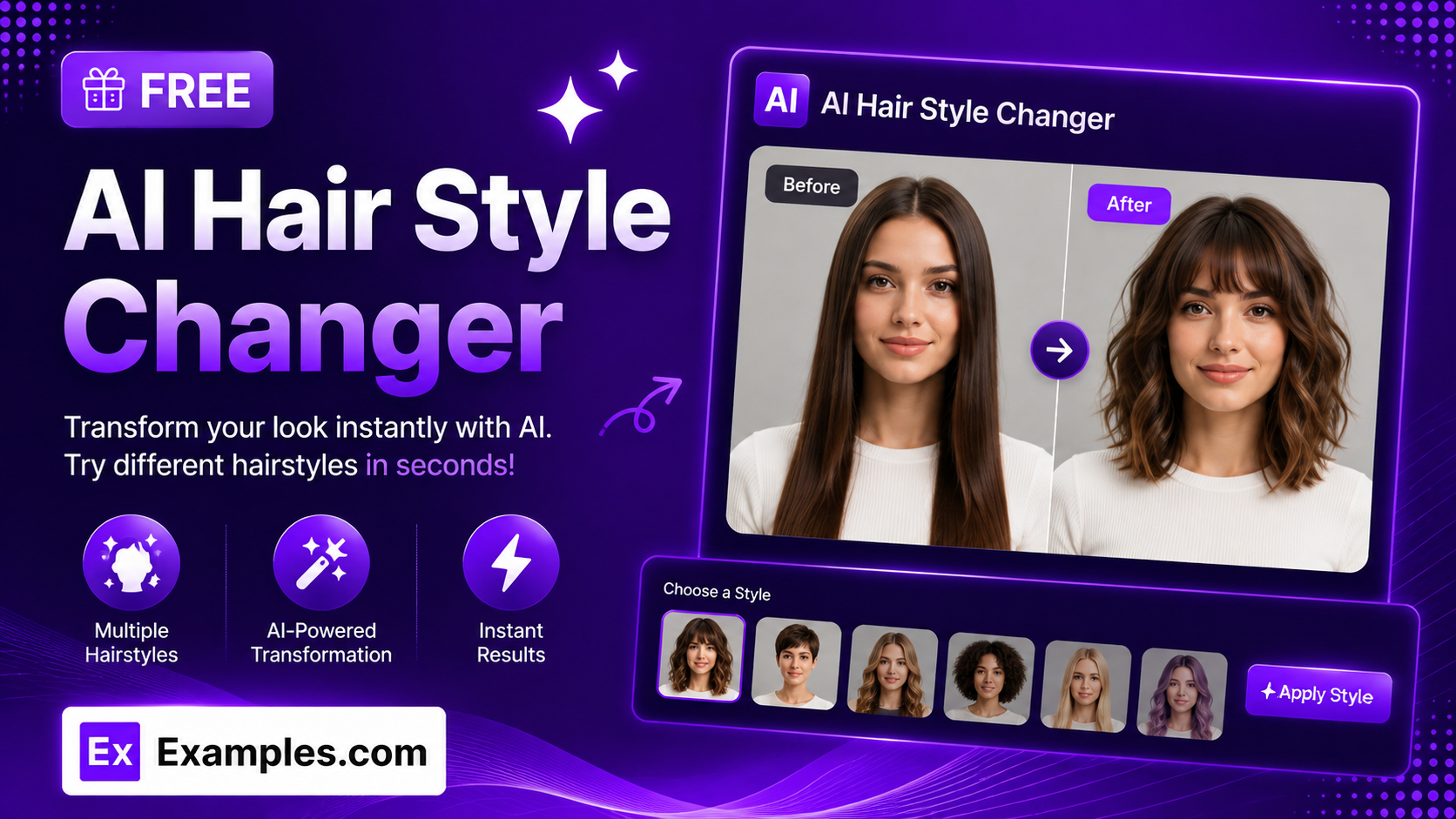
Try a new look before you commit with the Examples.com AI Hair Style Changer. Upload a photo, pick a hairstyle, and get a realistic edit of yourself with the new look — your face, background, and everything else stays exactly the same.
How to Use the AI Hair Style Changer
Step 1: Upload Your Photo
- Upload your photo: Drag and drop a clear photo of yourself into the upload box, or click to browse your files. This is required — the tool needs a real photo to edit. PNG, JPG, WEBP, and GIF files up to 5MB are supported.
Step 2: Choose a Hairstyle
- Hairstyle: Pick the new style from the dropdown — Long Wavy, Short Bob, Pixie Cut, Curly Afro, Buzz Cut, Slicked Back, Braided, High Ponytail, Undercut, Man Bun, Layered Shag, or Cornrows. Long Wavy is selected by default.
Step 3: Set the Aspect Ratio
- Aspect Ratio: Choose the output shape — Square (1:1), Landscape (16:9), Portrait (9:16), Standard (4:3), or Portrait Standard (3:4). Square (1:1) is selected by default.
Step 4: Add Additional Instructions (Optional)
- Additional instructions: Use the text box to fine-tune the result — for example, “make the hair color red,” “keep my glasses on,” “don’t change the background,” or “add subtle highlights.” Anything typed here is applied to the final image and takes priority over the tool’s defaults, so it’s the place to request a hair color change since there’s no separate color picker. A microphone icon lets you dictate instructions instead of typing.
Step 5: Generate and Download Your Photo
- Generate Button: Click the purple “Generate Free Hairstyle” button. The AI edits your uploaded photo so your hair matches the chosen style — and color, if you requested one — while keeping your face, identity, background, clothing, and lighting unchanged.
- Download: Use the “Download” menu to save your new photo as a PNG, JPG, or WEBP file.
AI Hair Style Changer Formula
The AI Hair Style Changer follows a structured input-to-output process to produce a realistic, identity-preserving result:
Result Quality = Photo Clarity + Style Specification + Identity Lock
Where:
- Photo Clarity is how clearly the face and existing hairline are visible in the uploaded photo, which affects how naturally the new hairstyle blends in
- Style Specification is the combination of the chosen hairstyle option and any additional instructions — such as a hair color or a request to keep glasses on — that together define exactly what should change
- Identity Lock is the model being instructed to change only the hair while preserving the face, skin tone, expression, background, clothing, and overall likeness, so the result still clearly looks like the same person
The clearer your photo and the more specific your additional instructions, the more precise and natural-looking the final result will be.
Examples of AI Hair Style Changer
Example 1: Trying a Bob Cut
Someone with long hair wants to see how a shorter cut would look before visiting a salon.
- Photo: A clear front-facing selfie
- Hairstyle: Short Bob
- Aspect Ratio: Square (1:1)
- Additional Instructions: Left blank
- Result: The same photo with a chin-length bob replacing the original long hair, face and background unchanged.
Example 2: New Style and Color Together
Someone wants to preview both a new cut and a bold new hair color at the same time.
- Photo: A well-lit portrait photo
- Hairstyle: Pixie Cut
- Additional Instructions: “Make the hair color platinum blonde”
- Result: A short, cropped pixie cut rendered in platinum blonde, with the rest of the photo untouched.
Example 3: Keeping Glasses and Background
Someone wearing glasses wants a new hairstyle without losing any other detail in the photo.
- Photo: A selfie taken while wearing glasses
- Hairstyle: Undercut
- Additional Instructions: “Keep my glasses on, don’t change the background”
- Result: An undercut hairstyle applied while the glasses, background, and everything else in the original photo remain identical.
Example 4: Portrait for Social Media
Someone wants a vertical result ready to post as a story.
- Photo: A casual outdoor photo
- Hairstyle: High Ponytail
- Aspect Ratio: Portrait (9:16)
- Result: A tall, vertically composed photo with hair pulled up into a smooth high ponytail, framed for a mobile story format.
Is this AI Hair Style Changer truly free?
Yes. The AI Hair Style Changer is completely free to use, with no hidden charges, sign-up, or subscription required to generate a photo.
Can I change my hair color too?
Yes. There’s no separate color dropdown — instead, type the color you want into the “Additional instructions” box, for example “dye it auburn red” or “make it platinum blonde.” That instruction is applied directly to the image alongside your chosen hairstyle.
Will the result still look like me?
Yes. The tool is instructed to change only the hairstyle, and color if requested, while keeping your face, skin tone, expression, and identity exactly as they appear in the original photo. A clear, well-lit photo produces the most natural-looking result.
Can I keep my glasses, background, or other details unchanged?
Yes. The tool already keeps your background, clothing, lighting, and accessories like glasses or jewelry unchanged by default. If you want to be extra specific — for instance, requesting a particular background or making sure an accessory stays visible — add a note in the “Additional instructions” box and it will be applied.
What photo formats and sizes are supported?
You can upload PNG, JPG, WEBP, or GIF files up to 5MB. The finished photo can be downloaded as a PNG, JPG, or WEBP file in the aspect ratio you selected.