
Free AI Symbolism Generator, Real World Symbolism Examples
Turn any concept, object, or idea into a symbolic image free. Choose from surreal, sacred geometry, mystical & more styles. No sign-up required.
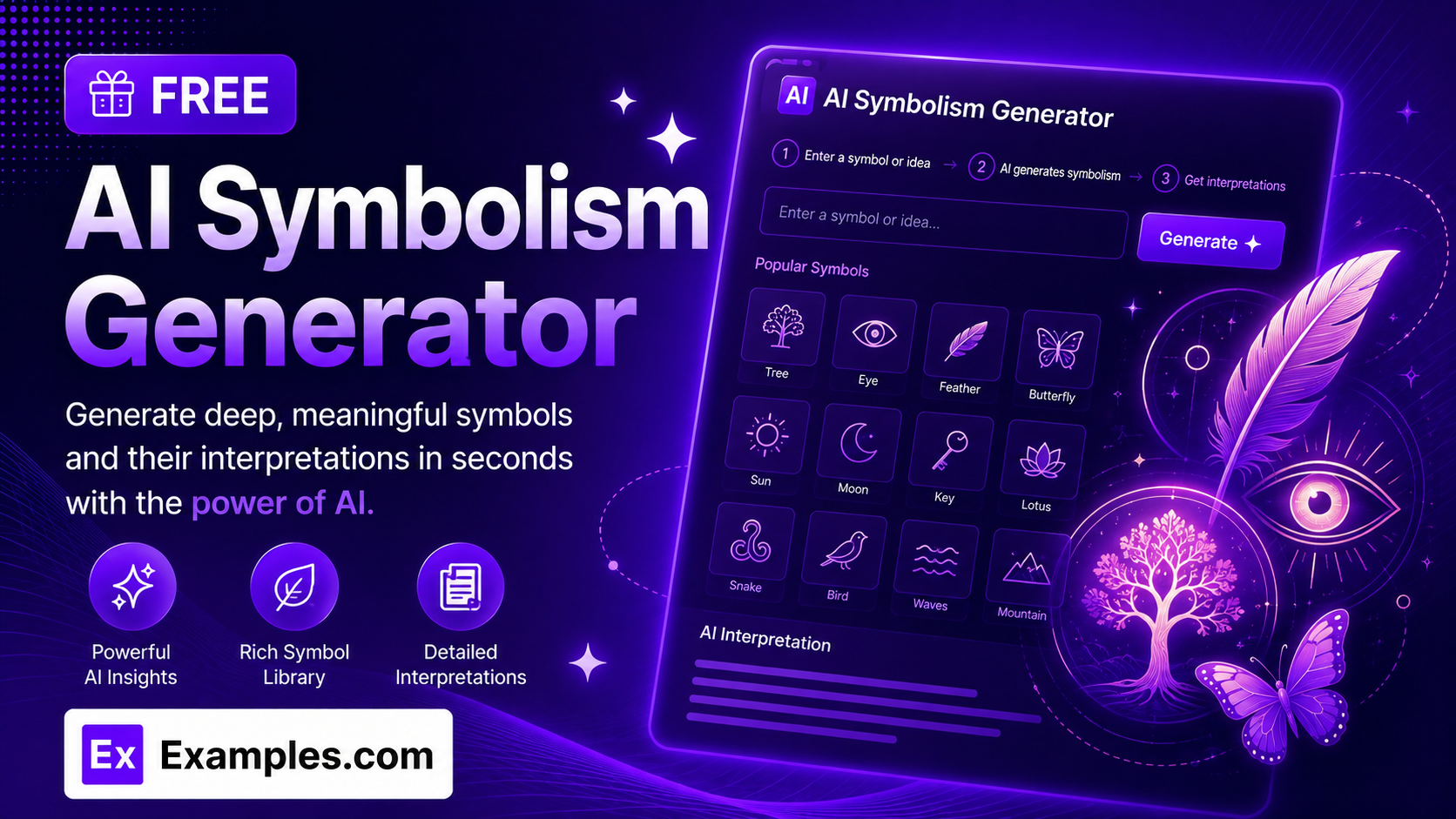
How to use AI Symbolism Generator
Step 1: Upload a Reference Image (Optional)
- If you want the AI to base the symbolic image on an existing picture, drag and drop a file into the upload box or click “browse files.” This step is optional — you can also generate a symbolism image from text alone. Accepted formats are PNG, JPG, WEBP, and GIF, up to 5MB.
Step 2: Describe the Symbol or Concept
- Type a symbol, object, or abstract idea into the text box (e.g., “a phoenix rising from ashes, symbolizing rebirth and renewal,” or “what does the color red represent”). This field is required.
Step 3: Choose a Symbolic Style
- Select a visual style from the dropdown: Surreal / Dreamlike, Sacred Geometry, Mystical / Esoteric, Minimalist Icon, Fantasy Illustration, Realistic Photo, Watercolor Painting, or Line Art / Tattoo Style.
Step 4: Choose an Aspect Ratio
- Select the shape of the finished image: 1:1 (square), 16:9 (landscape), 9:16 (portrait), 4:3 (standard), or 3:4 (portrait standard).
Step 5: Generate the Image
- Press the “Generate Free Symbolism Image” button. The AI will build a symbolic image matching your concept, chosen style, and selected aspect ratio, using visual metaphor rather than a literal depiction.
Step 6: Download Your Image
- Once the image appears, click “Download” and choose PNG, JPG, or WEBP to save it to your device.
How to generate a phoenix symbolism image
Step 1: Upload a Reference Image (Optional)
- For this example, no reference image is uploaded — the image is generated from the text description alone.
Step 2: Describe the Symbol or Concept
- The description is set to “A phoenix rising from ashes, symbolizing rebirth and renewal.”
Step 3: Choose a Symbolic Style
- The Style is set to Surreal / Dreamlike.
Step 4: Choose an Aspect Ratio
- The Aspect Ratio is set to 1:1 (square).
Step 5: Generate the Image
- Clicking “Generate Free Symbolism Image” produces a square, surreal image of a phoenix emerging from flame and ash, built around visual metaphors for rebirth rather than a plain photo of a bird.
Step 6: Download Your Image
- Clicking “Download” and selecting PNG saves the finished square phoenix image to your device.
Suppose you enter “A phoenix rising from ashes, symbolizing rebirth and renewal” with Style set to Surreal / Dreamlike and Aspect Ratio set to 1:1.
The AI Symbolism Generator reads the concept and renders it using visual metaphor rather than a literal illustration, framing the composition to fit a square canvas.
The result is a self-contained symbolic image — glowing embers, rising flame, and a phoenix-like form — matching the meaning behind the concept without adding unrelated elements.
The image can then be downloaded as a PNG, JPG, or WEBP file.
How the AI Symbolism Generator Works
The AI Symbolism Generator combines three inputs into a single request: the symbol or concept you describe, the Style you select, and the Aspect Ratio you select.
The description tells the AI what meaning to represent — an object, idea, emotion, or cultural symbol.
The Style determines how that meaning is visualized, from a surreal dreamlike scene to sacred geometry or a minimalist icon.
The Aspect Ratio determines the shape of the canvas, from a square image to a wide landscape or tall portrait frame.
Unlike a plain image generator, the prompt is built to favor visual metaphor and symbolic elements over a literal depiction of the words you type.
If you upload a reference image, the AI uses it as a visual starting point and reinterprets it symbolically according to your description instead of generating a scene from scratch.
Examples of AI-Generated Symbolism Images
- Example 1:
- Description: A phoenix rising from ashes, symbolizing rebirth and renewal
- Style: Surreal / Dreamlike
- Aspect Ratio: 1:1 (Square)
- Result: A glowing, dreamlike square image of a phoenix-like form rising from flame and ash, suitable for a social media post or a piece of personal symbolism art.
- Example 2:
- Description: The concept of balance between opposing forces, like light and dark
- Style: Sacred Geometry
- Aspect Ratio: 1:1 (Square)
- Result: A radially symmetric mandala-style image contrasting light and dark geometric forms, suitable for meditation content or a spiritual blog.
- Example 3:
- Description: An owl representing wisdom and quiet observation
- Style: Mystical / Esoteric
- Aspect Ratio: 9:16 (Portrait)
- Result: A tall, atmospheric image of an owl surrounded by soft glowing light and esoteric detail, framed for mobile screens or a social media story.
- Example 4:
- Description: Growth and new beginnings, represented through a seedling breaking through soil
- Style: Minimalist Icon
- Aspect Ratio: 1:1 (Square)
- Result: A clean, simplified icon-style graphic with a limited color palette, suitable as a logo concept, app icon, or presentation slide.
- Example 5:
- Description: Strength and protection, symbolized by a lion standing guard
- Style: Line Art / Tattoo Style
- Aspect Ratio: 3:4 (Portrait Standard)
- Result: A bold, high-contrast line-art design with a strong silhouette, well suited to a tattoo concept or a print design.
What is an AI symbolism generator?
An AI symbolism generator is a tool that turns a described concept, object, or idea into a visual image representing its symbolic, metaphorical, or cultural meaning. Instead of illustrating your words literally, it favors visual metaphor — rendering the meaning behind a concept in styles like surreal, sacred geometry, or minimalist iconography.
Do I need to upload a reference image?
No. Uploading a reference image is optional. You can generate a symbolism image from your text description alone, or upload a reference image to guide the AI toward a specific look, object, or composition to reinterpret symbolically.
What styles can I choose from?
You can choose from eight styles: Surreal / Dreamlike, Sacred Geometry, Mystical / Esoteric, Minimalist Icon, Fantasy Illustration, Realistic Photo, Watercolor Painting, and Line Art / Tattoo Style.
What aspect ratios are available?
Five aspect ratios are available: 1:1 for a square image, 16:9 for a wide landscape image, 9:16 for a tall portrait image, 4:3 for a standard landscape image, and 3:4 for a standard portrait image.
Can I generate an image by speaking instead of typing?
Yes. The description field includes a voice input button. Click it, describe the symbol or concept out loud, and your words are added to the text box automatically.
Can I download the image in different formats?
Yes. Once your image is generated, you can download it as a PNG, JPG, or WEBP file from the Download menu.
Is the AI Symbolism Generator free to use?
Yes, the AI Symbolism Generator is completely free to use, with no sign-up required to generate an image.
What should I do if the generator gives an error?
Make sure the description field is filled in before generating, and check that any uploaded reference image is under 5MB and in a supported format (PNG, JPG, WEBP, or GIF). If the problem continues, try simplifying your description and generating again.
How detailed should my description be?
More specific descriptions generally produce more accurate results. Naming the concept or emotion you want represented — rather than just an object — helps the AI choose the right visual metaphor. For example, “a tree representing family roots and connection” gives the AI more to work with than “a tree.”
What happens if I upload a reference image?
When a reference image is uploaded, the AI uses it as a starting point and applies your description, style, and aspect ratio to reinterpret it symbolically, rather than generating an entirely new scene from text alone.