
Free AI Image to Cartoon Converter, Real World Image To Cartoon Examples
Turn any photo into a cartoon free with AI. Choose from anime, 3D, comic, Chibi & more styles. No signup, fast results, download instantly in PNG or JPG.
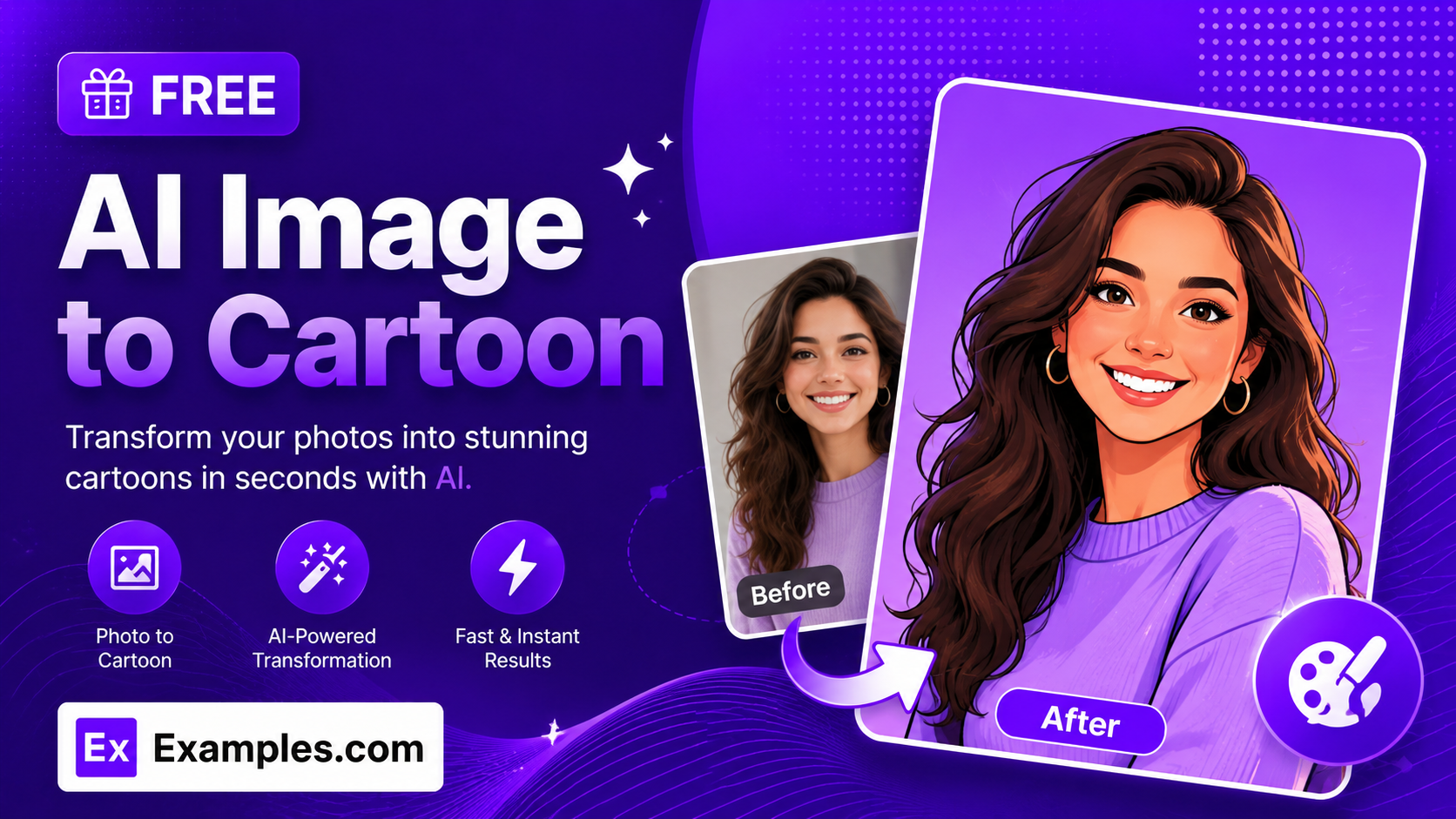
Turn any photo into cartoon art with the Examples.com AI Image to Cartoon tool. Upload a photo, pick from 25 cartoon styles — from anime and comic book to claymation and pop art — and get a fully cartoonized version of your image, background included, ready to download in seconds.
How to Use the AI Image to Cartoon Tool
Step 1: Upload Your Photo
- Upload your photo: Drag and drop an image into the upload area or click to browse files. PNG, JPG, WEBP, and GIF files up to 5MB are supported. A clear, well-lit photo with the subject in focus gives the most accurate cartoon.
Step 2: Choose a Cartoon Style
- Cartoon Style: Pick from 25 styles — Classic Cartoon, 3D Animated, Modern 3D Animation, Anime, Cinematic Anime, Watercolor Anime, Manga, Comic Book, Caricature, Chibi, Claymation, Retro Cartoon, American Cartoon, Flat Vector Cartoon, Watercolor Cartoon, Pixel Art Cartoon, Storybook Illustration, Scrapbook Journal Style, Doodle Art, Ukiyo-e Woodblock, Superhero Comic, Dark Comic, Cel-Shaded, Whimsical Cartoon, and Pop Art Cartoon. Classic Cartoon is selected by default.
Step 3: Choose an Aspect Ratio
- Aspect Ratio: Select 1:1, 16:9, 9:16, 4:3, or 3:4 to fit the output to a profile photo, wallpaper, social post, or print. If the chosen ratio differs from the original photo, the background is extended naturally rather than stretching the subject.
Step 4: Add Additional Instructions (Optional)
- Additional Instructions: Type or dictate extra direction using the microphone icon — for example, “use bright saturated colors,” “keep the background simple,” or “exaggerate the smile.” These instructions take priority over the default style rendering.
Step 5: Generate and Download Your Cartoon
- Generate Button: Click the purple “Generate Free Cartoon” button. The AI redraws the entire photo — subject and background — into consistent cartoon artwork in your chosen style, while keeping the pose, features, and likeness recognizable.
- Download: Use the “Download” menu to save the finished cartoon as a PNG, JPG, or WEBP file.
AI Image to Cartoon Formula
The AI Image to Cartoon tool follows a structured process to turn a photo into a convincing cartoon illustration:
Cartoon Quality = Photo Clarity + Style Fidelity + Identity Preservation
Where:
- Photo Clarity is how well-lit and in-focus the uploaded photo is, since sharper source images translate into cleaner outlines and shading
- Style Fidelity is how closely the output matches the linework, coloring, and shading conventions of the chosen cartoon style, applied consistently across both the subject and the background
- Identity Preservation is how well the cartoon retains the subject’s pose, proportions, facial features, and overall likeness so the result still clearly resembles the original photo
The clearer the source photo, the more detailed and recognizable the generated cartoon will be.
Examples of AI Image to Cartoon
Example 1: A Portrait in Classic Cartoon
Someone wants a fun, bold cartoon version of a headshot for a personal keepsake.
- Input: A close-up portrait photo
- Cartoon Style: Classic Cartoon
- Aspect Ratio: 1:1
- Result: A hand-drawn cartoon look with bold clean outlines and flat bright colors, keeping the person’s features and expression clearly recognizable.
Example 2: A Pet Photo in Claymation
A pet owner wants a fun, textured stop-motion look of their dog for a print.
- Input: A photo of a dog sitting outdoors
- Cartoon Style: Claymation
- Aspect Ratio: 4:3
- Result: A stop-motion claymation look with a textured clay-like surface and warm studio lighting, with the background reframed naturally to fit the wider ratio.
Example 3: A Profile Photo in Anime Style
Someone wants a stylized, anime-inspired version of their profile photo for social media.
- Input: A casual selfie
- Cartoon Style: Anime Style
- Aspect Ratio: 9:16
- Result: An anime-style illustration with clean linework and stylized expressive eyes, resized to a tall format ready for a Story post.
Example 4: A Couple’s Photo with Custom Instructions
A couple wants a warm, storybook-style cartoon of a photo together, with the background kept simple.
- Input: A photo of two people together
- Cartoon Style: Storybook Illustration
- Additional Instructions: “Keep the background simple, use warm colors”
- Result: A warm storybook illustration with soft textured shading and a simplified backdrop, following the custom instructions exactly.
Example 5: A Landscape in Ukiyo-e Woodblock
A traveler wants an artistic, traditional Japanese print look of a scenic photo.
- Input: A landscape photo taken on a trip
- Cartoon Style: Ukiyo-e Woodblock
- Aspect Ratio: 16:9
- Result: A traditional Japanese woodblock print style with flat bold color fields and fine outlined linework, composed in a wide landscape format.
Is this AI Image to Cartoon tool truly free?
Yes. The AI Image to Cartoon tool is completely free to use, with no hidden charges, sign-up, or subscription required to convert your photo into a cartoon.
Will the cartoon still look like the person in my photo?
Yes. The tool is instructed to preserve the subject’s pose, proportions, facial features, and overall likeness, so the cartoon still clearly resembles the original photo even though it’s redrawn in a new artistic style.
Does the background get cartoonized too, or just the subject?
The entire photo is converted, including the background, so you get consistent cartoon artwork throughout rather than a photo with just the subject drawn on top. If you’d like the background simplified or changed, mention that in the additional instructions field.
What’s the difference between the cartoon styles?
Each style changes the medium and mood of the illustration. Classic Cartoon, American Cartoon, and Flat Vector Cartoon use bold outlines and flat colors typical of traditional animation. 3D Animated, Modern 3D Animation, and Claymation add dimensional shading and texture. Anime, Cinematic Anime, Watercolor Anime, and Manga lean into Japanese animation and print conventions. Comic Book, Superhero Comic, and Dark Comic use dramatic inked shading and bold panels. Caricature, Chibi, Retro Cartoon, Pixel Art Cartoon, Storybook Illustration, Scrapbook Journal Style, Doodle Art, Ukiyo-e Woodblock, Cel-Shaded, Whimsical Cartoon, and Pop Art Cartoon each bring a distinct illustrative or artistic tradition to the final look.
Can I change the aspect ratio of my photo?
Yes. Choose from 1:1, 16:9, 9:16, 4:3, or 3:4 before generating. If the new ratio doesn’t match your original photo’s proportions, the tool extends the background naturally to fill the frame instead of stretching or cropping the subject.
What file formats can I download my cartoon in?
Once your cartoon is generated, use the “Download” menu to save it as a PNG, JPG, or WEBP file.