
Free AI Mandela Effect Generator, Real World Mandela Effects Examples
Create a Mandela Effect image in seconds with our Free AI Mandela Effect Generator.
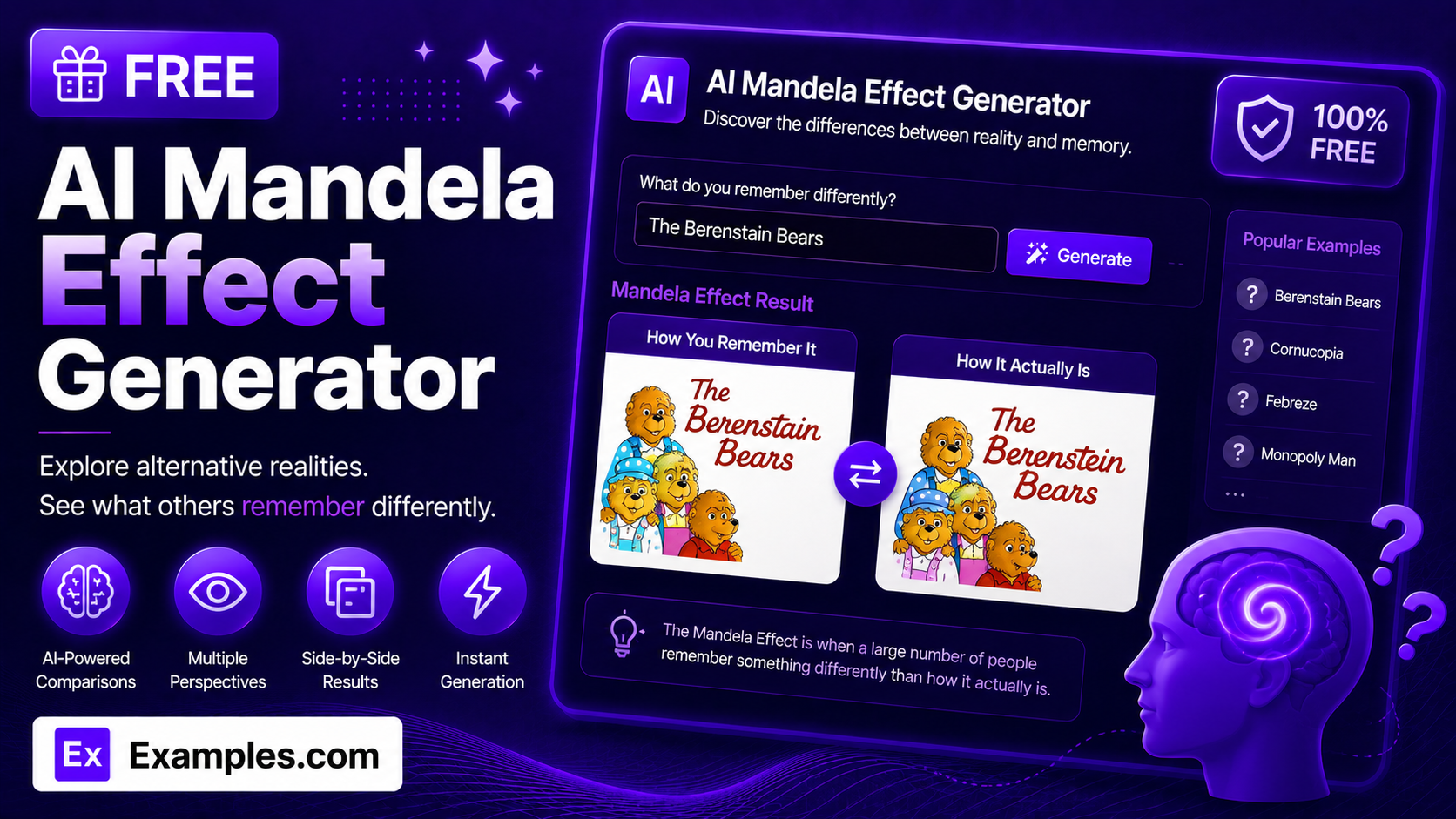
How to use AI Mandela Effect Generator
Step 1: Upload a Reference Image (Optional)
- If you have an image you want the AI to use as a visual starting point, drag and drop it into the upload box or click “browse files.” This step is optional — you can also generate an image from a text description alone. Accepted formats are PNG, JPG, WEBP, and GIF, up to 5MB.
Step 2: Describe the Mandela Effect You Remember
- Type a description of the memory in the text box — the specific detail, color, spelling, or pose you remember, even if it doesn’t match how the thing actually exists. This field is required.
Step 3: Choose a Style
- Select a visual style from the dropdown: Realistic Photo, Digital Illustration, Cartoon / Stylized, or Cinematic.
Step 4: Choose an Aspect Ratio
- Select the shape of the finished image: 1:1 (square), 16:9 (landscape), 9:16 (portrait), 4:3 (standard), or 3:4 (portrait standard).
Step 5: Generate the Image
- Press the “Generate Free Mandela Effect Image” button. The AI will build an original image depicting your memory as you described it.
Step 6: Download Your Image
- Once the image appears, click “Download” and choose PNG, JPG, or WEBP to save it to your device.
How to generate a remembered logo image
Step 1: Upload a Reference Image (Optional)
- For this example, no reference image is uploaded — the image is generated from the text description alone.
Step 2: Describe the Mandela Effect You Remember
- The description is set to “A cartoon bear family logo I remember having a different pose.”
Step 3: Choose a Style
- The Style is set to Cartoon / Stylized.
Step 4: Choose an Aspect Ratio
- The Aspect Ratio is set to 1:1 (square).
Step 5: Generate the Image
- Clicking “Generate Free Mandela Effect Image” produces a square, cartoon-style illustration matching the described detail.
Step 6: Download Your Image
- Clicking “Download” and selecting PNG saves the finished image to your device.
Suppose you enter “A cartoon bear family logo I remember having a different pose” with Style set to Cartoon / Stylized and Aspect Ratio set to 1:1.
The AI Mandela Effect Generator reads the description and renders an original illustration matching the specific detail you described.
The result focuses on that one misremembered element rather than a busy, cluttered scene, and avoids reproducing any exact copyrighted logo or character design.
The image can then be downloaded as a PNG, JPG, or WEBP file.
How the AI Mandela Effect Generator Works
The AI Mandela Effect Generator turns your description of a misremembered detail into an original image, rendered the way most people falsely recall it rather than the way it actually exists.
Your description is the only source of truth — the AI does not pull from a fixed list of known Mandela Effect examples.
The Style you select determines how it’s rendered, from a realistic photo to a cinematic scene or a stylized cartoon.
The Aspect Ratio determines the shape of the canvas, from a square image to a wide landscape or tall portrait frame.
If your description refers to a specific brand, logo, or copyrighted character, the generator is instructed to create an original, generic reinterpretation of the idea rather than an exact copy of protected artwork.
If you upload a reference image, the AI uses it as a visual starting point and adjusts it according to your description instead of generating a scene from scratch.
Examples of Mandela Effect Images
- Example 1:
- Description: A cartoon bear family logo I remember having a different pose
- Style: Cartoon / Stylized
- Aspect Ratio: 1:1 (Square)
- Result: An original, generic bear-character illustration in the pose described, suitable for comparing against the real version.
- Example 2:
- Description: A genie movie poster I remember from the 1990s with a comedian actor on it
- Style: Cinematic
- Aspect Ratio: 9:16 (Portrait)
- Result: A tall, dramatically lit original poster-style image evoking the remembered scene, without depicting a real identifiable actor.
- Example 3:
- Description: A children’s book character I remember spelled slightly differently
- Style: Digital Illustration
- Aspect Ratio: 4:3 (Standard)
- Result: A clean digital illustration capturing the remembered spelling detail as a generic, non-infringing character design.
- Example 4:
- Description: A board game mascot I remember wearing an accessory it doesn’t actually have
- Style: Realistic Photo
- Aspect Ratio: 16:9 (Landscape)
- Result: A wide, photo-realistic original image emphasizing the remembered accessory on a generic mascot figure.
What is the Mandela Effect?
The Mandela Effect is when a large number of people share the same false memory of something — a detail, event, spelling, or design — that doesn’t match reality. It’s named after the widespread false memory some people have of Nelson Mandela dying in prison in the 1980s, when he was actually released and later became President of South Africa.
Does this tool recreate the real, actual version of things?
No. The generator creates an image based on how you describe remembering something — the misremembered version — not the way it actually exists. It’s meant to visualize your memory, not to provide a factual reference.
Will the generator reproduce exact logos or copyrighted characters?
No, it’s designed not to. If your description references a specific brand, logo, or copyrighted character, the generator is instructed to create an original, generic reinterpretation of the idea rather than copy the exact protected artwork, color scheme, or typography.
Do I need to upload a reference image?
No. Uploading a reference image is optional. You can generate an image from your text description alone, or upload a reference image to guide the AI toward a specific look or composition.
What styles can I choose from?
You can choose from four styles: Realistic Photo, Digital Illustration, Cartoon / Stylized, and Cinematic.
Can I generate an image by speaking instead of typing?
Yes. The description field includes a voice input button. Click it, describe the memory out loud, and your words are added to the text box automatically.
Can I download the image in different formats?
Yes. Once your image is generated, you can download it as a PNG, JPG, or WEBP file from the Download menu.
Is the AI Mandela Effect Generator free to use?
Yes, the AI Mandela Effect Generator is completely free to use, with no sign-up required to generate an image.
How detailed should my description be?
Focus on the one specific detail you remember differently — a color, a pose, a spelling, or an object’s presence or absence — rather than a long, busy scene description. More specific descriptions of that single detail produce clearer, more focused results.
What should I do if the generator gives an error?
Make sure the description field is filled in before generating, and check that any uploaded reference image is under 5MB and in a supported format (PNG, JPG, WEBP, or GIF). If the problem continues, try simplifying your description and generating again.