
Free Ai Punctuation checker, Real World Punctuations Examples
Check punctuation free with AI. Paste your text and get every comma, apostrophe, and run-on flagged with explanations and a corrected version.
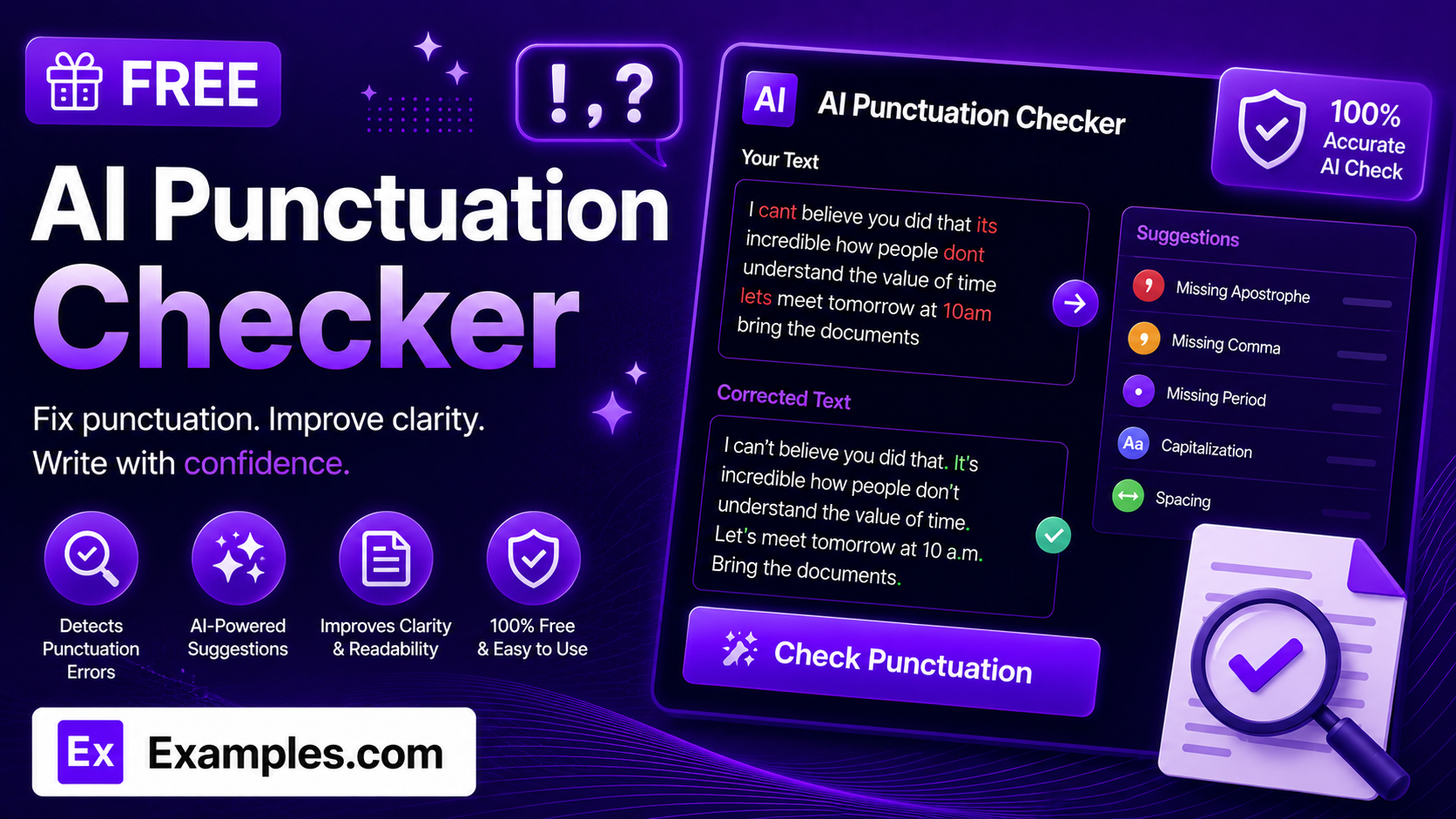
How to Use the AI Punctuation Checker
- Paste or type the text you want checked into the text box.
- Optionally, upload a document (TXT, MD, PDF, DOC, DOCX, ODT, or HTML, up to 2MB) to check instead of typing it in.
- Choose a Language / Dialect: US English, UK English, Australian English, or Canadian English.
- Select an Oxford Comma preference: No Preference, Always Use It, or Never Use It.
- Click “Check Punctuation” to see your punctuation score, every issue found, and a fully corrected version of your text.
- Tap any issue for a detailed explanation of the rule and the suggested fix, or switch to the Corrected Text tab to see the whole passage fixed at once.
- Copy the corrected text, or download a full report as a TXT file, Word document, or PDF.
What the Checker Looks For
Punctuation accuracy comes down to a simple formula: Correct Marks × Sentence Boundaries × Consistent Style. Every comma, apostrophe, and quotation mark has to be placed correctly on its own; independent clauses have to be properly separated instead of running together as comma splices or run-ons; and the whole piece has to follow one consistent set of conventions, such as a chosen dialect or Oxford comma preference, rather than mixing styles. The AI Punctuation Checker is built around this formula: it flags each issue individually with its type and severity, explains the rule in plain language, and produces one fully corrected version that applies your chosen conventions consistently throughout.
Examples
Example 1: Missing Apostrophes
Text like “Lets go to the store its going to close soon” gets flagged for two missing apostrophes (“Let’s” and “it’s”), each explained with the specific contraction rule involved and a corrected snippet for that exact phrase.
Example 2: A Run-On Sentence
Two independent clauses joined with no punctuation at all are flagged as a Critical severity issue, since the lack of punctuation makes the sentence hard to parse, with a suggested fix that separates them with a semicolon or comma and conjunction.
Example 3: UK English with the Oxford Comma
Language / Dialect: UK English · Oxford Comma: Always Use It. The checker applies UK punctuation conventions for quotation marks and end punctuation while consistently adding the Oxford comma across list items.
Example 4: Clean Text
If a passage has no punctuation issues, the checker says so directly rather than inventing a problem, and still returns a punctuation score reflecting the strong result.
How does the AI Punctuation Checker work?
You paste in text and choose a language/dialect and Oxford comma preference, and the tool scans it for punctuation errors only — not spelling or general grammar. Each issue is quoted from your original text, classified by type and severity, and explained in plain language, alongside a fully corrected version of the entire passage and an overall punctuation score.
Is the AI Punctuation Checker free to use?
Yes. The tool is completely free, with no sign-up or account required.
Does it check spelling and grammar too?
No. The tool focuses specifically on punctuation — commas, apostrophes, quotation marks, end punctuation, semicolons and colons, hyphens and dashes, and parentheses and brackets — along with punctuation-driven issues like run-on sentences and comma splices. It does not flag spelling errors or general word-choice issues.
What does the punctuation score mean?
The score, from 0 to 100, reflects how free of punctuation errors your original text is before any corrections are applied. It doesn’t update after you view the corrected version — it’s a snapshot of the text you submitted.
Can I choose US or UK punctuation conventions?
Yes. Select US English, UK English, Australian English, or Canadian English under Language / Dialect, and the checker will apply that dialect’s conventions when evaluating your text.
What file formats can I download my results in?
You can download a full report — your score, every issue with its fix, and the corrected text — as a TXT file, a Word document, or a PDF, using the Download menu above the results panel.