
Free AI Brief Generator, Real World Brief Examples
Generate professional creative, marketing, project, or executive briefs instantly with AI. Just describe your idea, pick a type and tone, and export free.
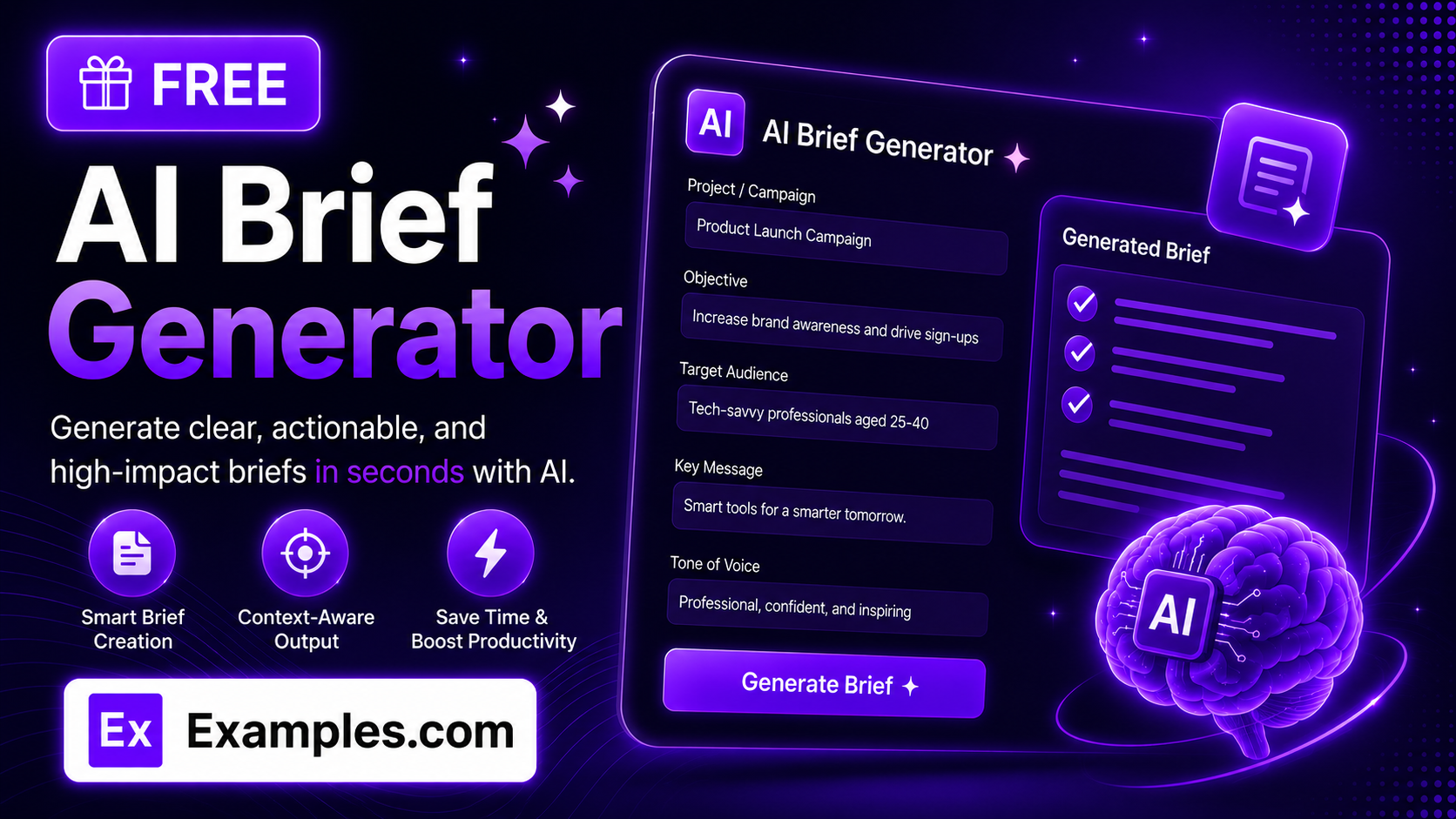
Writing a clear, well-structured brief that actually aligns a team takes more time than most projects allow. Our free AI Brief Generator instantly turns a rough idea, RFP, or set of client notes into a complete, professional brief — just describe your project or paste in your source material, and let the AI handle the structure, tone, and wording.
How to Use the AI Brief Generator
- Describe your project, campaign, or idea — for example, “A social media campaign to launch our new eco-friendly water bottle to young professionals aged 25–35.”
- Optionally, upload a TXT, MD, PDF, DOC, DOCX, ODT, or HTML file (up to 2MB) — such as an RFP, client notes, or rough outline — to pull the details directly into the input box.
- Choose a Brief Type: Creative Brief, Marketing Brief, Project Brief, or Executive Brief.
- Select a Tone: Professional, Persuasive, Casual, or Technical.
- Optionally, enter your Target Audience — for example, “Marketing managers at mid-size B2B SaaS companies.”
- Optionally, enter your Key Deliverables / Goals — for example, “3 social ads, 1 landing page, launch by Q4.”
- Click “Generate Free Brief” and let the AI write a clear, structured document in seconds.
- Edit the result inline, copy it as plain text, or download it as a TXT, Word, or PDF file.
The Brief Quality Formula
A good brief does more than summarize a project. Our AI checks every generated brief against a simple formula:
Great Brief = Honest Facts + Clear Structure + Labeled Recommendations
- Honest Facts: the brief is built only from what you actually provide — no invented budgets, deadlines, stakeholders, or performance figures.
- Clear Structure: every brief follows a fixed, logical set of sections for its type, so anyone reading it — client, teammate, or stakeholder — knows exactly where to find what they need.
- Labeled Recommendations: any strategic suggestion the AI adds beyond your input — a channel, a metric, a message angle — is clearly marked as a recommendation rather than presented as a confirmed fact.
4 Examples of AI-Generated Briefs
Example 1: Creative Brief — “Eco-Friendly Water Bottle Launch,” Professional Tone
A social media campaign introducing a new eco-friendly water bottle to environmentally-conscious professionals aged 25–35, built from a one-line project idea.
- Key Message: sustainability doesn’t mean sacrificing style or convenience.
- Deliverables: 3 social ad creatives and 1 landing page, launching in Q4.
A polished, client-ready brief with Objectives, Target Audience, Key Message, and Creative Direction sections — well suited to sharing with an agency or internal creative team.
Example 2: Marketing Brief — “Regional Trade Show Push,” Persuasive Tone
A campaign brief built from a short paragraph of notes about attending a regional trade show, aimed at generating qualified leads for a mid-size manufacturer.
- Goals / KPIs: booth traffic and qualified lead count, framed as Recommended targets since no numbers were supplied.
- Channels: email invitations and LinkedIn event promotion, both stated directly in the source notes.
A confident, momentum-building tone with Budget Considerations marked “Not specified” rather than a guessed figure — keeping the brief honest where information was missing.
Example 3: Project Brief — “Internal Wiki Migration,” Technical Tone
A project brief generated from an uploaded planning document describing a move from an outdated internal wiki to a new knowledge-base platform.
- Scope: content audit, migration, and redirect mapping for all existing pages, taken directly from the uploaded outline.
- Risks / Constraints: potential broken internal links, flagged as a Recommendation for the team to plan around.
Precise, specification-style language with Stakeholders and Timeline / Milestones sections pulled straight from the source file — useful for briefing an engineering or ops team.
Example 4: Executive Brief — “Vendor Consolidation Review,” Professional Tone
A concise executive brief summarizing a decision to consolidate software vendors, built from a short set of bullet points supplied by the requester.
- Key Findings: overlapping tools identified across two departments, based directly on the supplied notes.
- Next Steps: schedule a stakeholder review, presented as a Recommendation since no follow-up date was given.
Short, decision-oriented language with no unnecessary detail — built for a leadership audience that needs the summary, not the full backstory.
What Is a Brief?
A brief is a written document that summarizes a project, campaign, or initiative — its purpose, audience, deliverables, and constraints — so that everyone involved works from the same shared understanding. Briefs are used to align teams, clients, and stakeholders before work begins, reducing back-and-forth and misaligned expectations later in a project.
What’s the Difference Between a Creative, Marketing, Project, and Executive Brief?
A Creative Brief focuses on messaging, audience, and creative direction for a campaign or piece of work. A Marketing Brief centers on campaign goals, channels, and positioning. A Project Brief documents scope, stakeholders, and timeline for a broader initiative — often technical or operational. An Executive Brief is the shortest and most decision-focused, summarizing findings and recommendations for a leadership audience. This tool generates the correct section structure automatically based on the Brief Type you select.
Will the AI Invent Details I Didn’t Provide?
No. The generator is instructed to build the brief only from the information you supply. It won’t invent specific budgets, dates, KPIs, stakeholders, or commitments. When useful strategic additions are included — a suggested channel, message angle, or metric — they’re clearly labeled as a Recommendation rather than presented as a confirmed project fact. Where information is missing, the brief will state “Not specified” or “To be determined” instead of guessing.
Is This Brief Generator Free to Use?
Yes. The AI Brief Generator is completely free, with no sign-up required. You can generate as many briefs as you need and download them as a TXT, Word, or PDF file.
Can I Use This With an Existing RFP or Client Notes?
Yes. Paste your existing RFP, client notes, or rough outline directly into the input box, or upload the file, and the AI will restructure it into a polished, properly sectioned brief that reflects your actual project details rather than a generic template.
Can I Edit the Brief After It’s Generated?
Yes. Use the built-in Edit mode to adjust wording, add missing details like budget or dates, or refine any section directly in the output before copying or downloading.
Does the Tool Work for Any Type of Project or Industry?
Yes. You can describe any project, campaign, or initiative — creative, technical, operational, or strategic — across any industry, and the AI will build a relevant brief matched to the Brief Type and Tone you select.