
Free AI Notes Generator, Real World Notes Examples
Create organized study notes in seconds with our Free AI Notes Generator.
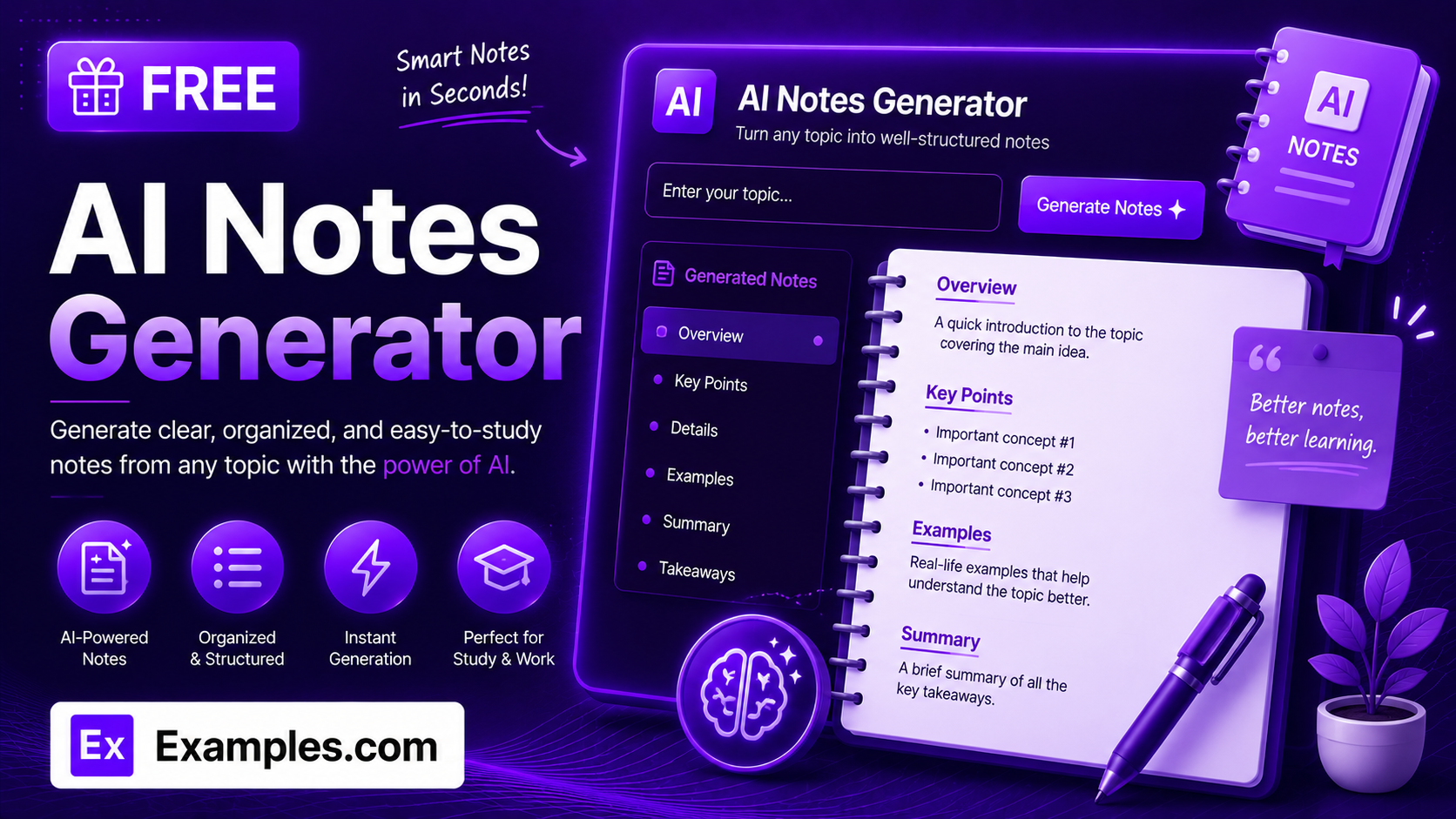
How to Use the AI Note Generator
- Enter a topic (for example, “the water cycle” or “supply and demand”), or paste your source text — a lecture transcript, textbook passage, meeting recap, or research excerpt.
- Optionally, upload a file (TXT, MD, PDF, DOC, DOCX, ODT, or HTML, up to 2MB) instead of pasting your text directly.
- Choose a Note Style: Outline / Bullet Points, Cornell Notes, Summary Paragraphs, Q&A Format, Flashcard Style, or Key Terms Glossary.
- Select a Detail Level: Concise, Standard, or Detailed.
- Pick your Source Type (Lecture, Textbook / Reading, Meeting, Research Paper, or General Topic) and your Study Goal (Exam Prep, Quiz Review, Homework Help, Understand the Lesson, or Quick Review).
- Click “Generate Free Notes” to receive structured notes organized into clear sections with a key takeaway.
- Edit the result inline, copy it, or download it as a TXT, Word, or PDF file.
What Makes an Effective Set of Study Notes
Effective study notes come down to a simple formula: Source Fidelity × Clear Structure × Study Goal Fit. The notes have to stay true to what the material actually says rather than padding in invented facts, they need a structure — sections, bullets, or Q&A pairs — that makes the material scannable instead of a wall of text, and they need to be shaped around why you’re studying in the first place, since notes for a quick refresher look different from notes built for a tough exam. The AI Note Generator is built around this formula: every result stays grounded in the source text or topic you provide, organizes it using the note style you select, and adjusts depth and emphasis to match your chosen study goal.
Examples
Example 1: Biology Lecture on Cellular Respiration
Style: Outline / Bullet Points · Detail: Standard · Source: Lecture · Goal: Exam Prep. The tool organizes the transcript into sections for glycolysis, the Krebs cycle, and the electron transport chain, closing with a key takeaway on total ATP yield — the detail most likely to be tested.
Example 2: Economics Textbook Chapter
Style: Cornell Notes · Detail: Concise · Source: Textbook / Reading · Goal: Quick Review. Each section closes with a short summary line, trimmed to only the essential points on supply and demand since the goal is a fast refresher rather than deep study.
Example 3: Product Launch Meeting Recap
Style: Summary Paragraphs · Detail: Standard · Source: Meeting · Goal: Homework Help. The output is organized into prose paragraphs centered on decisions made and action items assigned, rather than a play-by-play of the discussion.
Example 4: Research Paper Introduction and Results
Style: Q&A Format · Detail: Detailed · Source: Research Paper · Goal: Understand the Lesson. Questions like “What was the study’s main finding?” are paired with concise answers drawn directly from the excerpt, with a note on any open questions the paper leaves unresolved.
Example 5: General Topic with No Source Text
Style: Key Terms Glossary · Detail: Standard · Source: General Topic · Goal: Exam Prep. With just the topic “the French Revolution” entered and no pasted source, the tool returns a flat, alphabetized glossary of key terms and definitions instead of a sectioned outline.
What is the Cornell Note-Taking Method?
The Cornell method is a note-taking system that pairs a running list of notes with a short summary written after each section, so the material is easier to review later without rereading everything in full. It’s one of the six note styles available in the AI Note Generator.
How does the AI Note Generator work?
You enter a topic or paste source text, choose a note style, detail level, source type, and study goal, and the tool organizes the material into labeled sections using bullets, prose, or question-and-answer pairs, depending on the style you picked. Most styles close with a one-line key takeaway naming the single most important point to remember.
Is the AI Note Generator free to use?
Yes. The tool is completely free, with no sign-up or account required.
Can I use this for lectures, textbooks, or meetings?
Yes. The Source Type options are built for different material: Lecture and Textbook / Reading for class content, Meeting for recaps and action items, Research Paper for academic excerpts, and General Topic when you just want notes on a subject without a specific source.
Will the AI make up facts that aren’t in my source text?
No. When you paste in real source material, the generator is designed to build notes only from what’s actually stated in that text, rather than inventing facts, figures, or names that aren’t supported by it. If you enter just a topic with no source text, it draws on general knowledge of that topic instead.
Can I edit the generated notes?
Yes. Click Edit above the result to make changes directly, then copy the final version or download it.
What file formats can I download my notes in?
You can download your generated notes as a TXT file, a Word document, or a PDF, using the Download menu above the results panel.