
Free AI APA Citation Generator, Real World APA Citation Examples
Generate free APA citations instantly with AI - books, websites, journals & more. Includes the full reference plus parenthetical and narrative in-text citations.
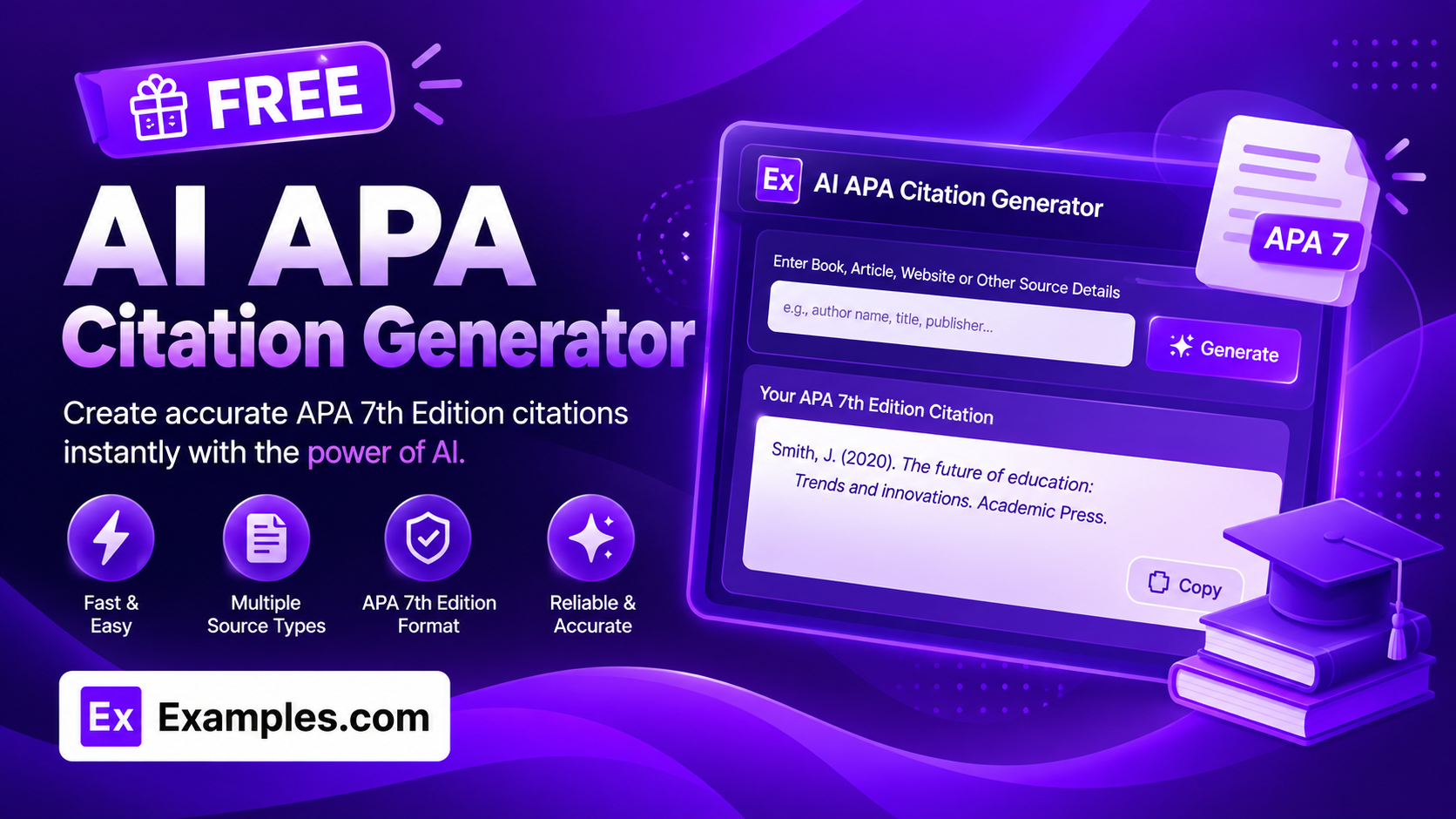
Cite any source correctly in seconds with the Examples.com AI APA Citation Generator. Paste in whatever source details you have, choose the source type and APA edition, and get a properly formatted reference list entry along with both the parenthetical and narrative in-text citation forms.
How to Use the AI APA Citation Generator
Step 1: Add Your Source Details
- Add Your Source Details: Paste whatever information you have about the source into the main text field — author name, title, website or publisher, publication date, URL, volume/issue, page numbers, and so on. You don’t need to enter it in any particular order or format; the AI reads through it and pulls out what it needs.
Step 2: Choose the Source Type
- Source Type: Select what kind of source you’re citing — Website, Book, Edited Book / Book Chapter, Journal Article, Newspaper / Magazine Article, YouTube Video, Social Media Post, Podcast Episode, Government / Organization Report, Interview, Thesis / Dissertation, or Conference Paper / Presentation. Book is selected by default. Each source type follows its own APA formula, so picking the right one is what determines how the citation is structured.
Step 3: Choose the APA Edition
- APA Edition: Choose between APA 7th Edition (current) or APA 6th Edition (legacy). 7th Edition is selected by default and is the version most schools and journals require today, but 6th Edition is still accepted at some institutions, so it’s included for anyone who needs it. Switching editions changes details like whether a publisher location and “Retrieved from” wording are included.
Step 4: Upload a Source Document (Optional)
- Upload Source Document: Optionally upload a .txt, .md, .pdf, .doc, .docx, .odt, or .html file (up to 2MB). The extracted text is automatically added to the source details field, so you can generate a citation straight from a downloaded article, report, or chapter instead of retyping its details by hand.
Step 5: Generate, Edit, and Download Your Citation
- Generate Button: Click the purple “Generate Free APA Citation” button. The AI produces the full APA reference list entry, plus the parenthetical citation (e.g. (Author, Year)) and the narrative citation (e.g. Author (Year)) for the same source.
- Edit: Click “Edit” to fine-tune any part of the citation directly in the output panel before exporting.
- Copy / Download: Use “Copy All” to copy the citation to your clipboard, or use the “Download” menu to save it as a TXT, Word, or PDF file.
AI APA Citation Generator Formula
The AI APA Citation Generator follows a structured input-to-output process to produce a citation that’s correctly formatted and true to the details you gave it:
Citation Accuracy = Source Detail Completeness + Correct Source Type Formula + APA Edition Rules
Where:
- Source Detail Completeness is how much information about the source you’ve provided — author, title, date, publisher, URL, and so on — either typed in directly or extracted from an uploaded document; anything missing is filled in with APA’s standard placeholder (like “n.d.” for no date) rather than invented
- Correct Source Type Formula is applying the specific APA structure for the source type you selected — a book, journal article, and social media post are each built differently, with different punctuation, order, and italics rules
- APA Edition Rules is applying the formatting conventions specific to the edition you chose — 7th Edition drops publisher locations and DOI “Retrieved from” wording that 6th Edition still requires, and the two editions switch at a different author count before using “et al.”
The more complete your source details, the more accurate and citation-ready the result will be.
Examples of AI APA Citation Generator
Example 1: Citing a Book
A student needs to cite a book for a research paper’s reference list.
- Source Details: Author: Robert Carter. Title: The Design of Everyday Systems. Edition: 2nd. Publisher: Norton. Published: 2019.
- Source Type: Book
- APA Edition: 7th Edition
- Result: Full Reference: Carter, R. (2019). The design of everyday systems (2nd ed.). Norton. Parenthetical Citation: (Carter, 2019). Narrative Citation: Carter (2019).
Example 2: Citing a Website With No Individual Author
A writer wants to cite a page from an organization’s website that doesn’t list a personal author.
- Source Details: Title: How Remote Teams Stay Productive. Site: TechInsights. No author listed. Published: March 15, 2024. URL: https://techinsights.example.com/remote-teams
- Source Type: Website
- APA Edition: 7th Edition
- Result: The tool uses the organization’s name, TechInsights, as the author in place of a personal name, correctly formatting the reference without inventing an author that wasn’t provided.
Example 3: Citing a Journal Article
A researcher wants to cite a peer-reviewed article with a DOI in a literature review.
- Source Details: Author: Kevin Lee. Title: Attention and Memory in Distributed Teams. Journal: Journal of Organizational Psychology. Volume 14, Issue 3, pages 210-228. Published: 2022. DOI: 10.1234/jop.2022.014
- Source Type: Journal Article
- APA Edition: 7th Edition
- Result: Full Reference: Lee, K. (2022). Attention and memory in distributed teams. Journal of Organizational Psychology, 14(3), 210-228. https://doi.org/10.1234/jop.2022.014, with the journal name and volume italicized and the article title left unitalicized in sentence case.
Example 4: Citing an Unpublished Interview
A writer conducted a personal interview and wants to know how to cite it.
- Source Details: Interviewee: Maria Gomez. Conducted: June 3, 2025. Unpublished, personal interview.
- Source Type: Interview
- APA Edition: 7th Edition
- Result: Because APA treats personal interviews as personal communication, the tool correctly leaves the Full Reference blank of a reference-list entry and instead gives Parenthetical Citation: (M. Gomez, personal communication, June 3, 2025) and Narrative Citation: M. Gomez (personal communication, June 3, 2025).
Example 5: File Upload
A student uploads a PDF of a report instead of typing out its details.
- Input: A .pdf government report uploaded via “Upload Source Document”
- Source Type: Government / Organization Report
- APA Edition: 7th Edition
- Result: The tool extracts the title, organization, and date from the PDF’s text, then builds the reference and both in-text citation forms from those extracted details alone.
Is this AI APA Citation Generator truly free?
Yes. The AI APA Citation Generator is completely free to use, with no hidden charges, sign-up, or subscription required to generate citations.
Does it support both APA 6th and 7th edition?
Yes. Choose “7th Edition (current)” for the version most schools and journals require today, or “6th Edition (legacy)” if your institution still requires the older style. Switching editions changes details like whether a publisher location and “Retrieved from” wording appear, and where the “et al.” threshold for multiple authors kicks in.
What’s the difference between the Parenthetical and Narrative citation?
Both are APA in-text citation formats for the same source, used in different sentence structures. The parenthetical form places the author and year together in parentheses at the end of a sentence, like (Carter, 2019). The narrative form weaves the author’s name into the sentence itself and only puts the year in parentheses, like Carter (2019) found. The generator gives you both so you can pick whichever fits the sentence you’re writing.
What happens if some details are missing, like the author or date?
The tool only uses the details you actually provide and never invents an author, title, or date. If something essential is missing, it follows APA’s own placeholder conventions instead — for example, using “n.d.” in place of a missing date. For the most accurate citation, include as many source details as you can.
Can I upload a file instead of typing my source details?
Yes. Use the “Upload Source Document” field to upload a .txt, .md, .pdf, .doc, .docx, .odt, or .html file up to 2MB. The extracted text is added directly to the source details field, so you can generate a citation from an existing article, report, or chapter instead of retyping its details.
Can I edit the generated citation afterward?
Yes. Click “Edit” to make changes directly in the output panel, then use “Copy All” to copy the finished citation to your clipboard, or download it as a TXT, Word, or PDF file so you can save and reuse it elsewhere.